KO
|
EN
gitlite — search
Search
#python
#java
#python3
#arduino
#golang
#machine-learning
#rust
#html
#flask
#javascript
#seismology
#nodejs
twilight-teacher
★ 15
Open GitHub ↗
No description available.
Download README (.md)
Explore Similar Repositories
pi-deepseek-cache
:
Optimize DeepSeek prefix cache hit rates — reduce API input costs by 95%+ in multi-turn coding sessions
doit
:
doit — AI task agent (iOS + Supabase + runner)
boss-zhipin-helper
:
一个 Chrome 扩展,辅助 BOSS 直聘求职流程。支持 AI 生成打招呼语和回复消息、岗位管理、简历解析、数据面板等功能。数据纯本地存储。
claude-code-termux
:
Run Claude Code natively on Termux/Android (aarch64) — launcher package that downloads + ELF-patches Anthropic's linux-arm64 build
SejongUnivMobile
:
비공식 세종대학교 통합 모바일 앱.
// repository documentation
Was this content helpful?
★ 0
(0 ratings)
Select Rating:
★
★
★
★
★
Submit Feedback
Recent Feedback
×
Download README
Do you want to download the
README.md
file for
twilight-teacher
?
Download (.md)
# Twilight Teacher v2 > Turn documentation, articles, and technical concepts into **fun comic book pages** > where two doodle characters teach each other through dialogue, reactions, > transformations, and visual metaphors. > > 9:16 vertical comic pages | Masa ☀️ & Aqma 🌙 | Speech bubbles | > 12 expressions | Character transformations | Codex Skill --- ## Installation & Setup > [!TIP] > **🤖 Quick AI Setup (Recommended)** > Copy and paste this prompt to your AI coding assistant (like Antigravity, Cursor, Windsurf, or Claude) to set up this skill automatically: > ```text > Please clone the repository https://github.com/zyllus17/twilight-teacher.git into my active workspace, read twilight-teacher/SKILL.md and its references, and set up this skill so we can use it to generate technical doodles and comic books. > ``` Or install the skill manually: ### 💻 On macOS / Linux (Terminal) ```bash git clone https://github.com/zyllus17/twilight-teacher.git && cd twilight-teacher && ./install.sh ``` ### 🪟 On Windows (CMD) ```cmd git clone https://github.com/zyllus17/twilight-teacher.git && cd twilight-teacher && install.bat ``` --- ## What Is This Twilight Teacher is a Codex Skill that generates **comic book pages** explaining English content — documentation, blog posts, Notion docs, workflow write-ups, and technical concepts. It doesn't produce generic diagrams or PPT infographics. Instead, it creates multi-panel comic pages where two expressive doodle characters — **Masa** (☀️ a sun) and **Aqma** (🌙 a moon) — teach each other concepts through speech bubbles, emotional reactions, and clever visual metaphors. ### What's New in v2 | Feature | v1 | v2 | |---|---|---| | **Output format** | Single 16:9 standalone image | 9:16 vertical comic pages (4–6 panels) | | **Coverage** | 1 concept per image | Full documentation → multi-page comic book | | **Expressions** | Neutral dot-eye doodles | 12 rich emotions (excited, confused, eureka, angry, sleepy...) | | **Dialogue** | Handwritten labels only | Speech bubbles, thought bubbles, narration boxes, sound effects | | **Character roles** | Fixed (Masa = doer, Aqma = thinker) | Dynamic — both can teach or learn, roles swap | | **Transformations** | None | Characters morph into objects (lightbulb, gear, shield...) | | **Inspiration** | Whiteboard sketch | Dudu Bubu / Goma Cat sticker energy meets comic explainer | --- ## Who Is It For Great for: - Developers who want documentation explained in a fun, visual way - Content creators who need engaging illustrations for technical articles - Teachers and course creators looking for comic-style explainers - Anyone who learns better through stories and characters than walls of text - Teams who want to make internal docs more approachable Not ideal for: - Formal architecture diagrams or precise technical schematics - Commercial illustration, brand KVs, or polished flat art - Dense reference documentation that needs to be pixel-perfect - Editable vector source files --- ## What It Produces Default outputs (Comic Mode): - 9:16 vertical comic pages with 4–6 panels each - Speech bubbles with character dialogue explaining the concept - Expressive characters showing varied emotions across panels - 3–6 comic pages per documentation link (forming a mini comic book) - Character transformations when concepts benefit from physical metaphor - Final PNGs saved to `assets/<topic-slug>-comic/` in the workspace Legacy outputs (Single Illustration Mode): - 16:9 horizontal standalone images (same as v1) - One concept per image, minimal expressions - Triggered with `single mode` keyword --- ## Characters ### Masa ☀️ — The Sun A small, round, warm sun-shaped doodle with expressive eyes, tiny limbs, and radiating rays. Energetic, optimistic, sometimes clumsy. Can be the teacher or the learner — roles swap naturally. **Can transform into:** 💡 lightbulb (ideas) · 🔋 battery (state) · 📢 megaphone (output) · ⚙️ gear (process) · 🚀 rocket (deployment) · 🖌️ paintbrush (UI) · 🔨 hammer (building) ### Aqma 🌙 — The Moon A small, crescent or round moon-shaped doodle with expressive eyes, thin limbs, and a gentle form. Thoughtful, observant, patient. Can be the teacher or the learner — roles swap naturally. **Can transform into:** 🔍 magnifying glass (debugging) · 📖 book (documentation) · 🪞 mirror (reflection) · 🛡️ shield (security) · 🫗 funnel (filtering) · 🔭 telescope (overview) · 🛏️ pillow (idle state) ### Expression Range Both characters share 12 core expressions: 😆 Excited · 😎 Confident · 😕 Confused · 😤 Frustrated · 💡 Eureka · 😊 Proud · 😴 Sleepy · 😨 Scared · 😏 Mischievous · 😢 Crying · 😠 Angry · 🥰 Loving Expressions change across panels — a typical page might go from confused → curious → eureka → proud. --- ## Visual Style - **Format**: 9:16 vertical comic pages (webtoon-style) - **Panels**: 4–6 per page, thin hand-drawn borders, white gutters - **Art style**: Hand-drawn doodle line art, expressive and alive - **Backgrounds**: Clean white (subtle context hints allowed per panel) - **Speech bubbles**: Rounded, hand-drawn, with tails pointing to speakers - **Thought bubbles**: Cloud-shaped with circle trails - **Sound effects**: Hand-drawn bold text (POP! WHOOSH! CLICK!) - **Colors**: Black (lines), Orange (flows), Red (emphasis), Blue (notes), Pink (excitement), Yellow (eureka glow) - **Vibe**: Dudu Bubu meets whiteboard explainer — fun, educational, alive --- ## Examples ### v2 Comic Pages *(Coming soon — v2 example comic pages will be added here)* ### v1 Legacy Illustrations | # | Image | Theme | |---|---|---| | 01 | 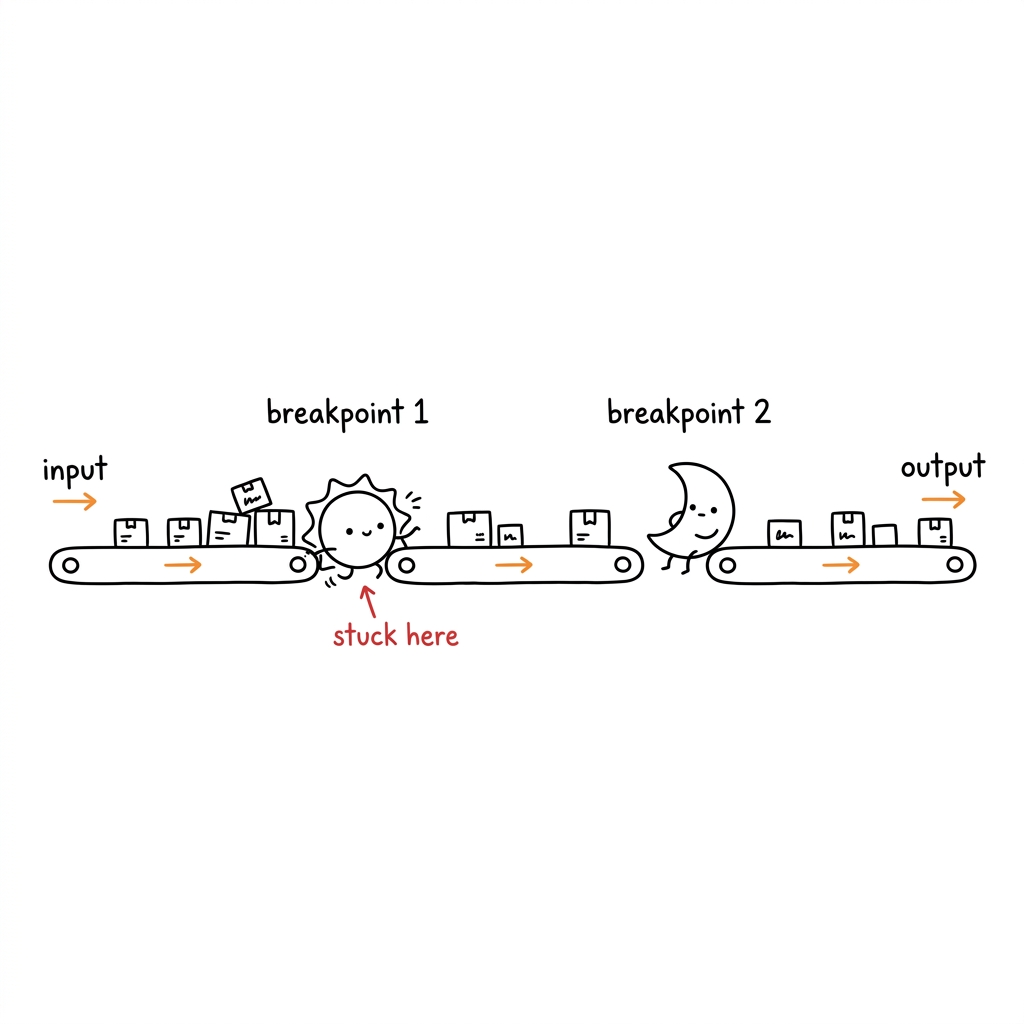 | Conveyor belt with breakpoints | | 02 | 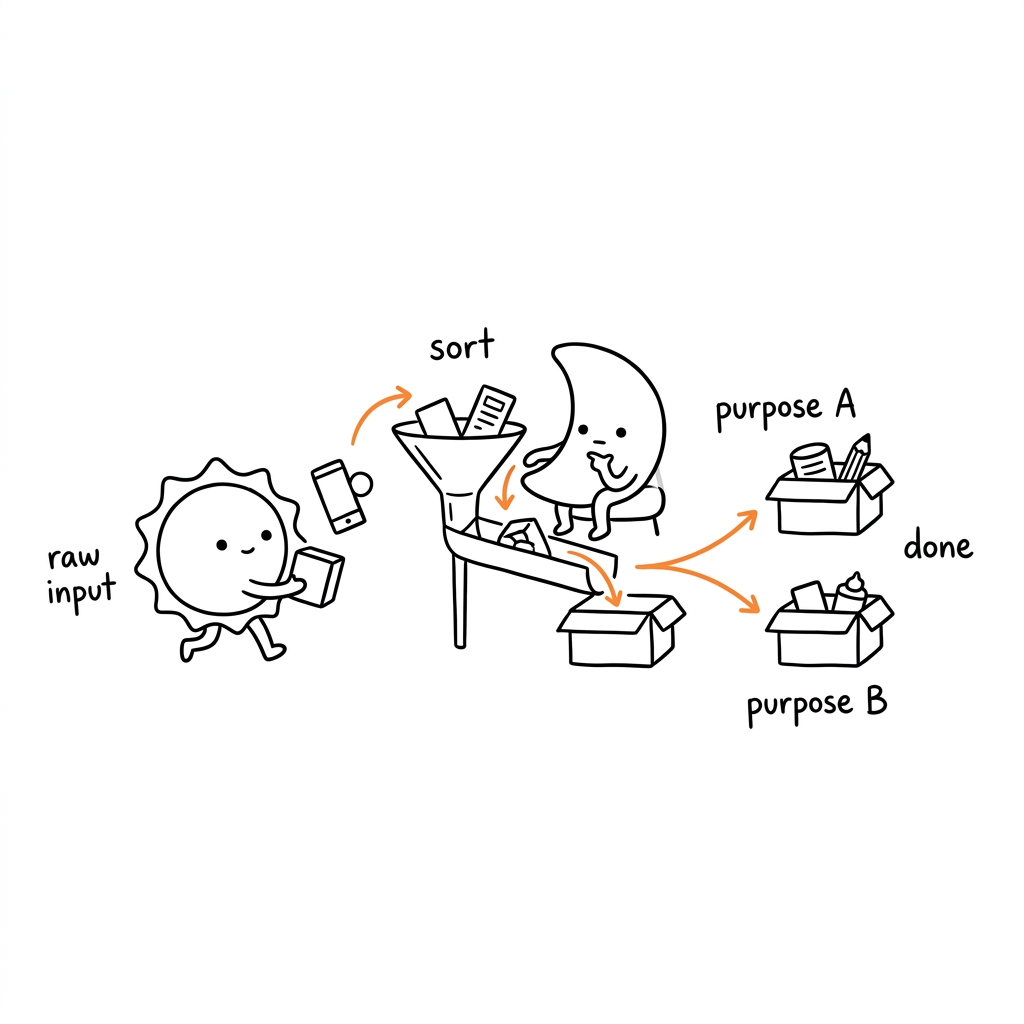 | Sorting funnel system | | 03 | 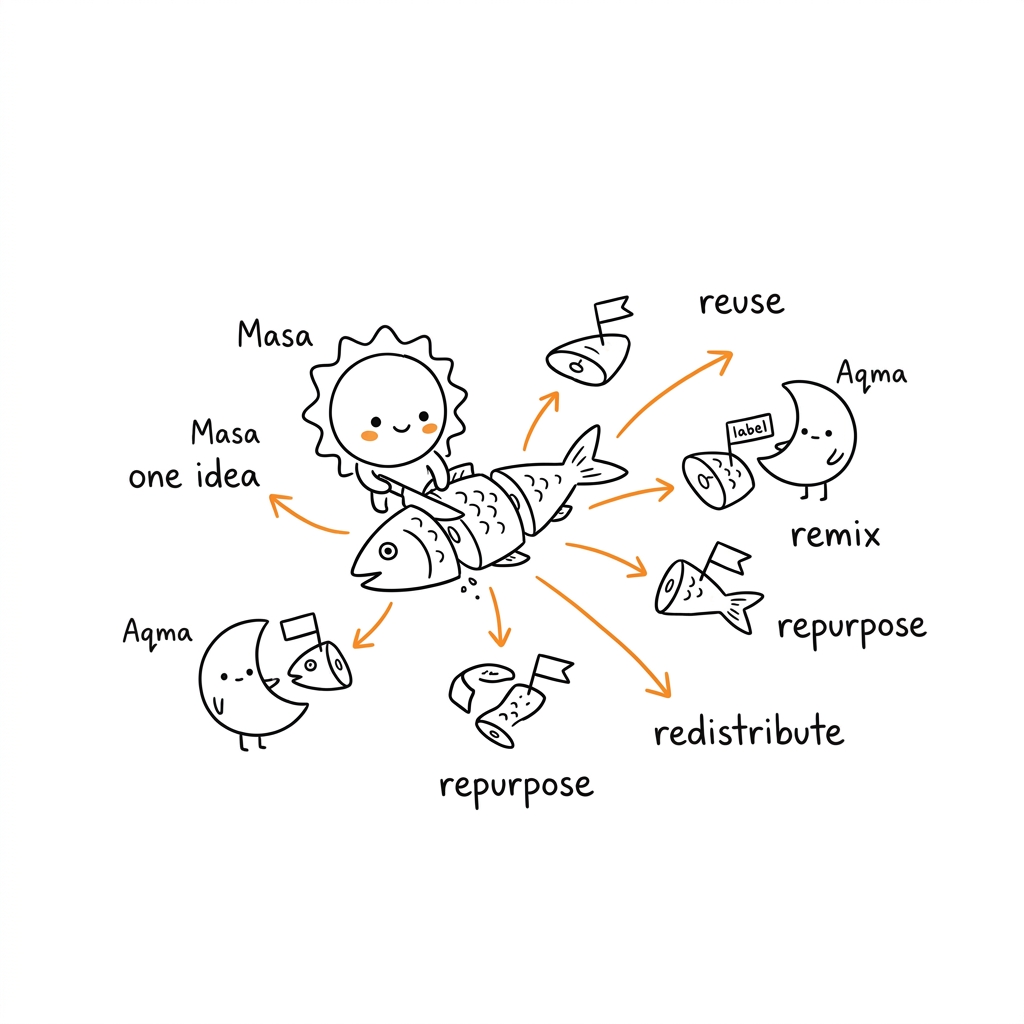 | One idea, many outputs | | 04 | 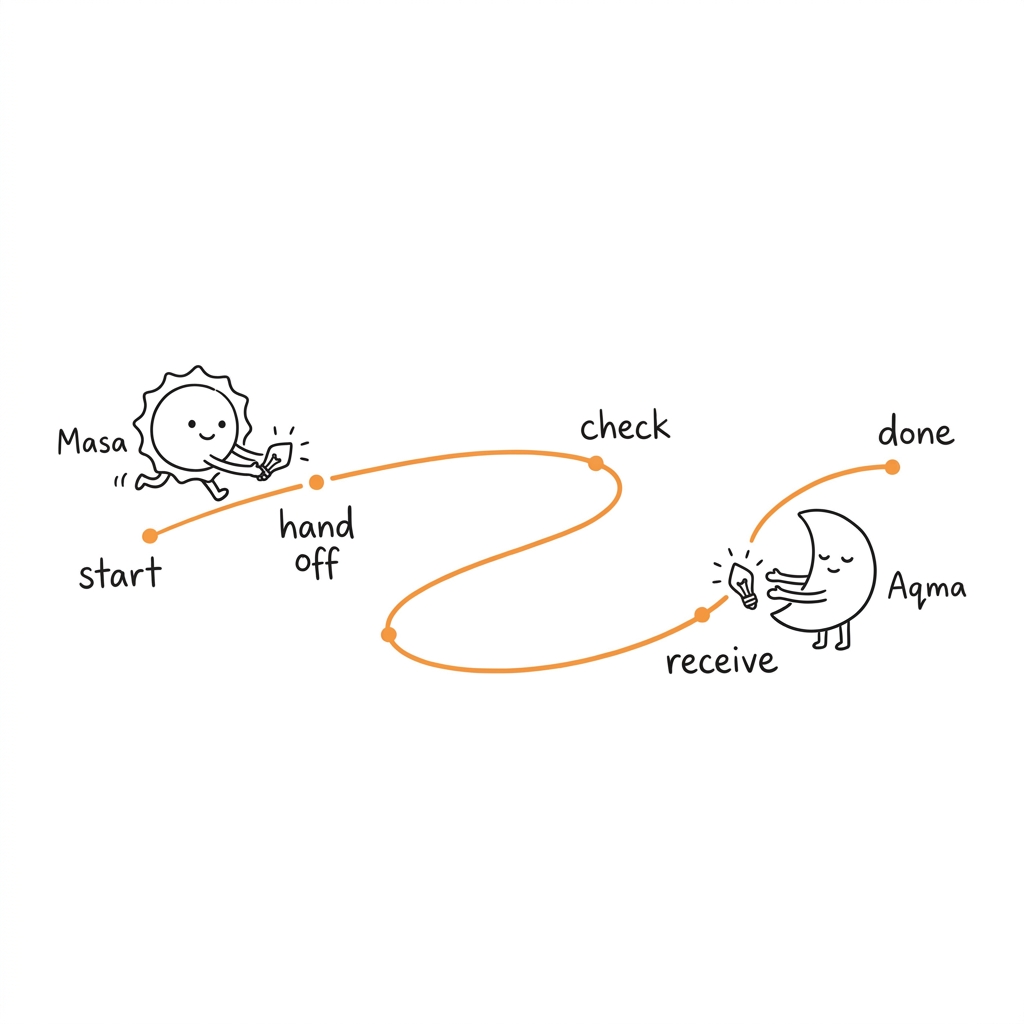 | Winding handoff path | | 05 | 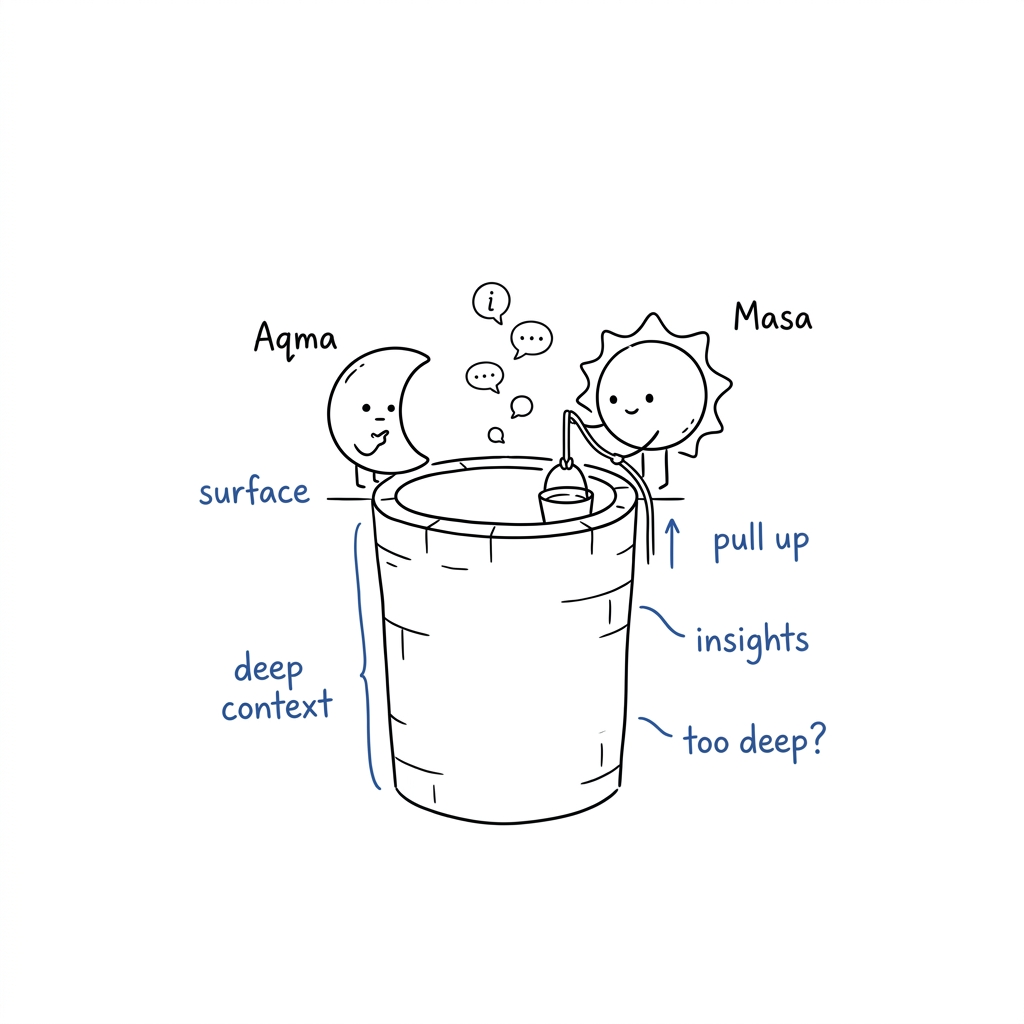 | Deep context well | | 06 | 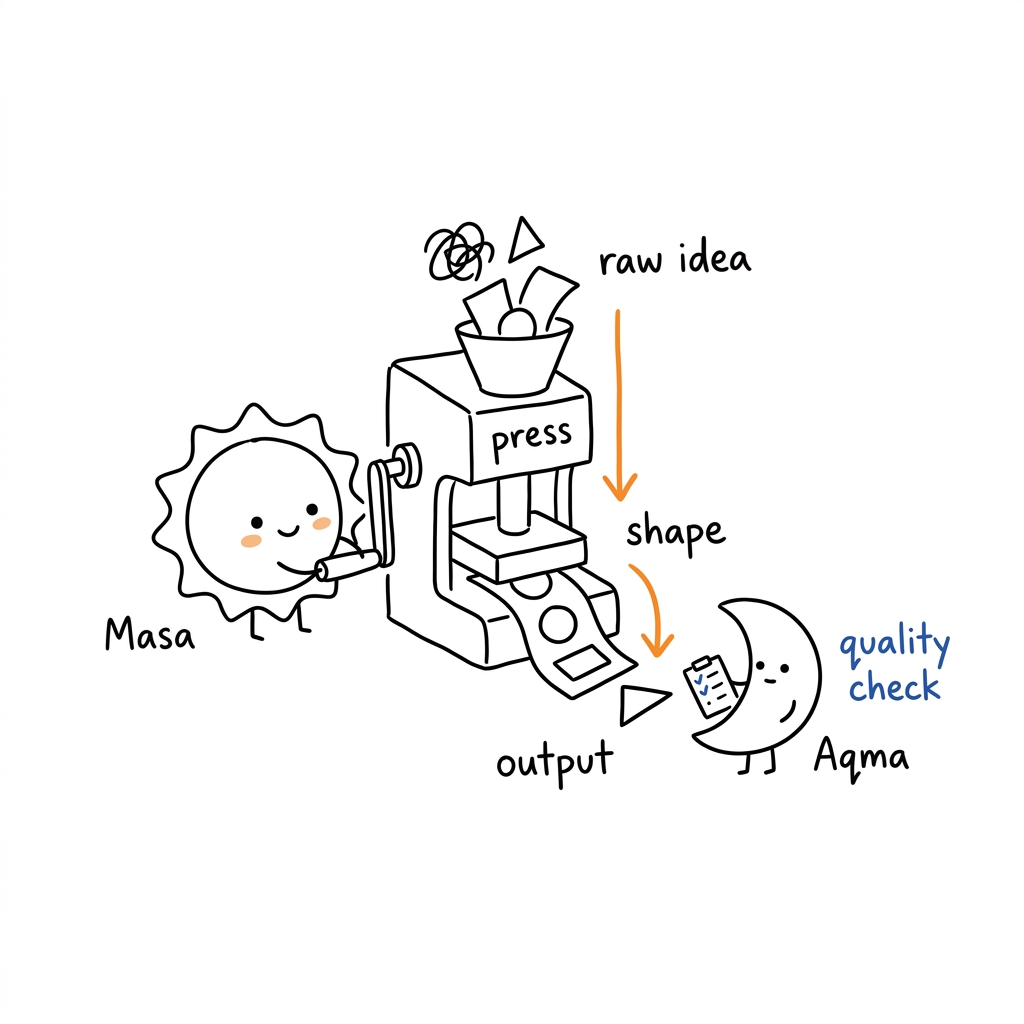 | Press machine for ideas | | 07 | 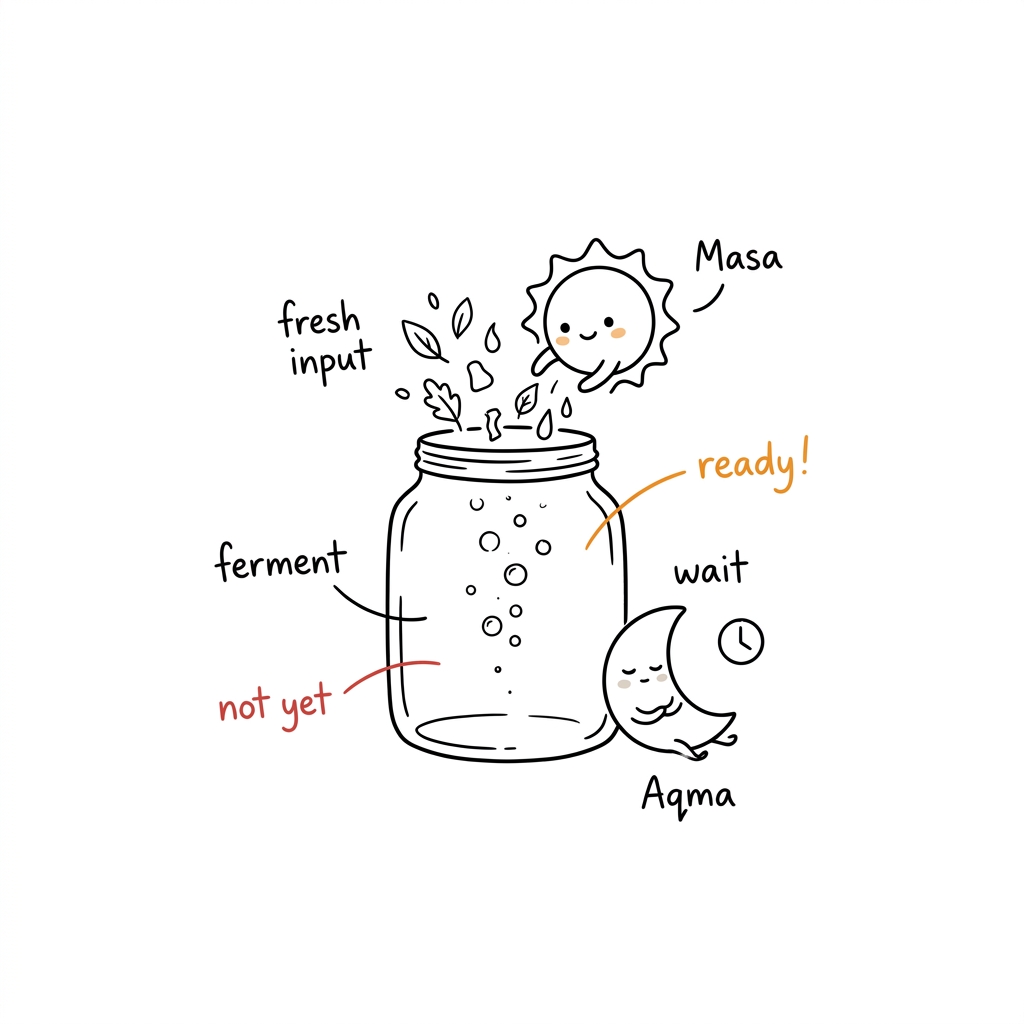 | Fermentation jar | | 08 | 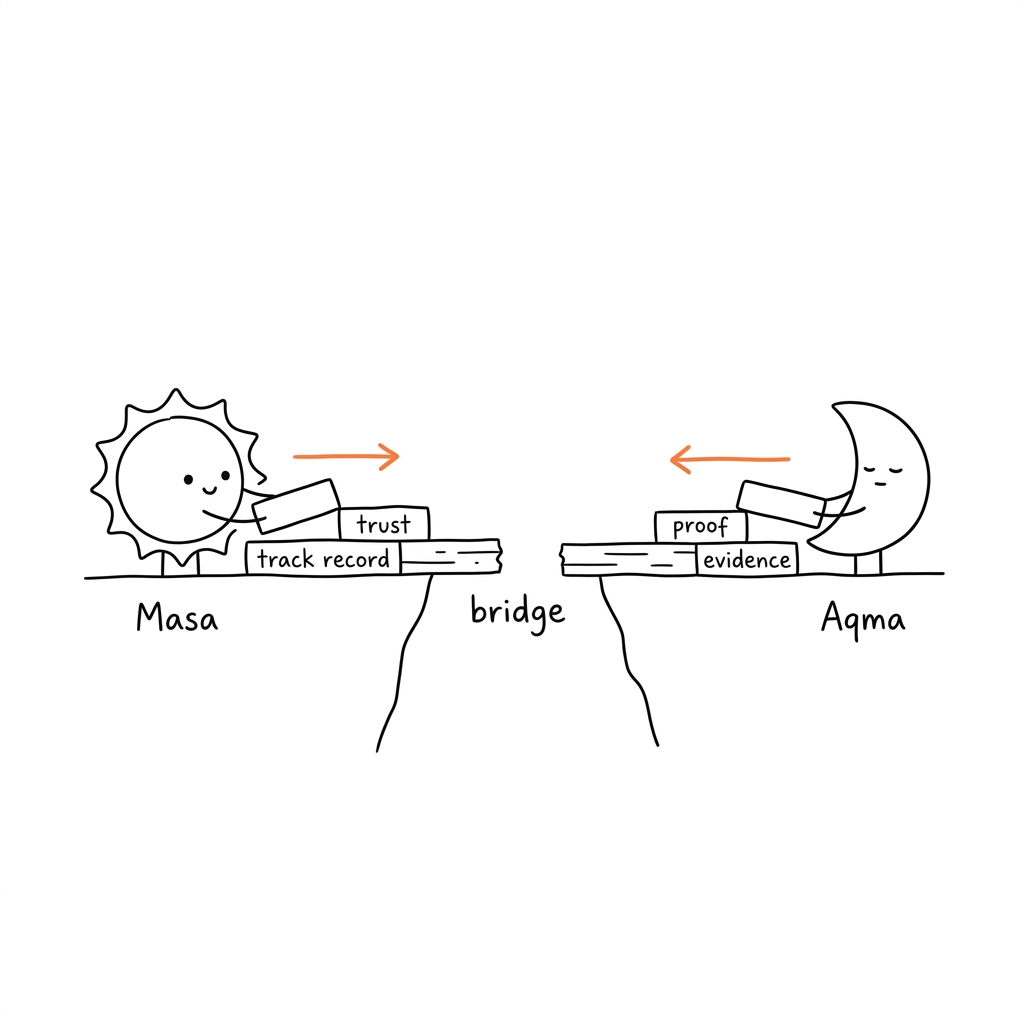 | Building a trust bridge | --- ## How to Use Across AI Platforms ### 🤖 1. In Codex & Antigravity Third-party Codex skills are triggered by writing **`Use $twilight-teacher`** in your prompt: **Comic Mode (default):** ```text Use $twilight-teacher to explain this documentation page: https://docs.flutter.dev/ ``` **Single Illustration Mode (legacy v1):** ```text Use $twilight-teacher single mode to illustrate this concept: "State management is like a shared notebook that all widgets can read from." ``` ### 💬 2. One-Prompt Setup for Claude & Copilot Paste this single prompt in a new chat to activate the skill: ```text Act as the Twilight Teacher v2 illustration assistant. Fetch and follow the skill instructions from this URL to understand your role, characters (Masa & Aqma), comic page workflow, and visual style: https://raw.githubusercontent.com/zyllus17/twilight-teacher/main/twilight-teacher/SKILL.md Now, create a comic explaining this documentation: [INSERT_LINK_HERE] ``` --- ## Usage Examples ### 📚 Full Documentation Comic Book ```text Use $twilight-teacher to explain this documentation page: https://docs.flutter.dev/ ``` *(Creates 3–6 comic pages covering Flutter's core concepts)* ### 🆚 Comparison Comic ```text Use $twilight-teacher to create a comic comparing StatefulWidget vs StatelessWidget. ``` ### 🔄 Transformation Comic ```text Use $twilight-teacher to explain React's useEffect lifecycle using character transformations. ``` ### 🎯 Single Concept Comic ```text Use $twilight-teacher to create one comic page explaining: "Docker containers are isolated environments that share the host OS kernel." ``` ### 🖼️ Legacy Single Illustration ```text Use $twilight-teacher single mode to illustrate: "A load balancer distributes traffic across multiple servers." ``` --- ## Workflow ### Comic Mode (Default) 1. **Digest** the full documentation — extract ALL major topics 2. **Plan** the comic book — page-by-page outline with layout types and emotional arcs 3. **Script** each page — panel-by-panel with dialogue, expressions, and scene descriptions 4. **Generate** each comic page via the image model (one page at a time) 5. **QA** against the comic checklist — expression variety, bubble readability, teaching dynamic 6. **Save** final PNGs and report the comic book structure ### Single Illustration Mode (Legacy) 1. Digest content → extract cognitive anchors 2. Plan shot list → 1 concept per image 3. Generate individual 16:9 images 4. QA and save --- ## Directory Structure ```text . ├── README.md ├── LICENSE ├── NOTICE.md ├── install.sh ├── install.bat ├── examples/ │ ├── images/ (v1 example PNGs) │ └── prompts.md └── twilight-teacher/ (Codex Skill package) ├── SKILL.md ├── agents/ │ └── openai.yaml ├── assets/ │ └── examples/ (style calibration) └── references/ ├── twilight-ip.md (character IP + expressions + transformations) ├── style-dna.md (visual style + comic elements) ├── composition-patterns.md (comic page layouts + panel types) ├── prompt-template.md (comic + legacy prompt templates) └── qa-checklist.md (comic + legacy QA rules) ``` --- ## Notes - Keep speech bubble text short — 1–2 sentences max per bubble for readable generation. - Vary character expressions across panels. A page with the same face in every panel is a failure. - Both Masa and Aqma can teach or learn — swap roles between pages to keep it fresh. - Transformations should last at most 2 panels, then return to normal. - AI image models may produce text errors in speech bubbles. Check and regenerate if illegible. - v1 legacy mode is still fully supported — just add `single mode` to your prompt. --- ## Attribution Adapted from [ian-xiaohei-illustrations](https://github.com/helloianneo/ian-xiaohei-illustrations) by **Ian** — original concept, visual language, and skill architecture credited to Ian. - GitHub: [helloianneo](https://github.com/helloianneo) - X/Twitter: [@ianneo_ai](https://x.com/ianneo_ai) - Website: [www.ianneo.xyz](https://www.ianneo.xyz) --- ## License ISC License. See [LICENSE](LICENSE).
