KO
|
EN
gitlite — search
Search
#javascript
#go
#php
#python
#game
#java
#shell
#c
#xml
#deprecated
#android
#c-sharp
rn-alarm
★ 69
Open GitHub ↗
React Native alarm clock application ⏰
Download README (.md)
Explore Similar Repositories
ebook
:
My Ebook Utility
oasis-firmware
:
Composable hardware programming, simulation, & flashing. Designed to run on both SBC (Raspberry Pi) and MCU (Arduino) platforms.
serialize-queries
:
Serializable Laravel Query Builder
inKard
:
No description available.
android_app
:
apk_activity劫持-drozer test
// repository documentation
Was this content helpful?
★ 0
(0 ratings)
Select Rating:
★
★
★
★
★
Submit Feedback
Recent Feedback
×
Download README
Do you want to download the
README.md
file for
rn-alarm
?
Download (.md)
# React Native Alarm app > This is an example implementation of a basic alarm clock app. Made for Android with [React Native](https://facebook.github.io/react-native/) framework. It demonstrates communication with native Android code via [react-native bridge](https://facebook.github.io/react-native/docs/native-modules-android), scheduling Android alarms with [AlarmManager](https://developer.android.com/reference/android/app/AlarmManager), working with foreground services for playing background music,... | View all alarms | Create or edit alarm | Ring | |-----------------------------|-------------------------------|--------------------------------| | 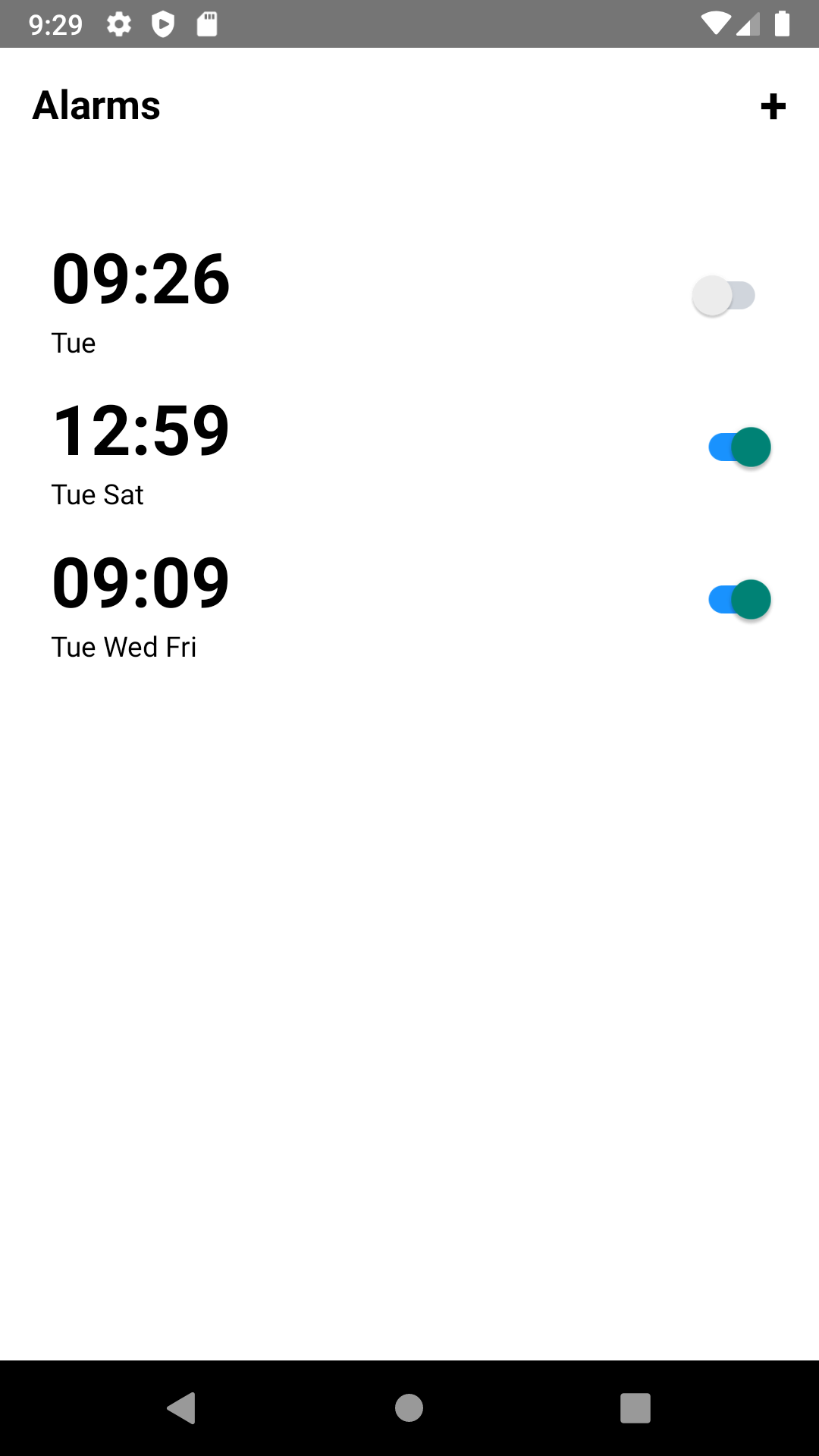 | 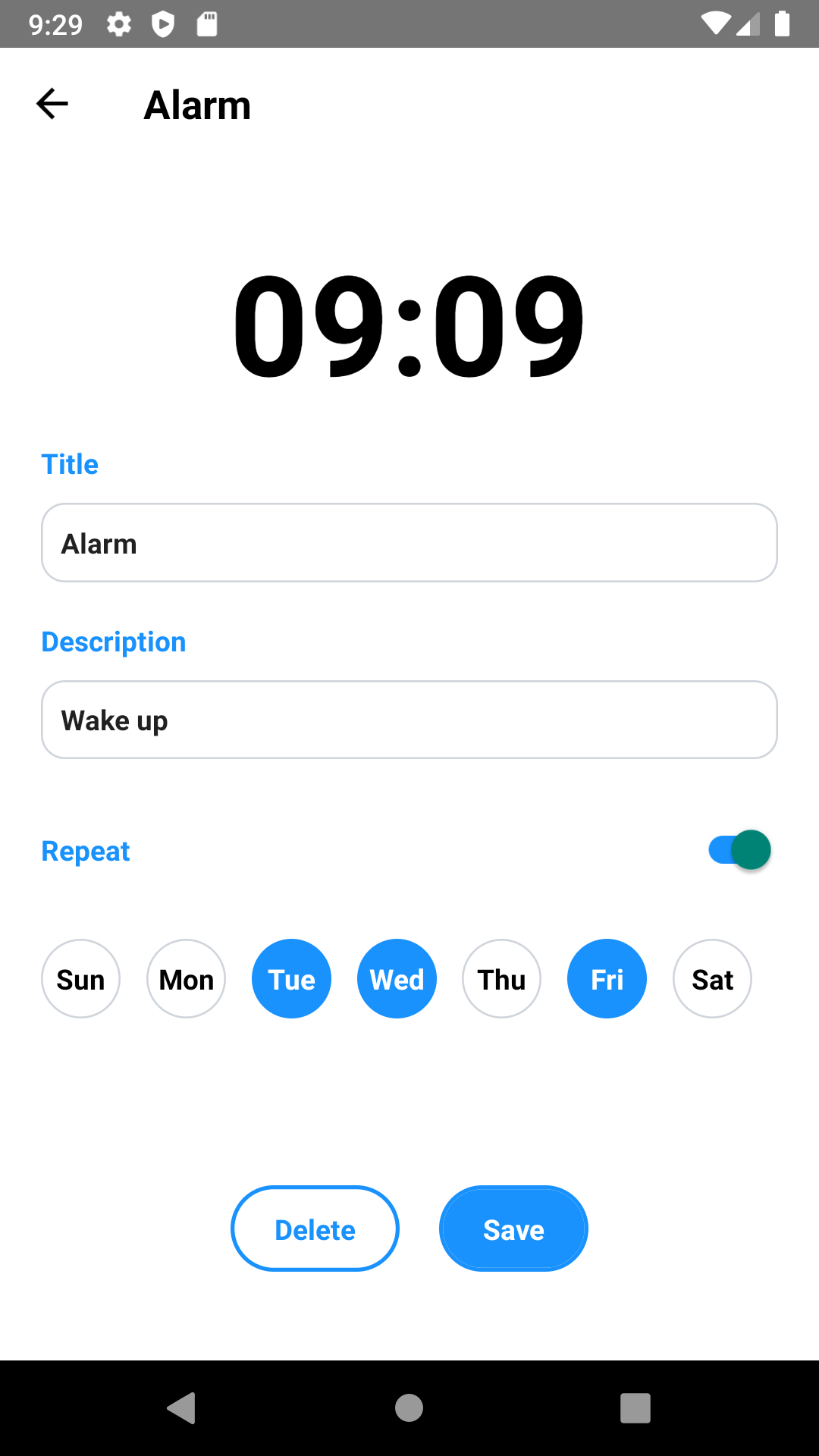 | 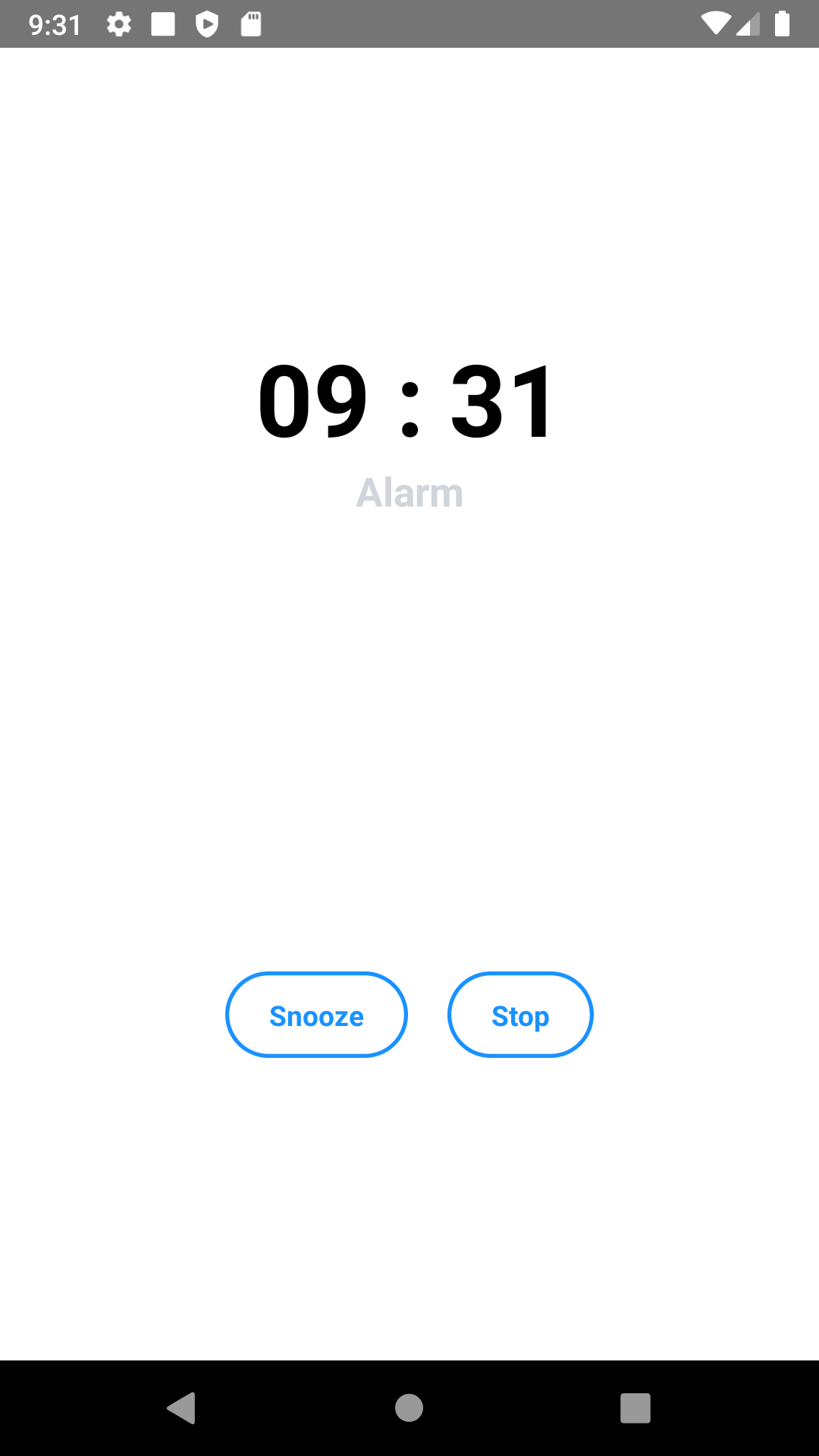 | ## Scripts - `npm start` - starts metro build server - `npm run android` - builds and runs android app - `npm run android:release:build:apk` - builds release apk ready for publishing - `npm run android:release:build:aab` - builds release aab ready for publishing - `npm run android:release:test` - builds release apk for testing ## Release build Read about release builds [here](https://facebook.github.io/react-native/docs/signed-apk-android). 1. Run the following command under JDK bin folder and replace password in `~/.gradle/gradle.properties`. ```bash sudo keytool -genkey -v -keystore release.keystore -alias rn-alarm-app -keyalg RSA -keysize 2048 -validity 10000 ``` 2. Store keystore credentials as environment variables in `.bash_profile` ```bash export ALARM_APP_KEYSTORE_ALIAS_NAME=keystore-alias export ALARM_APP_KEYSTORE_KEY_PASSWORD=***** export ALARM_APP_KEYSTORE_PASSWORD=***** ``` ## Resources - [Storing android signing config](https://medium.com/@umar.hussain/storing-android-signing-config-credentials-secure-and-platform-independent-c593464f927c) - [Setting environment variables in MacOS](https://medium.com/@himanshuagarwal1395/setting-up-environment-variables-in-macos-sierra-f5978369b255)
