KO
|
EN
gitlite — search
Search
#javascript
#python
#hacktoberfest
#react
#ai
#typescript
#llm
#go
#golang
#android
#machine-learning
#rust
#deep-learning
#linux
DraggableOverlay
★ 20
Open GitHub ↗
No description available.
Download README (.md)
Explore Similar Repositories
wagtail-orderable
:
Wagtail mixin support for drag-and-drop ordering in admin panel
instrumentpanel
:
Instrument panel implemented as a grid with draggable & resizable components
draggable-panel
:
Vue draggable panel
react-native-draggable-panel
:
No description available.
draggable-panel-layout
:
Simple implementation of a draggable panel.
// repository documentation
Was this content helpful?
★ 0
(0 ratings)
Select Rating:
★
★
★
★
★
Submit Feedback
Recent Feedback
×
Download README
Do you want to download the
README.md
file for
DraggableOverlay
?
Download (.md)
 <br><br> # DraggableOverlay    - [Requirements](#requirements) - [Installation](#installation) - [Usage](#usage) - [License](#license) A `DraggableOverlay` is a Swift library - an overlay that dynamically reveals or hides the content inside it. It can be dragged up and down to stick to predefined anchors. Whenever a drag gesture ends, the overlay motion will continue until it reaches one of its anchors. `DraggableOverlay` has various configuration options. `DraggableOverlay` example with default options: 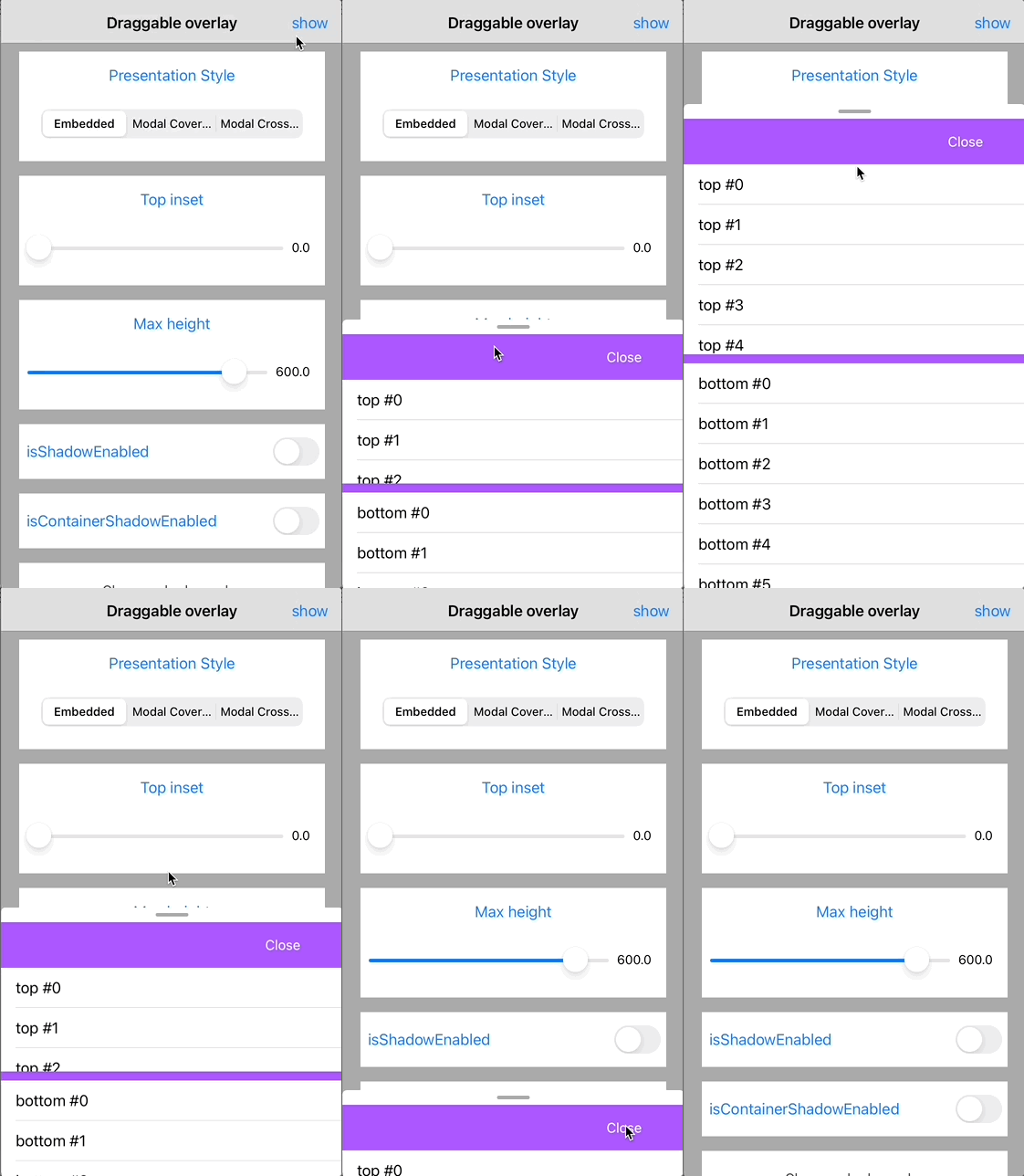 `DraggableOverlay` example with enabled shadow (red color) and container shadow (green color), customized draggable container height (30 px): 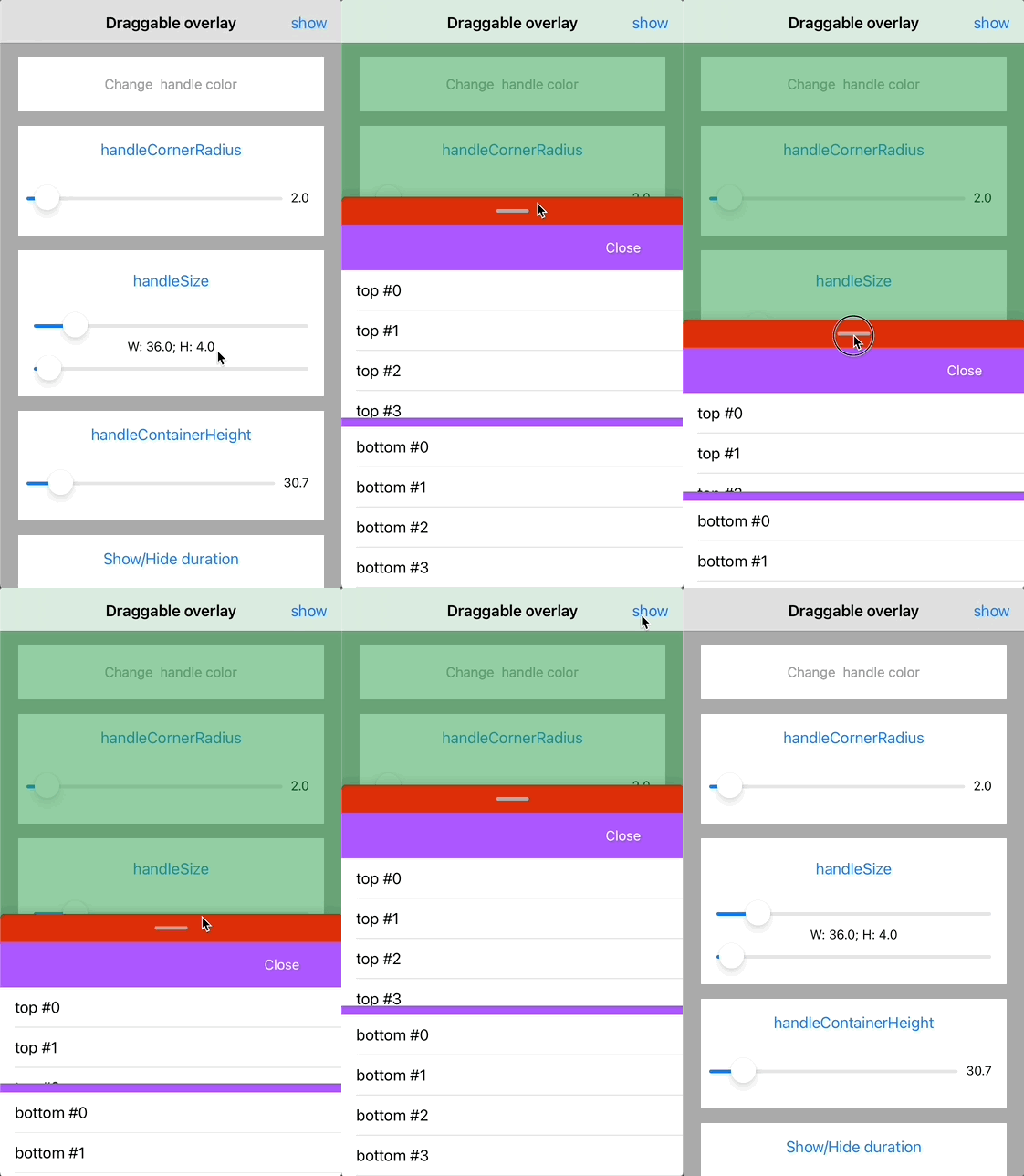 `DraggableOverlay` example with custom handle corner and custom handle container corner radius, customized handle color (yellow) and changed top inset: 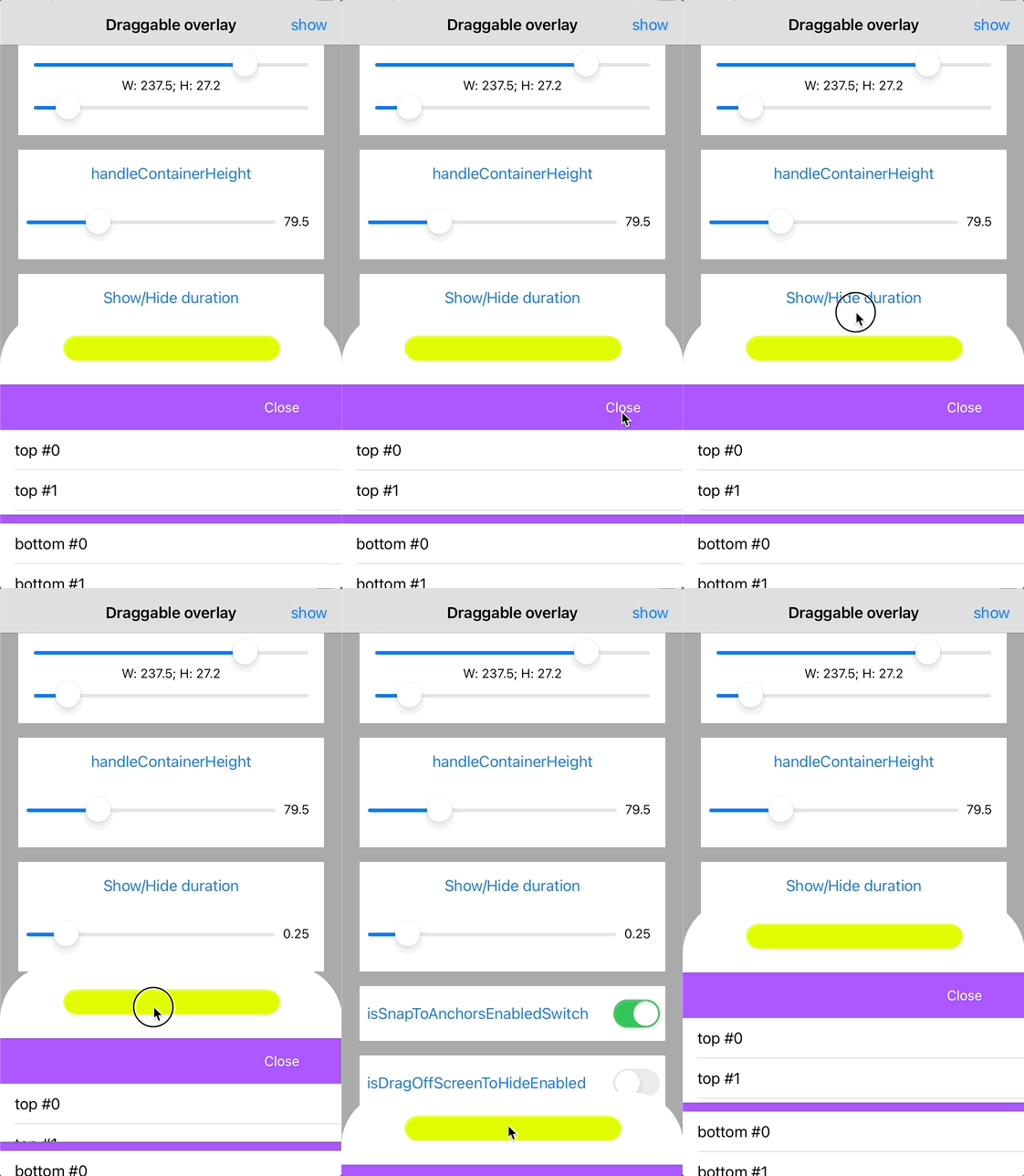 `DraggableOverlay` example with bounce animation: 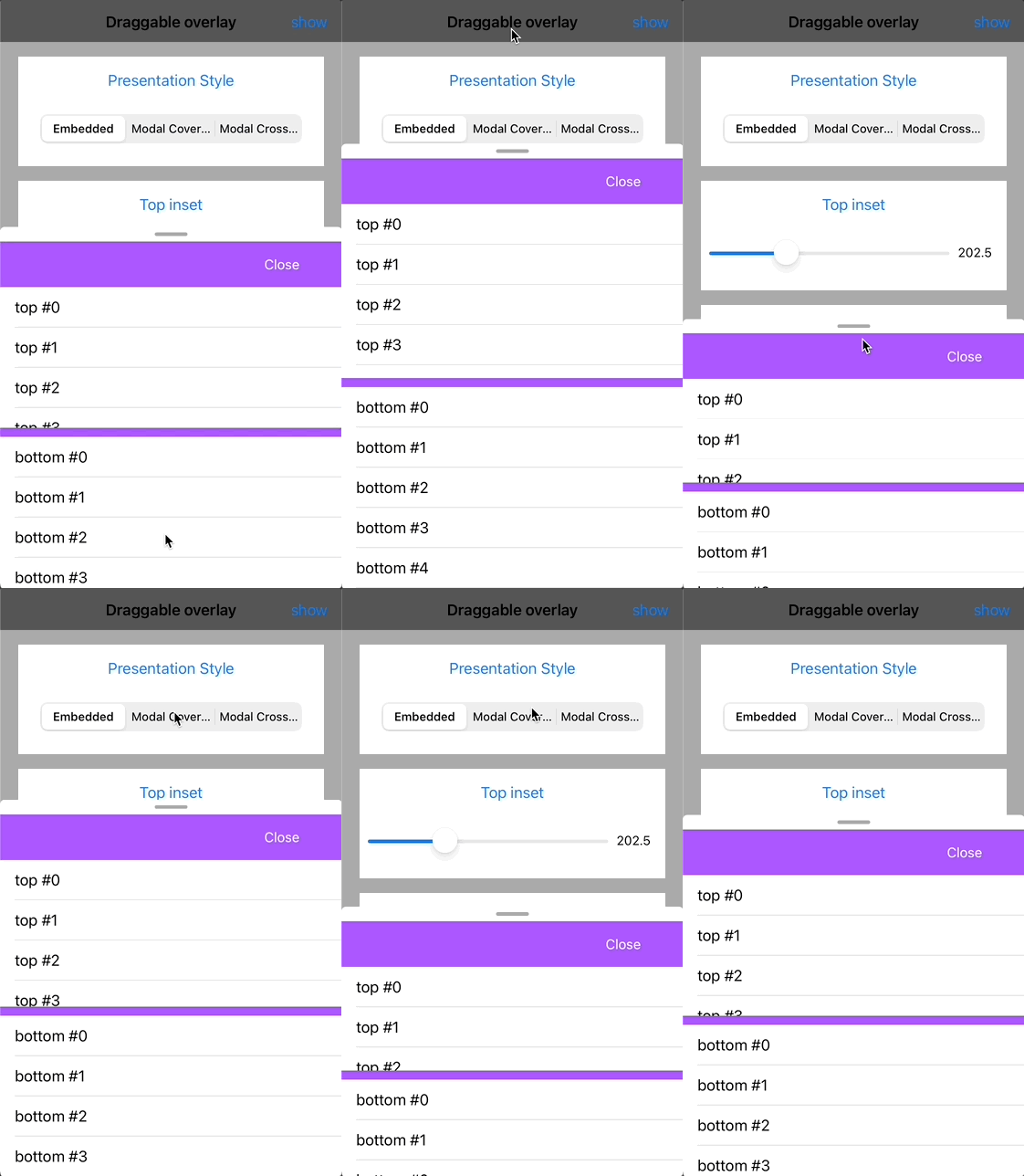 ## Requirements - iOS 11.0+ - Xcode 11.0+ - Swift 5.0+ ## Installation ### CocoaPods To integrate `DraggableOverlay` into your Xcode project with CocoaPods, specify it in your `Podfile`: ```ruby pod 'Shakuro.DraggableOverlay' ``` Then, run the following command: ```bash $ pod install ``` ### Manually If you prefer not to use CocoaPods, you can integrate Shakuro.DraggableOverlay simply by copying it to your project. ## Usage Just initilize `DraggableDetailsOverlayViewController` with your nested viewcontroller and delegate. Nested viewcontroller must adopt the `DraggableDetailsOverlayViewControllerDelegate` and `DraggableDetailsOverlayNestedInterface` protocols. The delegate allows to respond to scrolling events. Have a look at the [DraggableOverlayExample](https://github.com/shakurocom/DraggableOverlay/tree/main/DraggableOverlayExample) (perform `pod install` before usage) ## License Shakuro.DraggableOverlay is released under the MIT license. [See LICENSE](https://github.com/shakurocom/DraggableOverlay/blob/main/LICENSE.md) for details. ## Give it a try and reach us Explore our expertise in <a href="https://shakuro.com/services/native-mobile-development/?utm_source=github&utm_medium=repository&utm_campaign=draggable-overlay">Native Mobile Development</a> and <a href="https://shakuro.com/services/ios-dev/?utm_source=github&utm_medium=repository&utm_campaign=draggable-overlay">iOS Development</a>.</p> If you need professional assistance with your mobile or web project, feel free to <a href="https://shakuro.com/get-in-touch/?utm_source=github&utm_medium=repository&utm_campaign=draggable-overlay">contact our team</a>
