KO
|
EN
gitlite — search
Search
#javascript
#python
#hacktoberfest
#react
#ai
#typescript
#llm
#go
#golang
#android
#machine-learning
#rust
#deep-learning
#linux
c3d
★ 13
Open GitHub ↗
Cxmpute 3D Lab
Download README (.md)
Explore Similar Repositories
velox-testing
:
No description available.
investigation-data-broker-opt-out-pages
:
Data for The Markup and CalMatters story "We caught companies making it harder to delete your personal data online"
2190513_DS-ICE_2025s1
:
No description available.
go-fetch
:
go-fetch: Graph Oriented Fast Edge Traversal Cache Hub (Graph AI Agent Memory for Dgraph and Neo4j)
bus
:
No description available.
// repository documentation
Was this content helpful?
★ 0
(0 ratings)
Select Rating:
★
★
★
★
★
Submit Feedback
Recent Feedback
×
Download README
Do you want to download the
README.md
file for
c3d
?
Download (.md)
# C3D - AI-Powered 3D CAD Generator **Compute 3D Lab** - Generate 3D CAD models from natural language descriptions using AI. 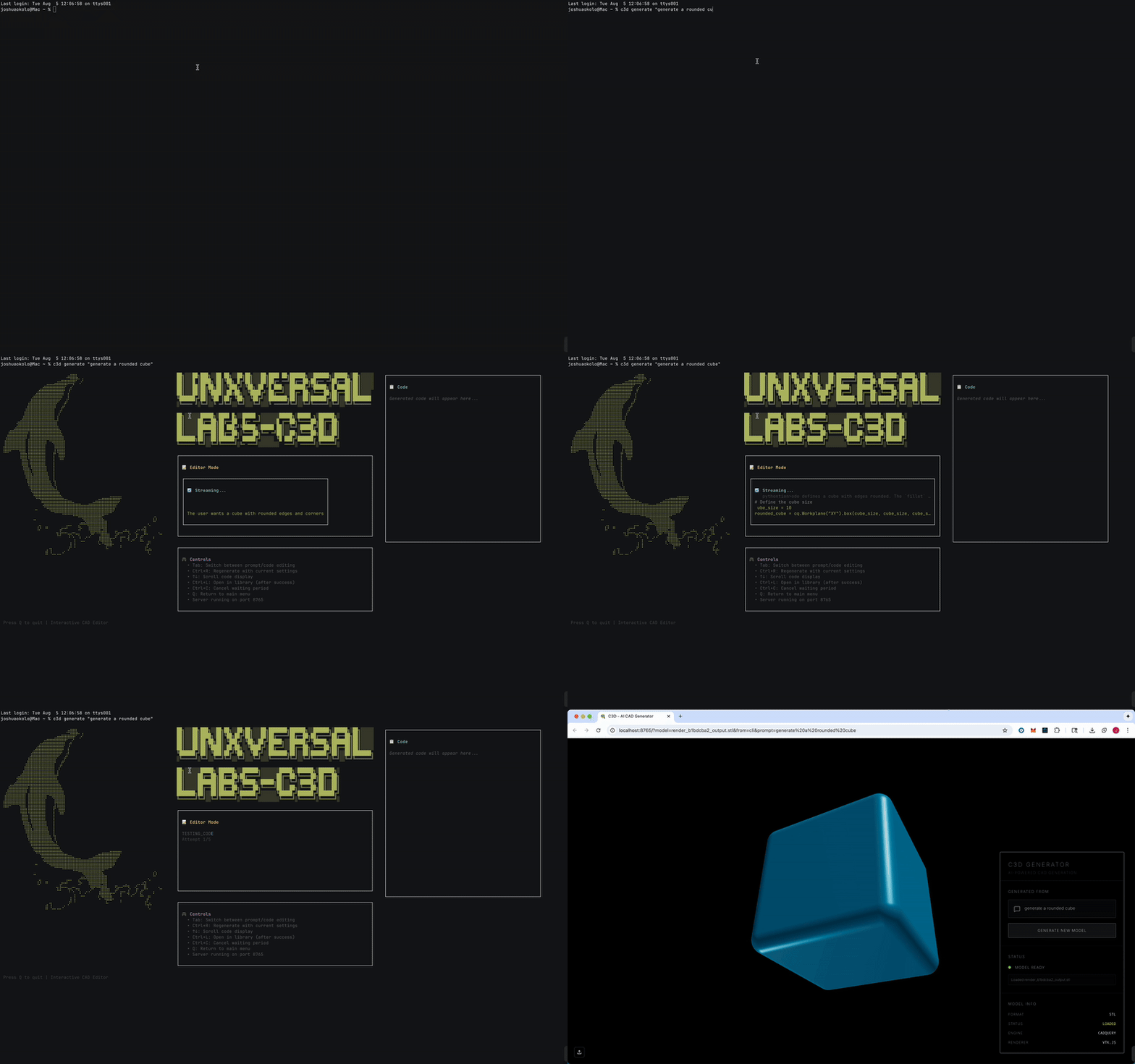 You can also interact with it as an editor: 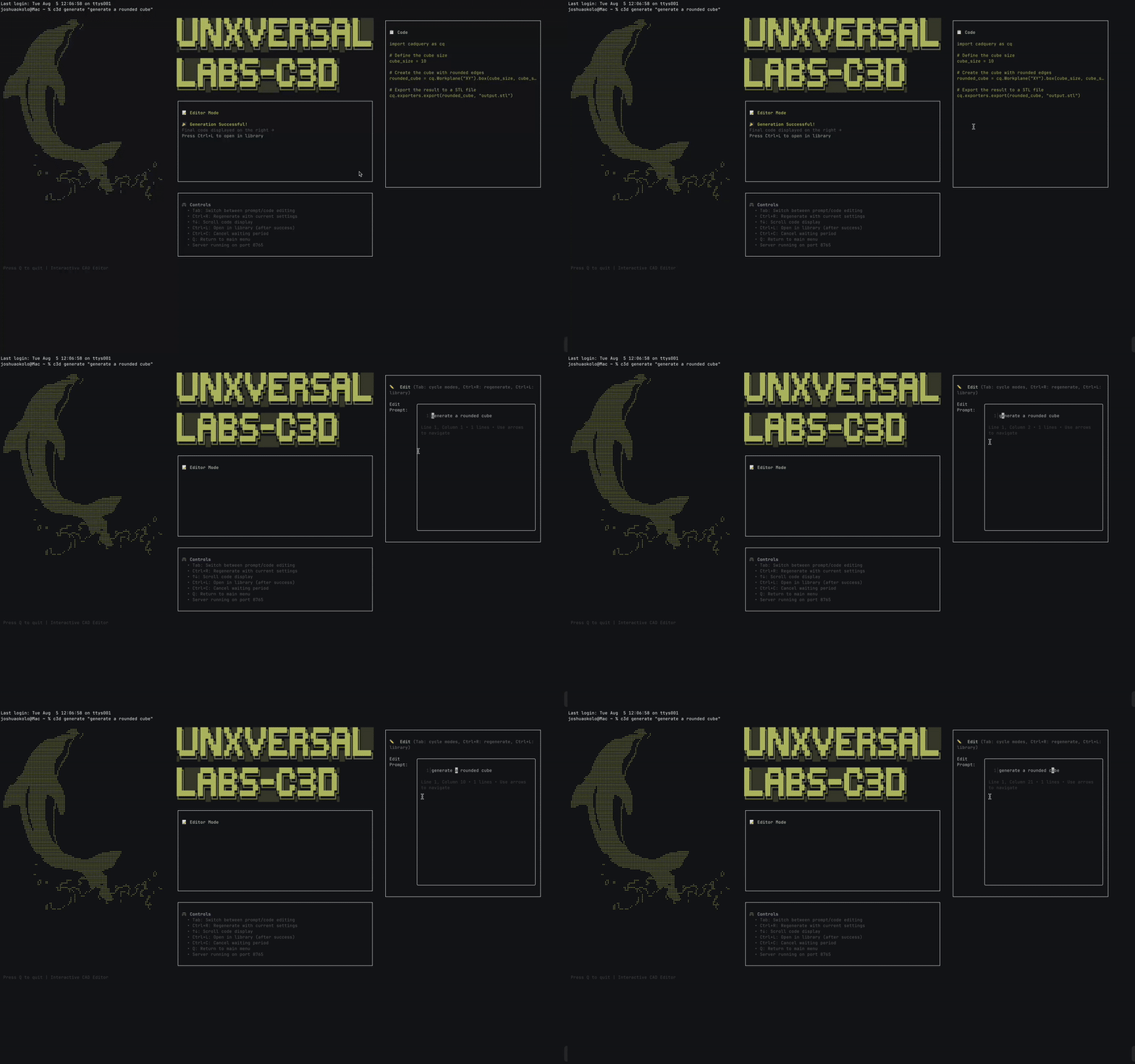 ## ✨ Features - 🤖 **Interactive AI Generation**: Create CAD models from text with live code editing and re-running - 🛠️ **Code Editor**: Built-in terminal code editor with syntax awareness and error handling - 🔄 **Smart Retry System**: Auto-retry with error context reset for better success rates - 🌐 **3D Web Viewer**: Interactive React Three Fiber visualization with full mouse controls - 🖥️ **Beautiful CLI**: Professional terminal interface with streaming responses and animations - 📁 **Model Library**: Browse, rename, and manage generated STL files with arrow key navigation - ⚙️ **Configurable**: Persistent settings with interactive config editor - 📦 **Single Package**: Complete solution bundled into one npm install ## 🚀 Quick Start ### Prerequisites - **Ollama** ([ollama.ai](https://ollama.ai/)) - **Python** with **uv** ([docs.astral.sh/uv](https://docs.astral.sh/uv/getting-started/installation/)) ### Installation ```bash # 1. Download the C3D model ollama pull joshuaokolo/C3Dv0 # 2. Start Ollama ollama serve # 3. Install C3D CLI npm install -g @unxversallabs/c3d ``` ### Generate Your First Model ```bash c3d generate "a simple gear with 12 teeth" ``` The 3D viewer will automatically open in your browser with the generated model! ## 📋 Commands ### Core Commands - `c3d generate <description>` - Interactive CAD generation with live code editing and re-running - `c3d editor <description>` - Alias for generate (same interactive functionality) - `c3d viewer` - Launch 3D web interface - 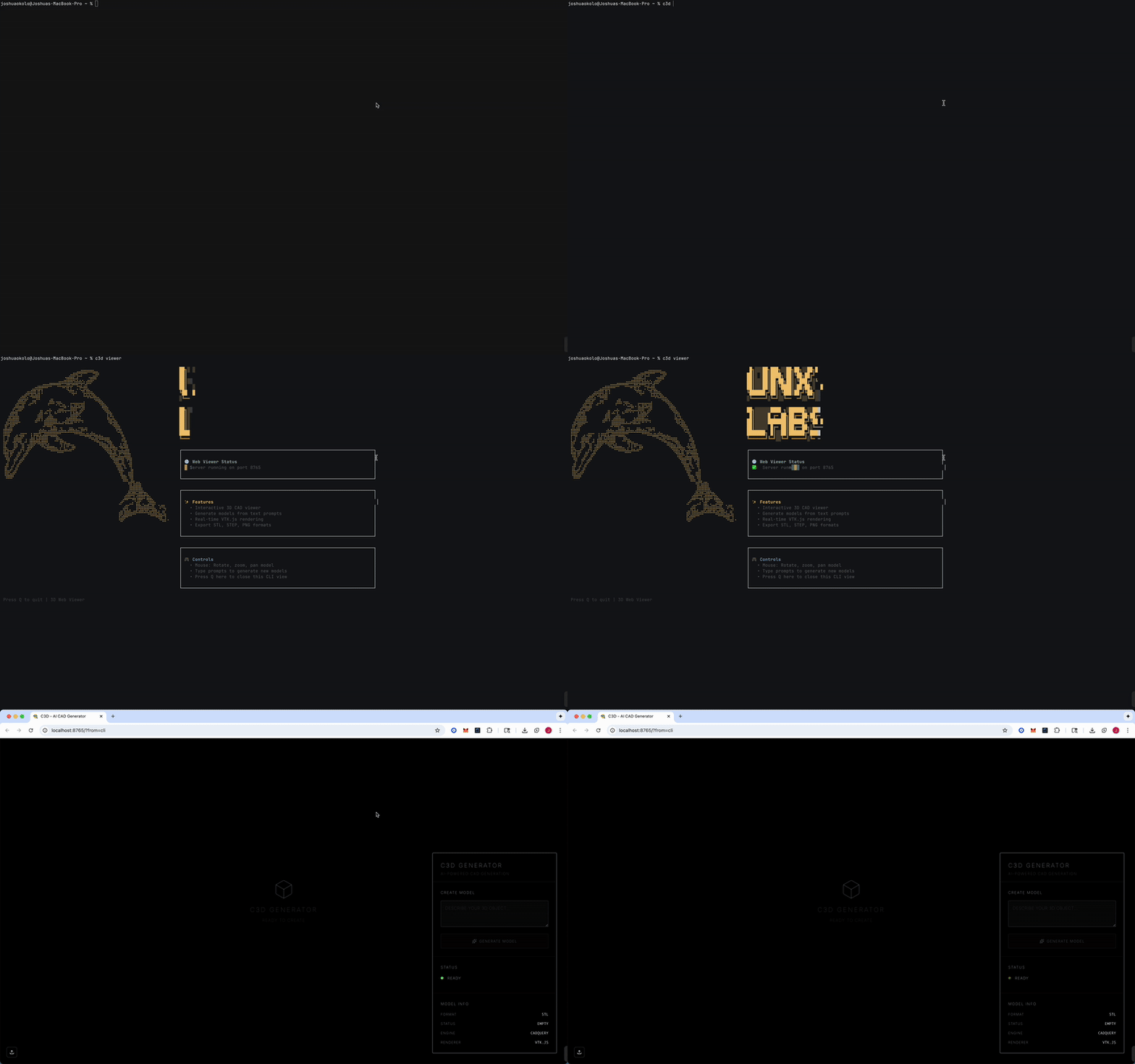 - `c3d server start/stop/status` - Manage backend server with interactive status screens - 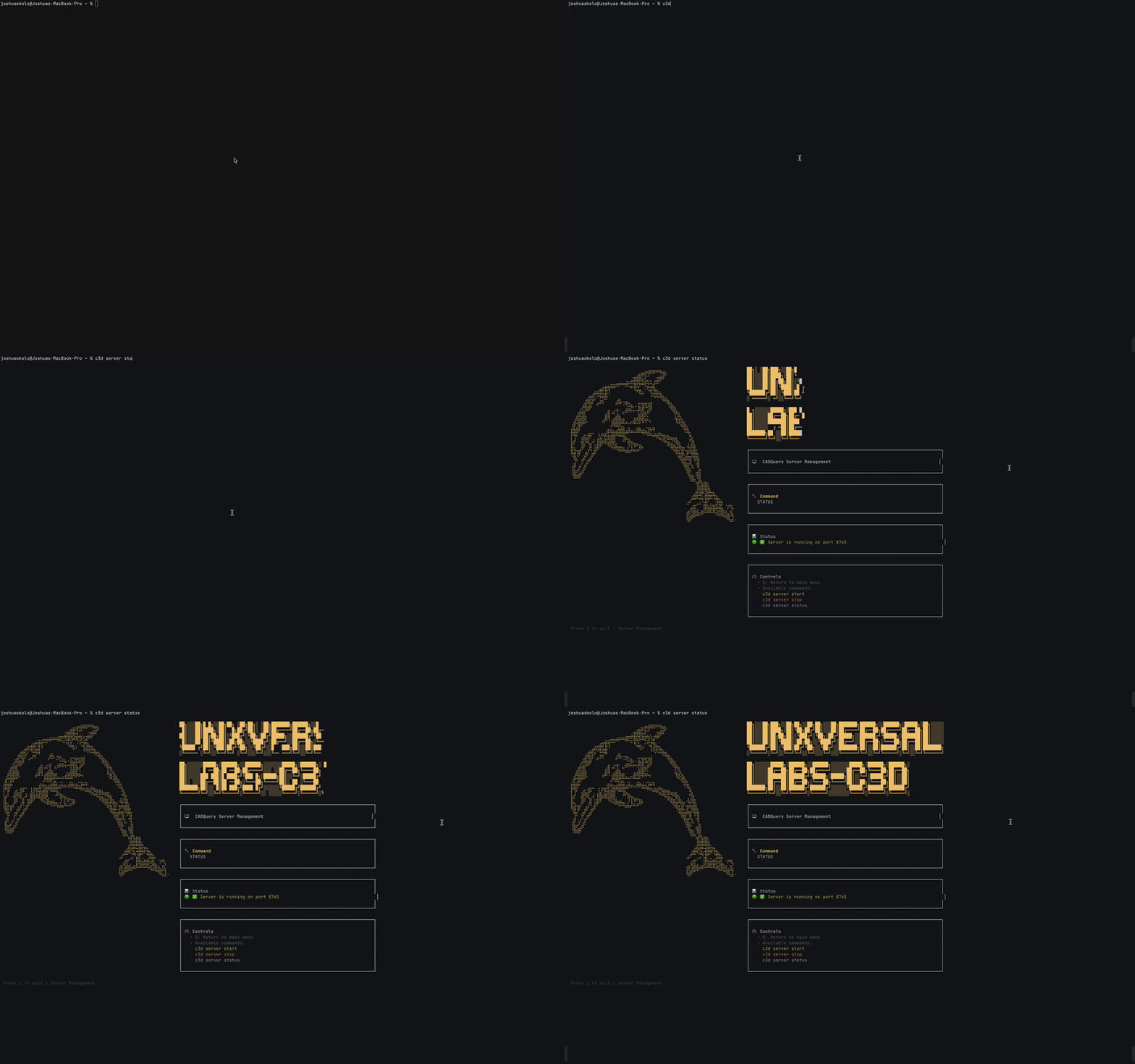 - `c3d config` - Interactive configuration editor with persistent settings - 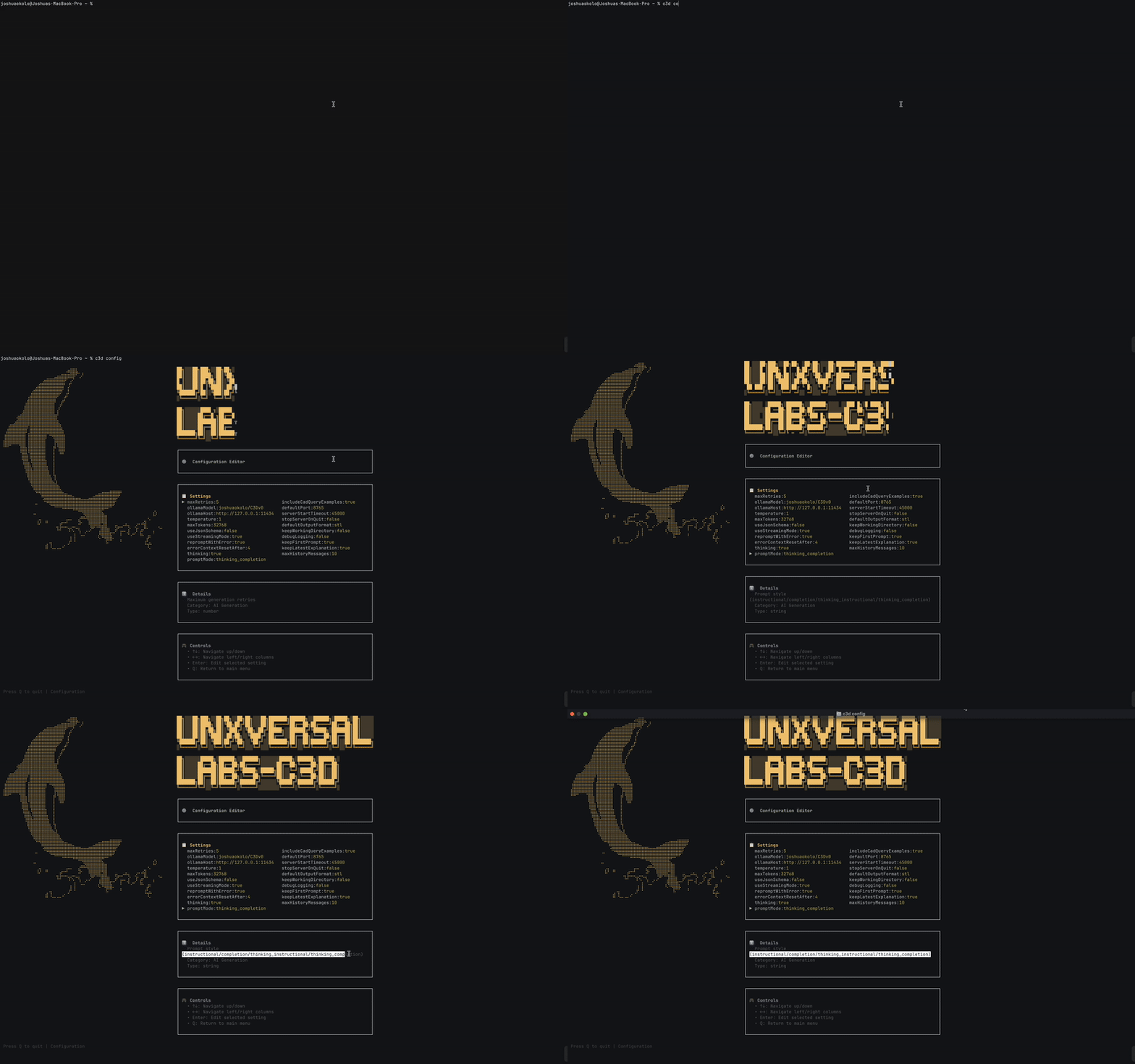 - `c3d render <script.py>` - Render Python CADQuery scripts with real-time feedback - `c3d list` - Browse, rename, and manage STL files with arrow key navigation - 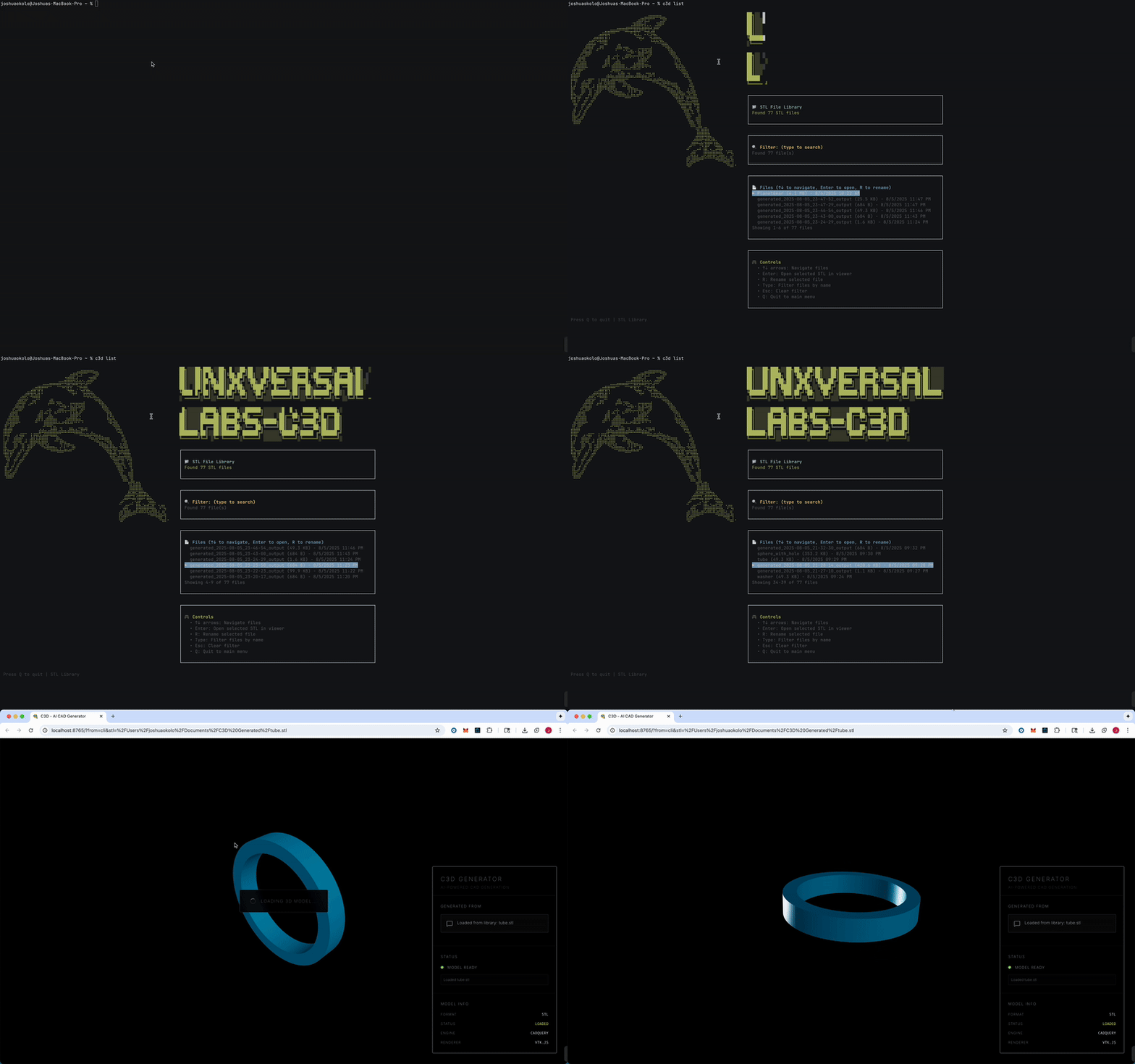 ### Development & Testing - `c3d ui` - Launch UI development playground - `c3d ui static` - ASCII layout slideshow - `c3d ui shimmer` - Animation effects showcase - `c3d ui screen <name>` - Test specific screen components - Available: `home`, `generation`, `server`, `config`, `render`, `deload`, `error`, `interactive` ### Model Management - `c3d deload` - Remove AI model from local storage ## 🛠️ Options - `--port <number>` - Server port (default: 8765) - `--retries <number>` - Max generation retries (default: 9) - `--no-viewer` - Disable auto-opening web viewer - `--output <filename>` - Custom output filename ## 🎯 Examples ```bash # Interactive generation with code editing and auto-open viewer c3d generate "a phone case for iPhone 15" # Same functionality - editor is an alias for generate c3d editor "a gear with 12 teeth" # Interactive generation with custom settings and skip viewer c3d generate "a complex bracket" --retries=6 --no-viewer # Browse and rename STL files with arrow key navigation c3d list # Interactive configuration with persistent settings c3d config # Launch 3D viewer directly c3d viewer # Interactive server management c3d server status # Test UI components c3d ui screen generation ``` ## 🏗️ Architecture - **CLI**: Node.js/TypeScript with Ink for terminal UI - **Frontend**: React + Three.js for 3D rendering - **Backend**: Python FastAPI with CADQuery engine - **AI**: Ollama integration for natural language processing ## 📁 Project Structure ``` c3d/ ├── cli/c3d/ # Main CLI application ├── frontend/ # React 3D viewer └── cli/c3d/server/ # Python FastAPI backend ``` ## 🔧 Development ### Local Development Setup If you want to clone and run the project locally: #### Prerequisites - **Node.js** (>= 16) - **Ollama** ([ollama.ai](https://ollama.ai/)) - **C3D Model**: Download the specialized model: [joshuaokolo/C3Dv0](https://ollama.com/joshuaokolo/C3Dv0) - **uv** ([docs.astral.sh/uv](https://docs.astral.sh/uv/getting-started/installation/)) - **Python** (>= 3.8) #### Clone and Setup ```bash # 1. Download the C3D model ollama pull joshuaokolo/C3Dv0 # 2. Start Ollama service ollama serve # 3. Clone and build the project git clone <repository-url> cd c3d # Install and build cd cli/c3d npm install npm run build npm install -g . # The CLI is now available globally as `c3d` c3d generate "a simple cube" ``` #### Development Commands ```bash # Build everything (frontend + CLI) npm run build # Build only CLI npm run build:cli # Build only frontend npm run build:frontend # Watch mode for development npm run dev ``` See individual README files for detailed development instructions: - [CLI Development](cli/c3d/readme.md) - [Frontend Development](frontend/README.md)
