KO
|
EN
gitlite — search
Search
#javascript
#python
#hacktoberfest
#react
#ai
#typescript
#llm
#go
#golang
#android
#machine-learning
#rust
#deep-learning
#linux
firecracker
★ 9
Open GitHub ↗
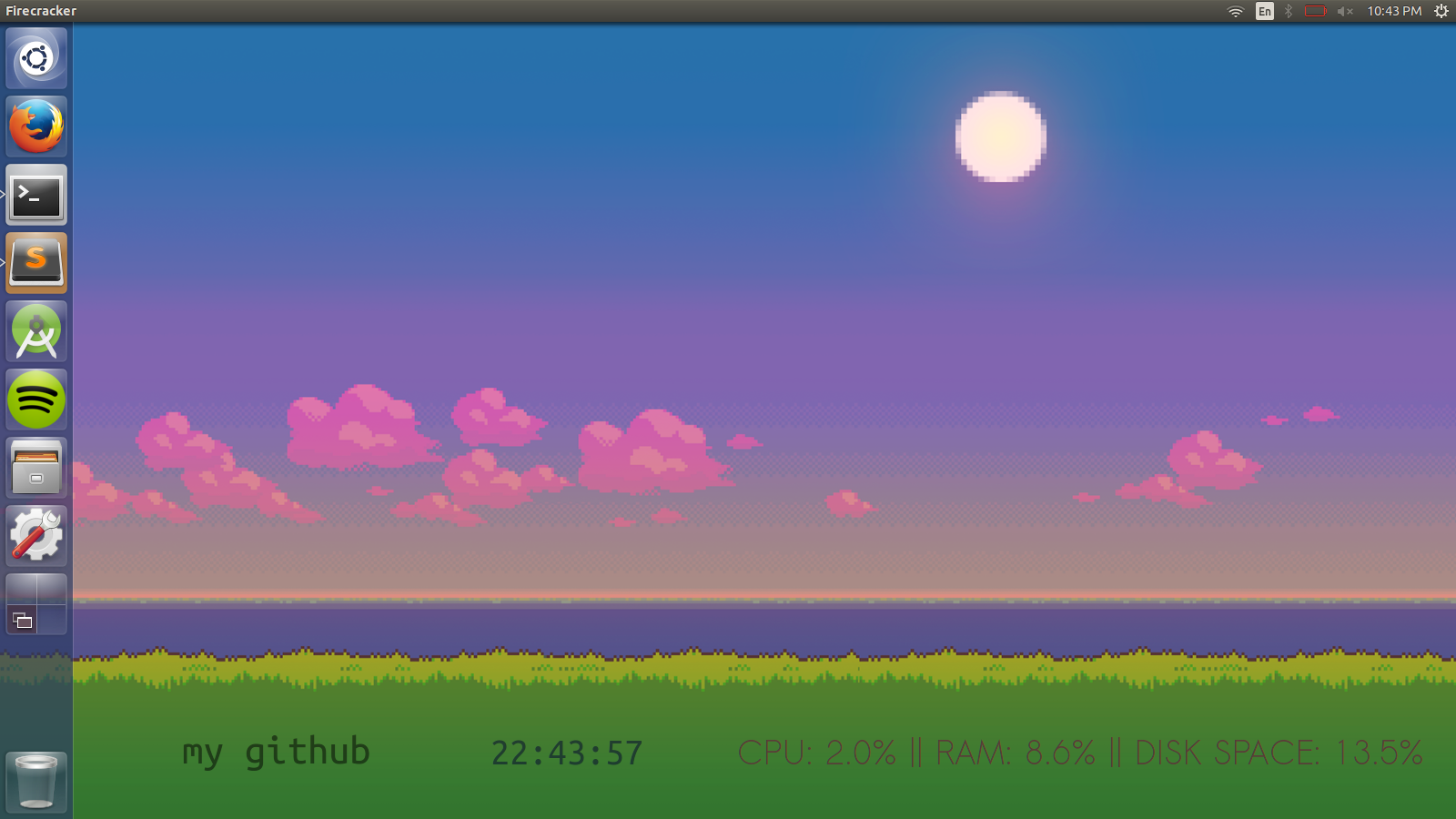
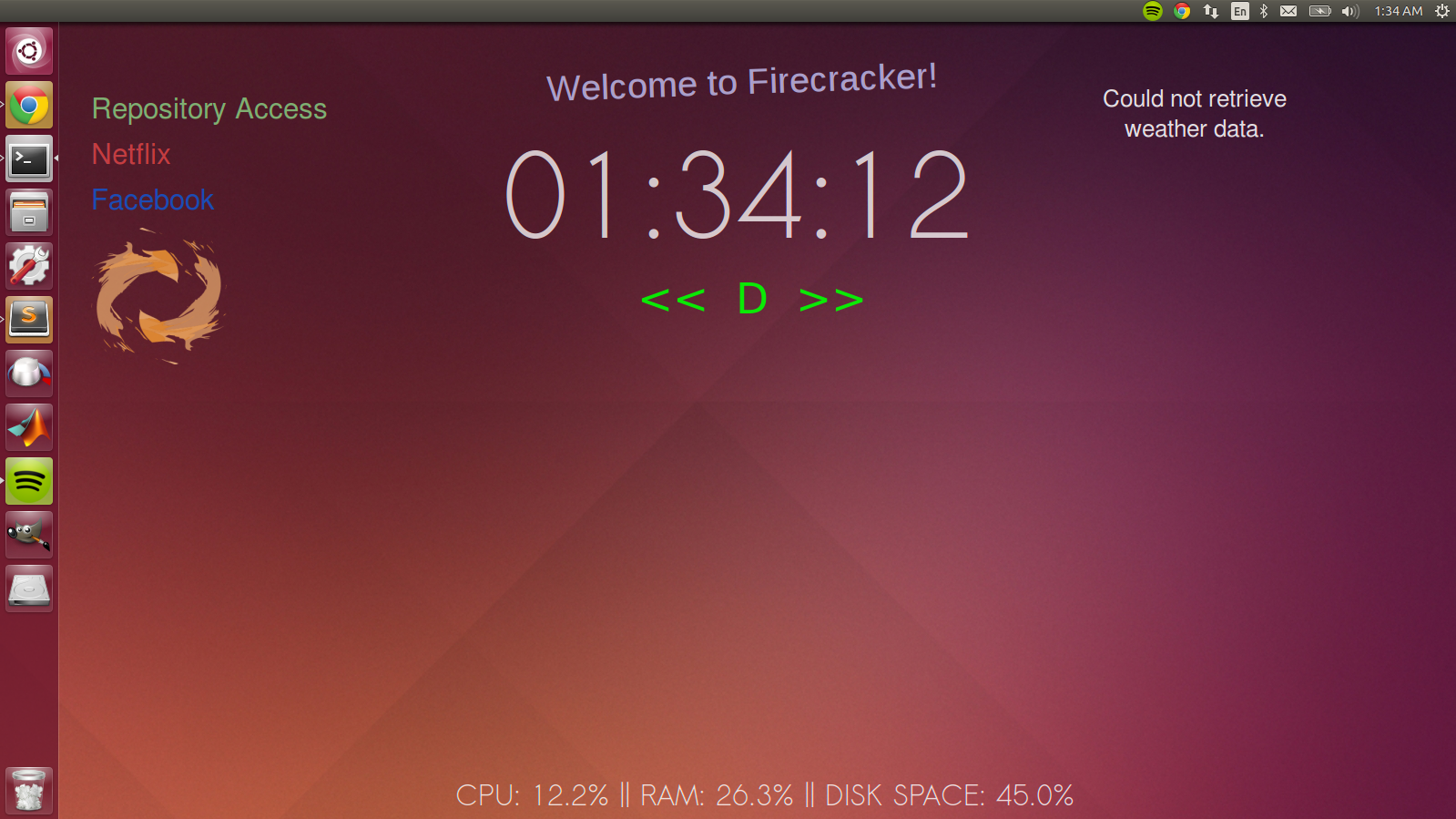
Rainmeter for Ubuntu, done in Python.
Download README (.md)
Explore Similar Repositories
rsyslog-scripts
:
scripts that make rsyslog easy to use.
arr-pluck
:
Get the value of a specified property from all elements in a collection.
PD-IP-Checker
:
No description available.
harmonic_centrality
:
fast harmonic centrality algorithm for networkx library
cpp-matplotlib
:
No description available.
// repository documentation
Was this content helpful?
★ 0
(0 ratings)
Select Rating:
★
★
★
★
★
Submit Feedback
Recent Feedback
×
Download README
Do you want to download the
README.md
file for
firecracker
?
Download (.md)
# firecracker [View the website here.](http://joeylmaalouf.github.io/firecracker/) ### What is it? Rainmeter for Ubuntu, done in Python. :) Firecracker is a fanmade rewrite of Rainmeter for Ubuntu. Just like Rainmeter, Firecracker windows are fully customizable through editing of configuration files, giving users the ability to tweak and edit their windows to their liking. ### Why? This is our final project for SoftDes Spring 2015 at Olin. We enjoy using Rainmeter on Windows, and we found that Ubuntu lacks that functionality, so we decided to add it ourselves. ### How To Use It In order to run Firecracker manually: `python2 firecracker.py <config file>` In order to have Firecracker run on startup: 1. clone this repo to some location `.../firecracker` 2. `$ cd .../firecracker` 3. put your desired configuration in `.../firecracker/skins/example.cfg` 4. `$ sudo bash install.sh` 5. relogin to your computer This process will also install the required dependencies (listed below). Press Ctrl+M with any widget selected in order to bring up the widget creator, or run `python2 firecracker_config_generator.py`. ### Dependencies PyGTK (comes with Ubuntu) Pattern `sudo pip2 install pattern` PSUtil `sudo pip2 install psutil` Spotify `sudo apt-add-repository -y "deb http://repository.spotify.com stable non-free" && sudo apt-key adv --keyserver keyserver.ubuntu.com --recv-keys 94558F59 && sudo apt-get update -qq && sudo apt-get install spotify-client` ### Notes If your system does not have both Python 2 and Python 3 installed, you should be able to use `pip` and `python` instead of `pip2` and `python2`. ### Attribution: spotify_controller.sh - https://github.com/computerlove/scripts/blob/master/SpotifyControl ### Screenshots: