KO
|
EN
gitlite — search
Search
#typescript
#ai-agents
#ai
#dsh-plugin
#deepseek-harness
#open-source
#cli
#claude-code
#codex
#developer-tools
#react
#windows
Ankify
★ 49
Open GitHub ↗
Ankify notes into anki cards
Download README (.md)
Explore Similar Repositories
simpleNN
:
No description available.
Medical-Named-Entity-Rec-Based-on-Dilated-CNN
:
基于膨胀卷积神经网络(Dilated Convolutions)训练好的医疗命名实体识别工具
lapidary
:
Creating beautiful gem5 simulations
kuboard-example
:
eip-service-dashboard-example
cnblog-theme-simpcode
:
一款简单干净的博客园主题
// repository documentation
Was this content helpful?
★ 0
(0 ratings)
Select Rating:
★
★
★
★
★
Submit Feedback
Recent Feedback
×
Download README
Do you want to download the
README.md
file for
Ankify
?
Download (.md)
# Ankify Ankify is a node script that converts markdown notes in a given folder to Anki cards in .txt format. This can be then imported to Anki as either basic or cloze cards. This repository hosts the CLI version of Ankify powers the [GUI version](https://ankify.krxiang.com). Before with markdown: 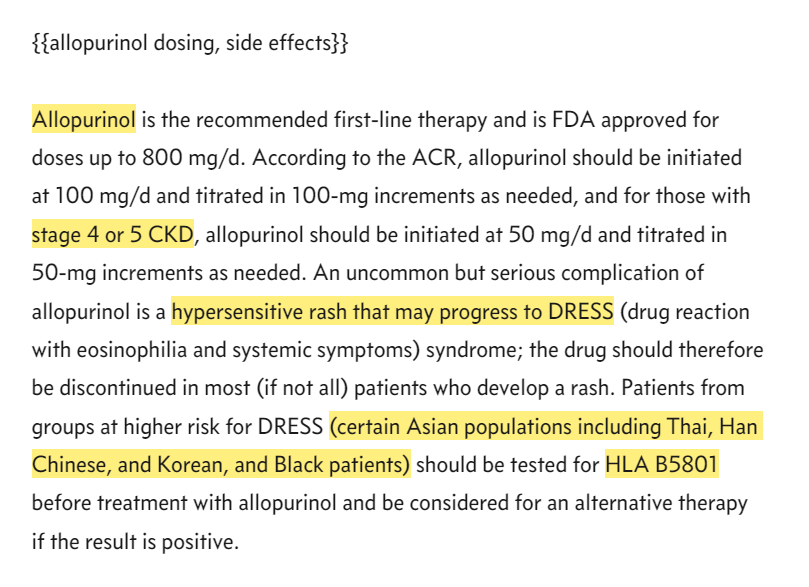 Ankify: 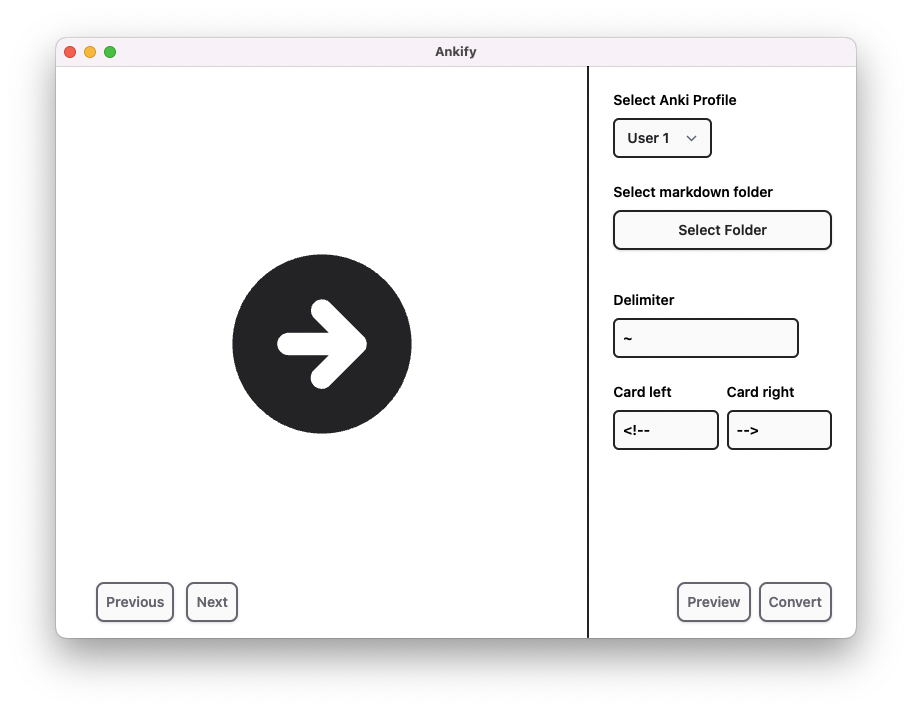 After importing: 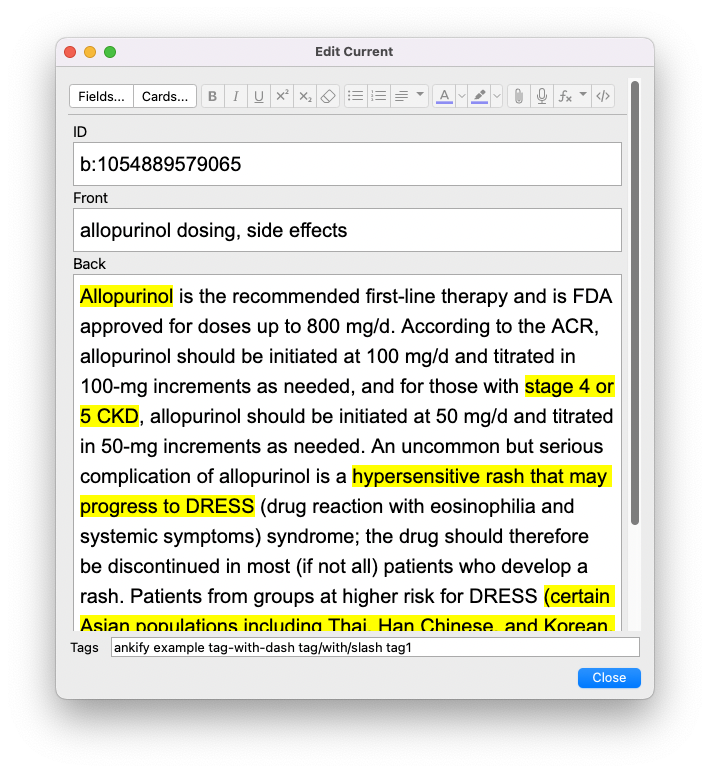 ## Table of Contents - [Quick Start](#quick-start) - [Installation](#installation) ## Installation - Clone the repository and install dependencies: `npm install`. - Import the Ankify.pkg to Anki. This adds Ankify Basic and Ankify Cloze card templates ## Warning Ankify will make changes to your markdown notes. Backup your notes first! ## Options ``` Options: -l, --listProfiles list found Anki user profiles (default: false) -u, --profile <USERNAME> use Anki user profile -p, --path <MDPATH> path of markdown files to convert -i, --imagePath <IMAGEPATH> path of images to copy -d, --delimiter <DELIMITER> delimiter to use to separate cards (default: "\t") --cardLeft <LEFT> defines left side of card (default: "<!--") --cardRight <RIGHT> defines right side of card (default: "-->") -w, --clozeWrap <CLOZE> defines cloze wrap option (default: "==") -c, --convert triggers conversion (default: true) -h, --help display help for command ``` ## Example Usage ### Convert folder of markdown files This is the simplest way to use the script: ``` node index.ts -p "test" ``` - the `-p` argument (markdown folder location) is the only requirement to run the script - Ankify will default to first user found in Anki profile folder - Images under the given folder will be copied to Anki's media folder - default card left and card right will be used ### Different Anki User Use `-l` option to find existing users in Anki profile folder: ``` node index.ts -l ``` Then use different user for conversion: ``` node index.ts -u "User 2" -p "test" ``` ### Using Different Image Folder Sometimes your image folder is in a different place than the markdown folder. For example, in Obsidian, the attachment folder is in the root folder, where as your markdown folder needed to convert could be anywhere in the vault. In this case, you can specify the image folder separate from the markdown folder: ``` node index.ts -i "Attachments" -p "Test" ```
