KO
|
EN
gitlite — search
Search
#python
#java
#python3
#arduino
#golang
#machine-learning
#rust
#html
#flask
#javascript
#seismology
#nodejs
Aseprite-Scripts
★ 149
Open GitHub ↗
No description available.
Download README (.md)
Explore Similar Repositories
vue-hooks-form
:
Building forms with vue composition API.
legume
:
🌱 Guided-mode expansion of photonic crystal slabs
emotic
:
PyTorch implementation of Emotic CNN methodology to recognize emotions in images using context information.
EventHorizon.Blazor.TypeScript.Interop.Generator
:
This project is a Blazor Interop C# Generator, has a sample against the BabylonJS library.
rrt_star_global_planner
:
ROS RRT* Global Planner Plugin. Using Husky Robot.
// repository documentation
Was this content helpful?
★ 0
(0 ratings)
Select Rating:
★
★
★
★
★
Submit Feedback
Recent Feedback
×
Download README
Do you want to download the
README.md
file for
Aseprite-Scripts
?
Download (.md)
# Aseprite Scripts To use, download the .lua files and put them in [Aseprite's user script folder](https://community.aseprite.org/t/locate-user-scripts-folder/2170). ## Parallax [parallax.lua](https://raw.githubusercontent.com/TekF/Aseprite-Scripts/master/parallax.lua) (Right-click and "Save as")  By default each layer moves twice as fast as the one below. To control speed manually, add `s=<speed>` to the layer names, like this: 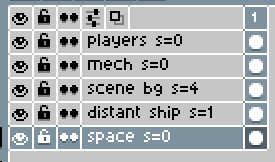 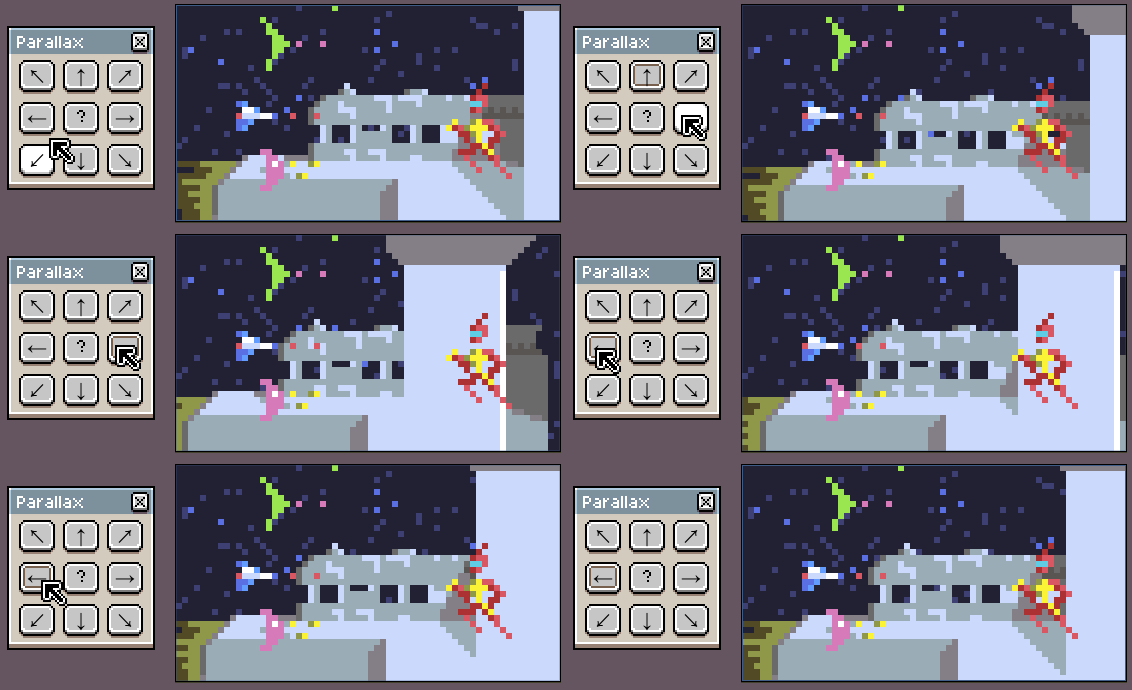 It also supports non-integer speeds. For example a speed of 1.5 will move alternately between moving by 1 pixel or 2 pixels, to give an average movement of 1.5 pixels. 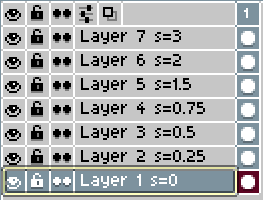 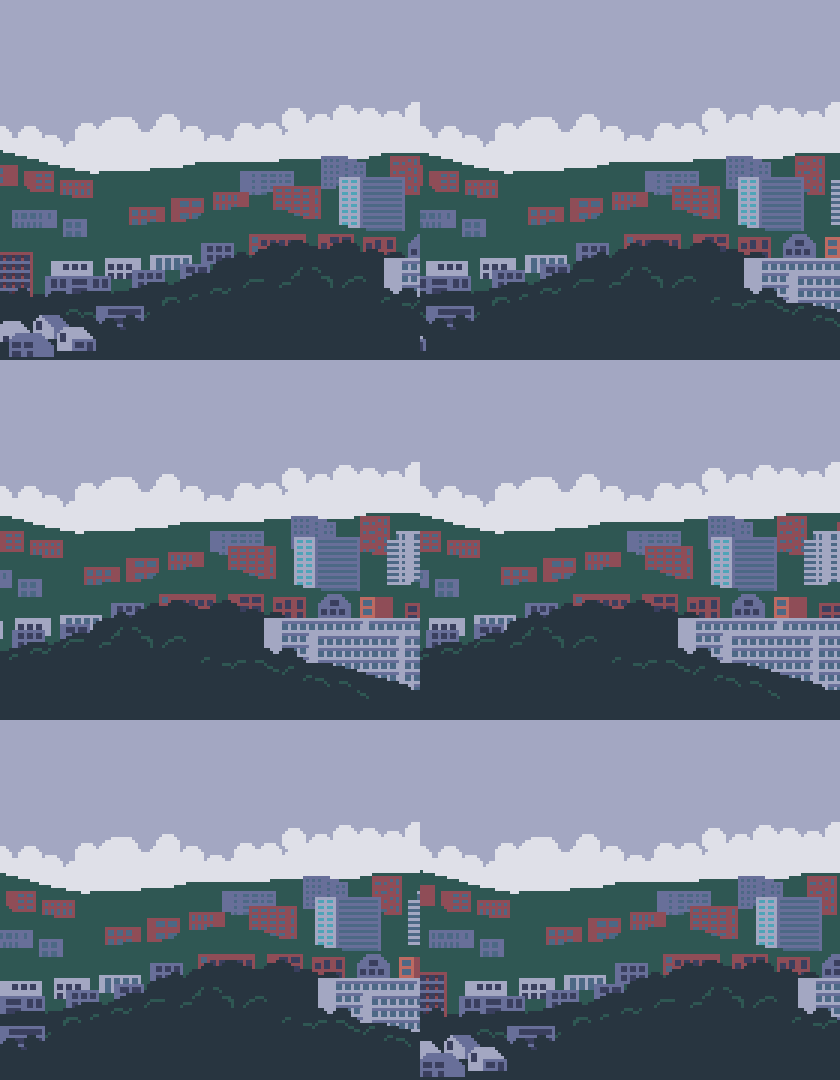 #### Update Put "w=x", "w=y", or "w=xy" in the layer name to wrap the layer on the x and/or y axes. It wraps at either the layer bounds or the image bounds - whichever's bigger.