KO
|
EN
gitlite — search
Search
#typescript
#ai-agents
#ai
#dsh-plugin
#deepseek-harness
#open-source
#claude-code
#codex
#cli
#developer-tools
#react
#windows
FNF-Undertale-Source-Code
★ 18
Open GitHub ↗
Here is the Source Code!
Download README (.md)
Explore Similar Repositories
HATE
:
The Undertale Corruptor.
TranslaTale
:
TranslaTale - An Undertale translation helper!
UNDOTALE
:
An UNDERTALE Battle Engine made with Godot
UndertaleMakerX
:
A fan-made Undertale game engine developed using Godot.
Undertale-Verilog
:
👻 Simple Undertale-like game on Basys3 FPGA written in Verilog
// repository documentation
Was this content helpful?
★ 0
(0 ratings)
Select Rating:
★
★
★
★
★
Submit Feedback
Recent Feedback
×
Download README
Do you want to download the
README.md
file for
FNF-Undertale-Source-Code
?
Download (.md)
# Friday Night Funkin' - Psych Engine Engine originally used on [Mind Games Mod](https://gamebanana.com/mods/301107), intended to be a fix for the vanilla version's many issues while keeping the casual play aspect of it. Also aiming to be an easier alternative to newbie coders. ## Installation: Follow a Friday Night Funkin' source code compilation tutorial, after this you will need to install LuaJIT. You can do this with: `haxelib install linc_luajit` on a Command prompt/PowerShell ...Or if you don't want your mod to be able to run .lua scripts, delete the "LUA_ALLOWED" line on Project.xml ## Credits: * Shadow Mario - Coding * RiverOaken - Arts and Animations ### Special Thanks * Keoiki - Note Splash Animations WARNING: This engine is still very early in development! You can request new features though _____________________________________ # Features ## Attractive animated dialogue boxes: 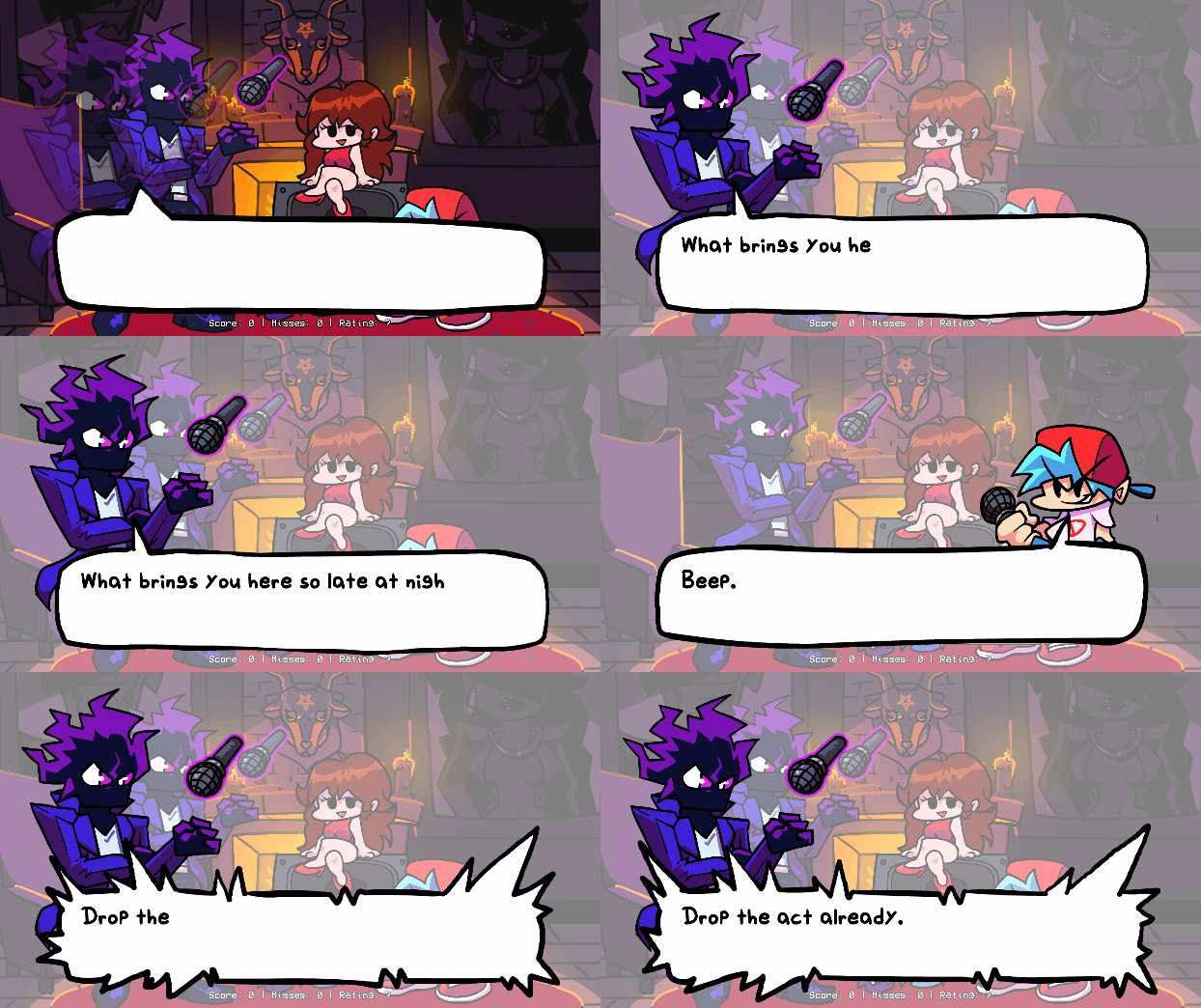 ## Atleast one change to every week: ### Week 1: * New Dad Left sing sprite * Unused stage lights are now used ### Week 2: * Both BF and Skid & Pump does "Hey!" animations * Thunders does a quick light flash and zooms the camera in slightly * Added a quick transition/cutscene to Monster ### Week 3: * BF does "Hey!" during Philly Nice * Blammed has a cool new colors flash during that sick part of the song ### Week 4: * Better hair physics for Mom/Boyfriend (Maybe even slightly better than Week 7's :eyes:) * Henchmen die during all songs. Yeah :( ### Week 5: * Bottom Boppers and GF does "Hey!" animations during Cocoa and Eggnog * On Winter Horrorland, GF bops her head slower in some parts of the song. ### Week 6: * On Thorns, the HUD is hidden during the cutscene * Also there's the Background girls being spooky during the "Hey!" parts of the Instrumental ## Cool new Chart Editor changes and countless bug fixes  * You can now chart "Event" notes, which are bookmarks that trigger specific actions that usually were hardcoded on the vanilla version of the game. * Your song's BPM can now have decimal values * You can manually adjust a Note's strum time if you're really going for milisecond precision * You can change a note's type on the Editor, it comes with two example types: * Alt Animation: Forces an alt animation to play, useful for songs like Ugh/Stress * Hey: Forces a "Hey" animation instead of the base Sing animation, if Boyfriend hits this note, Girlfriend will do a "Hey!" too. ## Improved Animation Debug menu (Press 8 in-game on a Debug build)  * You can now press Save Offsets to save a .txt file with the editted offsets * You can also now change the characters while on the Menu * Go back to the game by pressing Escape NOTE: This should be used for fixing your character floating or being slightly under the ground! It's not for texture editting. ## Story mode menu rework:  * Added a different BG to every song (less Tutorial) * All menu characters are now in individual spritesheets, makes modding it easier. ## Credits menu  * You can add a head icon, name, description and a Redirect link for when the player presses Enter while the item is currently selected. ## Awards/Achievements * The engine comes with 16 example achievements that you can mess with and learn how it works (Check Achievements.hx and search for "checkForAchievement" on PlayState.hx) ## Options menu: * You can change Note colors, Controls and Preferences there. * On Preferences you can toggle Downscroll, Anti-Aliasing, Framerate, Low Quality, Note Splashes, Hide Hud elements, Flashing Lights, etc. ## Other gameplay features: * When the enemy hits a note, it plays the note hit animation on their strum, just like when the player hits a note. * Lag doesn't impact the camera movement and player icon scaling anymore. * Some stuff based on Week 7's changes has been put in (Background colors on Freeplay, Note splashes) * You can reset your Score on Freeplay/Story Mode by pressing Reset button. * You can listen to a song on Freeplay by pressing Space once.
