KO
|
EN
gitlite — search
Search
#typescript
#ai-agents
#ai
#dsh-plugin
#deepseek-harness
#open-source
#claude-code
#codex
#cli
#developer-tools
#react
#windows
bookmark_ui_demo
★ 74
Open GitHub ↗
No description available.
Download README (.md)
Explore Similar Repositories
website-backend
:
The backend code for all our website-related apps
KeelPlugins
:
Various plugins for Illusion's games
instagram-python-scrapy-spider
:
Instagram web scraping spider built with Python Scrapy
oraykvm
:
向日葵控控A2(OrayKVM)U盘救砖/USB恢复模式说明/免U盘刷机教程
Openreview
:
data from ICLR OpenReview and code for data analysis
// repository documentation
Was this content helpful?
★ 0
(0 ratings)
Select Rating:
★
★
★
★
★
Submit Feedback
Recent Feedback
×
Download README
Do you want to download the
README.md
file for
bookmark_ui_demo
?
Download (.md)
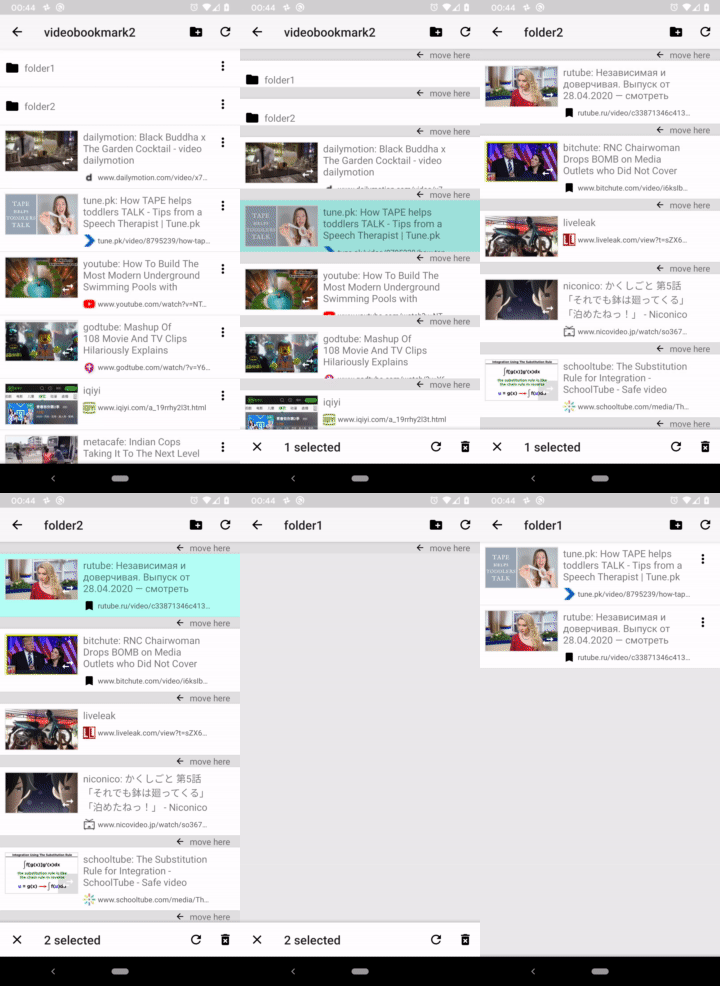
# New mobile UI for file manager type apps New mobile UI pattern for file manager type apps. It makes moving and reordering files much easier and more intuitive than traditional UI patterns. Sample code for Android is available. # How it works <img src="screenshot/summary01.png" width="200"> Long press items to select. <img src="screenshot/summary02.png" width="200"> When in selection mode, toolbar is shown at the bottom (not top. It's very important point). And "move here" buttons are shown to move items at the positions. <img src="screenshot/summary03.png" width="200"> You can nagivate to other folders even in selection mode. # Why is it better than other UI patterns? Let's compare with Google's Files app. It implements traditional item selection UI. <img src="screenshot/files01.png" width="200"> Current folder is shown at the top. <img src="screenshot/files02.png" width="200"> When in selection mode, top bar changes and shows how many items are selected. This implies that you can't change a folder in a selection mode. If you tap a folder, that folder is selected. It doesn't allow you to select files in more than one folders. <img src="screenshot/files03.png" width="200"> When you tap "Move to...", it changes into dedicated destination folder selection mode. When in this mode, you cann't add or remove files from the selection. <img src="screenshot/dropbox01.png" width="200"> Dropbox UI has exactly the same limitation as Files app UI. # Faster reordering than drag & drop <img src="screenshot/summary02.png" width="200"> "move here" buttons in selection mode enables you easy and fast reordering. Drag & drop type reordering is cumbersome especially when moving long distance. # Demo app [<img src="screenshot/google-play-badge.png" width=200>](https://play.google.com/store/apps/details?id=app.bookmark.experiment) [Video Bookmark](https://play.google.com/store/apps/details?id=app.bookmark.experiment) uses a same UI as described here. It's a bookmark manager with thumbnails. It also shows video preview thumbnails for many video sharing sites. # New UI in action (old) No more slow scrolling while dragging. 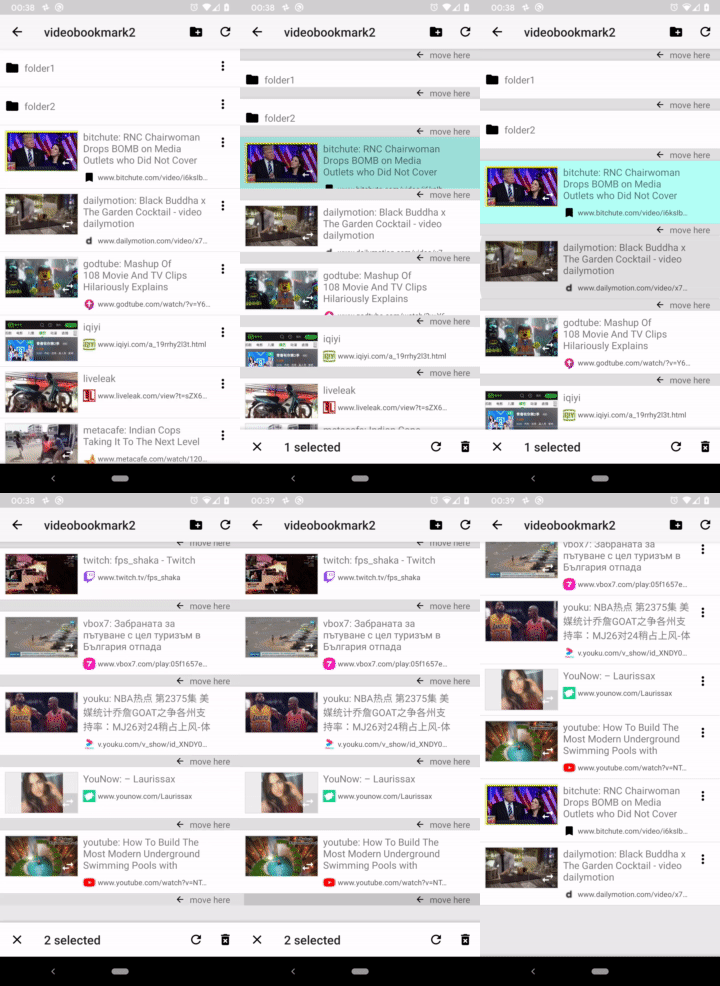 ## Move files to a folder No more dedicated folder selection view. 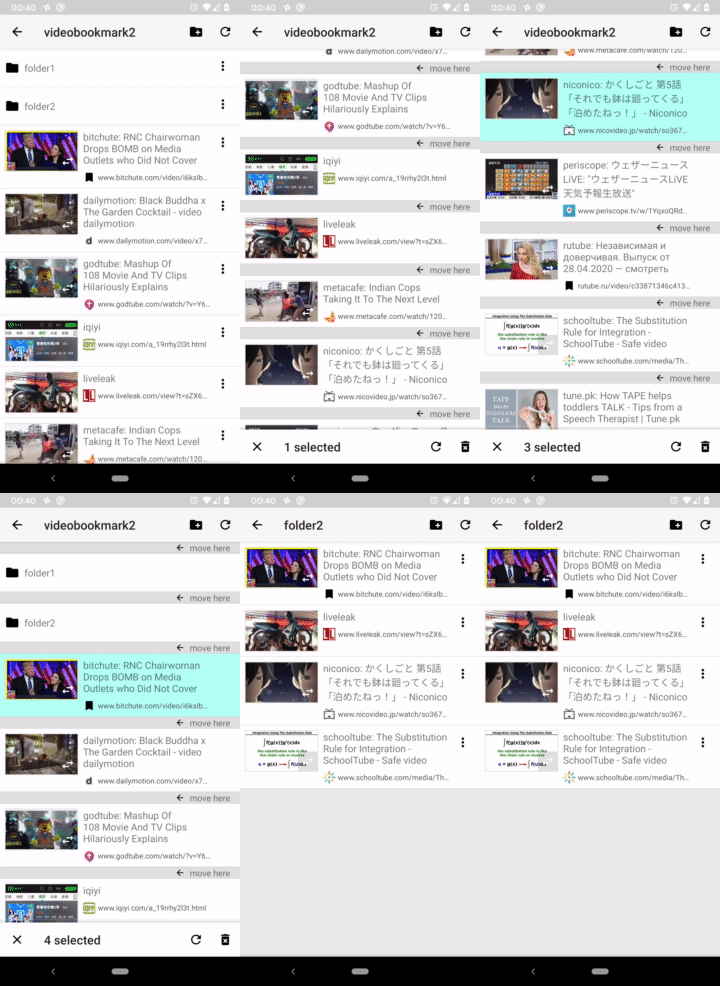 ## Select files in multiple folders You can move into a different folder while in selection mode and select multiple files.