KO
|
EN
gitlite — search
Search
#typescript
#ai-agents
#ai
#dsh-plugin
#deepseek-harness
#open-source
#claude-code
#codex
#cli
#developer-tools
#react
#windows
DrawerMenu
★ 64
Open GitHub ↗
No description available.
Download README (.md)
Explore Similar Repositories
scattering_transform
:
A webpage for the scattering transform. To calculate, you just need the folder called "scattering".
hollywoodhijinx
:
Hollywood Hijinx, by Hollywood Dave Anderson (Infocom)
pivot-kibana
:
Flexmonster Pivot Table & Charts plugin for Kibana
Predicting-Stock-Market-Crashes
:
No description available.
Content_based_movie_recommender
:
No description available.
// repository documentation
Was this content helpful?
★ 0
(0 ratings)
Select Rating:
★
★
★
★
★
Submit Feedback
Recent Feedback
×
Download README
Do you want to download the
README.md
file for
DrawerMenu
?
Download (.md)
<H1 align="center"> DrawerMenu </H1> <H4 align="center"> Simple DrawerMenu<br> Correspond to left right </H4> <p align="center"> <a href="https://cocoapods.org/pods/DrawerMenu"> <img alt="Cocoapods" src="https://img.shields.io/cocoapods/v/DrawerMenu.svg?style=flat"> </a> <a href="https://github.com/Carthage/Carthage"> <img alt="Carthage" src="https://img.shields.io/badge/Carthage-compatible-4BC51D.svg?style=flat"> </a> <a href="https://developer.apple.com/swift"> <img alt="Swift" src="https://img.shields.io/badge/language-Swift-orange.svg"/> </a> <a href="https://developer.apple.com/"> <img alt="Platform" src="https://img.shields.io/badge/platform-iOS-green.svg"/> </a> <a href=""> <img alt="Liscence" src="https://img.shields.io/cocoapods/l/Drawer.svg?style=flat"> </a> </p> ## Demo | Slide | SlideIn | Overlay | Parallax | Floating | |:-------------------------- |:---------------------------- | ---------------------------- | ----------------------------- | ----------------------------- | | 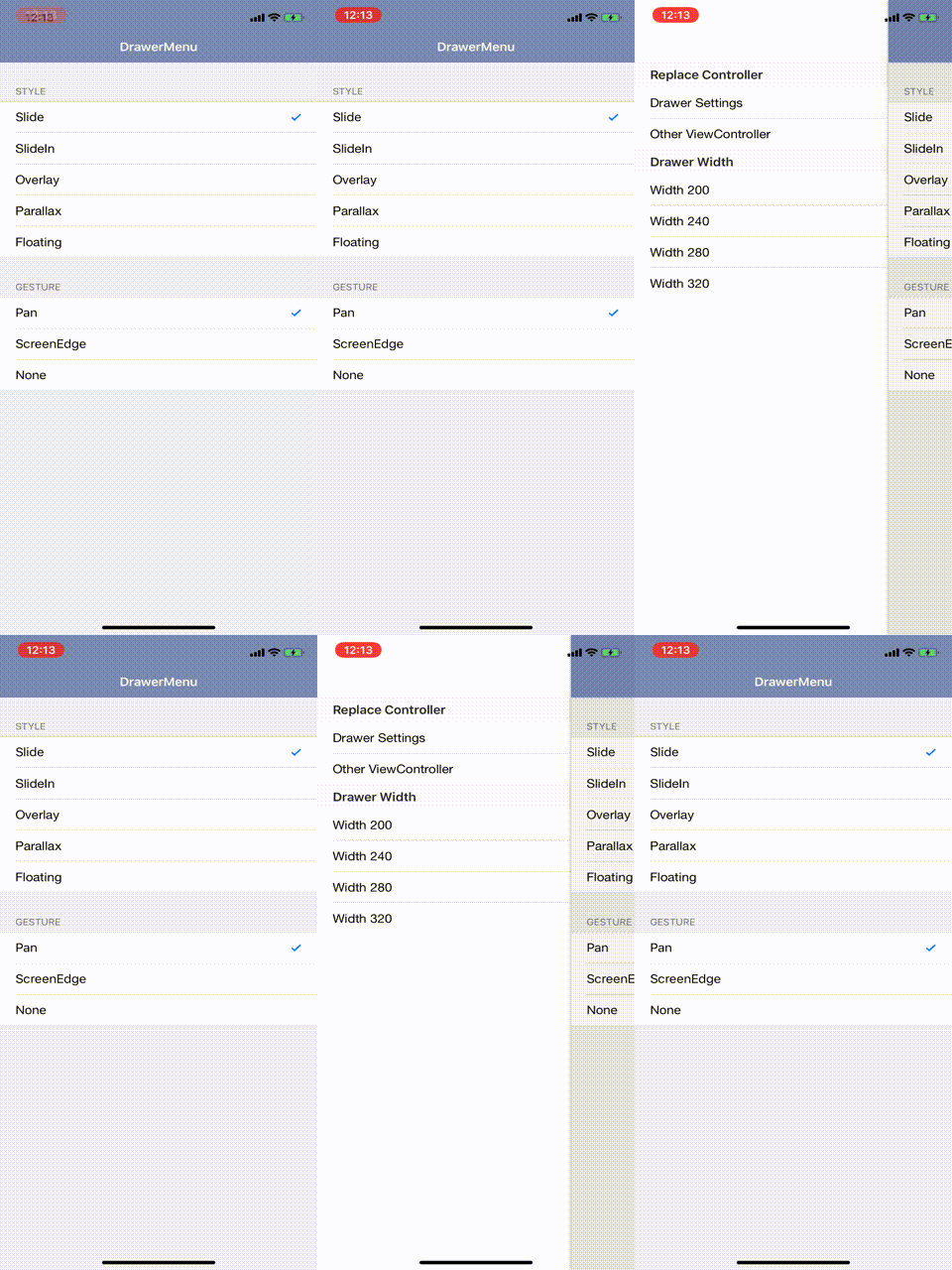 | 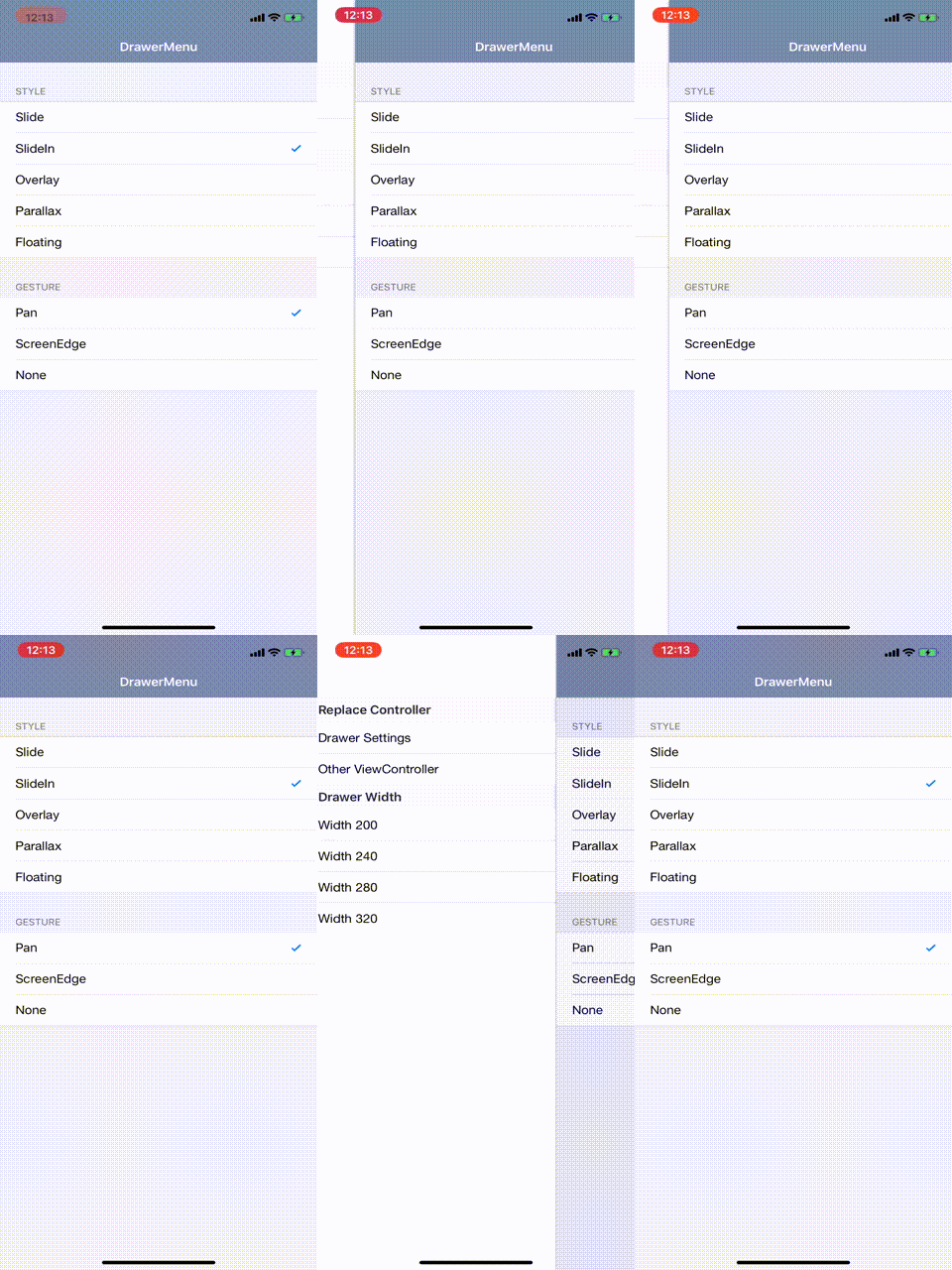 | 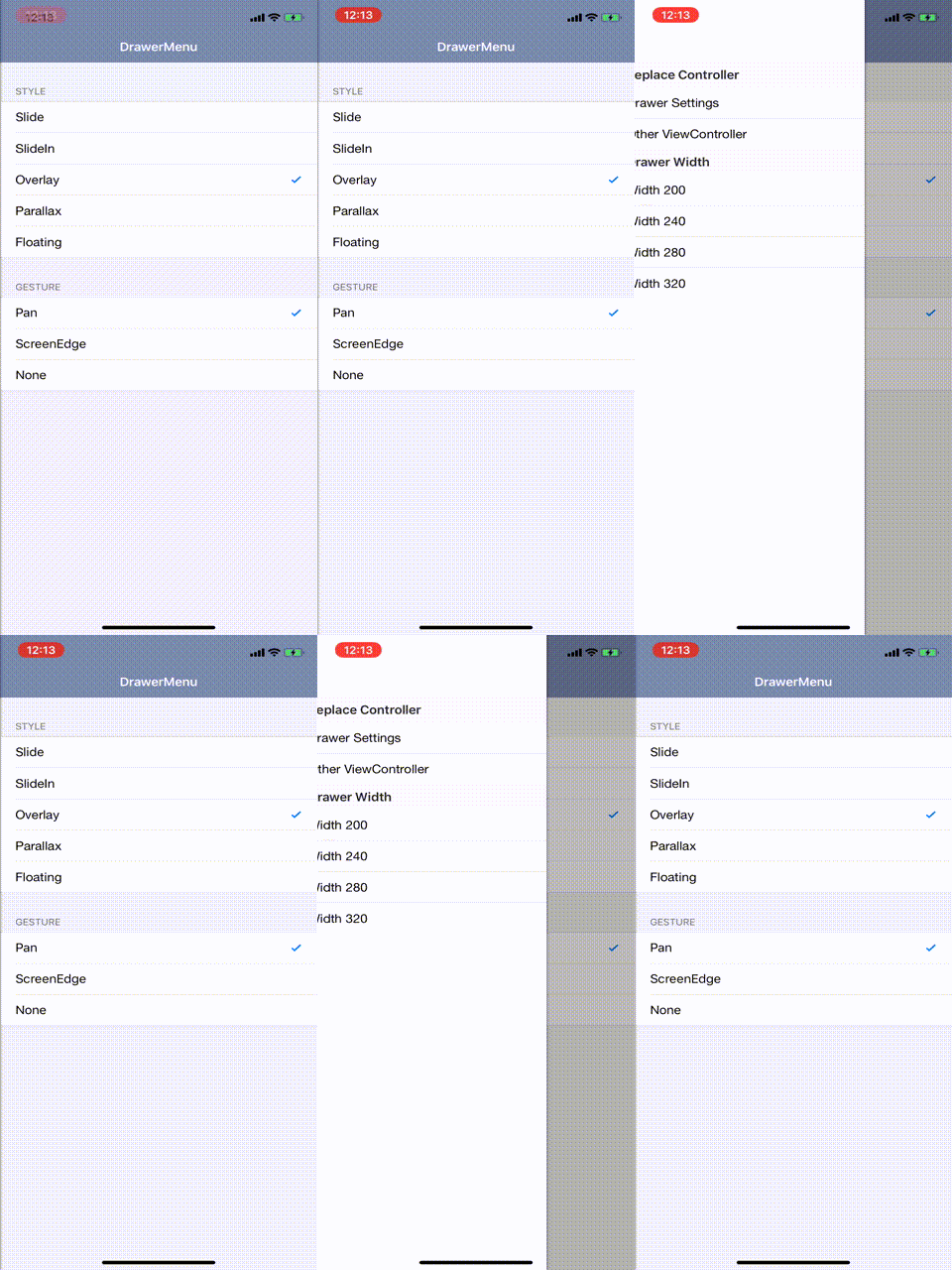 | 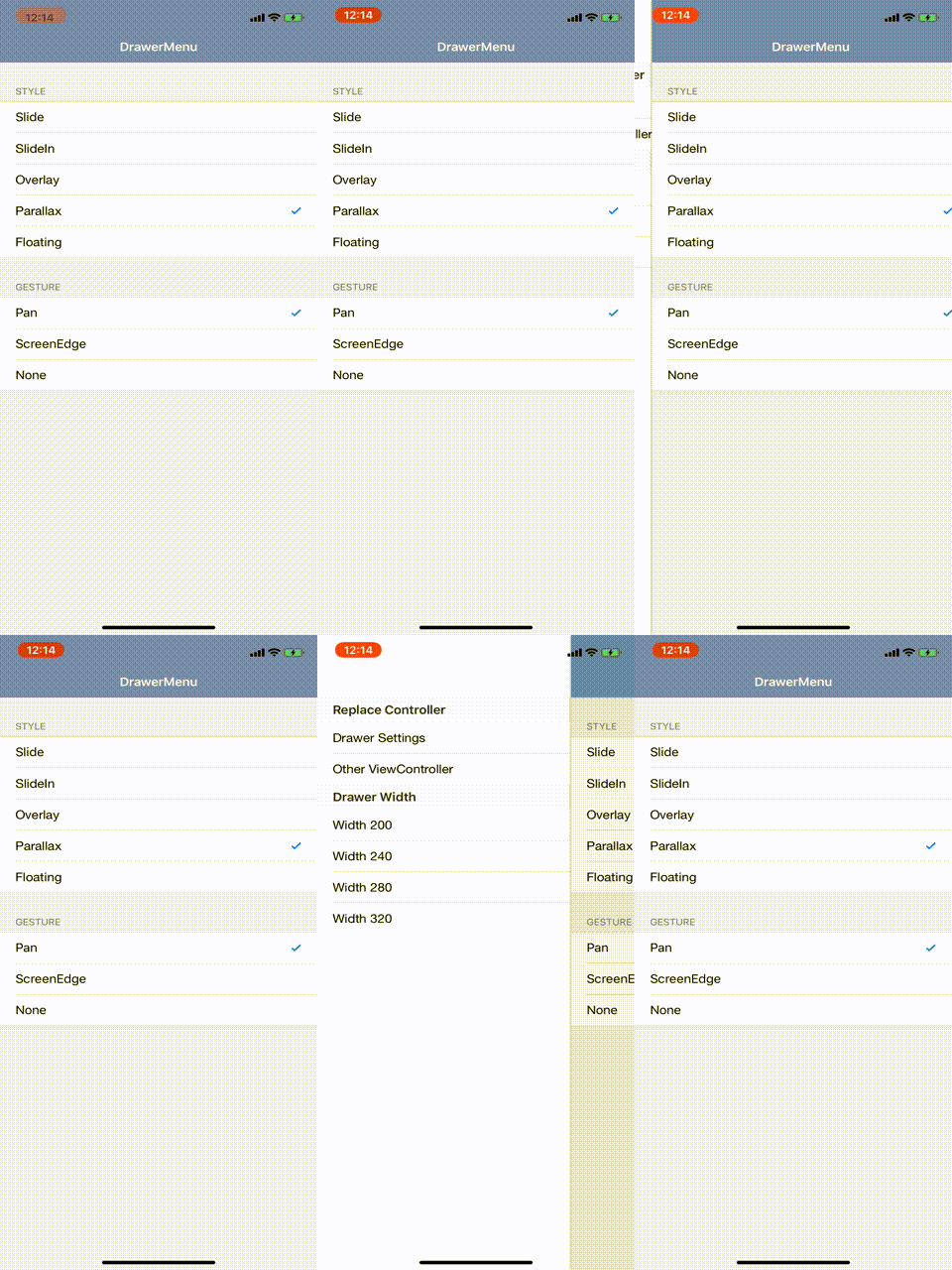 | 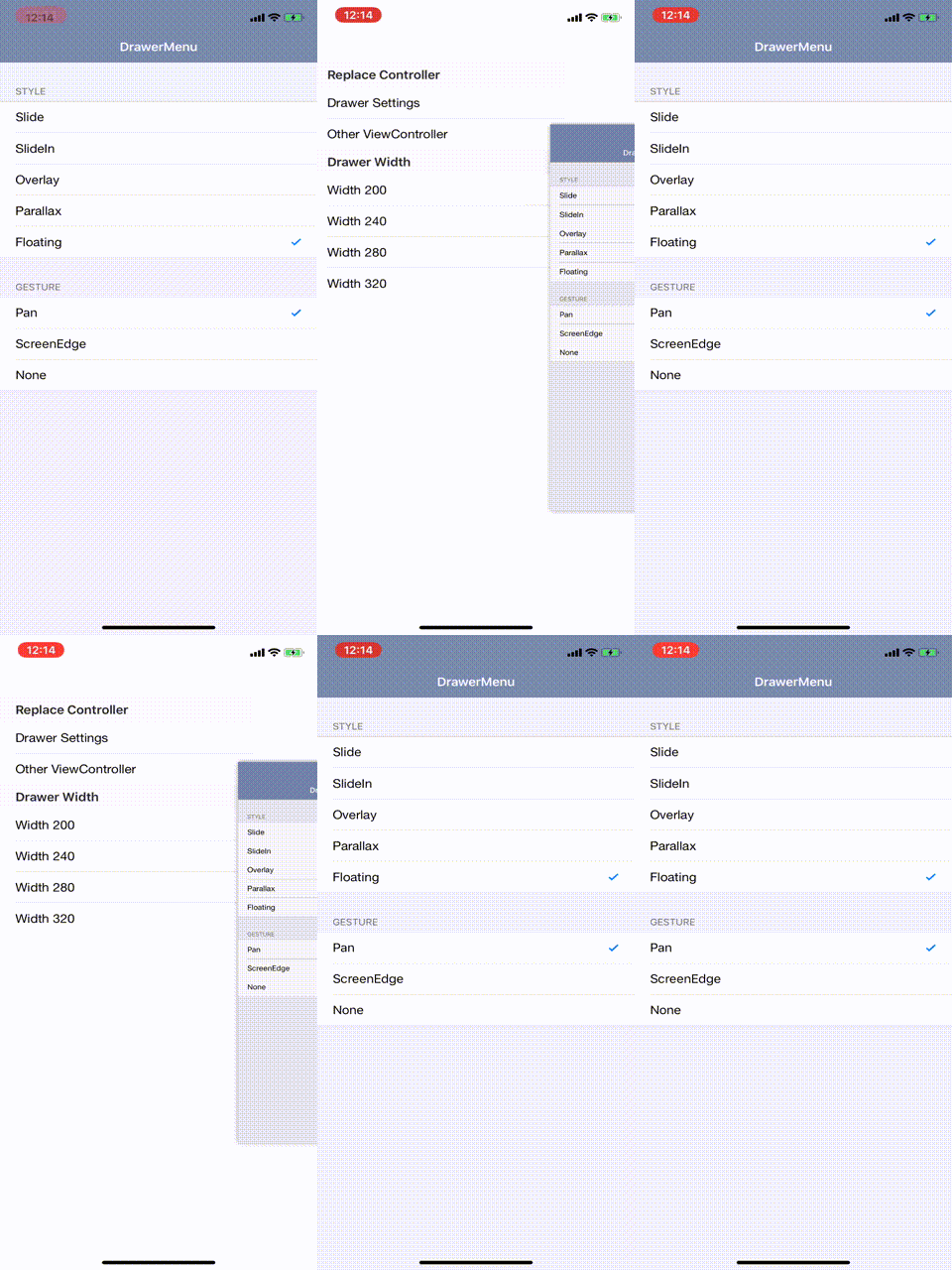 | ## Requirements - iOS 10.0 or later - Swift5.0 or later ## Installation #### Cocoapods ```ruby pod 'DrawerMenu' ``` #### Carthage ``` github "y-hryk/DrawerMenu" ``` ## Usage ### Setup ##### To the child of viewcontroller ```swift import DrawerMenu class ApplicationRootViewController: UIViewController { override func viewDidLoad() { super.viewDidLoad() let left = UIStoryboard(name: "Left", bundle: nil).instantiateInitialViewController()! let center = UIStoryboard(name: "Center", bundle: nil).instantiateInitialViewController()! let drawer = DrawerMenu(center: center, left: left) addChild(drawer) view.addSubview(drawer.view) drawer.didMove(toParent: self) } } ``` ##### RootViewController ```swift func application(_ application: UIApplication, didFinishLaunchingWithOptions launchOptions: [UIApplication.LaunchOptionsKey: Any]?) -> Bool { // Override point for customization after application launch. window = UIWindow(frame: UIScreen.main.bounds) window?.backgroundColor = .white let left = UIStoryboard(name: "Left", bundle: nil).instantiateInitialViewController()! let center = UIStoryboard(name: "Center", bundle: nil).instantiateInitialViewController()! let drawer = DrawerMenu(center: center, left: left) window?.rootViewController = drawer window?.makeKeyAndVisible() return true } ``` ### Access the drawermenu from the viewcontroller ```swift import DrawerMenu drawer()?.open(to: .left) ``` ### Open or Close ```swift import DrawerMenu // method call drawer()?.open(to: .left) drawer()?.open(to: .left, animated: true, completion: { }) drawer()?.close(to: .right) drawer()?.close(to: .right, animated: true, completion: { }) // open or close status drawer()?.isOpenLeft drawer()?.isOpenRight // panGesture settings drawer()?.panGestureType = .none drawer()?.panGestureType = .pan drawer()?.panGestureType = .screenEdge ``` ### Replace CenterViewController ```swift let vc = UIViewController() let nc = UINavigationController(rootViewController: vc) drawer()?.replace(center: nc) ``` ### Style Please refer to each style class for details such as shadows and details ```swift let drawer = DrawerMenu(center: center, left: left) drawer.style = SlideIn() ``` ### Custom style You can customize the style. ```swift import DrawerMenu struct CustomStyle: DrawerMenuStyle { func setup(drawer: DrawerMenu) { // Initialize. Change the hierarchy of view } func leftProgress(menuWidth: CGFloat, drawer: DrawerMenu) -> CGFloat { // Current progress of left menu. // open = 1, close = 0 } func rightProgress(menuWidth: CGFloat, drawer: DrawerMenu) -> CGFloat { // Current progress of right menu. // open = 1, close = 0 } func leftTransition(menuWidth: CGFloat, progress: CGFloat, drawer: DrawerMenu) { // Operate the left menu } func rightTransition(menuWidth: CGFloat, progress: CGFloat, drawer: DrawerMenu) { // Operate the right menu } } ``` ## License DrawerMenu is available under the MIT license. See the LICENSE file for more info.
