KO
|
EN
gitlite — search
Search
#typescript
#javascript
#react
#machine-learning
#game
#cpp
#css
#api
#python
#ai
#postgresql
#linux
rob_unal_clase5
★ 32
Open GitHub ↗
No description available.
Download README (.md)
Explore Similar Repositories
second-hardest-cs-thing
:
Best Practices in Naming for Software Development
redash-go-sdk
:
An SDK for the programmatic management of Redash, in Go.
alife
:
A project to share on artificial life(Alife in short). It is essentially cellular automata but you could find also L-systems, swarm intelligence, physic simulations, etc.
GitGood
:
No description available.
Get-DLL-and-Function-Addresses
:
GetModuleHandle (via PEB) and GetProcAddress (via EAT) like
// repository documentation
Was this content helpful?
★ 0
(0 ratings)
Select Rating:
★
★
★
★
★
Submit Feedback
Recent Feedback
×
Download README
Do you want to download the
README.md
file for
rob_unal_clase5
?
Download (.md)
# The phantom revenge Fight results: <details><summary>Open on your own risks</summary><p> [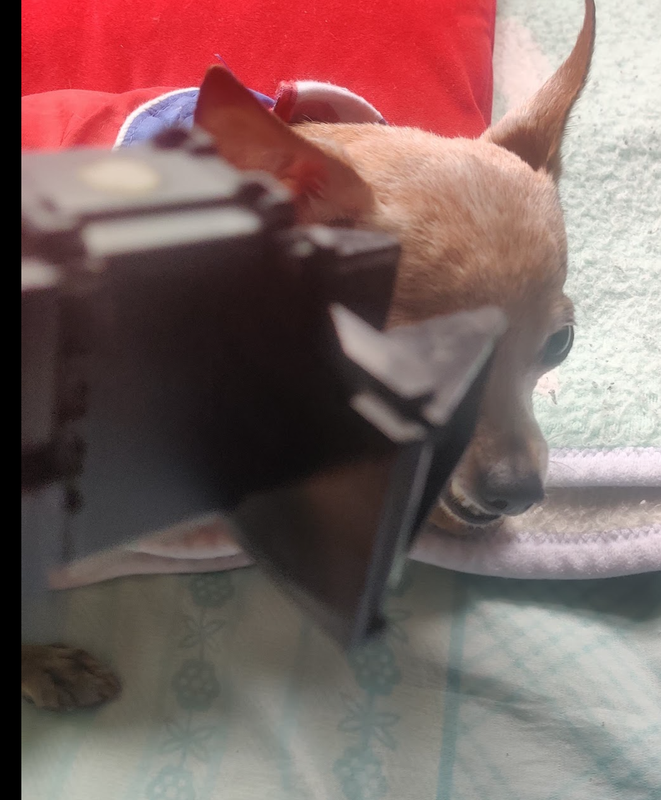](https://postimg.cc/CRBcJktk) Robot wins! [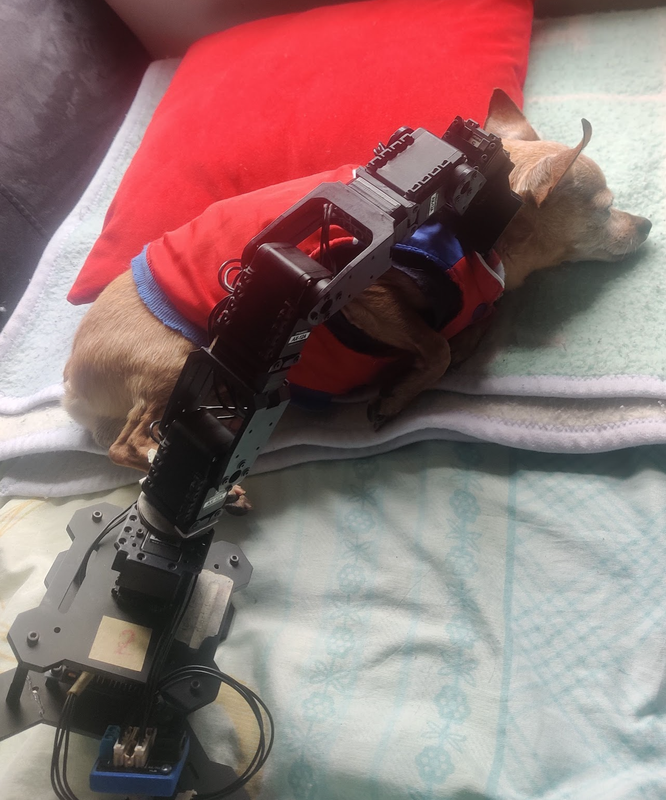](https://postimg.cc/NyRpvYQ0) </p></details></br> ## Forward kinematics This repo won't teach you how to get the DH parameters, to do that I higly recommend the 3rd chaptor of Spong. Nevertheless, I will let some pictures that are useful. <details><summary>Phantom X Mashmellows</summary> <p align="center"> <img src="https://i.postimg.cc/Mpjz3msp/Mediciones.jpg" width="180px" alt="measures" /> </p> </details></br> **Lazyness alert**: Before unfold the picture, try yourself. It's the best way to learn. <details><summary>Phantom X StdDH Frames</summary> <p align="center"> <img src="https://i.postimg.cc/fLMZLnMV/phantomx.jpg" width="450px" alt="frames" /> </p> </details></br> ## The future (?) - PX 100 In the fortunate case you are working with the PX100 things maybe a little bit different. I found [mr. Chitiva's repo](https://github.com/cychitivav/px100_description) quite good. **Lazyness alert no. 2**: Use the repo as a guide, don't steal his code, try first. ## Requirements ## The all mighty RTB for python We have used the Matlab RTB, but you know Matlab, so lets install the python version. Open a terminal and run: ```sh sudo apt install python3-pip pip3 install roboticstoolbox-python pip3 install sympy ``` Check the following sources: - [**RTB Python repo**](https://github.com/petercorke/robotics-toolbox-python) - [**RTB Python help**](https://petercorke.github.io/robotics-toolbox-python/index.html) - [**Spatial math repo**](https://github.com/petercorke/spatialmath-python) - [**Spatial math help**](https://petercorke.github.io/spatialmath-python/) Definitely *Peter Corke is so pro*, I printed a poster of him :laughing:. ## Python RTB usage Let's create a python script: ```python import roboticstoolbox as rtb from spatialmath import SE3 robot = rtb.DHRobot([rtb.RevoluteDH(a=1),rtb.RevoluteDH(a=1)],name="2R") print(robot) robot.plot([0.75,0.26]) input() ``` [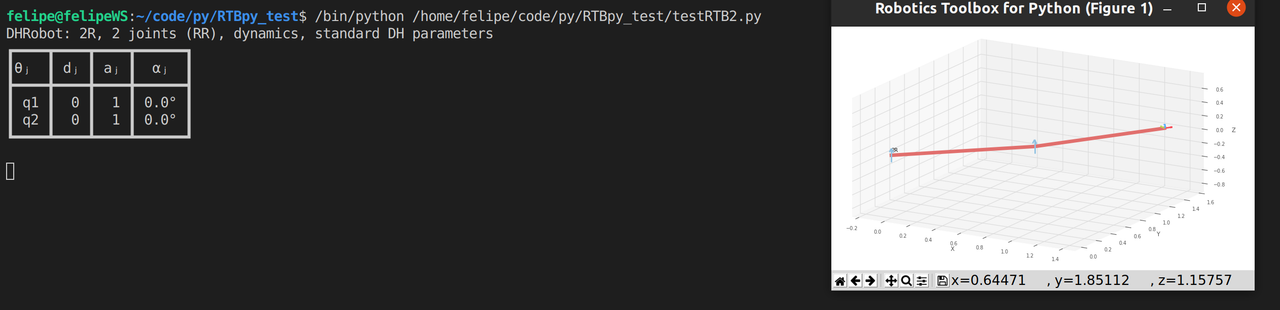](https://postimg.cc/phr2QK7T) Run the *px_rtb.py* script and check if you obtain the a real PhantomX model. **Activity:** Create a notebook and follow the same pipeline presented in *px_rtb.py*. What does happen with the figures? :grimacing: ## Moveit Moveit! is a sort of sourcery that allows you to plan your robot's motion. It relies mainly on the OMPL, which is a full library for motion planning. In the case you do not have moveit installed: ```sh sudo apt install ros-noetic-moveit ``` **Note:** By the time I wrote this, the last stable version of moveit was 1.1.9. Because our main focus is on robotics we will have a short taste of what Moveit is capable of, so first clone [*px_text_moveit*](https://github.com/felipeg17/px_test_moveit.git) on your *catkin_ws* and compile it. ```sh cd ~/catkin_ws/src git clone https://github.com/felipeg17/px_test_moveit.git catkin build px_test_moveit ``` Remember to keep *px_robot* updated, so give it a pull. Go to the *px_robot* folder and type: ```sh git pull origin master ``` I added a couple of interesting new files, the most important *px_moveit_v2.py*, it should be located on *../scripts*. Source everything and run: ```sh roslaunch px_robot px_moveit.launch ``` If everything goes well, you shall see something like this: [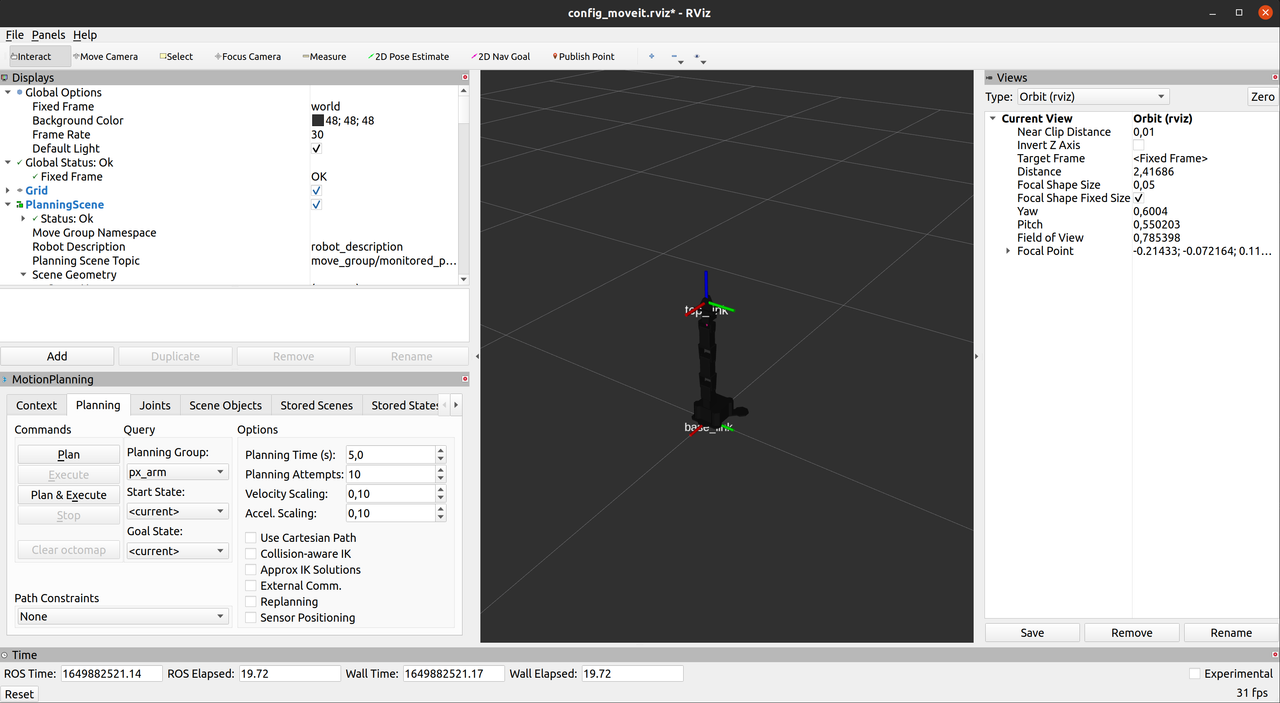](https://postimg.cc/7fjFqsM5) [](https://postimg.cc/G4YZtFqq) Then go to the *px_robot/scripts* and run: ```sh python px_moveit_v2.py ``` [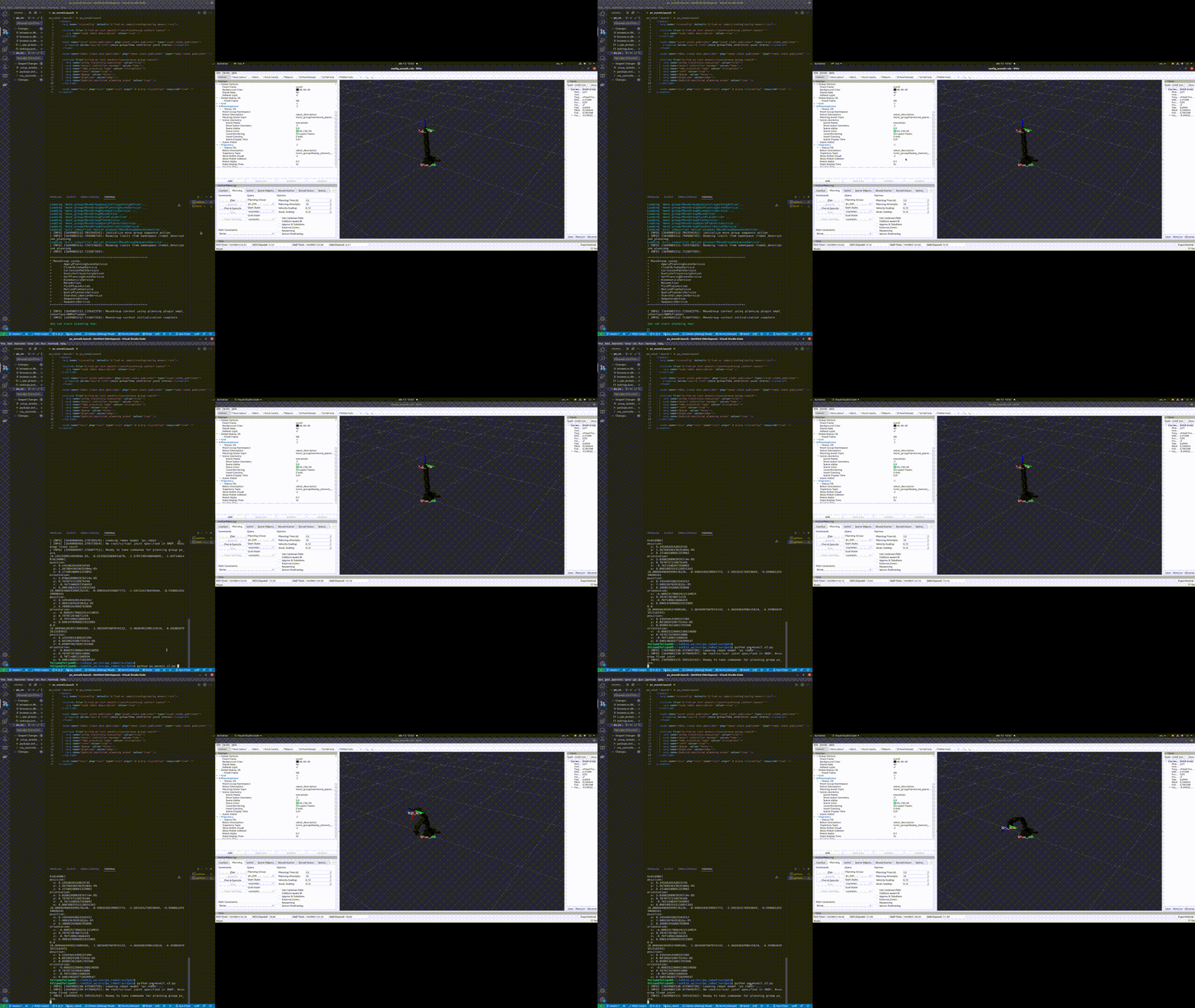](https://postimg.cc/vD35pDwB) **Note:** Do not dare bitching about the quality. It was for speed purposes. If you want to learn more about moveit y recommend the following resources: - [**Getting started with moveit**](http://docs.ros.org/en/kinetic/api/moveit_tutorials/html/doc/getting_started/getting_started.html) - [**Move commander tutorial**](http://docs.ros.org/en/kinetic/api/moveit_tutorials/html/doc/move_group_python_interface/move_group_python_interface_tutorial.html) - [**Tuts**](https://moveit.picknik.ai/galactic/doc/tutorials/tutorials.html) **Notice:** Also Realpe has a lot of experience on moveit, go and check out his [repos](https://github.com/GitSRealpe). Realpe and Fajardo have been working with me, if you want to have a portfolio like them, consider joining to my research team, it is a limited offer, once I complete the team, people will beg for being part of this project. [](https://postimg.cc/ygKqMsS1) ------------ `<Lab guide>` : https://drive.google.com/file/d/1RGBmvqbng3HATgVkgL6y5xWPqr2GDuzn/view?usp=sharing ------------ ------------ `<Recorded class:>` : https://drive.google.com/file/d/12lFjGgYykycmhP98ZCwVEyhBpqWARUnh/view?usp=sharing ------------ **Acknowledgments:** - Jose Manuel Fajardo - Sebastian Realpe - Cristian Chitiva (Well crafted repo for the PX100) - William Sierra (Thanks for the pics) - Brian Vasquez (Thanks for the pics) This repo has taken a lot of effort, so consider to leave a star, [follow me](https://felipeg17.github.io/index.html), and if you feel generous I have [Paypal](https://paypal.me/fegonzalez17?country.x=CO&locale.x=en_US) (just kidding).
