KO
|
EN
gitlite — search
Search
#javascript
#golang
#css
#windows
#react
#web
#python
#html
#flutter
#go
#blockchain
#linux
dunst-polybar
★ 57
Open GitHub ↗
A Dunst module for Polybar
Download README (.md)
Explore Similar Repositories
polybar-adapta-theme
:
A Polybar theme influenced by Adapta-Nokto Gtk+ theme.
dotfiles
:
Configuration files for linux, polybar, i3etc
bspwm_rice
:
bspwm confs and rice
dotfiles
:
.files, that makes my Linux machine awesome.
polybar-crypto
:
A polybar script that displays the price of crypto-currencies
// repository documentation
Was this content helpful?
★ 0
(0 ratings)
Select Rating:
★
★
★
★
★
Submit Feedback
Recent Feedback
×
Download README
Do you want to download the
README.md
file for
dunst-polybar
?
Download (.md)
# dunst-polybar [Dunst](https://github.com/dunst-project/dunst) notifications switch module for [Polybar](https://github.com/jaagr/polybar) 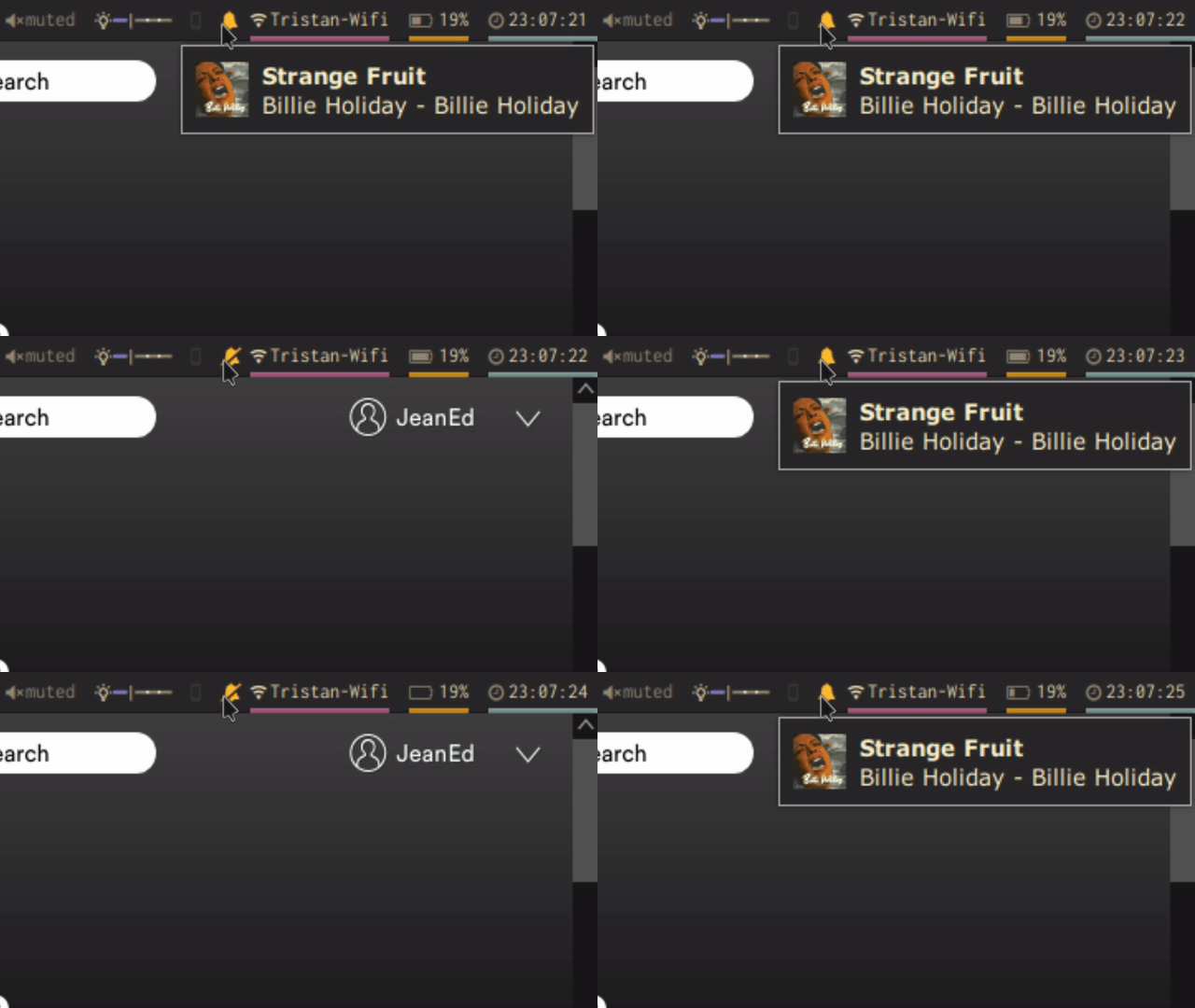 ## Dependencies * [Font Awesome](https://github.com/FortAwesome/Font-Awesome) * [Dunst](https://github.com/dunst-project/dunst) ## Usage Write the given module to your polybar `config`, make sure `enable-ipc = true` ``` [module/dunst] type = custom/ipc initial = 1 format-foreground = ${colors.yellow} hook-0 = echo "%{A1:dunstctl set-paused true && polybar-msg hook dunst 2:}%{A}" & hook-1 = echo "%{A1:dunstctl set-paused false && polybar-msg hook dunst 1:}%{A}" & ``` ## Customization You can change the icons in `hook-0` and `hook-1` (between theses two caracters: `}"Insert icon here"%`). You can also change the color of the icon by modifying `format-foreground`
