KO
|
EN
gitlite — search
Search
#python
#java
#python3
#arduino
#golang
#machine-learning
#rust
#html
#flask
#javascript
#seismology
#nodejs
poo_unal_clase2
★ 19
Open GitHub ↗
No description available.
Download README (.md)
Explore Similar Repositories
CC1200_HAT-fw
:
CC1200 HAT - firmware
Testnet
:
Testnet guide
interaction_aware_mppi
:
Pytorch re-implementation of the paper "Multi-agent path integral control for interaction-aware motion planning in urban canals" by Lucas Streichenberg, Elia Trevisan, Jen Jen Chung, Roland Siegwart, and Javier Alonso-Mora
Hamadabcn
:
Config files for my GitHub profile.
SKSAppManifestGenerator
:
No description available.
// repository documentation
Was this content helpful?
★ 0
(0 ratings)
Select Rating:
★
★
★
★
★
Submit Feedback
Recent Feedback
×
Download README
Do you want to download the
README.md
file for
poo_unal_clase2
?
Download (.md)
# Programación Orientada a Objetos - UNAL ## Herramientas ### Windows Si están utilizando windows este el procedimiento para las herramientas del curso. #### Interprete Como lenguaje se utilizará python, el cual es un lenguaje interpretado (más adelante se verá con detalle qué significa). Python se encuentra en su tercera versión, por defecto en windows no viene instalado, por lo tanto es necesario descargarlo e instalarlo. Es tan simple como visitar esta [página](https://www.python.org/downloads/), descargar una versión 3.6 o superior, el típico siguiente-siguiente y hecho. Para verificar que la instalación haya sido correcta ejecutar en la consola de windows (`win + r` y luego escribir cmd + enter): ``` python --version ``` Dependiendo de la versión se obtiene algo de este estilo. [](https://postimg.cc/CnNVC15y) #### Editor - Block de notas: Viene integrado con windows [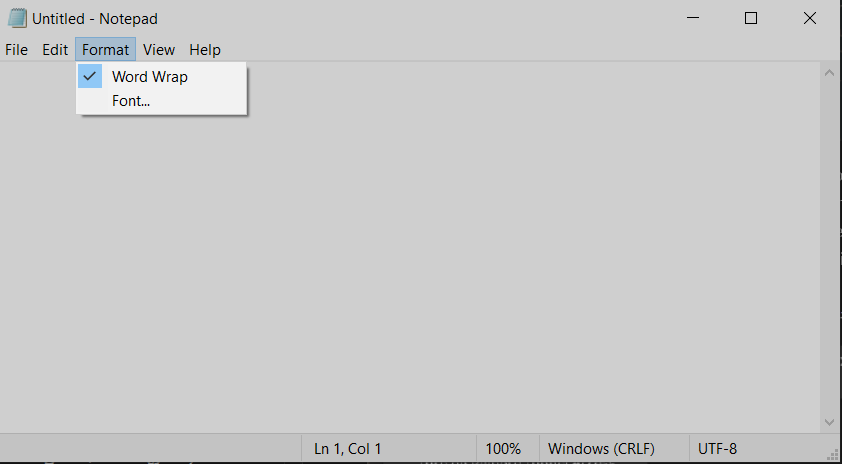](https://postimg.cc/4mYY1KPt) - Notepad++: Es una opción mucho mejor al notepad tradicional.-- [Enlace](https://github.com/notepad-plus-plus/notepad-plus-plus/releases/download/v8.4.9/npp.8.4.9.Installer.x64.exe)-- [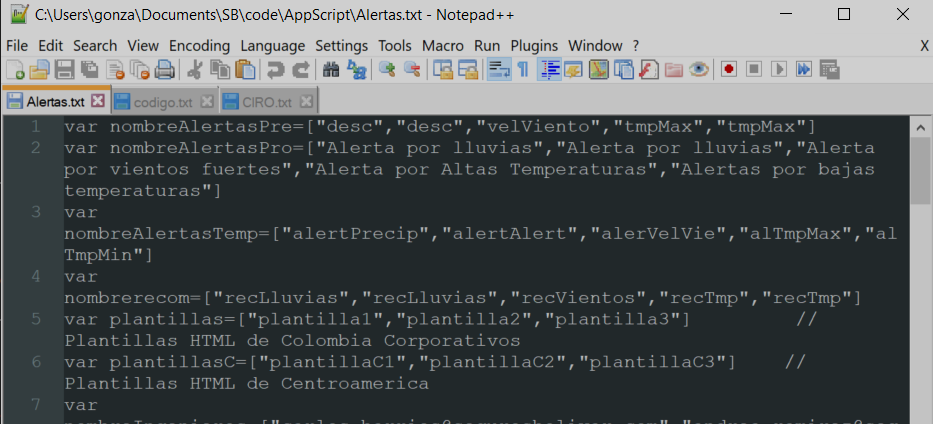](https://postimg.cc/NKrrQyrY) - VS Code: Una de las mejores cosas que ha hecho microsoft, es el mejor editor de code que existe (al menos en mi opinión). Algunos lo consideran un IDE, sin embargo en el sentido estricto de la palabra es solo un editor con esteroides, pero para efectos del curso y la vida funciona a la perfección. Se puede descargar [aquí](https://code.visualstudio.com/docs/?dv=win), es libre asi que 0 preocupaciones. **Recomendación:** Es mejor bajarlo en inglés (así se practica) y lo pueden asociar con su cuenta de Github.</br> [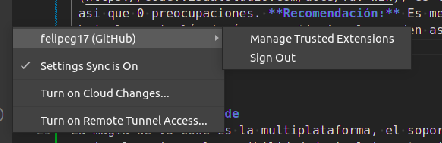](https://postimg.cc/68ppsRZy) #### Complementos ##### Plugins en VSCode La magia de VS code es la multiplataforma, el soporte de varios lenguajes y la posibilidad de incluir extensiones. En general son complementos que facilitan la experiencia en el editor. Los que recomiendo son: - [Better Comments](https://marketplace.visualstudio.com/items?itemName=aaron-bond.better-comments) - [HTML Preview](https://marketplace.visualstudio.com/items?itemName=tht13.html-preview-vscode) - [Python IntelliSense](https://marketplace.visualstudio.com/items?itemName=tht13.python) - [Pylance](https://marketplace.visualstudio.com/items?itemName=ms-python.vscode-pylance) - [Jupyter](https://marketplace.visualstudio.com/items?itemName=ms-toolsai.jupyter) - [Jupyter Cell Tags](https://marketplace.visualstudio.com/items?itemName=ms-toolsai.jupyter-keymap) - [Jupyter Slide Show](https://marketplace.visualstudio.com/items?itemName=damien.auto-jupyter) - [C/C++](https://marketplace.visualstudio.com/items?itemName=ms-vscode.cpptools) - [Extension Pack](https://marketplace.visualstudio.com/items?itemName=doggy8088.netcore-extension-pack) - [Themes](https://marketplace.visualstudio.com/search?term=themes&target=VSCode&category=Themes&sortBy=Relevance) - [Compile Run](https://marketplace.visualstudio.com/items?itemName=danielpinto8zz6.c-cpp-compile-run) - Copilot - Revisar estos dos enlaces: [tut oficial](https://techcommunity.microsoft.com/t5/educator-developer-blog/qu%C3%A9-es-github-copilot-y-c%C3%B3mo-pueden-los-estudiantes-y-maestros/ba-p/3815760), [tut internet](https://dev.to/twizelissa/how-to-enable-github-copilot-for-free-as-student-4kal) - [Mintlify](https://mintlify.com/) [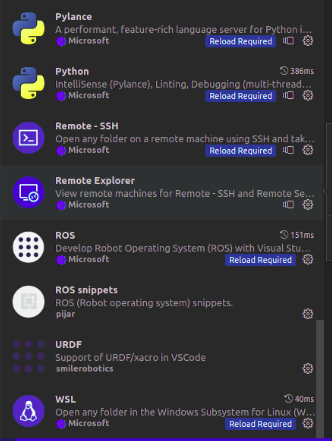](https://postimg.cc/2VwSXTVs) ##### Git Es un versionador de documentos de texto, permite almacenar cambios, revisar versiones pasadas, analizar modificaciones entre muchas otras funciones. Para instalar solo basta descargar este [enlace](https://github.com/git-for-windows/git/releases/download/v2.39.1.windows.1/Git-2.39.1-64-bit.exe). La ventaja es que viene integrado con una consola estilo unix. [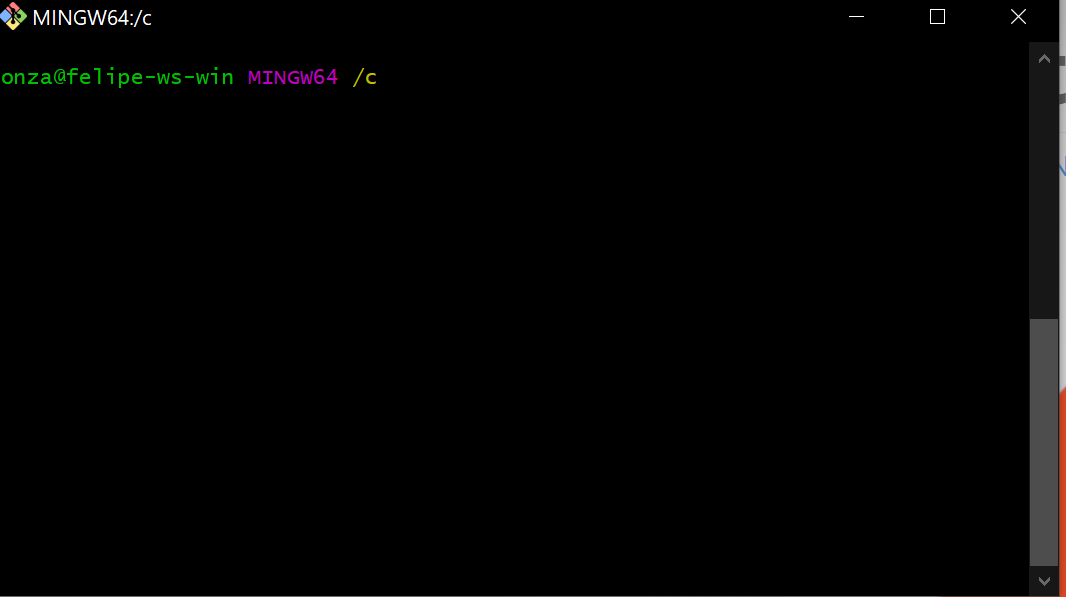](https://postimg.cc/bGBjYJVL) ##### Entornos virtuales Sirven para aislar paquetes y versiones de python en una carpeta (normalmente la del proyecto). [Aquí](https://mothergeo-py.readthedocs.io/en/latest/development/how-to/venv-win.html) se tiene la guía para instalarlo. Seguramente requiere PIP, asi que [aquí](https://pip.pypa.io/en/stable/installation/) un tutorial para instalarlo, y si llega a fallar [aquí](https://www.geeksforgeeks.org/how-to-install-pip-on-windows/) uno más amigable. ----------- ### Linux Let's practice my english....some of my previous repo's were written in english...but BIG STOP SIGN NOW...I am not bilingual (unfortunately), my spoken english has a huge accent, and my written english is not good as my Spanish (also not that funny), soooo I expect 0 teasing (I did not study in a fancy private school and my old friends barely know Spanish). If anyone of you guys wants to be serious about programming, there are 3 basic skills: - English - Linux and bash - Some logic - Typing fast (optional) So if you want to face the therapy shock as soon as your 2nd or 3rd semester that's awesome. In the following sections you will find the basic instructions on how to install the tools required for the course. #### Linux installation Best tutorial that I have found -- [here](https://www.tecmint.com/install-ubuntu-20-04-desktop/) -- #### Python on Linux Most things in python run using the terminal, a nice tutorial -- [here](https://ubuntu.com/tutorials/command-line-for-beginners#1-overview) -- Once you have master the command line (at least the basics), just run these commands: ```sh sudo apt update ``` ```sh sudo apt install python3 ``` It will install the lastest version. In the case you want a specific version: ```sh sudo apt-get install python<version> ``` Finally check your Python version. ```sh python --version ``` If it fails change for `python3`. #### pip PIP stands for Python Install Package, it is basically a Package manager for Python libraries that can be used in through the command line. Installation: ```sh sudo apt update ``` ```sh sudo apt install python3-pip ``` ```sh pip3 --version ``` #### Git Installation: ```sh sudo apt update sudo apt install git git --version ``` #### Vscode Installation tutorial -- [here](https://code.visualstudio.com/docs/setup/linux) -- #### venv (for virtual enviroments) Later in this course we will use virtual enviroments (a common way to avoid "it runs in my computer ;)"), but by now trust and install. #### venv It is embedded in python, just check the official documentations -- [here](https://docs.python.org/3/library/venv.html) --. #### virtualenv An alternative, in fact the preferred on windows. Official documentation -- [here](https://mothergeo-py.readthedocs.io/en/latest/development/how-to/venv.html) -- ### The alternative: WSL It is a way to run a native Linux over Windows (somekind the worst of both worlds - Hanna Montana fans), but actually kinda useful. There is no better tutorial than this [one](https://vvgsrk.medium.com/install-wsl-2-ubuntu-20-04-lts-on-windows-10-and-open-visual-studio-code-from-the-terminal-b85889157c82). It actually includes how to connect vscode with the WSL. This alternative is probably the less harmful if you want to try Linux....so go ahead.
