KO
|
EN
gitlite — search
Search
#python
#java
#python3
#arduino
#golang
#machine-learning
#rust
#html
#flask
#javascript
#seismology
#nodejs
kong-console
★ 13
Open GitHub ↗
Angular 2 UI console for getkong.org
Download README (.md)
Explore Similar Repositories
shaparak-verifier-firefox
:
🦋 verify http://shaparak.ir gateways and protect users against phishing attacks.
networking-team
:
No description available.
fluid-converter
:
FluidConverter repository
ChangeLanguage
:
this is the best way to change the app directions(RTL or LTR) without any needs to restart the app, also solving storyboards and xibs cashing.
Allpay
:
Allpay - Laravel 5 version
// repository documentation
Was this content helpful?
★ 0
(0 ratings)
Select Rating:
★
★
★
★
★
Submit Feedback
Recent Feedback
×
Download README
Do you want to download the
README.md
file for
kong-console
?
Download (.md)
# ADMIN KONSOLE (in progress) ==== Web administration of kong Admin API. It is developed in angular 2 using [AdminLTE](https://almsaeedstudio.com/themes/AdminLTE/index2.html) theme. # Screenshots 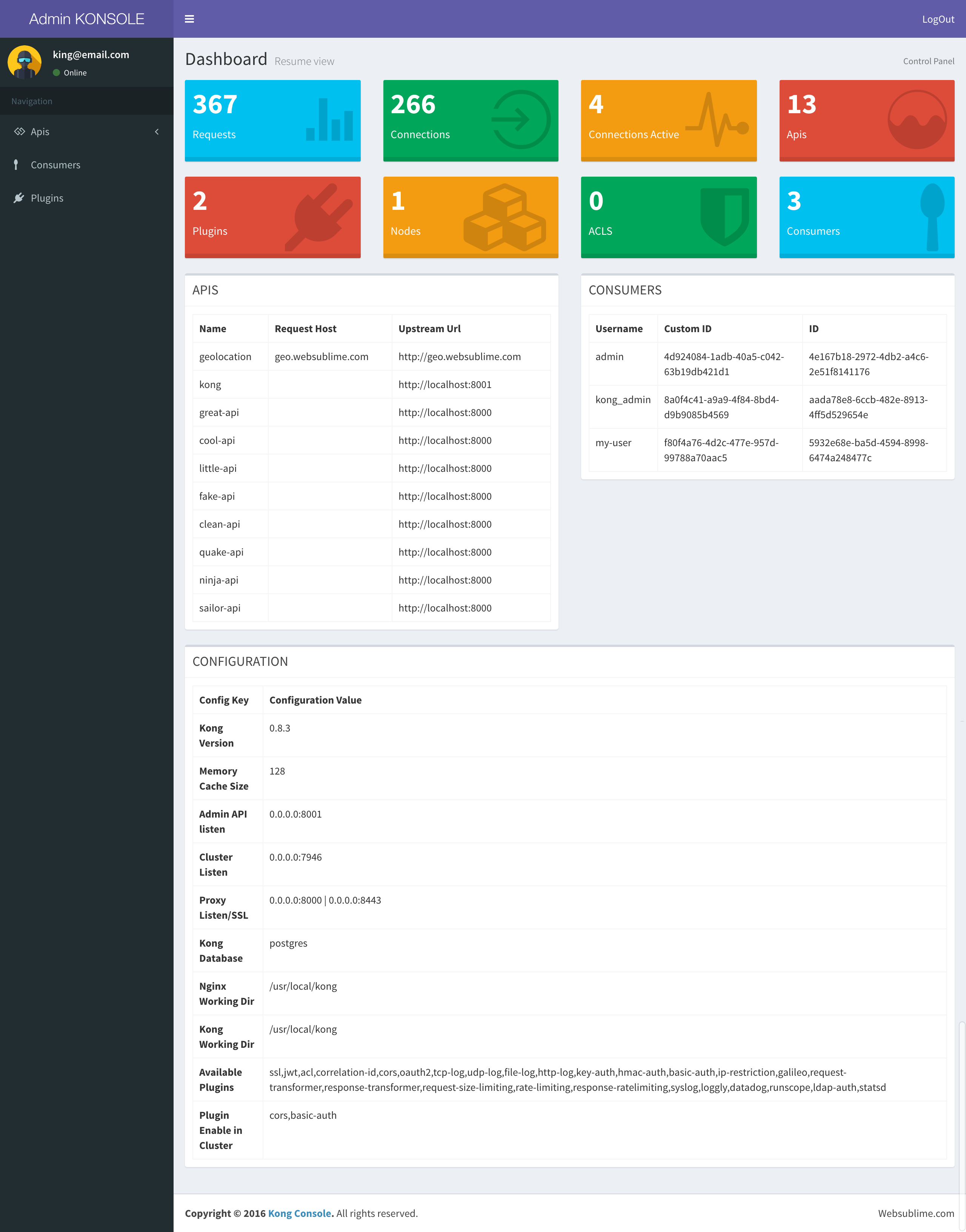 # Kong Admin Setup ## Connection to admin Create an API to comunicate with admin. ``` curl -i -X POST --url http://localhost:8001/apis/ --data 'name=kong' --data 'upstream_url=http://localhost:8001' --data 'request_path=/kong' --data 'strip_request_path=true' ``` ## Basic Authorization Add plugin to enable login. ``` curl -X POST http://localhost:8001/apis/kong/plugins --data 'name=basic-auth' --data 'config.hide_credentials=true' ``` ## Admin consumer Add a consumer. ``` curl -d 'username=kong_admin&custom_id=8a0f4c41-a9a9-4f84-8bd4-d9b9085b4569' http://localhost:8001/consumers/ ``` ## Admin credential Add user credentials to logon. Your user should be an email (mandatory). ``` curl -X POST http://localhost:8001/consumers/kong_admin/basic-auth --data 'username=king@email.com' --data 'password=12345678' ``` ## Cors Enable cors plugin. ``` curl -X POST http://localhost:8001/apis/kong/plugins --data 'name=cors' --data 'config.credentials=false' --data 'config.preflight_continue=false' ``` ## Install - install docker image from kong - clone repository - npm install - on environment.ts file adapt settings to your docker image - npm start
