KO
|
EN
gitlite — search
Search
#python
#java
#python3
#arduino
#golang
#machine-learning
#rust
#html
#flask
#javascript
#seismology
#nodejs
paste-rs.xplr
★ 10
Open GitHub ↗
No description available.
Download README (.md)
Explore Similar Repositories
docker-babashka
:
No description available.
Calculator
:
No description available.
SpMV-on-Many-Core
:
A cross-platform Sparse Matrix Vector Multiplication (SpMV) framework for many-core architectures (GPUs and Xeon Phi).
drone_CF-mMIMO
:
No description available.
FoxClient
:
A Fabric (and Quilt) Mod that changes the look of the Minecraft UI and adds some features.
// repository documentation
Was this content helpful?
★ 0
(0 ratings)
Select Rating:
★
★
★
★
★
Submit Feedback
Recent Feedback
×
Download README
Do you want to download the
README.md
file for
paste-rs.xplr
?
Download (.md)
# paste.rs.xplr Use this plugin to paste your files to [paste.rs](https://paste.rs/), and open/delete them later in fzf. 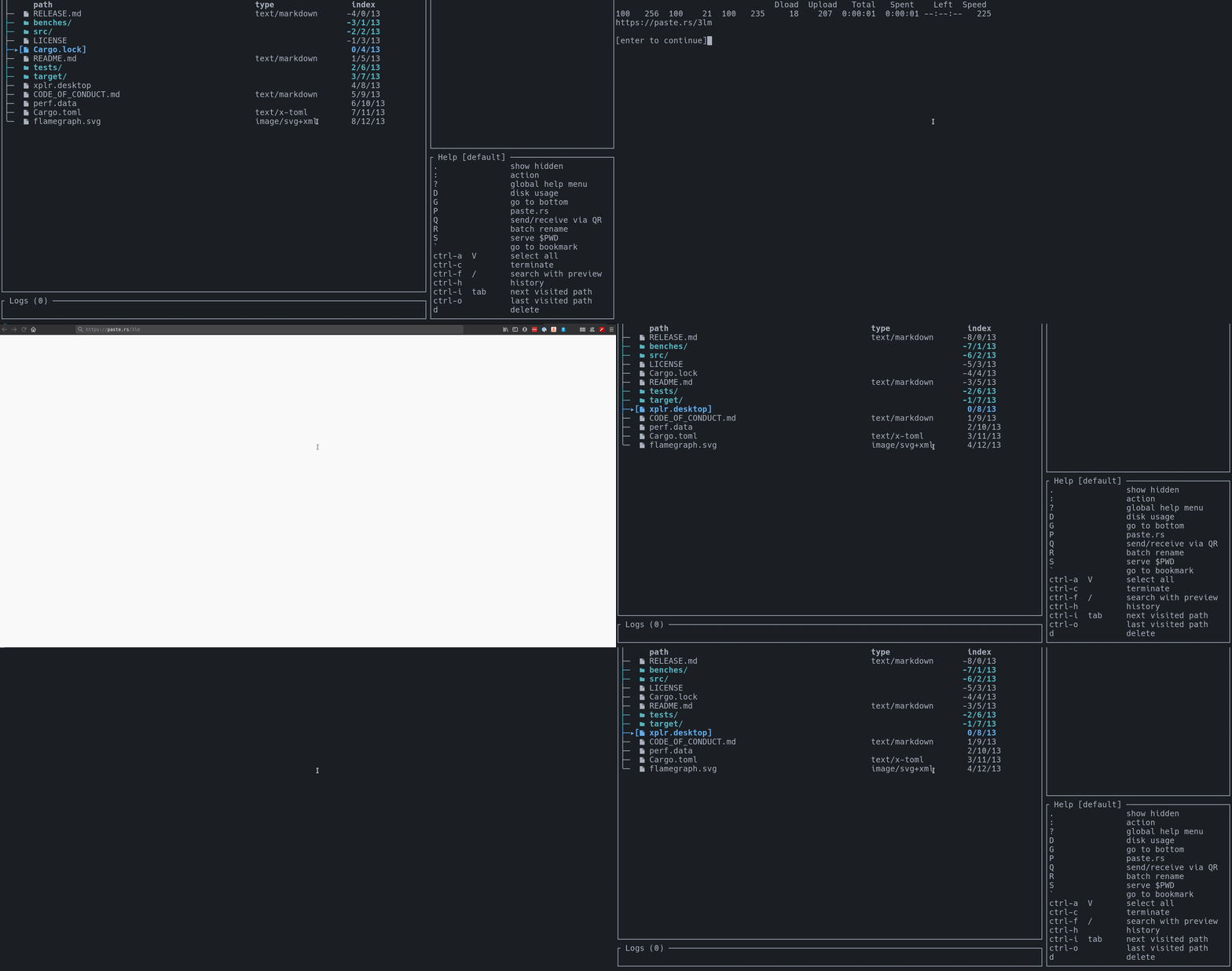 ## Credit I don't take any credit for this plugin, I ran [@sayanarijit](https://github.com/sayanarijit)'s yml-to-lua converter over his own xplr hack. ## Requirements - [fzf](https://github.com/junegunn/fzf) - [sd](https://github.com/chmln/sd) - [curl](https://github.com/curl/curl) ## Installation - Add the following line in `~/.config/xplr/init.lua` ```lua local home = os.getenv("HOME") package.path = home .. "/.config/xplr/plugins/?/init.lua;" .. home .. "/.config/xplr/plugins/?.lua;" .. package.path ``` - Clone the plugin ```bash mkdir -p ~/.config/xplr/plugins git clone https://github.com/dtomvan/paste-rs.xplr ~/.config/xplr/plugins/paste-rs ``` - Require the module in `~/.config/xplr/init.lua` ```lua require("paste-rs").setup() -- Or require("paste-rs").setup{ mode = "default", key = "P", db_path = "$HOME/paste.rs.list" } -- Type `Pp` to paste files. -- Type `Pl` to list pasted files. -- Type `Po` to fuzzy search and open the link to file in browser. -- Type `Pd` to fuzzy search and delete the file from paste.rs. ``` ## Features - Paste your files directly to paste.rs - Set `db_path` to a file in a permanent location to persist links across sessions. - Fuzzy search with preview to open in browser or delete files from paste.rs.
