KO
|
EN
gitlite — search
Search
#python
#java
#python3
#arduino
#golang
#machine-learning
#rust
#html
#flask
#javascript
#seismology
#nodejs
graph-editor
★ 11
Open GitHub ↗
No description available.
Download README (.md)
Explore Similar Repositories
FERI-zakljucno-delo-LaTeX
:
Predloga zaključnega (diplomskega ali magistrskega) dela na Fakulteti za elektrotehniko, računalništvo in informatiko
consquery
:
Консоль запросов 1c "consquery.ru"
envy
:
Shell helper that automatically sets and unsets environment variables
idapro-map-loader
:
Open .map files in IDA pro and set function names based on the symbols in the map file
smart-faq
:
Smart FAQ ⚠️INACTIVE → moved to internal GitLab ⚠️
// repository documentation
Was this content helpful?
★ 0
(0 ratings)
Select Rating:
★
★
★
★
★
Submit Feedback
Recent Feedback
×
Download README
Do you want to download the
README.md
file for
graph-editor
?
Download (.md)
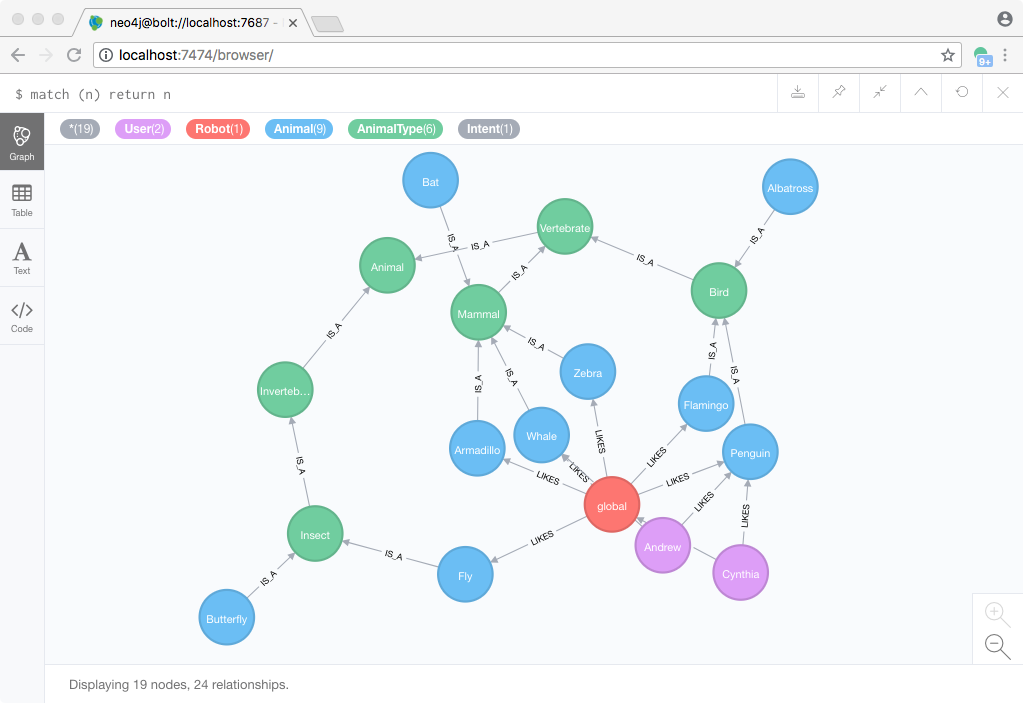
## graph-editor [https://wwlib.github.io](https://wwlib.github.io/) [https://wwlib.github.io/graph-editor](https://wwlib.github.io/graph-editor) (see also: [https://github.com/wwlib/neo4j-knowledge-graph](https://github.com/wwlib/neo4j-knowledge-graph)) ### About graph-editor is an electron-webpack/react app for designing graphs and editing live neo4j databases. Note: Graph Editor is uses the Graph Diagram library ([https://wwlib.github.io/graph-diagram/](https://wwlib.github.io/graph-diagram/)) which is a TypeScript port of a graph-editing project called Arrows, originally created by Alistair Jones at Neo4j ([http://www.apcjones.com/arrows/](http://www.apcjones.com/arrows/), [https://github.com/apcj/arrows](https://github.com/apcj/arrows)). ### Docs [https://wwlib.github.io/graph-editor/graph-editor-intro.html](https://wwlib.github.io/graph-editor/graph-editor-intro.html) ### yarn The use of the [yarn](https://yarnpkg.com/) package manager is **strongly** recommended, as opposed to using `npm`. ```bash yarn ``` ### Development Scripts ```bash # compile source code and create webpack output yarn build # run application yarn start # run application in development mode yarn start:electron-dev # `yarn compile` & create build with electron-builder yarn dist ``` ### Usage - Note: This is an early prototype intended for experimentation. - Use the New File button to create a new local graph File - Double-click nodes and relationships to edit them 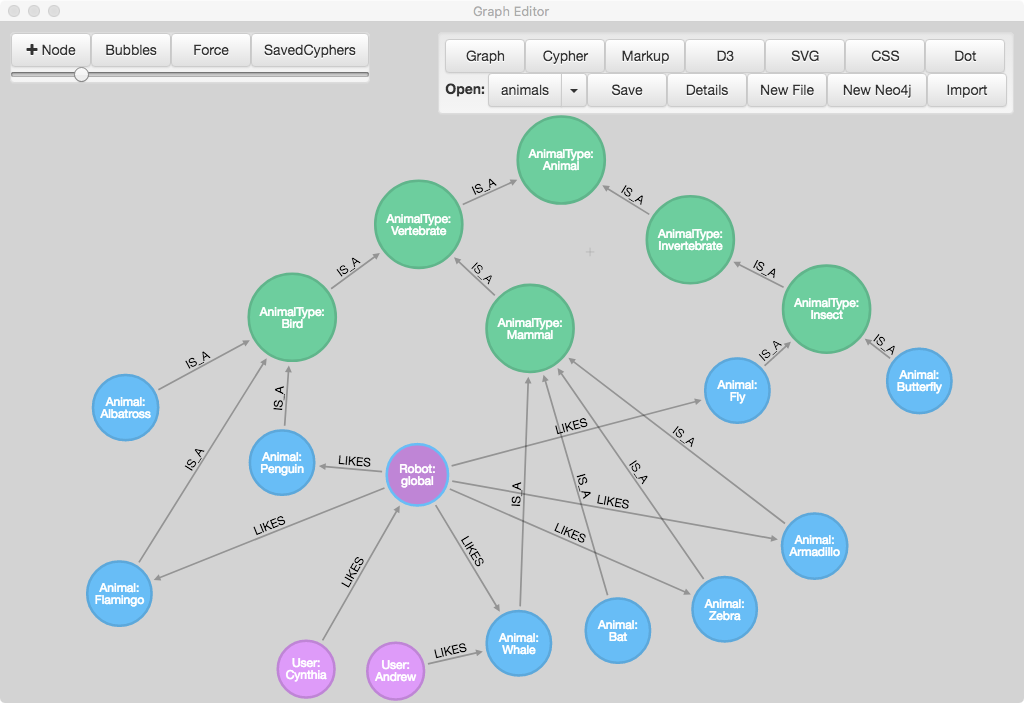 -Use the New Neo4j button to create a connection to a live neo4j database - set the connection url, user, password, etc. ``` "connection": { "type": "neo4j", "url": "bolt://localhost:7687", "user": "neo4j", "password": "<PASSWORD>", "initialCypher": "MATCH (n)-[r]-(p) return n,r,p limit 100" } ``` 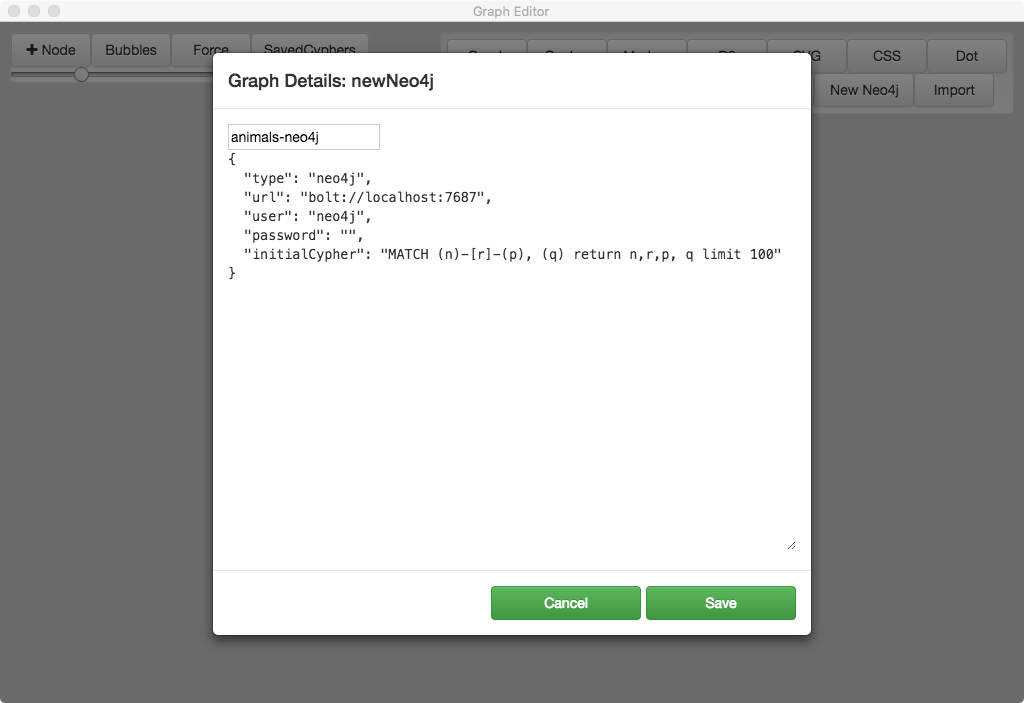 - Changes in the editor are reflected in the neo4j browser