KO
|
EN
gitlite — search
Search
#javascript
#python
#hacktoberfest
#react
#ai
#typescript
#llm
#go
#golang
#android
#machine-learning
#rust
#deep-learning
#linux
h-richeditor
★ 9
Open GitHub ↗
VUE 简单的移动端富文本编辑器
Download README (.md)
Explore Similar Repositories
Sewing
:
🖌 Sewing is a SVG to VectorDrawable batch processor
OxyPlotWinform
:
使用OxyPlot绘制实时曲线
LegendStory
:
畢業專題[口袋江湖]遊戲原始碼,利用cocos2d-x研發一款手機武俠遊戲。
M5Stack_Plotclock
:
M5Stack Plotclock with PCA9685 Servo PWM Driver
python
:
python资料
// repository documentation
Was this content helpful?
★ 0
(0 ratings)
Select Rating:
★
★
★
★
★
Submit Feedback
Recent Feedback
×
Download README
Do you want to download the
README.md
file for
h-richeditor
?
Download (.md)
# h-richeditor > 简单的移动端富文本编辑器 > 在 h-richeditor 上重新发布了一个包,之前那个不知道怎么搞的,我没有权限发布了。😭 > 改了个名字,使用方式都没有变 ## 使用 ```bash # install dependencies npm i h-richeditor ## OR yarn add h-richeditor ``` #### `main.js`中 ```javascript import Vue from 'vue'; import RichEditor from 'h-richeditor'; Vue.use(RichEditor); ``` #### 组件中 ```vue <rich-editor :title.sync="title" :description.sync="description" placeholder="标题" contentplaceholder="内容" :hasTitle=true> </rich-editor> ```  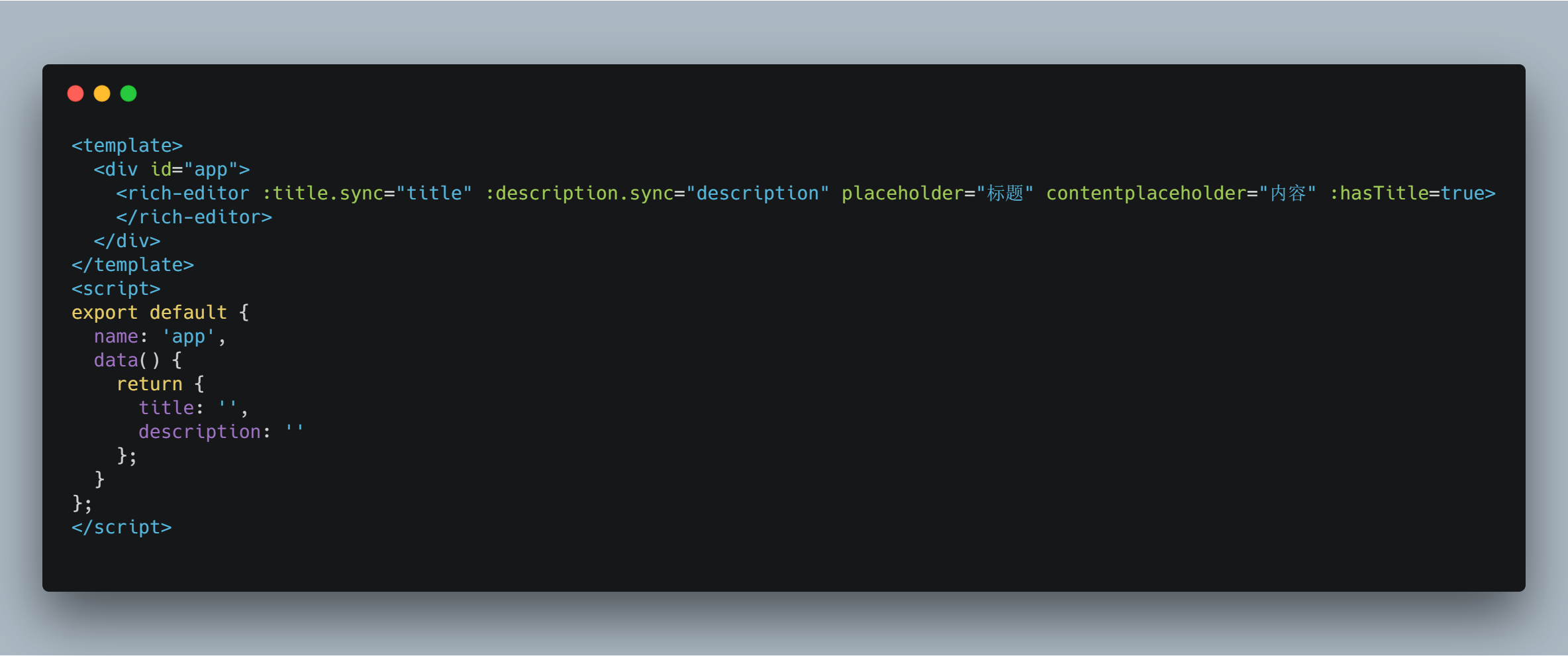 #### 其他 - 使用了 lrz 依赖,用来压缩图片。 - 支持添加图片,粘贴图片到文本框。 - 如果不使用 npm 安装,可以 clone 下来直接复制`src/components`文件夹到项目中。自行修改样式。 - 逻辑比较简单 主要是使用了 contenteditable 这个属性。 - 图片处理稍微复杂一些 - 直接点击上传按钮添加图片 得到图片后压缩,添加到 img 标签,然后添加到内容中。 - 粘贴添加图片 在 div 上添加监听粘贴事件,得到图片后把图片添加到 div 上,然后还要把事件 emit 到父组件,在绑定的字符串中添加图片 - 实现了双向绑定,一定要添加 sync 修饰符
