KO
|
EN
gitlite — search
Search
#python
#mcp
#claude
#macos
#ai
#mcp-server
#ai-agents
#typescript
#desktop-app
#rust
#model-context-protocol
#claude-code
OneClick
★ 57
Open GitHub ↗
macOS Utility menubar app 🚀
Download README (.md)
Explore Similar Repositories
Awayke
:
Keep Your Mac Awayke With the Lid Closed
watchtower
:
Front-end for the Caffeinated\Shinboi Auth system of Users / Roles / Permissions in Laravel 5.1 or 5.2
keepawake-rs
:
Keep your computer awake
Caffeinate
:
A macOS menubar app to temporarily prevent the Mac from sleeping.
amphetamine-dose-alfred-workflow
:
Alfred workflow for Amphetamine app.
// repository documentation
Was this content helpful?
★ 0
(0 ratings)
Select Rating:
★
★
★
★
★
Submit Feedback
Recent Feedback
×
Download README
Do you want to download the
README.md
file for
OneClick
?
Download (.md)
# OneClick <div align="center"> <img src="128x128logo.png"> </div> <br><br> 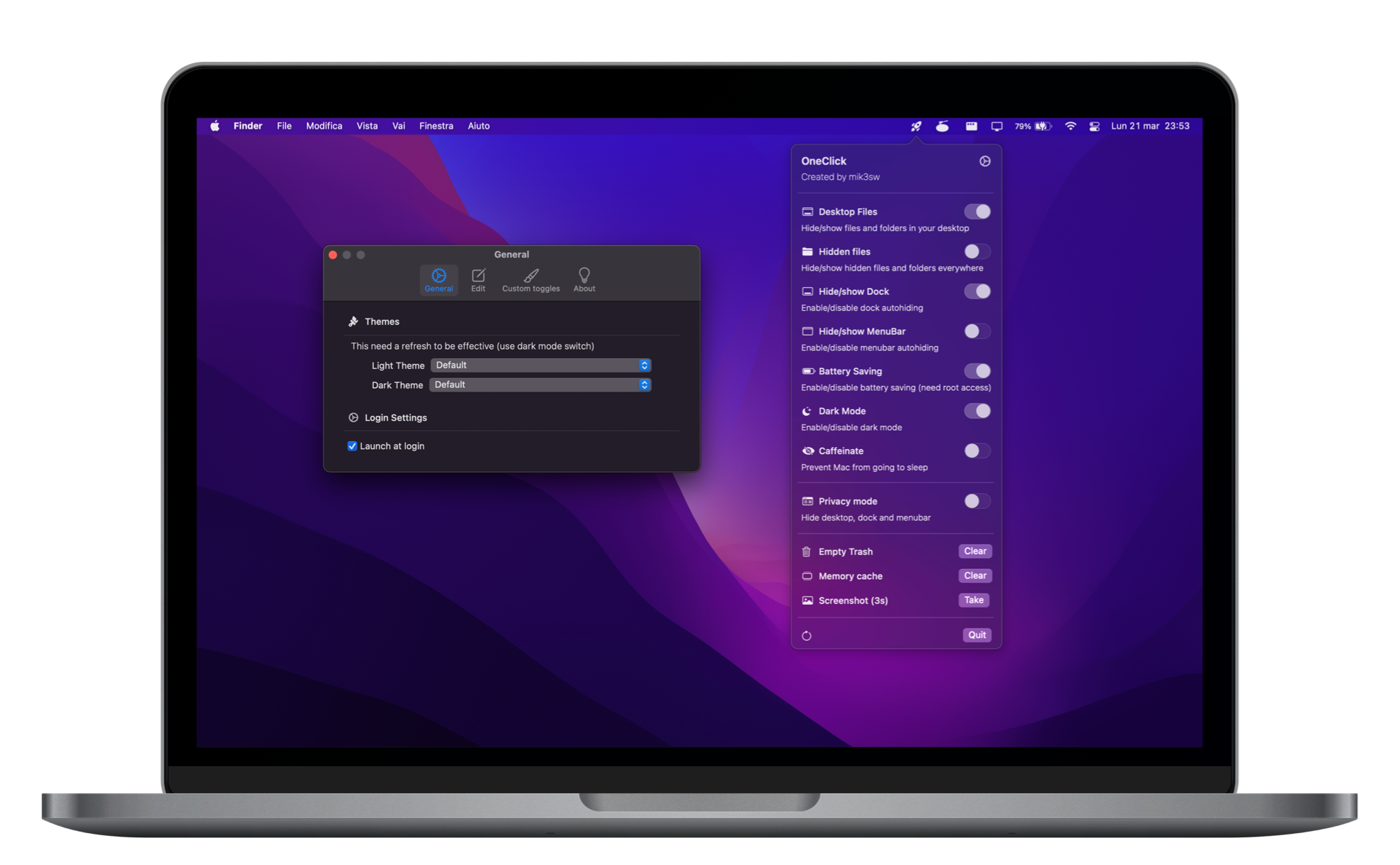   OneClick can give you quick access to some macOS functions from MenuBar! * **macOS 12.x** (Monterey) * **Intel app** (only 1.4 and before) * **Apple Silicon app** (all versions) ## 💾 Downloads []() **Support me with a star!** ⭐️ **Not fully compatible with macOS Ventura 13.0** * [Releases](https://github.com/mik3sw/OneClick/releases) * HomeBrew soon ... > OneClick 2.x is currently in beta i need to fix some errors and bugs > This is a hobbyist app <details> <summary>Show functions</summary> <br> ### Hide/Show desktop Commands: * ```defaults write com.apple.finder CreateDesktop false ; killall Finder``` * ```defaults write com.apple.finder CreateDesktop true ; killall Finder``` ### Hide/Show hidden files/folders Commands: * ```defaults write com.apple.finder AppleShowAllFiles -boolean true ; killall Finder``` * ```defaults write com.apple.finder AppleShowAllFiles -boolean false ; killall Finder``` ### Hide/Show dock Commands: * ```osascript -e 'tell application \"System Events\" to set the autohide of the dock preferences to true'``` * ```osascript -e 'tell application \"System Events\" to set the autohide of the dock preferences to false'``` ### Enable/disable power saving Commands: * ```osascript -e 'do shell script \"pmset -a lowpowermode 1\" with administrator privileges'``` * ```osascript -e 'do shell script \"pmset -a lowpowermode 0\" with administrator privileges'``` * these commands need root access (the app will ask for administrator password or touchID) ### Enable/disable dark mode Commands: * ```osascript -e 'tell application \"System Events\" to tell appearance preferences to set dark mode to true'``` * ```osascript -e 'tell application \"System Events\" to tell appearance preferences to set dark mode to false'``` ### Caffeinate Commands: * ```caffeinate``` * ```killall caffeinate``` ### Empty trash Command: * ```osascript -e 'tell application \"Finder\" to empty trash'``` ### Clear memory Command: * ```osascript -e 'do shell script \"purge\" with administrator privileges'``` ### Take screenshot Command: * ```screencapture -T 3 -t png -P Desktop/screenshot.png``` </details> ## ⚙️ Settings From settings you can select Themes (dark and light), "launch at login" function and edit the main view elements. | General | Edit | Custom Toggles | |---|---|---| | 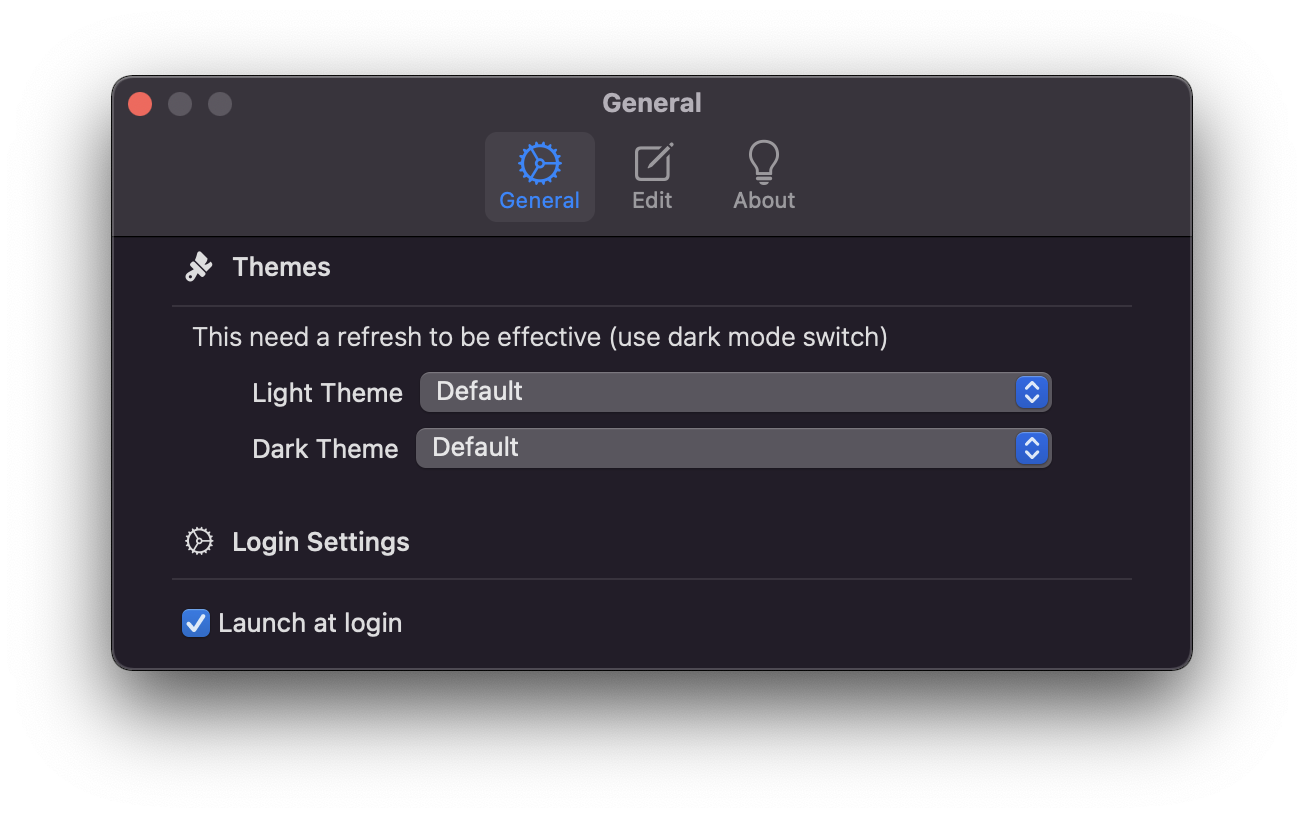 | 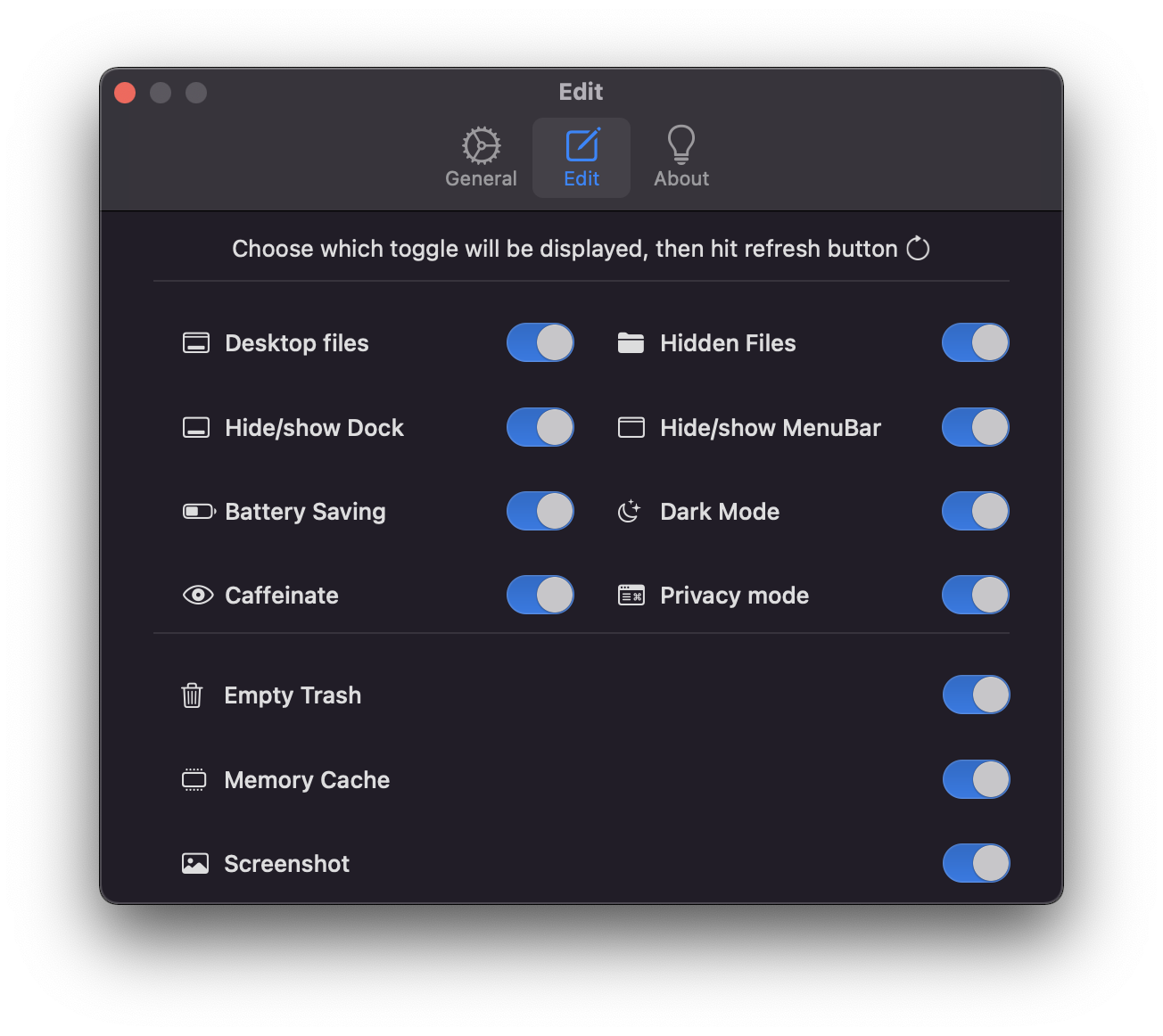 | 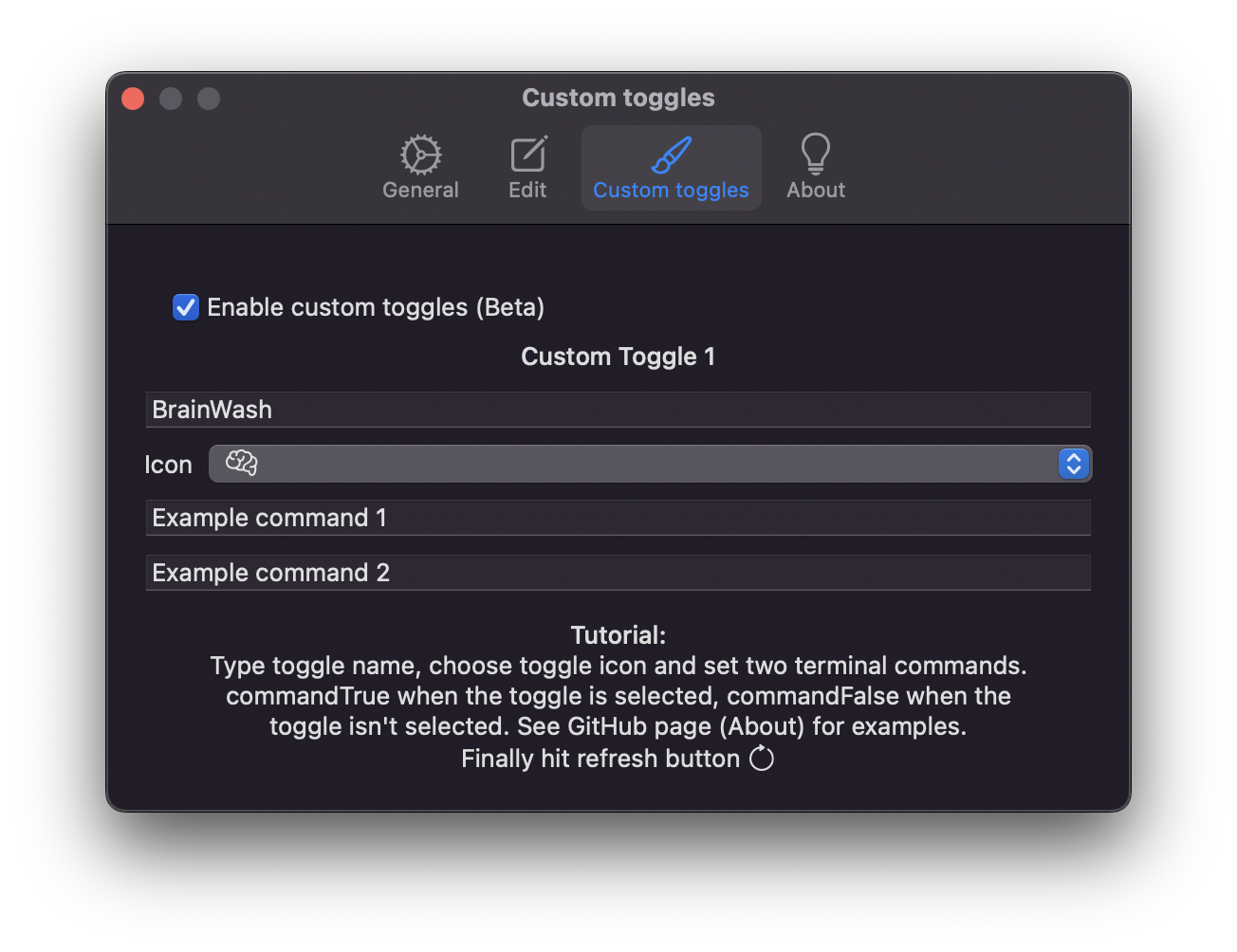 | ## Custom Toggles (Beta) > This is a beta feature, you can only add one custom toggle 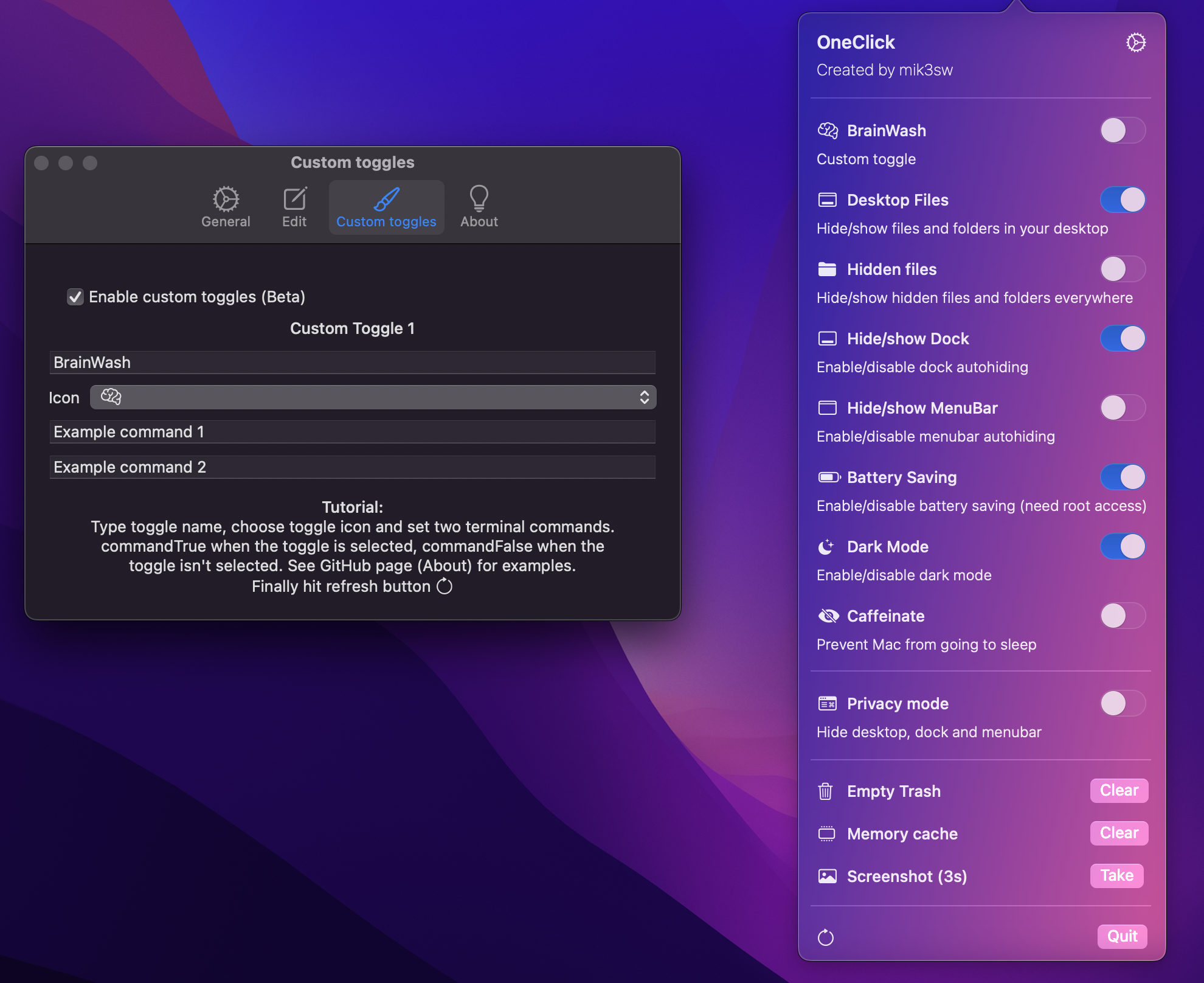 ## 🎨 Themes Here a preview of light and dark themes | | | | | | | |---|---|---|---|---|---| | 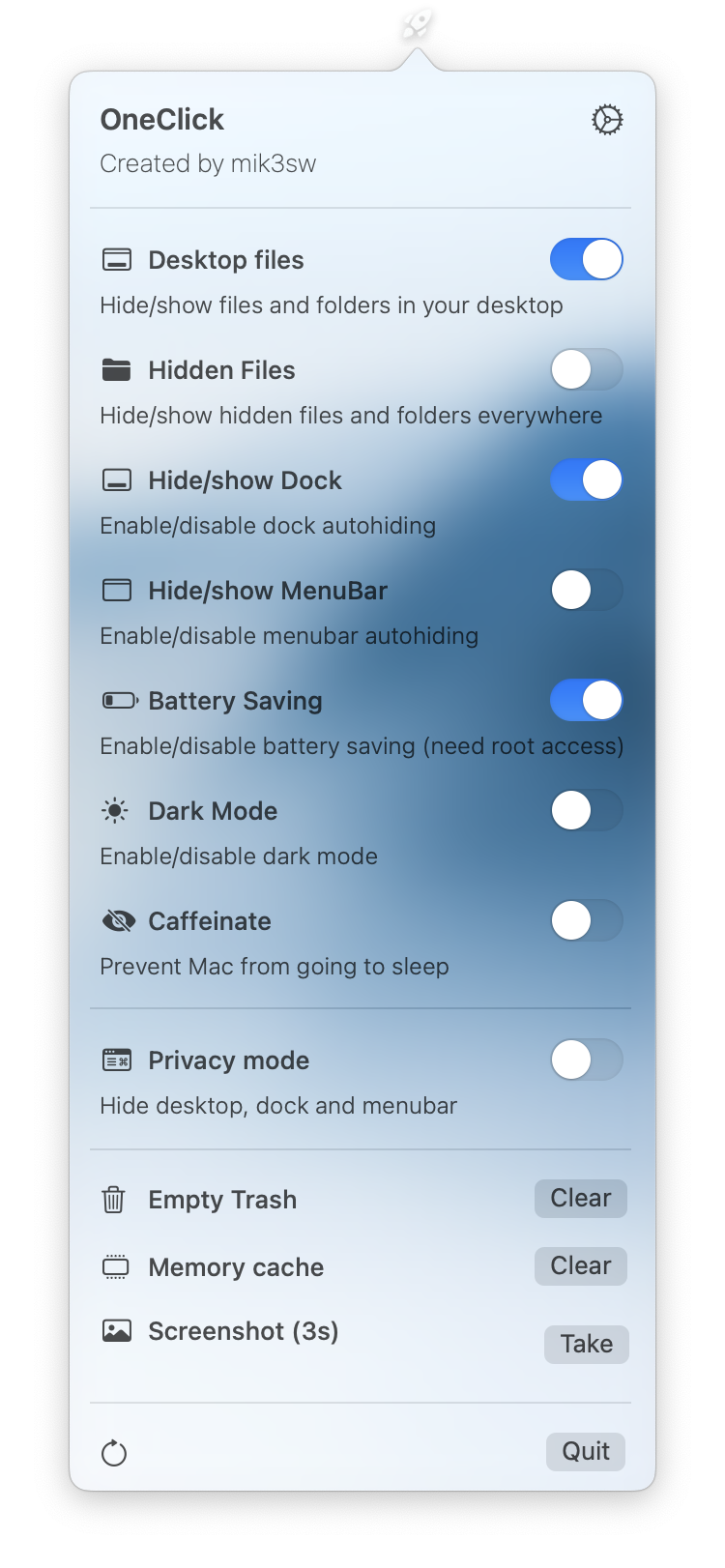 | 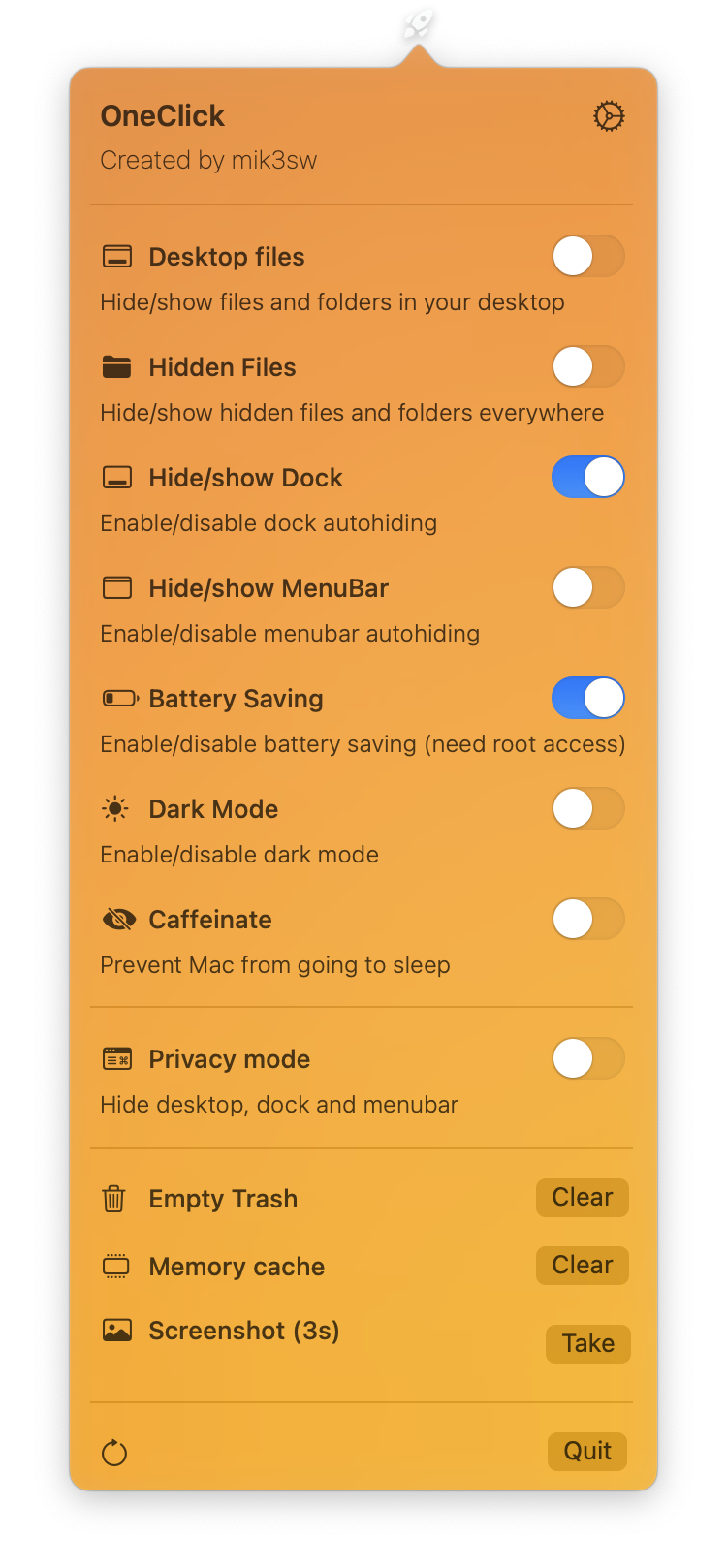 | 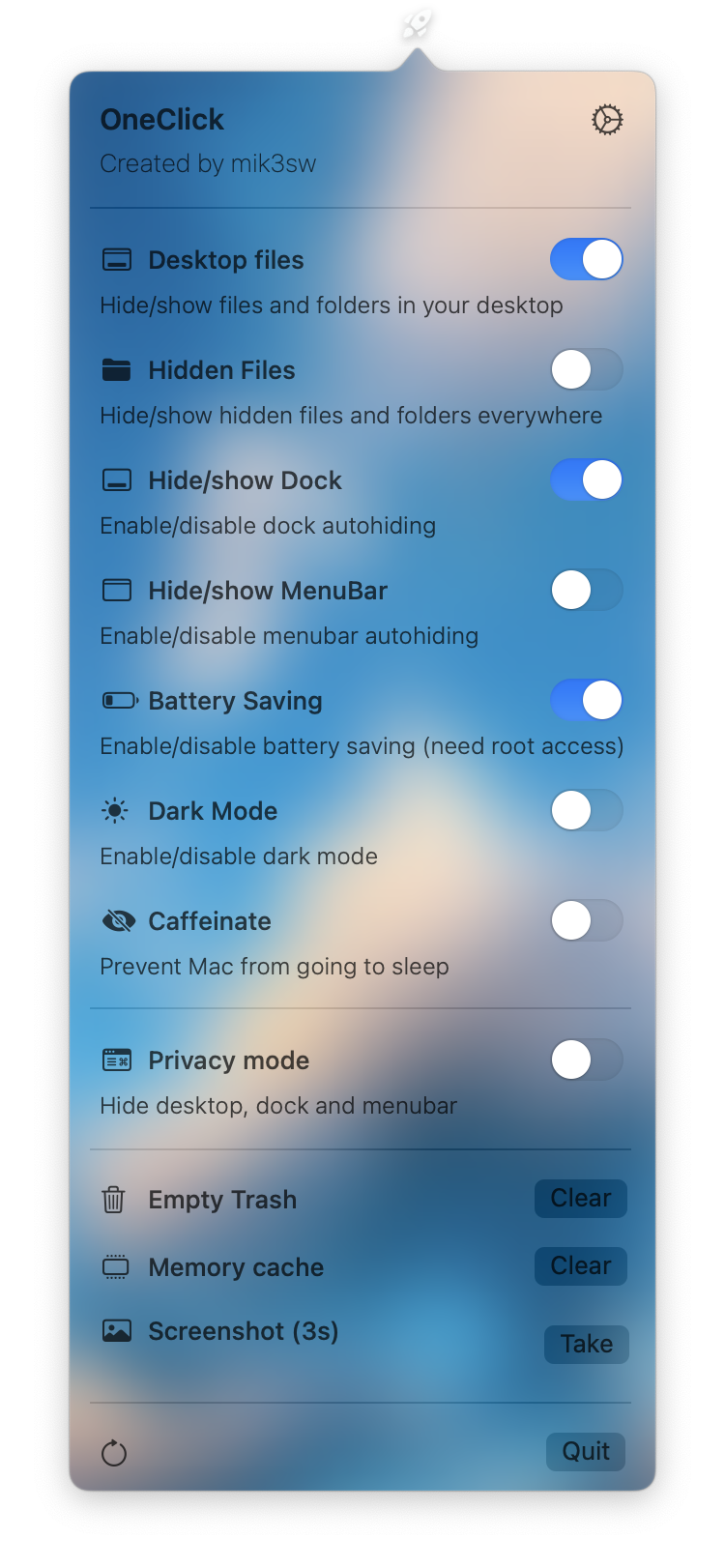 | 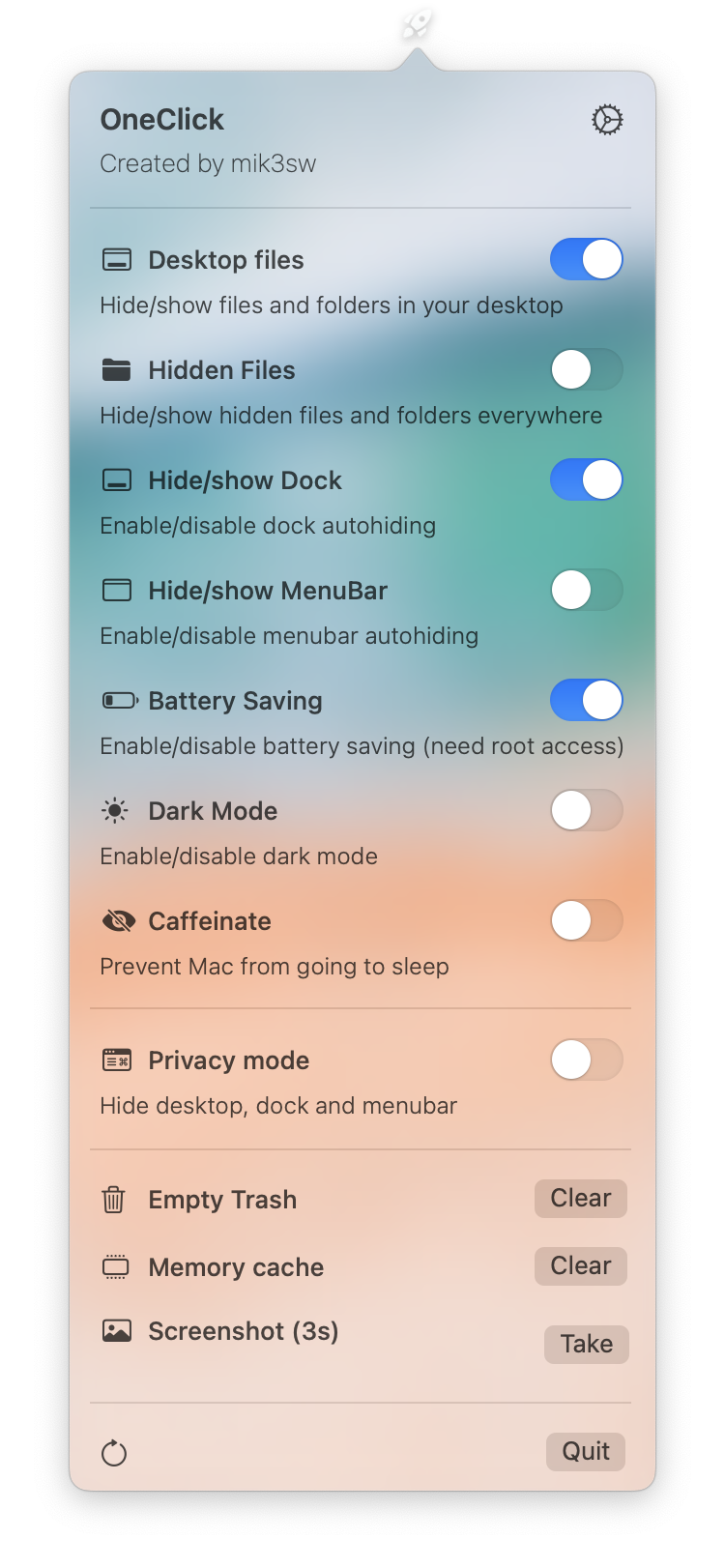 | 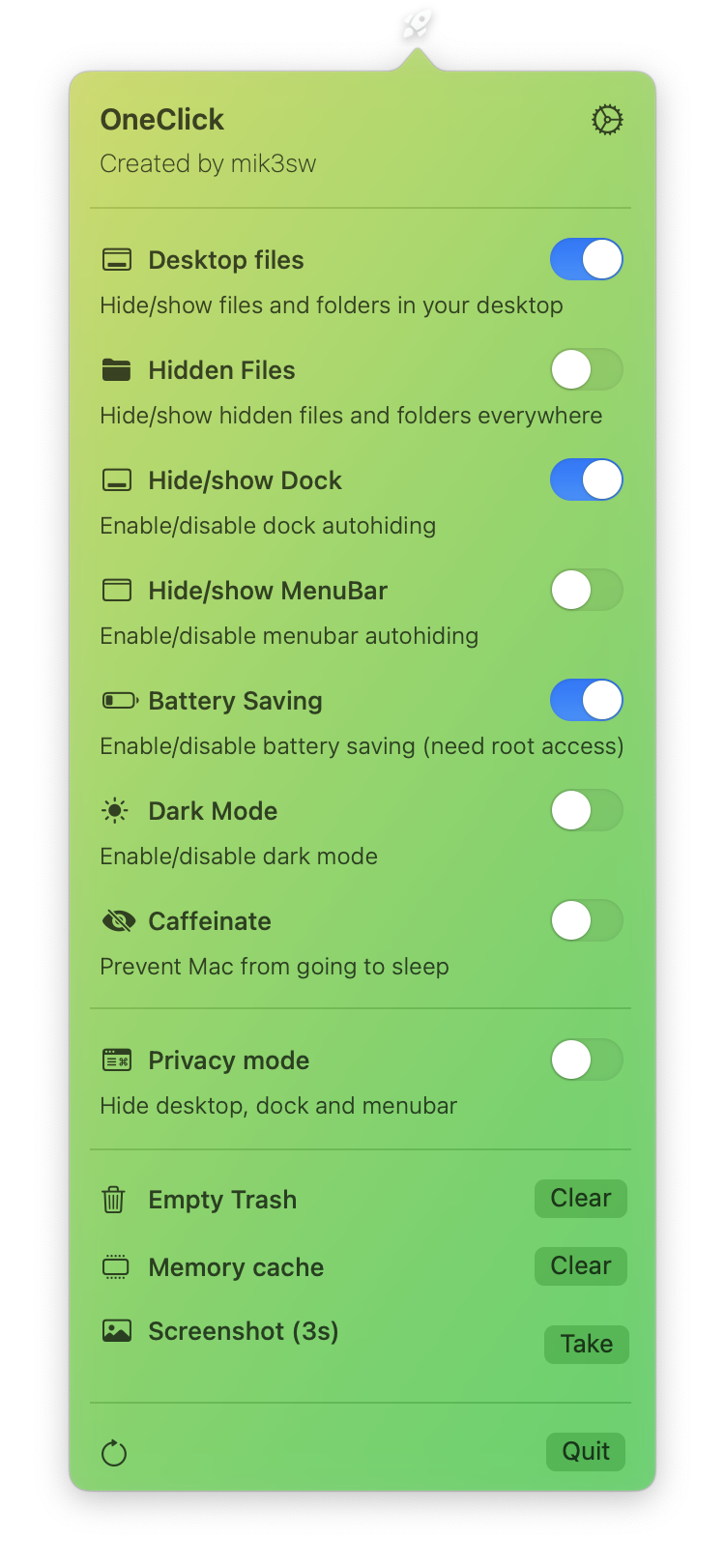 | 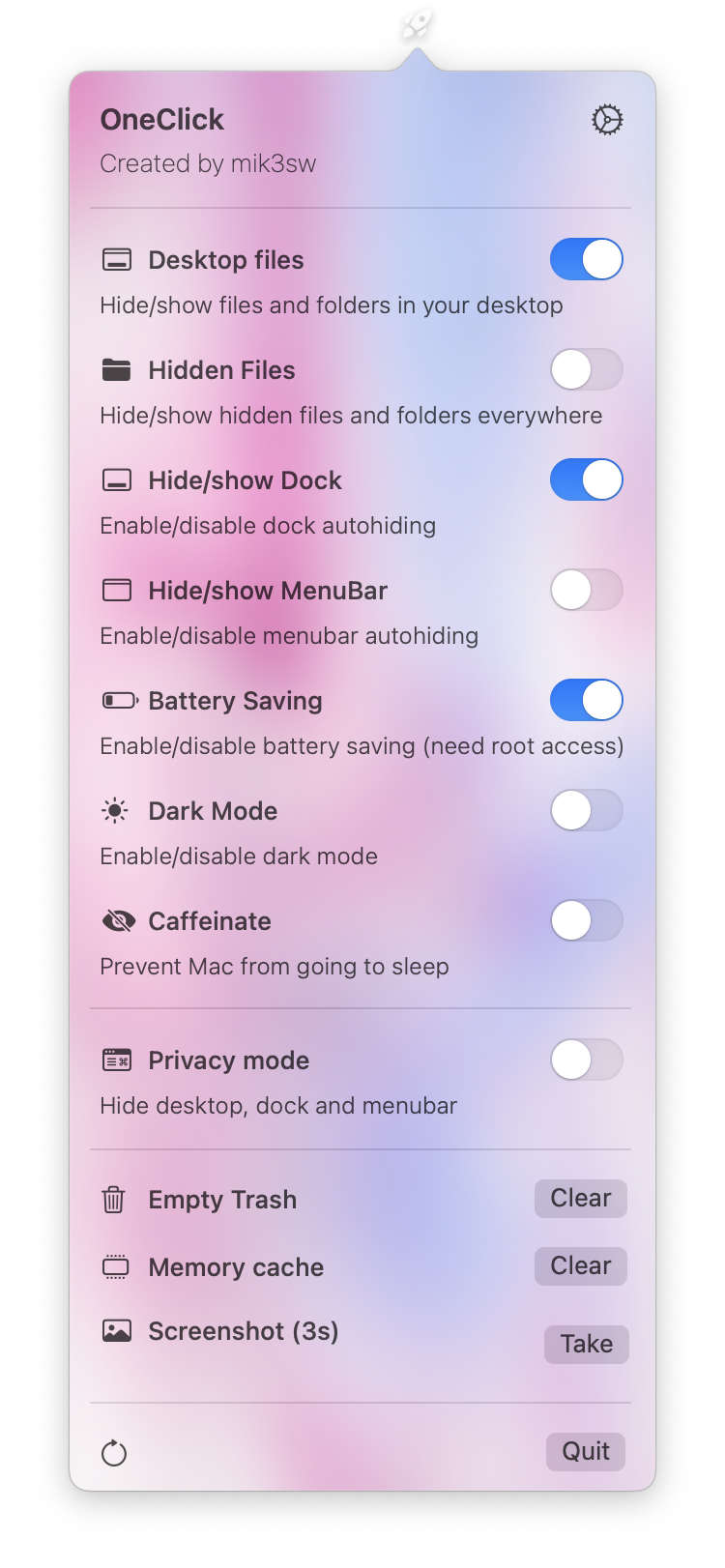 | | 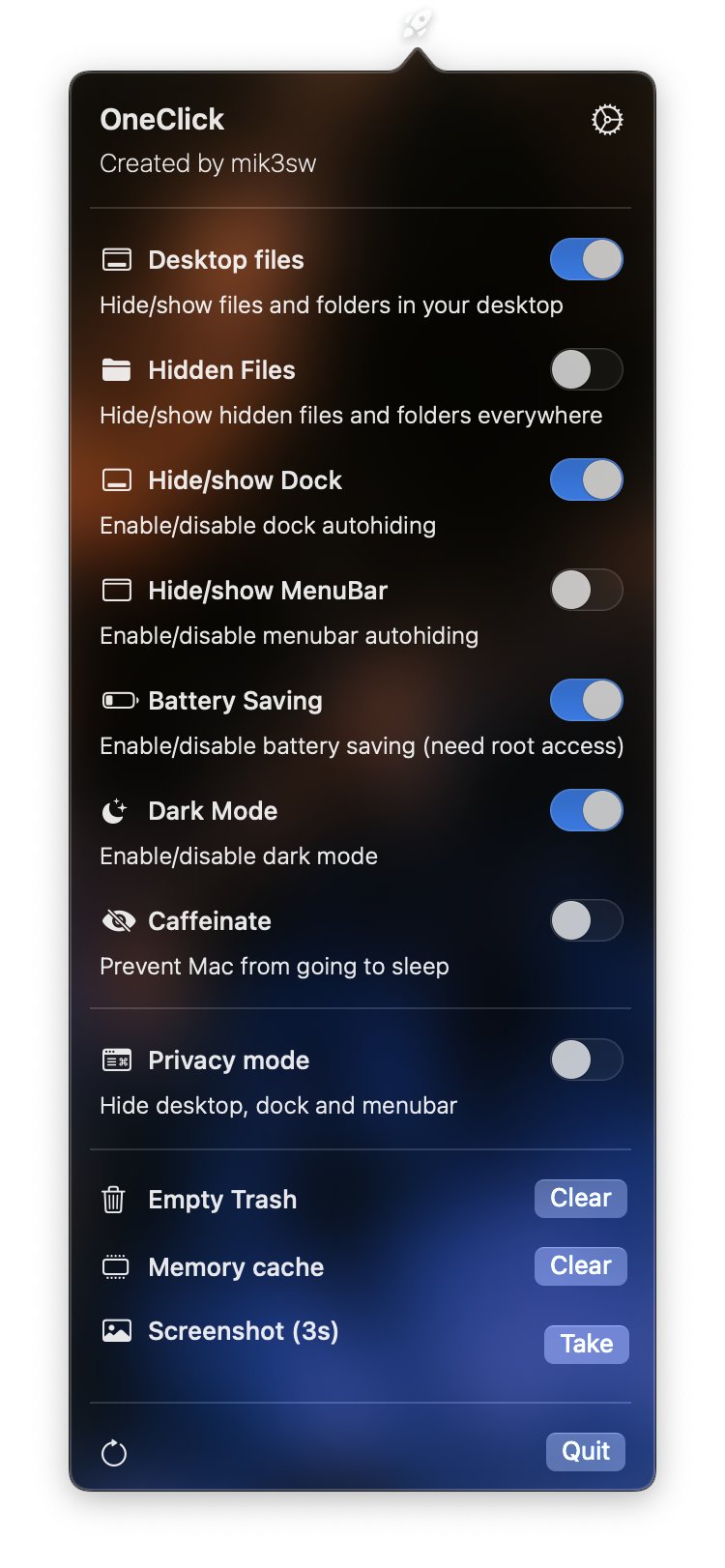 | 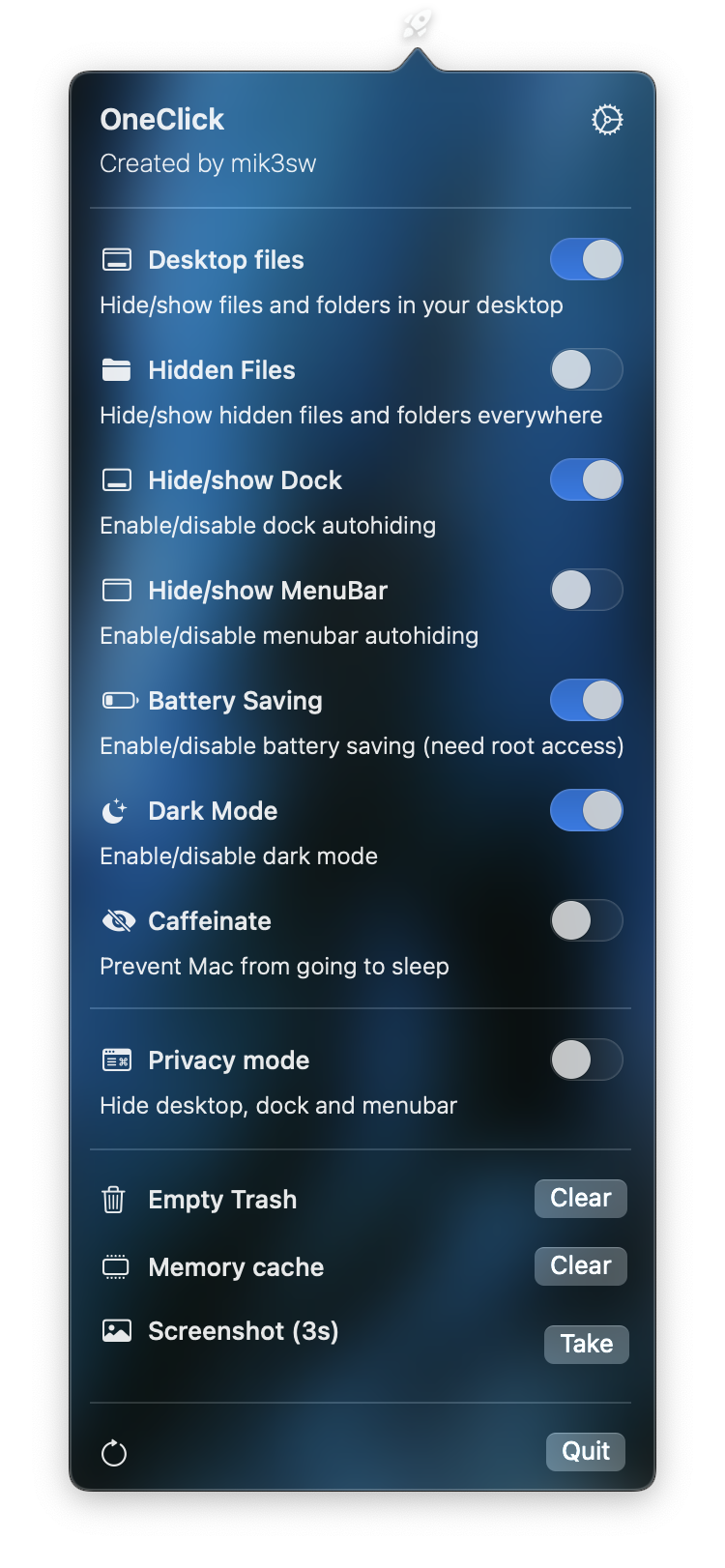 | 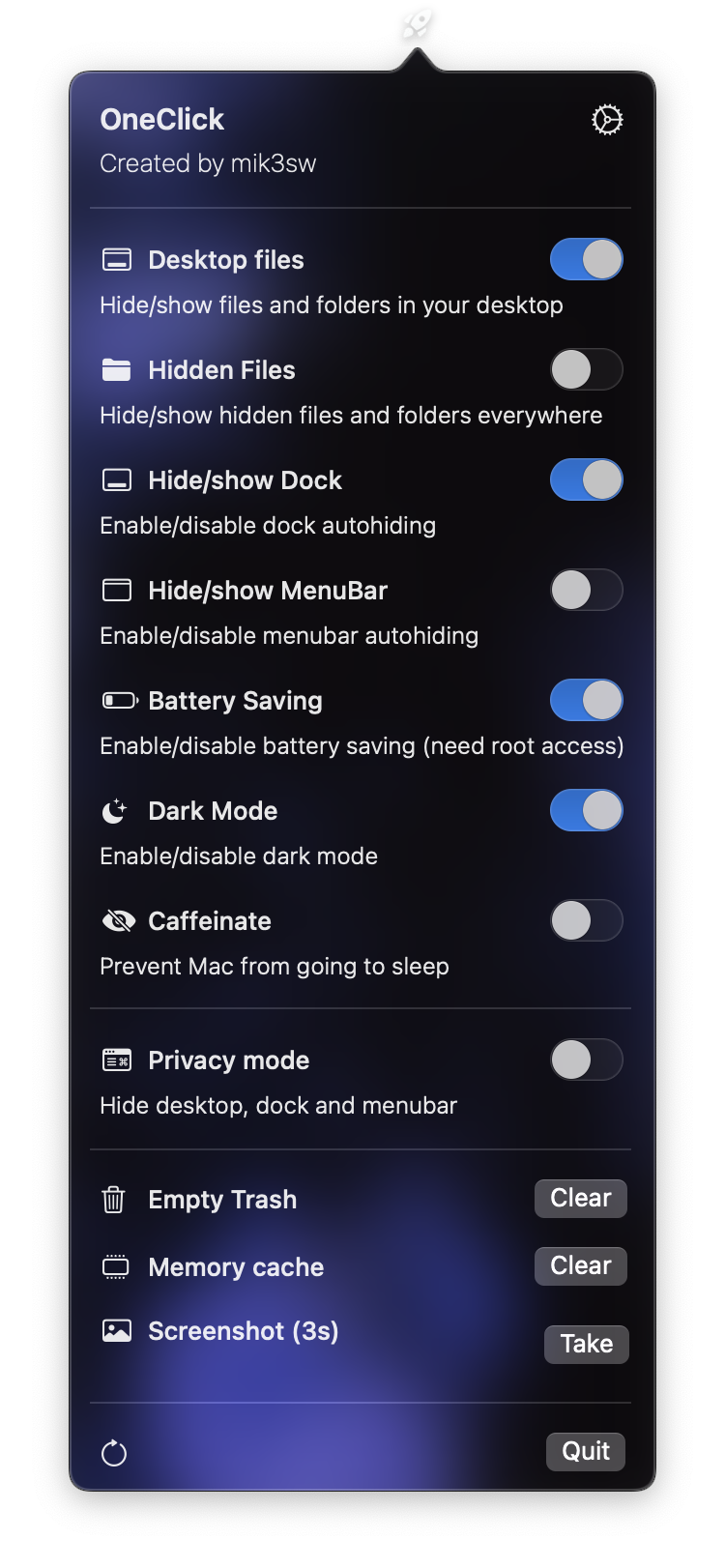 | 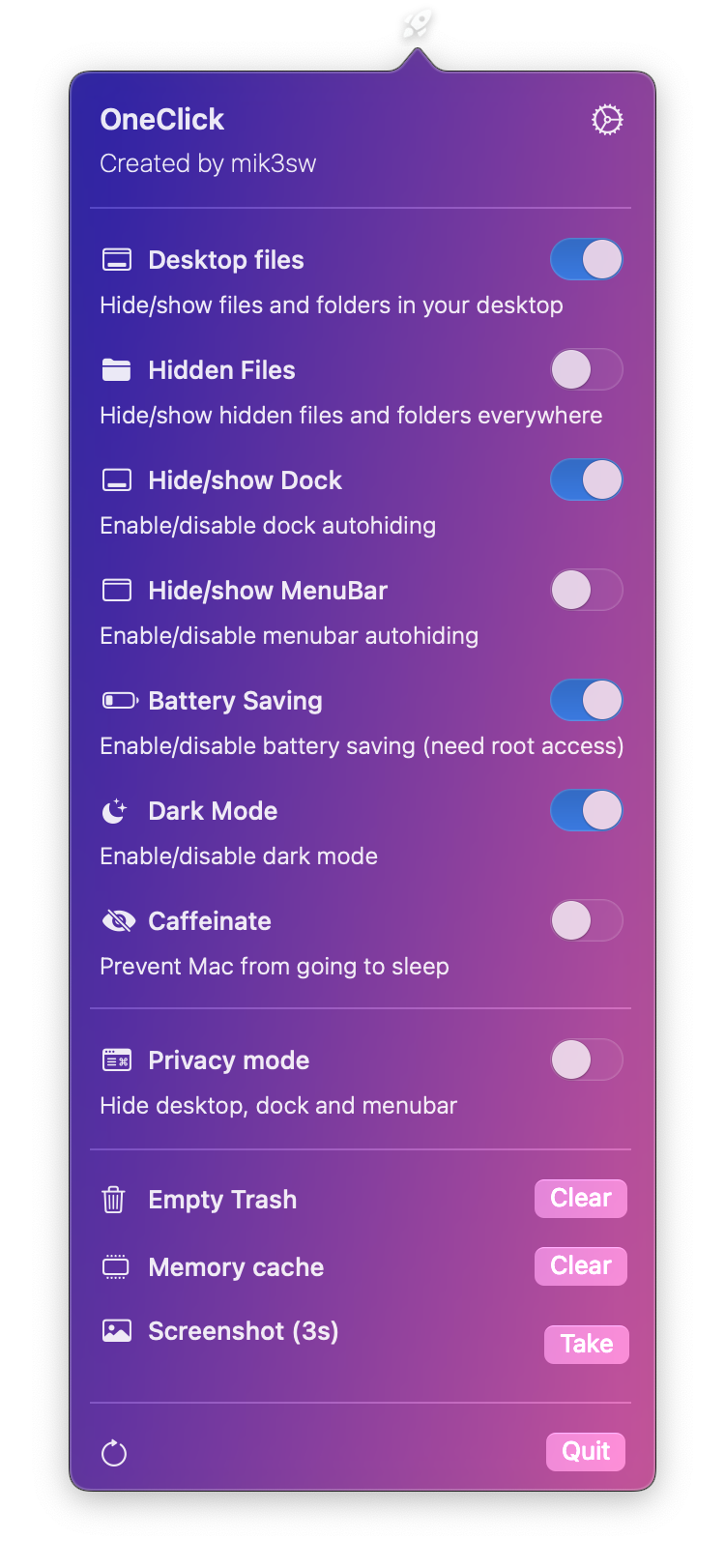 | 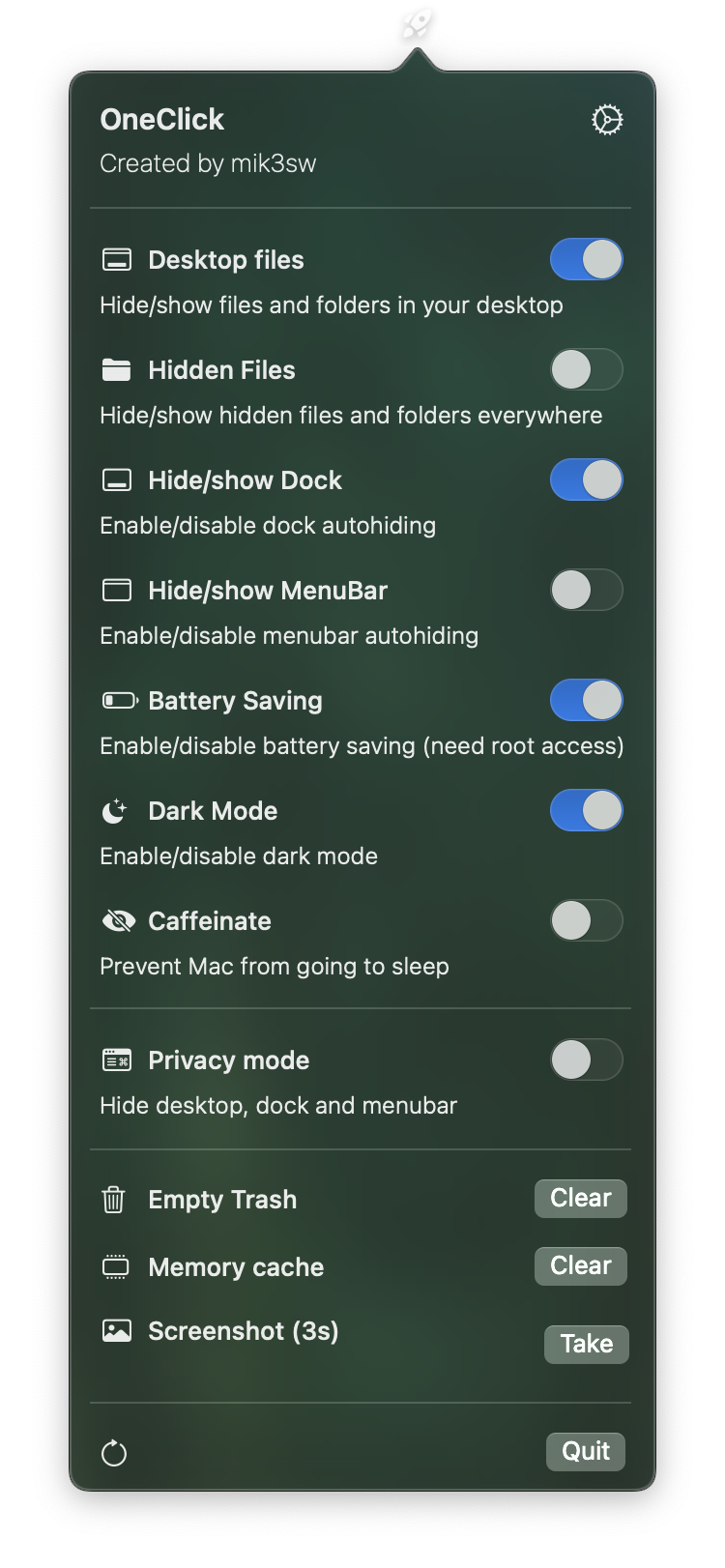 | 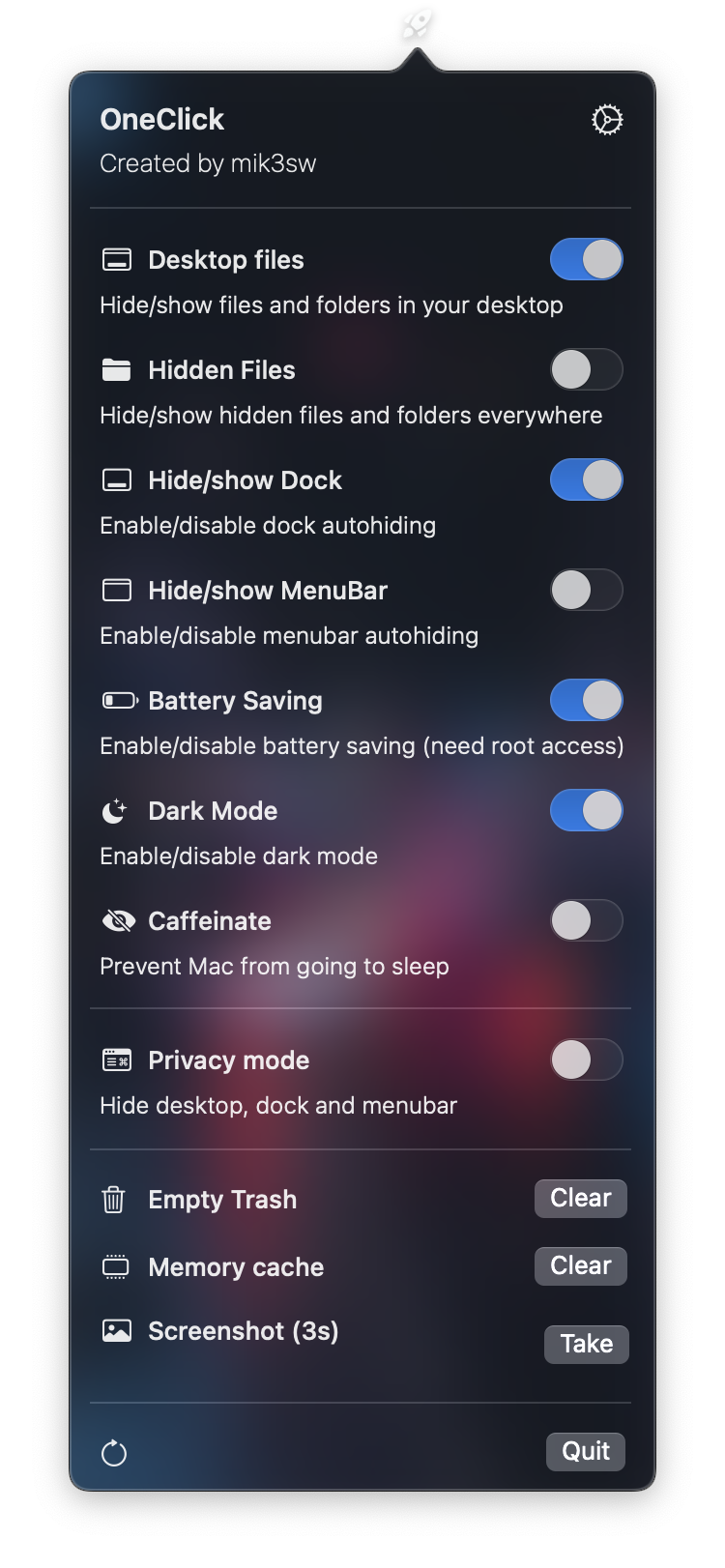 | ## ToDo - [ ] Select theme image from storage - [x] Persistent data (at the moment settings will reset if you close the app) - [ ] New Functions - [x] Custom toggles ## Reviews * [MacUpdate](https://www.macupdate.com/app/mac/63828/oneclick) * [Softpedia](https://mac.softpedia.com/get/System-Utilities/mik3sw-OneClick.shtml) ## Credits * [Launch at login](https://github.com/sindresorhus/LaunchAtLogin)
