KO
|
EN
gitlite — search
Search
#python
#java
#python3
#arduino
#golang
#machine-learning
#rust
#html
#flask
#javascript
#seismology
#nodejs
GSAP-RN
★ 56
Open GitHub ↗
No description available.
Download README (.md)
Explore Similar Repositories
NeRFtoGSandBack
:
No description available.
GSAutomation
:
A Javascript extension/wrapper on iOS UIAutomation that makes test scripts more robust and easier to write.
gsay
:
A simple shell script to fetch/play pronunciation of English vocabulary from Google
gSASRec-pytorch
:
No description available.
GSAI-study
:
本项目旨在汇总中国人民大学高瓴人工智能学院本科阶段各个课程所需的工具类软件和学习资源。我们希望通过这个开源协作平台,帮助学生更好地了解和准备各门课程所需的技术工具,提高学习效率。
// repository documentation
Was this content helpful?
★ 0
(0 ratings)
Select Rating:
★
★
★
★
★
Submit Feedback
Recent Feedback
×
Download README
Do you want to download the
README.md
file for
GSAP-RN
?
Download (.md)
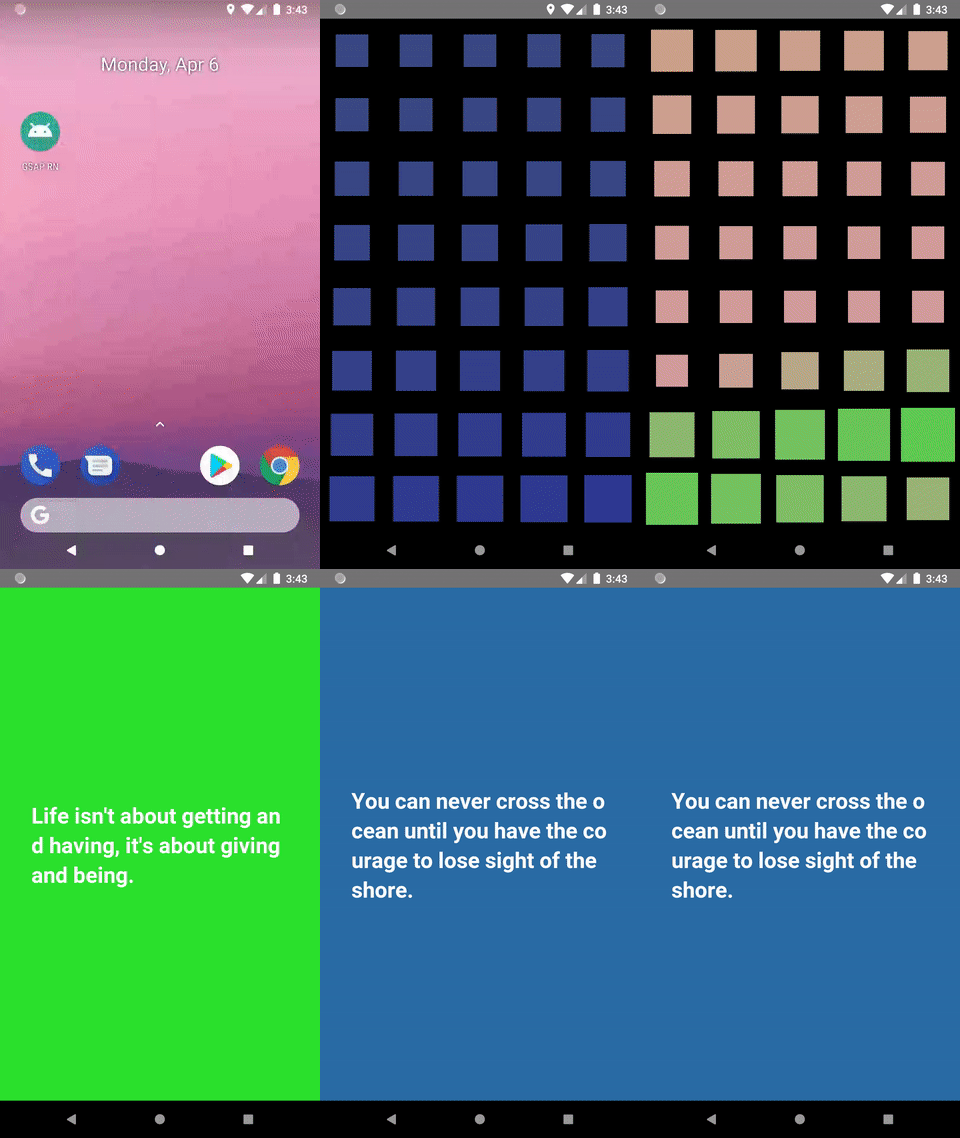
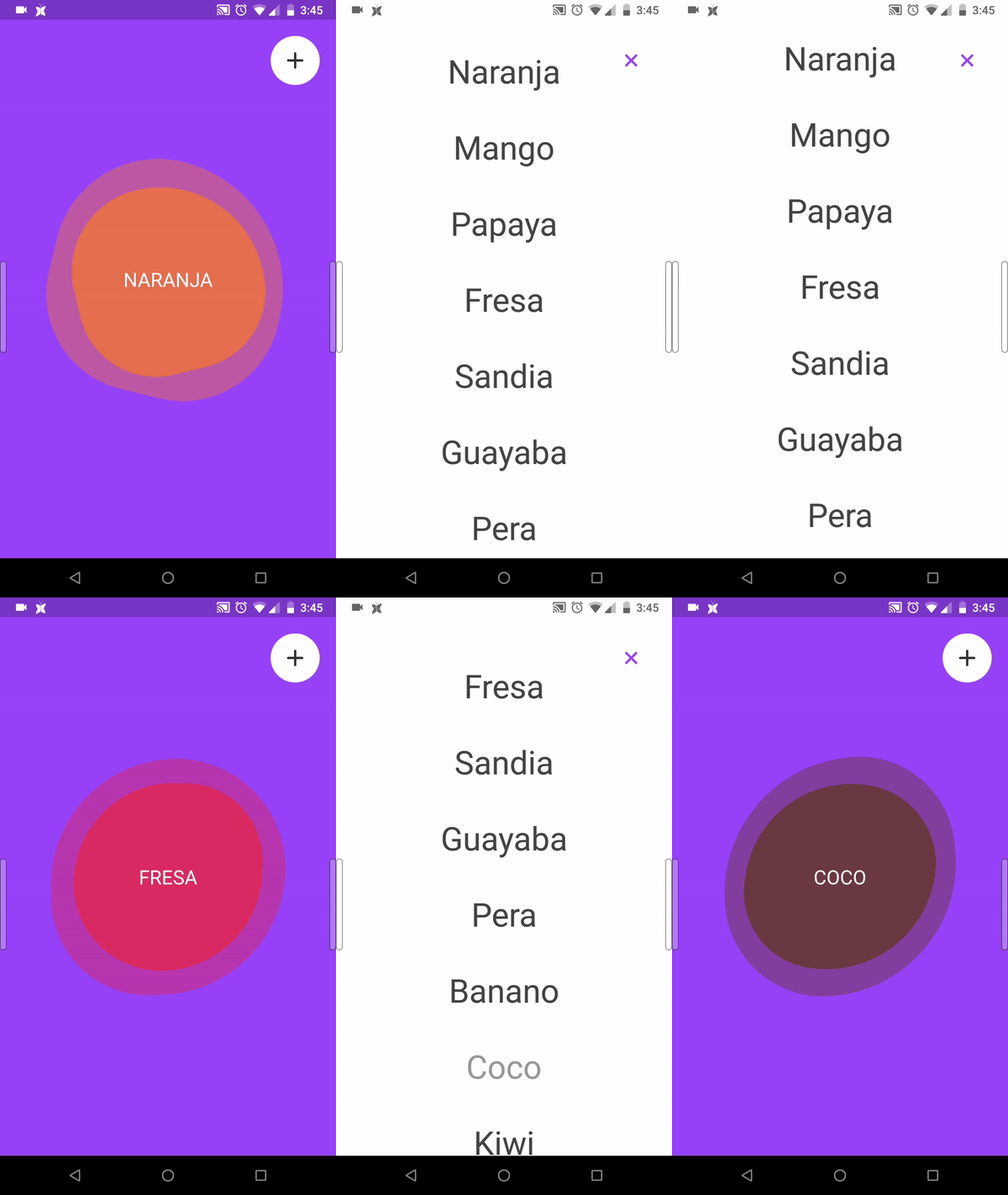
# GSAP-RN Support for gsap: 3.0.0+. For older versions use [https://github.com/tufik2/TweenMaxRN](https://github.com/tufik2/TweenMaxRN) - This repository enable GSAP to work with ReactNative thanks to Direct Manipulation. - With this library is possible animate Styles and Transform properties. - Currently in RN there is not way to recover the current status of a style appied to an element, so is always important specify the initial params with **gsap.set()** before animate its. - The performance using Direct Manipulation is really good, specially when we compile our app in release version. # How use - Install gsap and gsap-rn > npm install gsap gsap-rn ```javascript import {gsap, Back} from 'gsap-rn'; componentDidMount() { gsap.to(this.ref, {duration:1, style:{left:50}, transform:{rotate:90, scale:0.5}, ease:Back.easeInOut}); } <View ref={ref=> this.ref = ref} style={{width:100, height:100, backgroundColor:"#F00"}}></View> ``` Animating percentages ```javascript timeline = gsap.timeline(); timeline.set(this.bar, {style:{width:"0%"}}); timeline.to(this.bar, {duration:1, style:{width:"100%"}, ease:Power2.easeInOut}); ``` Animating colors ```javascript timeline = gsap.timeline(); timeline.set(this.box, {style:{backgroundColor:"#F00"}}); timeline.to(this.box, {duration:1, style:{backgroundColor:"#F0F"}, ease:Power2.easeInOut}); ``` # AutoKillTween If the app need unmount a component and It is executing an animation ReactNative will throw an updating in an unmontain component error. To offert a easy solution to It you can use AutoKillTween to force stop all animation before unmount. ```javascript // This method receive a tween, array of tweens, object with tweens, Class reference that contain all tweens references AutoKillTween.tweensOf(tween) // If you don't want to worry about kill tween by tween, You can define AutoKillTween also like component and It will stop all animation automatically before unmount the component. <View> <AutoKillTween tweens={this} /> </View> ``` Here there is a code of an animation using AutoKillTween ```javascript import React, {Component} from 'react'; import {View, Text, TouchableOpacity, StyleSheet} from 'react-native'; import {gsap, Power2, Elastic, AutoKillTweens} from 'gsap-rn'; export default class Main extends Component { boxes = []; onPress(){ // Using AutoKillTweens.tweensOf method to kill a specific tween AutoKillTweens.tweensOf(this.tl); // We mantain the reference of the tween directly in the Class this.tl = gsap.timeline(); this.tl.to(this.boxes, {duration:1, transform:{y:-100, scale:0.8}, ease:Power2.easeInOut, stagger: {amount: 0.3}}); this.tl.to(this.boxes, {duration:0.3, transform:{y:0, scale:1 }, ease:Elastic.easeOut, stagger: {amount: 0.3}}); } render() { return ( <View style={{flex:1, justifyContent:"center", alignItems:"center"}}> /* We pass the Class reference to AutoKillTween Componet. If this component will unmount, AutoKillTween will end all tween references directy linked to the Class. */ <AutoKillTweens tweens={this} /> <View style={{flexDirection:"row"}}> <View ref={ ref=>this.boxes.push(ref) } style={styles.box} /> <View ref={ ref=>this.boxes.push(ref) } style={styles.box} /> <View ref={ ref=>this.boxes.push(ref) } style={styles.box} /> </View> <TouchableOpacity onPress={this.onPress.bind(this)}> <Text ref={ref=>this.text = ref} style={[styles.button, {marginTop: 30}]} >Touch Me</Text> </TouchableOpacity> </View> ); } } const styles = StyleSheet.create({ box:{width:75, height:75, backgroundColor: "#f0ad4e", marginHorizontal:5}, button:{fontSize:20, backgroundColor: "#337ab7", paddingVertical:10, paddingHorizontal:20, color:"#FFF", borderRadius:5} }) ```  # DEMOS [DOWNLOAD APK](http://int-server-one.info/cloudbit/gsap-rn/gsap-rn.apk)