KO
|
EN
gitlite — search
Search
#javascript
#typescript
#python
#deep-learning
#python3
#nodejs
#swift
#ios
#react
#reactjs
#swift5
#video
TinyPNG4Mac
★ 4,000
Open GitHub ↗
Native client of TinyPNG on macOS
Download README (.md)
Explore Similar Repositories
redis-rb
:
A Ruby client library for Redis
java
:
Official Java client library for kubernetes
browser_extension
:
A browser extension that redirects popular sites to alternative privacy friendly frontends
HyperDbg
:
State-of-the-art native debugging tools
x-ui-yg
:
x-ui精简修改版脚本,支持Hysteria2、Xhttp传输协议、ENC加密、MLDSA65加密,集成argo固定临时双隧道(可共存)、Psiphon赛风VPN(30个国家)分流功能,支持部分节点聚合订阅、sing-box订阅、clash-meta订阅的配置输出
// repository documentation
Was this content helpful?
★ 0
(0 ratings)
Select Rating:
★
★
★
★
★
Submit Feedback
Recent Feedback
×
Download README
Do you want to download the
README.md
file for
TinyPNG4Mac
?
Download (.md)
# Tiny Image > The App's name is renamed to Image Image for property sake, since previous name contains TinyPNG and macOS. 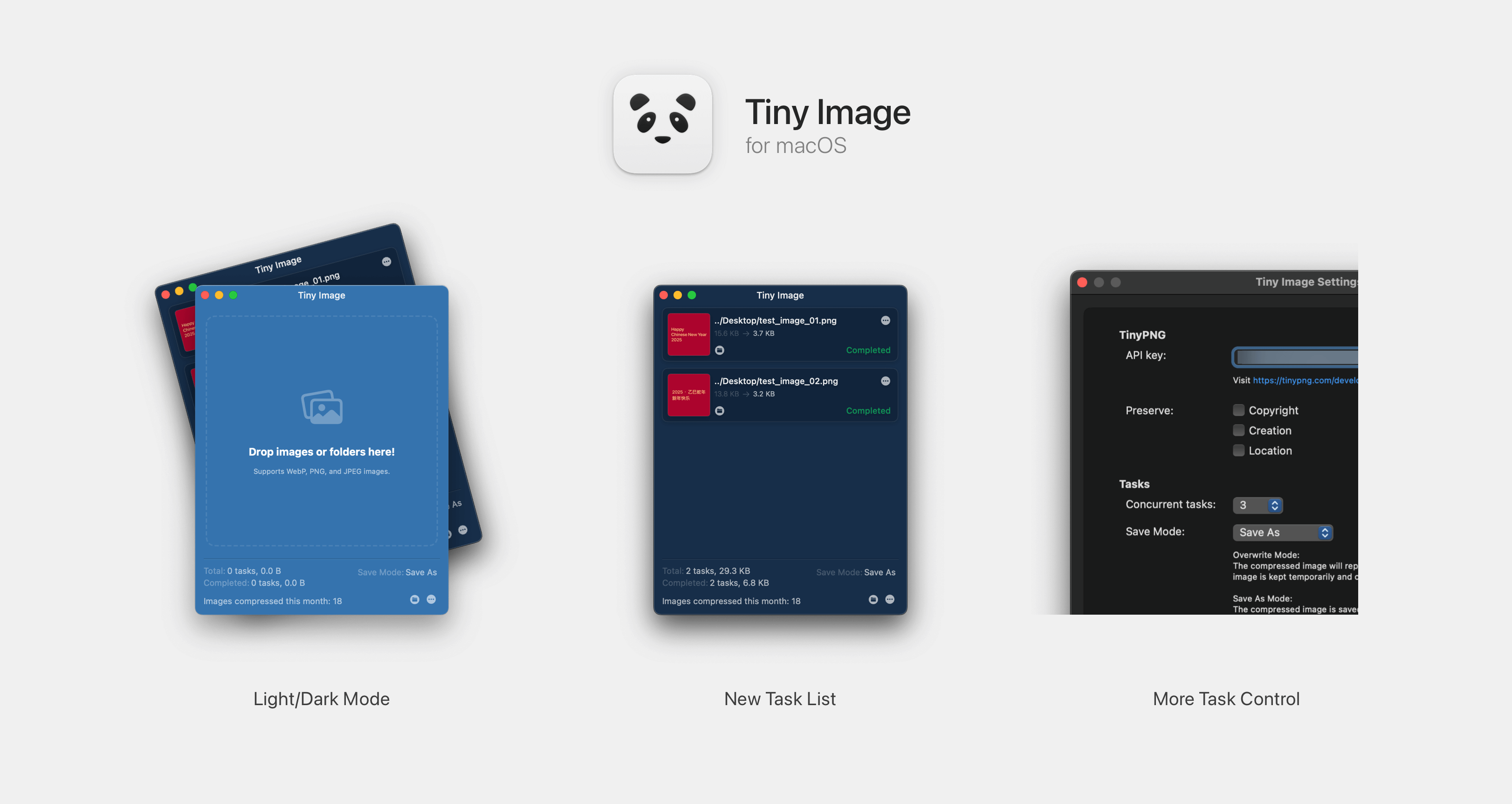 TinyPNG for macOS is a 3rd-party client of [TinyPNG](https://tinypng.com). With which you can compress images without opening browser. [中文](./README_ZH.md) ### 2.2.1 Release Note > Version 2.0.0+ supports macOS 13 Ventura and later. For lower version systems, please use the previous version. 1. Support format converting. Convert image to specific format or automatically pick the smallest one in supported format list (PNG, JPEG, AVIF, WEBP). 2. Add cache for number of image compressed. [Change Log](./CHANGE_LOG.md) ### Usage 1. Register an **API key** at [link](https://tinypng.com/developers). 2. Paste your API key to `Settings` window. (You can edit it when you need to) 3. Drag images or directories containing images to the window. 4. Or right-click image files / folders in Finder and choose `Services -> Compress with Tiny Image`. ### Download Through [Release Page](https://github.com/kyleduo/TinyPNG4Mac/releases) Check `System Settings -> Security & privacy` page if you can not open this app. ### Thanks [droptogif](https://github.com/mortenjust/droptogif) -- A very useful client for convert video to gif. I learnt how to create window from that project. ### Licenses Developed by [@kyleduo](https://github.com/kyleduo) and available under the [MIT](http://opensource.org/licenses/MIT) license.
