KO
|
EN
gitlite — search
Search
#javascript
#python
#hacktoberfest
#react
#ai
#typescript
#llm
#go
#golang
#android
#machine-learning
#rust
#deep-learning
#linux
ComfyUI-Viewer
★ 9
Open GitHub ↗
No description available.
Download README (.md)
Explore Similar Repositories
cloudflare-template-gpt
:
A dead-simple example of setting up a simple GPT bot API.
rope-flax
:
Rotary Position Embedding for Flax
ChatGLM2_Lora
:
This repo was a simple way to implement Lora to fine-tuning ChatGLM2.这个项目是用LORA微调chatglm2的简单实现。
Translator_discord_bot
:
Discord Bot for auto translate in selected channel
Siddhesh_Portfolio
:
No description available.
// repository documentation
Was this content helpful?
★ 0
(0 ratings)
Select Rating:
★
★
★
★
★
Submit Feedback
Recent Feedback
×
Download README
Do you want to download the
README.md
file for
ComfyUI-Viewer
?
Download (.md)
# ComfyUI Viewer simple browser to view [ComfyUI ](https://github.com/comfyanonymous/ComfyUI) write in rust less than `2mb` in size. arguably with small RAM usage compare to regular browser. and u can set the custom directory when you save workflow or export a component from vanilla comfyui menu ## How? place your workflow json file in `workflows` folder _(next to the executable file)_ this is the default setting that auto generate once you run the program.<br> `port`: the port are where the ComfyUI server running. ie: `(http://127.0.0.1:8188)`<br> `workflow_dir`: the directory where u put ur workflow json flie ``` { "port": 8188, "workflow_dir": ".\\workflows" } ``` 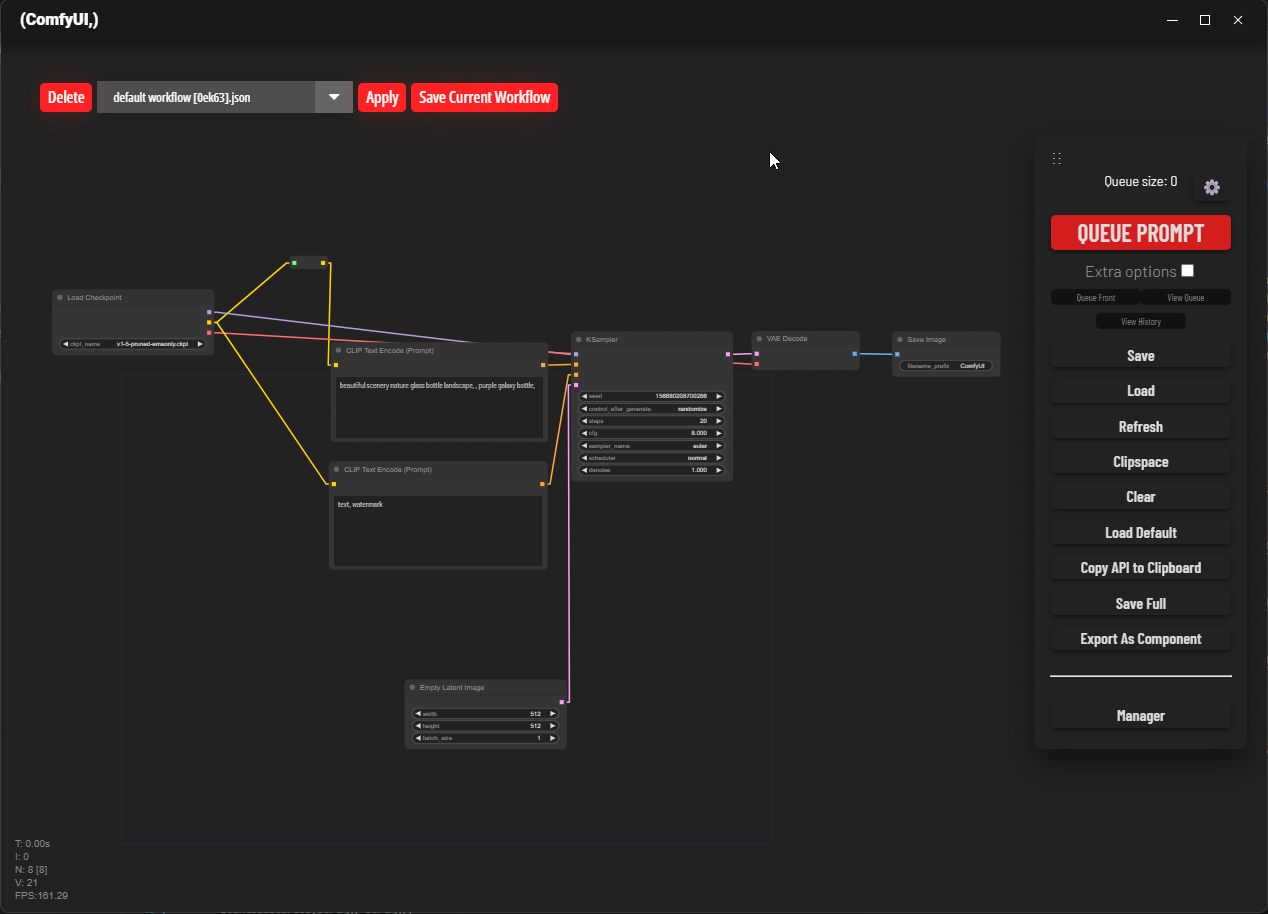 ## Optional u can download custom download [`user.css`](/ricing_optional/ComfyUI-Ricing/user.css) and place them on <b>\[ComfyUI Folder\]/web</b> also other optional script avaiable on [`thisfolder`](/ricing_optional/). Copy ComfyUI-Ricing folder to ComfyUI/custom_nodes folder | hotkey | name | description | | ------------- | ----------- | ------------------------------------------------------------------------------------------------------------------------------------------------------------------------------------------------- | | ` \(backtick) | solomode | mute all node that are not link with current selected node | | alt | reroute add | holding `alt key` while clicking on the dot in the middle of the connector will automatically add a reroute node (credit to [melMass](https://github.com/melMass/ComfyUI/commits?author=melMass)) |
