KO
|
EN
gitlite — search
Search
#javascript
#python
#hacktoberfest
#react
#ai
#typescript
#llm
#go
#golang
#android
#machine-learning
#rust
#deep-learning
#linux
obsync
★ 23
Open GitHub ↗
国内主流云对象存储服务同步工具
Download README (.md)
Explore Similar Repositories
genie-config-diff
:
Easily track configuration changes with Cisco Genie
solar-harvester
:
DIY outdoor solar harvester.
gui
:
A Shell-based Ghost Static Generator
pyflow-scATACseq
:
snakemake workflow for post-processing scATACseq data
Voice-Tech-Study
:
语音识别 语音前端处理 语音合成 语音转换等等语音技术的资料汇总
// repository documentation
Was this content helpful?
★ 0
(0 ratings)
Select Rating:
★
★
★
★
★
Submit Feedback
Recent Feedback
×
Download README
Do you want to download the
README.md
file for
obsync
?
Download (.md)
# Obsync - 主流公有云对象存储服务同步工具 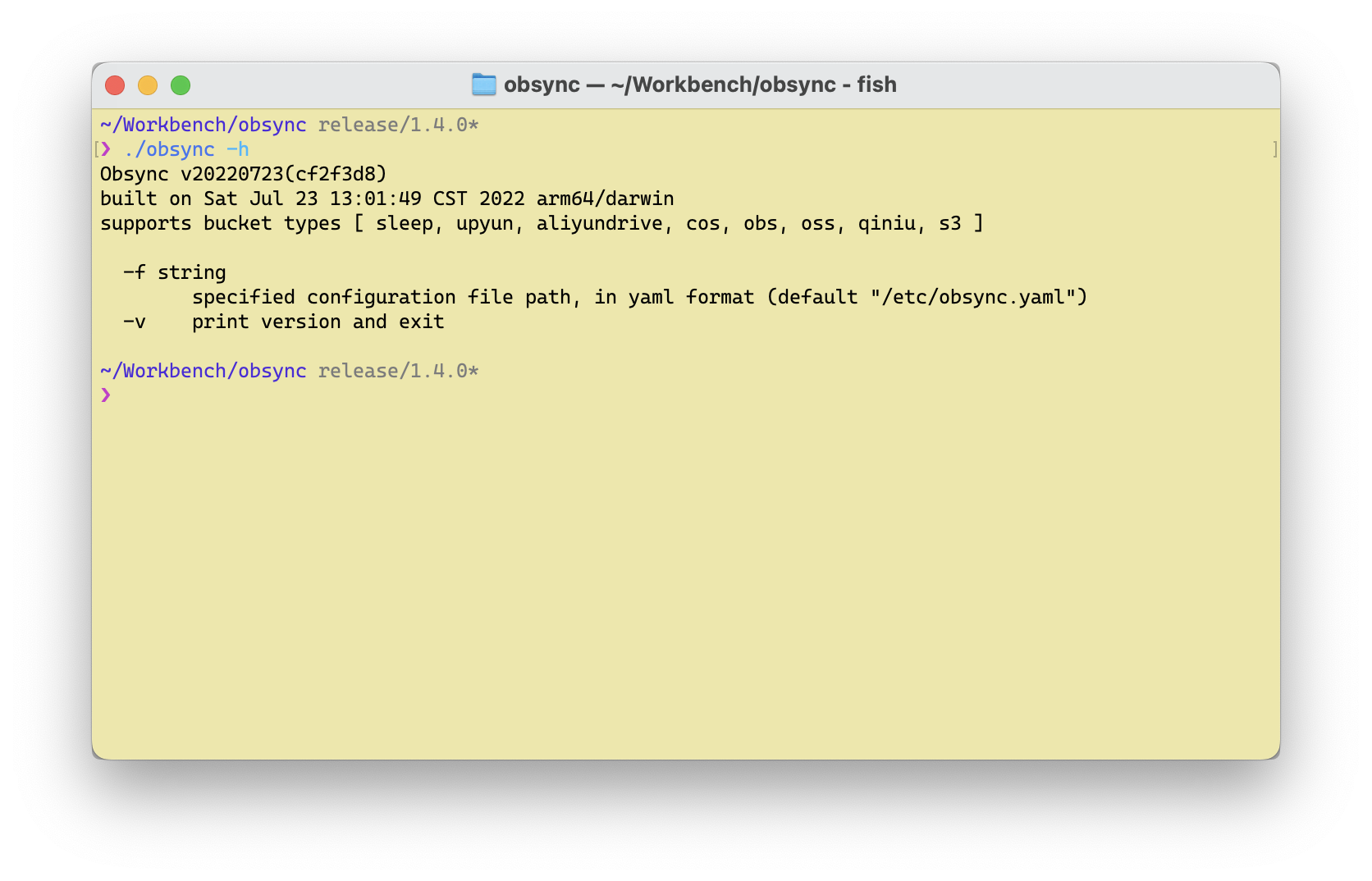 ## 更新历史 - 20240203 增加原生 S3 协议的支持、原有 S3 协议的支持迁移到 MinIO 模块 - 20220804 增加青云对象存储的支持 - 20220722 重构调度模块、配置脚本等,增加 S3 协议支持 - 20220314 增加 阿里云盘 的同步功能;增加回调测试 - 20210918 更新 Golang 的编译版本,重构部分代码 - <del>20200524 修改代码结构,增加 Standalone 定时同步</del>(已废弃) - 20190709 提供腾讯云(COS)、七牛云、又拍云同步功能 - 20190706 抽象接口,提供华为云、阿里云同步功能 - <del>20190614 增加 PID 文件支持</del>(已废弃) - 20190610 修复一些问题,并增加超时参数 - 20190605 完成基本功能 ## 概述 起先,这个是个针对华为云对象存储服务(OBS)的目录同步工具,支持多线程同步本地的目录到 OBS 的对象存储。 后面因为业务和需求的发展,逐渐演变为通用的对象存储同步工具。然后第二版本的时候,代码重构了以后理论上支持各种对象存储(只要实现对应的 interface 即可,下详)。 ### 支持的对象存储 目前已经支持的对象存储有: * 青云 * 华为云 OBS * 腾讯云 COS * 阿里云 OSS * S3 兼容的协议格式 * 七牛云 * 阿里云盘(部分支持,下详细) * MinIO ### @TODO - 增加回调,各个同步 Bucket 的执行的情况 - 增加用例测试 - <del>使用 Watch Directory 的方式监控文件变更并更新上传</del> 不实现 ## 编译 由于使用了 golang mod,所以建议使用 golang 1.11 及以上版本进行编译。请参考 Makefile 即可,使用 `make build` 编译以及 `make install` 安装到 `$GOPATH/bin` 中。 ## 配置 请参考 `example.yaml` 的配置文件,其中主要的配置项如下: ```yaml targets: - description: "very simple and stupid targets, do nothing" path: . override: true timeout: 10s threads: 1 exclude: - "*.txt" buckets: - name: test_sleep1 type: sleep endpoint: 2s - name: test_sleep2 type: sleep endpoint: 2s - description: "very simple and stupid targets, do nothing" path: . override: true timeout: 1s threads: 1 buckets: - name: test_sleep1 type: s3 endpoint: 2s # ... ``` 支持一对多同步到同一个以及不同的对象存储平台(详细技术细节请查看插件部分)。 ## 运行 本地运行的参数很简单,可以使用 `-v` 或者 `-h` 参数获得,同时可以看到已支持的同步对象。例如,以下是其中个版本的输出信息: ``` /~\|~)(~\/|\ ||~ \_/|_)_)/ | \||_ Obsync v20220722(9826272) Built on Fri Jul 22 23:18:30 CST 2022 arm64/darwin Support bucket types [ sleep, upyun, cos, obs, oss, qiniu, s3 ] -f string specified configuration file path, in yaml format (default "/etc/obsync.yaml") -v print version and exit ``` 然后执行 `obsync -f <config-path>` 即可。 ### 使用 systemd (已经废弃) 使用 systemd 可以非常方便得在 Linux 系统下管理应用的启动方式。参考文件 `obsync.service` 以及 `obsync.timer` 文件,默认每一个小时重启(扫描一次)应用。 基于用户运行的方式安装,则拷贝上述对应的两个文件到 `$HOME/.config/systemd/user`,同时注意执行文件以及配置文件的路径。然后,刷新 `systemctl --user daemon-reload` 后执行 `systemctl --user start obsync.timer` 即可运行。如想自动启动,则运行 `systemctl --user enable obsync.timer` 即可。 ### 使用 Docker 镜像部署 简单的可以使用 ``` docker pull ghcr.io/mingcheng/obsync ``` 拉取镜像,默认的配置路径为 `/etc/obsync.yaml` ,注意进行本地映射以及权限。 ### 在 K8s 环境搭配 CronJob(推荐) // @TODO ## 编写扩展 如果 obsync 目前还不支持您需要同步的对象存储平台,您可以使用简单的方式去扩展它。可以先插件在源代码目录中的 `/buckes` 目录下的文件,它们都是对应不同对象存储平台的实现。 其中,`sleep.go` 是个 `TestBucket` 顾名思义它什么都不用做,它的「上传操作」就是简单的 Sleep 几秒而已,我们可以很容易的拿它来作为快速实现的模板。 ```go // TestBucket is a test buckets type TestBucket struct { Config *obsync.BucketConfig } // Info to get the buckets info func (r *TestBucket) Info(ctx context.Context) (interface{}, error) { return "This is a test buckets", nil } // Exists to check if the file exists func (r *TestBucket) Exists(ctx context.Context, path string) bool { return false } // Put to put the file to the buckets func (r *TestBucket) Put(ctx context.Context, path, key string) error { log.Debugf("received path [%s] and key [%s]", path, key) time.Sleep(time.Duration(rand.Intn(5)) * time.Second) return nil } ``` 所以简单的讲,就是实现了对应的 Bucket 的 interface 即可 ```go type BucketClient interface { Info(context.Context) (interface{}, error) Exists(context.Context, string) bool Put(cxt context.Context, filePath, key string) error } ``` 以上,实现了以后就可以编写对应的配置文件即可开始使用。其中的多线程的处理以及实现在 `task.go` 这个文件中(如果有需要您可以扩展它,欢迎提交 PR 给我)。 ## 常见问题和思考 1. 阿里云盘的并发上传的问题 经过测试,阿里云盘实际上接口和实现都和阿里云的 OSS 都很类似,但是其封装了一层因此在并发操作的时候,非常难以获得其同步的操作结果(例如文件目录的建立、同步上传文件的时候返回的结果等)。 所以,限制阿里云的并发请求,改成了顺序请求。 2. 为什么不提供定时备份功能了? 前期有几个版本是提供了定时功能的,但考虑其实除了上传的后就一直守护进程没有做任何其他的动作,因此没必要长期保留进程(这样子也造成了资源的浪费)。 同时,从系统设计的角度出发、调度方面的工作应该让更专业的模块去做(例如 Kubernetes 的 CronJob),obsync 只需要完成它应该完成的事情即可。因此,去掉了定时功能。 `- eof -`
