KO
|
EN
gitlite — search
Search
#api
#python
#javascript
#java
#react
#magento
#php
#ios
#swift
#css3
#android
#docker
secret
★ 36
Open GitHub ↗
Encrypt anything with a password
Download README (.md)
Explore Similar Repositories
Catur
:
Bot Auto Chess.com
Takin
:
A Python toolkit for file processing, text cleaning and data splitting. 文件处理,文本清洗和数据划分的python工具包。
ibmi-oss-resources
:
Important resources for anyone interested in open source on IBM i
QtMarkdown
:
Markdown Parser, Render and Editor for Qt
eventuals
:
No description available.
// repository documentation
Was this content helpful?
★ 0
(0 ratings)
Select Rating:
★
★
★
★
★
Submit Feedback
Recent Feedback
×
Download README
Do you want to download the
README.md
file for
secret
?
Download (.md)
# Secret - Encrypt anything with a password Ever wanted to hide a file? Now you can do it really easily! [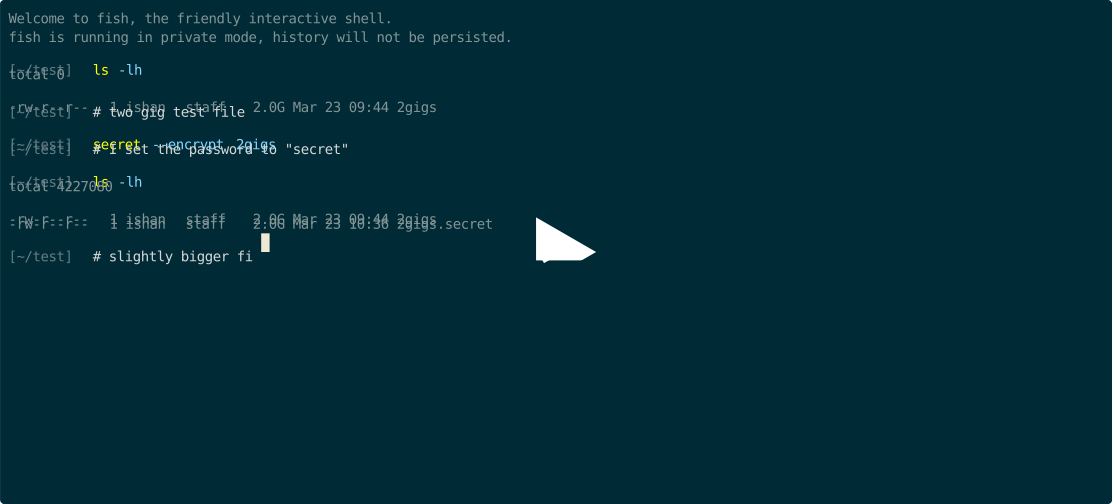](https://asciinema.org/a/401528?speed=2&autoplay=1) <a href="https://www.producthunt.com/posts/secret-2b8e7504-04e4-4a41-94bb-ae1e15ce49a5?utm_source=badge-featured&utm_medium=badge&utm_souce=badge-secret-2b8e7504-04e4-4a41-94bb-ae1e15ce49a5" target="_blank"><img src="https://api.producthunt.com/widgets/embed-image/v1/featured.svg?post_id=289364&theme=light" alt="Secret - Encrypt anything with a password. | Product Hunt" style="width: 250px; height: 54px;" width="250" height="54" /></a> ## Usage ```text secret {-e/--encrypt | -d/--decrypt} <source> [<destination>] secret [-h/--help | -v/--version] ``` For example, run: ```shell echo "foobardata" > foo.txt secret --encrypt foo.txt ``` You will be prompted for a password that you can use to recover data later. ```text Password: ``` After you input your password, Secret will make an encrypted `foo.txt.secret` file. Then, when you want to decrypt `foo.txt.secret`, you can run: ```shell secret --decrypt foo.txt.secret bar.txt ``` You must enter the same password you had when you encrypted the data. Secret then decrypts `foo.txt.secret` and writes the data to a new file, `bar.txt`. If you didn't specify `bar.txt`, Secret would try to write to `foo.txt`. However, Secret will never overwrite files and so it would print an error. Now `bar.txt` and `foo.txt` are exactly the same! (you can check this with `diff`) For larger files, Secret shows progress bars that indicate how much data has been encrypted or decrypted and even provides estimates for how much time is remaining. ```text Decrypting 33% ████████████ (687 MB/2.0 GB, 304.783 MB/s) [2s:4s] ``` You can also use pipes to specify the password (this can be useful in scripts): ```shell echo "mypass" | secret -e foo # use "mypass" as password and encrypt foo ``` ### Details ```text Options: -e, --encrypt Encrypt the source file and save to destination. If no destination is specified, secret makes a new file with a .secret extension. This option reads for a password. -d, --decrypt Decrypt the source file and save to destination. If no destination is specified, secret makes a new file without the .secret extension. This option reads for a password. -h, --help Display this help message -v, --version Show secret's version ``` ## Installing ```shell brew install quackduck/tap/secret # works for Linuxbrew too! ``` or get an executable from [releases](https://github.com/quackduck/secret/releases). ## Uninstalling ```shell brew uninstall quackduck/tap/secret ``` or on Unix, ```shell rm $(which secret) ``` or just delete it from wherever you installed the binary. ## Implementation details Secret uses AES, GCM, Scrypt with N = 2^15, r = 8, p = 1 and a high quality, 32 byte random salt for deriving a key.
