KO
|
EN
gitlite — search
Search
#ai-agent
#python
#mcp-server
#agentic-ai
#automation
#genpark
#llm-tools
#dsh-plugin
#deepseek-harness
#ai-agents
#dsh
#claude-code
yamada
★ 30
Open GitHub ↗
:feet: best image viewer while at work.
Download README (.md)
Explore Similar Repositories
spring-multi-datasource
:
This Is A Demo Use Spring AbstractRoutingDataSource And Aop Realize A Java Project Multi DataSource
IoT-Blink
:
Simple Blink Example using Raspberry Pi, LED Light and Ethereum for Meetup Class
clipBoard.js
:
with javascript operating clipboard
meteor-mantra-react-redux-kickstarter
:
Basic structure for mantra architecture with flow router, react and redux
nativescript-azure-mobile-apps
:
:cloud: NativeScript plugin for working with Microsoft Azure Mobile Apps services
// repository documentation
Was this content helpful?
★ 0
(0 ratings)
Select Rating:
★
★
★
★
★
Submit Feedback
Recent Feedback
×
Download README
Do you want to download the
README.md
file for
yamada
?
Download (.md)
# yamada <img src="yamada.png" width=400> > ミニマム作業用画像ビューア ## 特徴 - お気に入りの画像フォルダをスライドショー - 最前面に表示可能 - フレームレスウィンドウ - ドラックで簡単に移動 - CUIから起動 ## スクリーンショット # 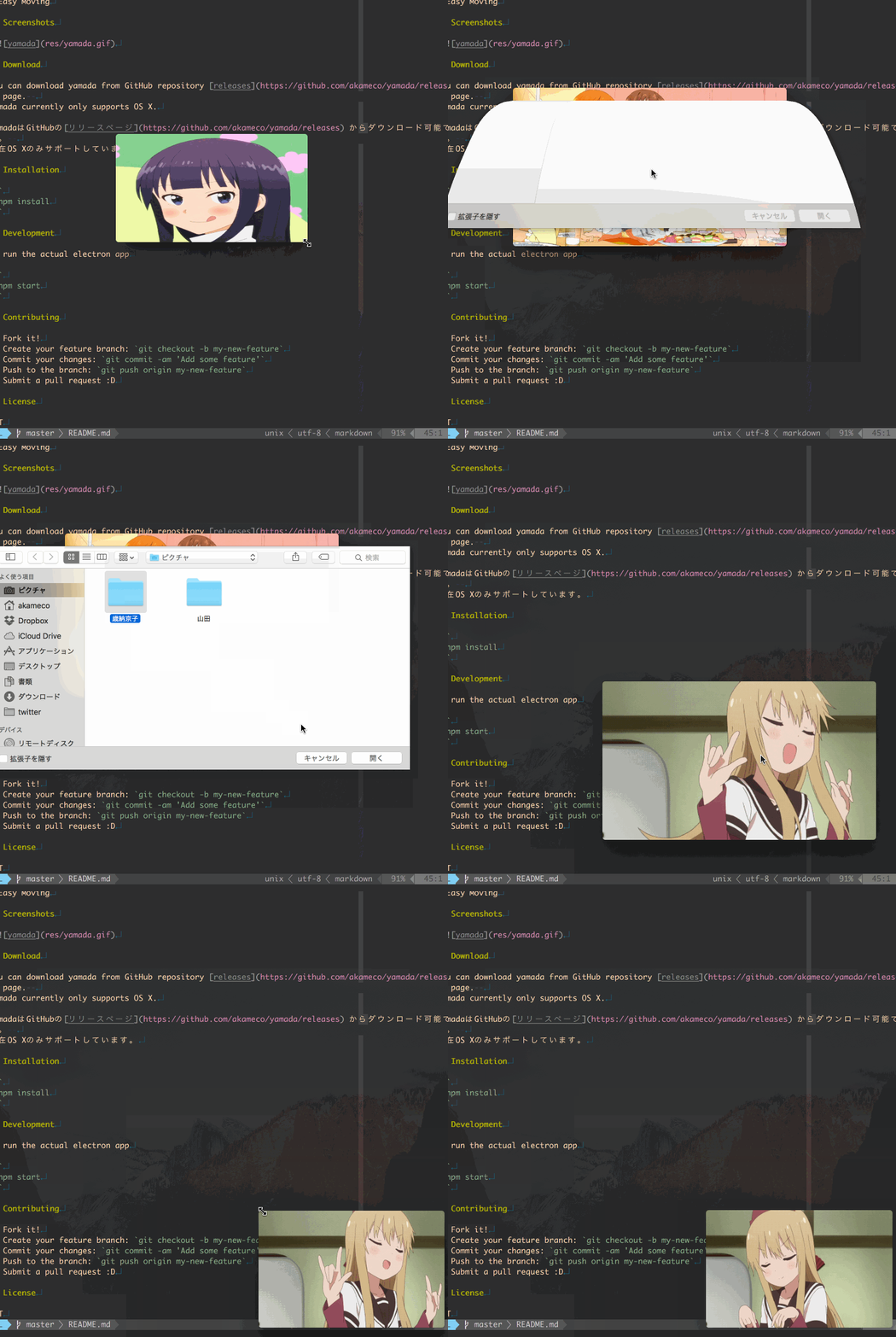 ## ダウンロード ### MacOS [Download](https://github.com/akameco/yamada/releases) ダウンロード後、zipを展開し`/Applications`に配置してください。 ## CLI CLIをサポートしています。 ターミナルから現在のディレクトリを簡単に開くことができます。 ``` $ yamada --help Usage $ yamada [path] Options --interval,-i interval time Examples $ yamada . -i 3000 $ yamada ~/Pictures/ ``` ## Contributing 1. Fork it! 2. Create your feature branch: `git checkout -b my-new-feature` 3. Commit your changes: `git commit -am 'Add some feature'` 4. Push to the branch: `git push origin my-new-feature` 5. Submit a pull request :D ## License MIT © [akameco](http://akameco.github.io)
