KO
|
EN
gitlite — search
Search
#typescript
#ai-agents
#ai
#dsh-plugin
#deepseek-harness
#open-source
#claude-code
#codex
#cli
#developer-tools
#react
#windows
NTexturePreview
★ 76
Open GitHub ↗
Enhanced Texture Previewer for Unity
Download README (.md)
Explore Similar Repositories
typerx
:
A lightweight typescript annotation rest based extra (express、 mongoose、 angular、zorro、ng-alain ...).
angular-forum
:
Forum application built with Angular
branca
:
Authenticated and encrypted API tokens written in Rust. A secure JWT alternative.
Bukkript
:
Bukkript is a custom Kotlin Scripting Definition for customizing Minecraft Bukkit servers
schnorr-nizk
:
Schnorr Protocol for Non-interactive Zero-Knowledge Proofs
// repository documentation
Was this content helpful?
★ 0
(0 ratings)
Select Rating:
★
★
★
★
★
Submit Feedback
Recent Feedback
×
Download README
Do you want to download the
README.md
file for
NTexturePreview
?
Download (.md)
# NTexturePreview Enhanced Texture Previewer for Unity **Currently Unity 2018.3+** ### Advancements - RGB Toggles (CTRL+CLICK for Single-Channel) - Zooming & Panning - Zoom Resets - Matching Filter Mode (default preview is always Point-filtered) - Normal Map Diffuse Preview (Right-Mouse, Right-Mouse+Scroll) - Colour Picking (Hold Right-Mouse, Left-Click during to copy as hex. Double-Click to copy as code. CTRL-C and CTRL-SHIFT-C whilst picking are analogous) - Continuous Repaint button - Sprite pinging for sliced sprites (double-click) 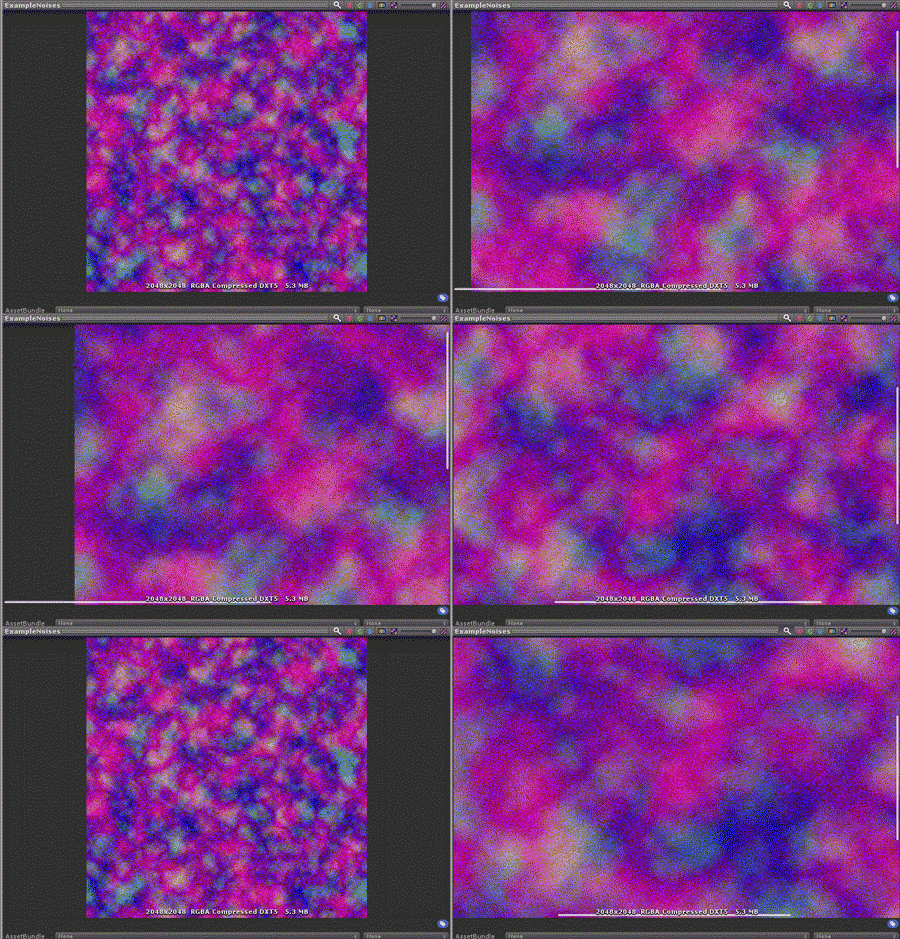 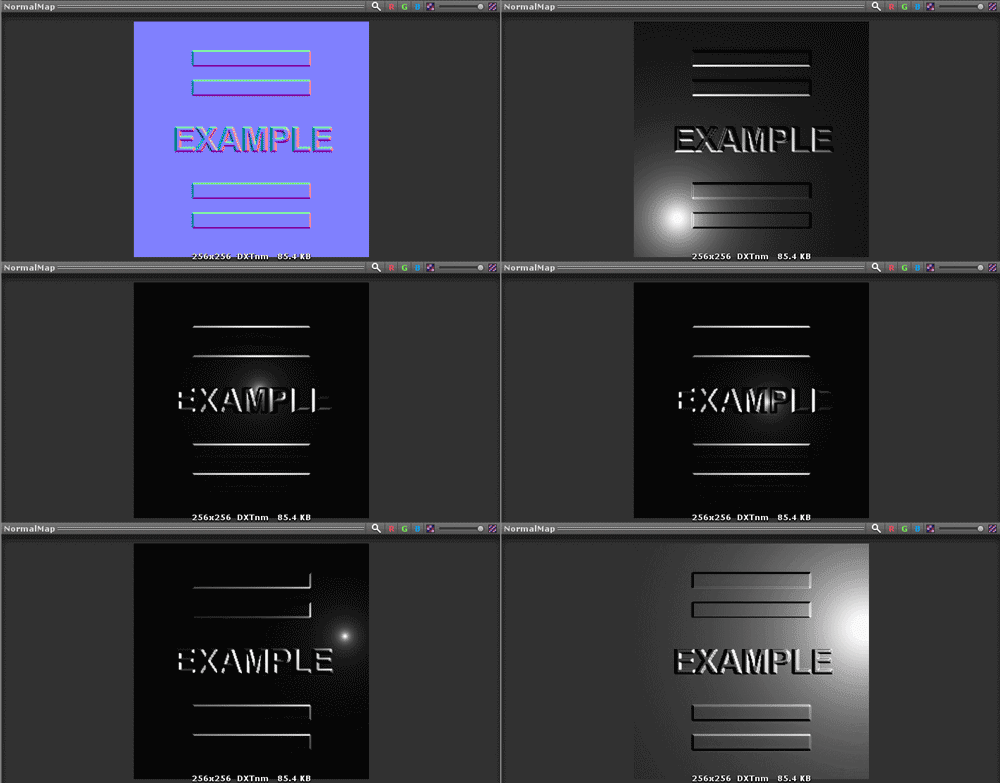 ### 3D Materials #### Default Material - Cube preview (default was sphere) - XYZ Axis Preview Sliders 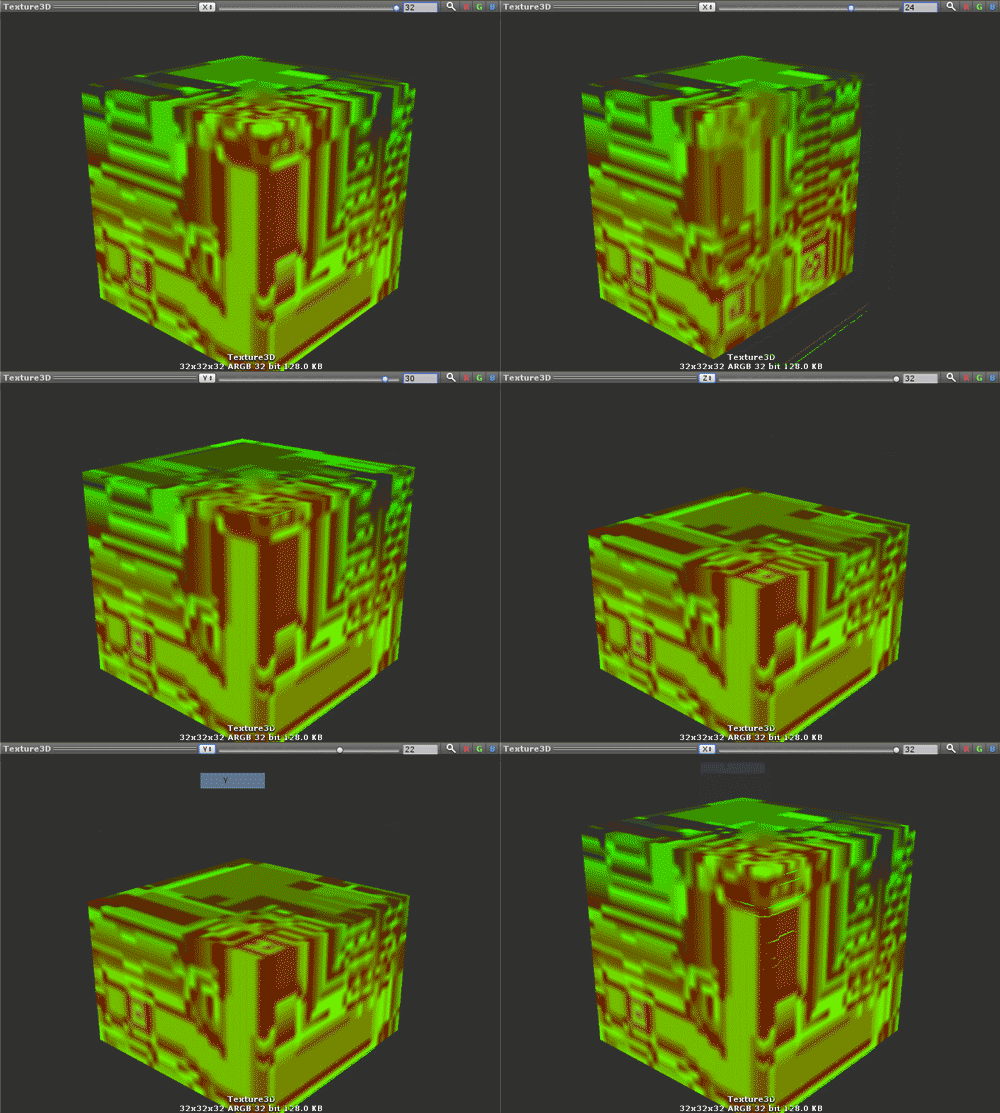 #### Overrides You can override the Material used for the 3D Texture Preview. This is done by inheriting from N3DTexturePreview.I3DMaterialOverride. An example is provided at NTexturePreview/Examples/Custom 3D/Editor/N3DTexturePreviewExample.cs. The file specifically operates on Texture3D assets named "3DTexturePreviewExample", but a method of your own might perform any logic to provide a custom preview material. 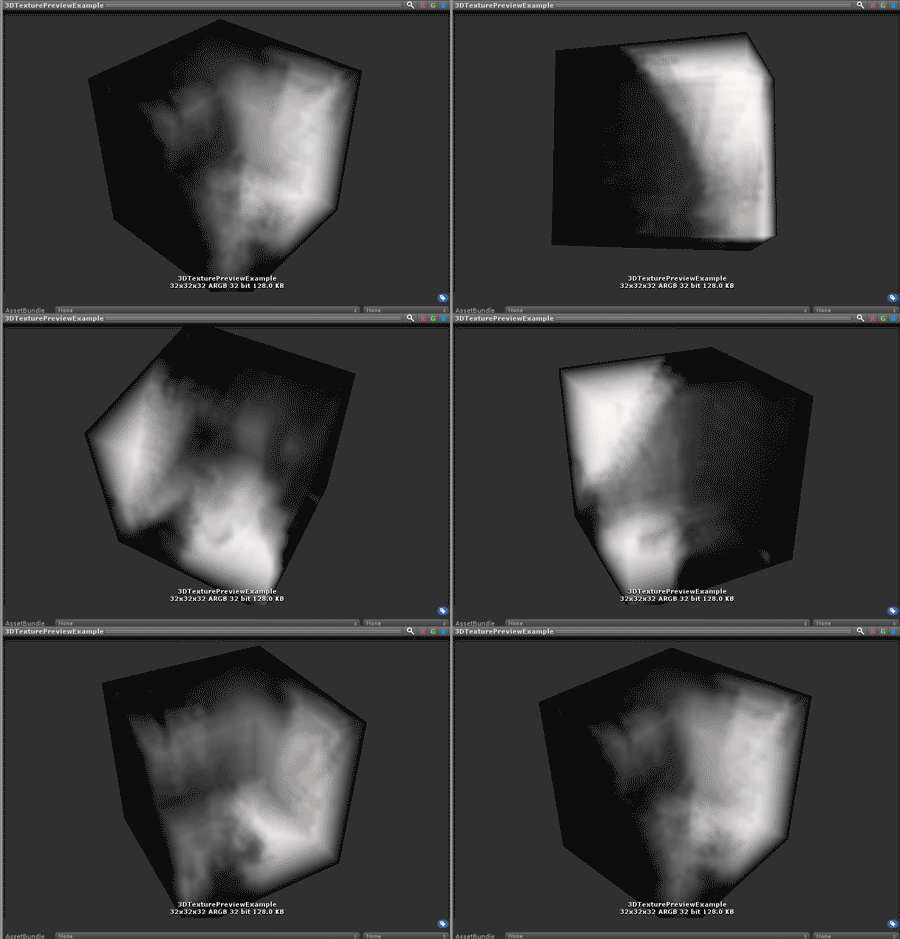 ## Installation Ensure your project is on .NET 4.x by navigating to Edit>Project Settings>Player>Configuration>Scripting Runtime Version and switching to .NET 4.x Equivalent. Edit your `manifest.json` file to contain: `"com.vertx.ntexturepreview": "https://github.com/vertxxyz/NTexturePreview.git",` Or pull the project locally and use the Package Manager (Window>Package Manager), adding the package.json file present in the root of the folder with the `+` button.
