KO
|
EN
gitlite — search
Search
#typescript
#ai-agents
#ai
#dsh-plugin
#deepseek-harness
#open-source
#cli
#claude-code
#codex
#developer-tools
#react
#windows
bopi
★ 76
Open GitHub ↗
Your DIY Backpack Pet
Download README (.md)
Explore Similar Repositories
backpacks-flash-attn
:
The original Backpack Language Model implementation, a fork of FlashAttention
WearableBackpacks
:
Minecraft mod which adds beautiful, balanced backpacks
really-small-backpack-example
:
A really small example of the Backpack module system for Haskell
nodebots-interchange
:
Project related to creating hardware backpacks for your nodebot to make them more capable.
backpack-react-native
:
Backpack Design System
// repository documentation
Was this content helpful?
★ 0
(0 ratings)
Select Rating:
★
★
★
★
★
Submit Feedback
Recent Feedback
×
Download README
Do you want to download the
README.md
file for
bopi
?
Download (.md)
<a href="https://x.com/pham_blnh/status/2037897444286169505?s=20"><img src="assets/bopi.gif" width="100%" /></a> # Bopi: Your DIY Backpack Pet [](https://x.com/pham_blnh/status/2037897444286169505?s=20) A voice agent companion running on [SenseCAP Watcher](https://www.seeedstudio.com/SenseCAP-Watcher-W1-A-p-5979.html), powered by [LiveKit](https://livekit.io) and [Dasai](https://dasai.com.au) animations. Talk to it, and it reacts with expressions on screen. **Quick links**: - [**Build It Yourself**](#what-you-need) - [**How It Works**](#how-it-works) - [**Offline Version**](https://github.com/pham-tuan-binh/watcher-mochi) ## What You Need - SenseCAP Watcher: [Buy here - $69 - Coupon: 5EB420ZS](https://www.seeedstudio.com/SenseCAP-Watcher-W1-A-p-5979.html?sensecap_affiliate=3gToNR2&referring_service=link) - A microSD card (any size, FAT32 formatted) - A USB-C cable - A computer with [ESP-IDF](https://docs.espressif.com/projects/esp-idf/en/stable/esp32s3/get-started/) v5.4+ installed - A [LiveKit Cloud](https://cloud.livekit.io) project (or self-hosted server) - The [LiveKit CLI](https://docs.livekit.io/home/cli/cli-setup/) (`lk`) ❤️ **If you want to buy a SenseCAP Watcher, consider using the link or coupon above.** It's an affiliate link so I'll get a small percentage of your order as appreciation ^^ ## Step 1: Prepare the SD Card 1. Format your microSD card as **FAT32** 2. Copy all the `.gif` files from the `sd_content/` folder onto the root of the SD card 3. Insert the SD card into your Watcher There are 63 animations included plus a `blank.gif` that shows between expressions. You can add your own GIFs too - just drop any `.gif` file onto the SD card root. ## Step 2: Configure Settings can be set through `idf.py menuconfig` or added directly to `sdkconfig`: ### Credentials **Option A** - Use a LiveKit Sandbox for quick setup. Create one from your [Cloud Project](https://cloud.livekit.io/projects/p_/sandbox): ```ini CONFIG_LK_BOPI_USE_SANDBOX=y CONFIG_LK_BOPI_SANDBOX_ID="my-project-xxxxxx" ``` **Option B** - Use a pre-generated token and server URL: ```ini CONFIG_LK_BOPI_USE_PREGENERATED=y CONFIG_LK_BOPI_SERVER_URL="wss://your-project.livekit.cloud" CONFIG_LK_BOPI_TOKEN="<your-token>" ``` To generate a token with the LiveKit CLI: ```sh lk token create --project \ --join --room bopi --agent "bopi-agent" --identity bopi \ --valid-for 24h ``` This creates a token that joins the room `bopi`, dispatches the agent named `bopi-agent`, and identifies the Watcher as `bopi`. ### Network WiFi: ```ini CONFIG_LK_EXAMPLE_USE_WIFI=y CONFIG_LK_EXAMPLE_WIFI_SSID="<your SSID>" CONFIG_LK_EXAMPLE_WIFI_PASSWORD="<your password>" ``` > Note: WiFi and Ethernet settings come from the LiveKit `example_utils` component, so they still use the `LK_EXAMPLE_` prefix. ## Step 3: Run the Agent The `agent/` folder contains a LiveKit Agents server that powers Bopi's voice and expressions. You need [uv](https://docs.astral.sh/uv/) and a `.env.local` file with your API keys. Generate your `.env.local` credentials: ```sh cd agent lk app env -w ``` Then start the agent: ```sh cd agent uv sync uv run bopi-agent dev ``` The agent will connect to your LiveKit project and wait for the Watcher to join the room. ## Step 4: Build and Flash the Firmware ```sh idf.py build idf.py flash monitor ``` Press `Ctrl+]` to exit the monitor. ## How It Works Bopi is built on top of [LiveKit's ESP32 SDK](https://github.com/livekit/client-sdk-esp32), which handles real-time audio streaming over WebRTC directly on the microcontroller. The Watcher connects to a LiveKit room, publishes its microphone audio, and subscribes to audio from the agent - all running on the ESP32-S3. On the server side, a [LiveKit Agent](https://docs.livekit.io/agents/) (`agent/`) listens to the room. It uses speech-to-text, an LLM, and text-to-speech to hold a conversation. The agent's responses are streamed back to the Watcher as audio, and its transcription is sent as a data stream so the Watcher can react to individual words in real time. Here's what to expect when using it: 1. **Tap the screen** - the Watcher connects to the LiveKit room and the agent is dispatched 2. **Start talking** - the agent hears you, thinks, and talks back through the speaker 3. **Watch the expressions** - as the agent speaks, matching animations play on screen 4. **Tap again** to mute/unmute the mic 5. **Long-press** to disconnect and restart The expressions work through the agent's transcription data stream (`lk.transcription`). As the agent speaks, each word is checked against the GIF filenames on the SD card. If a word matches, that animation plays on screen. For example, if the agent says "happy", `happy.gif` plays. If no GIF matches, the word is shown as text instead. The matching is case-insensitive and strips trailing punctuation, so "Happy!" still triggers `happy.gif`. Only single words are matched to keep things snappy. | | | | | | | :----------------------------: | :--------------------------------: | :----------------------------: | :------------------------------: | :------------------------------------: | |  |  |  | 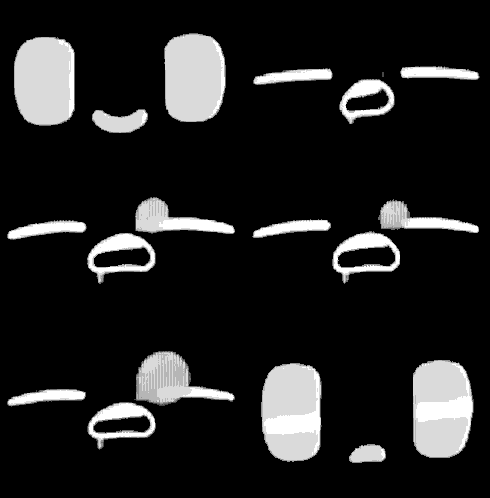 | 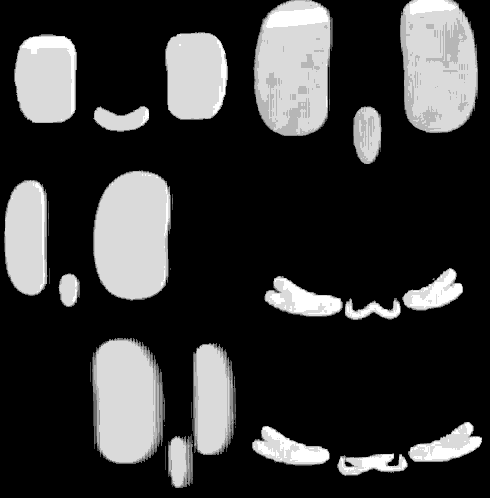 | | happy | dancing | love | sleepy | surprised | |  | 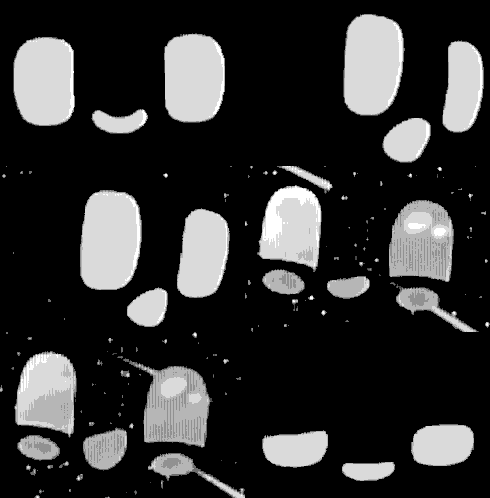 | 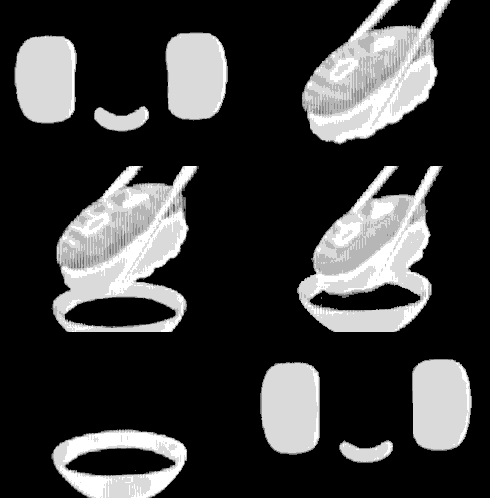 | 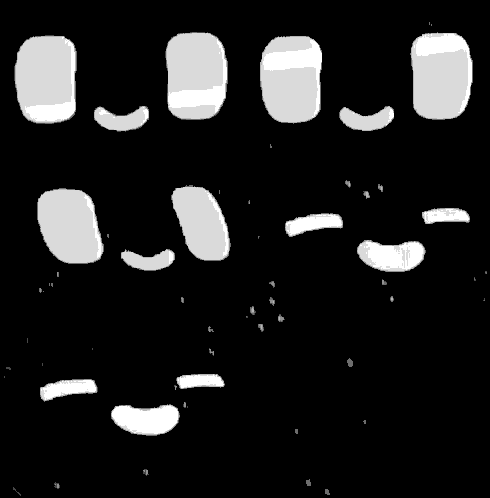 | 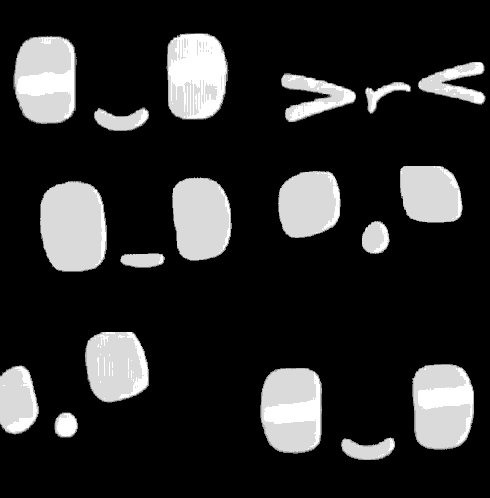 | | devil | sparkle | sushi | rain | wink | Between expressions, a `blank.gif` idle animation is shown. ## License The firmware source code is licensed under the [Apache License 2.0](LICENSE). The GIF animations in `sd_content/` are property of [Dasai](https://dasai.com.au) and are included here for personal use with the Bopi project. All rights to the animations belong to Dasai.
