KO
|
EN
gitlite — search
Search
#javascript
#python
#hacktoberfest
#react
#ai
#typescript
#llm
#go
#golang
#android
#machine-learning
#rust
#deep-learning
#linux
babylon-mmd-showcase
★ 22
Open GitHub ↗
No description available.
Download README (.md)
Explore Similar Repositories
neo4j-mcp-workspace-template
:
A template repo for end to end Neo4j development using MCP
verdantia
:
No description available.
CostNav
:
CostNav: A Navigation Benchmark for Real-World Economic-Cost Evaluation of Physical AI Agents
PrivacyX
:
Extension Firefox PrivaCyx Open Source
aigun-app
:
AI-powered automated trading platform with blockchain integration (EVM/Solana). Built with Flutter for cross-platform support.
// repository documentation
Was this content helpful?
★ 0
(0 ratings)
Select Rating:
★
★
★
★
★
Submit Feedback
Recent Feedback
×
Download README
Do you want to download the
README.md
file for
babylon-mmd-showcase
?
Download (.md)
# babylon-mmd-showcase 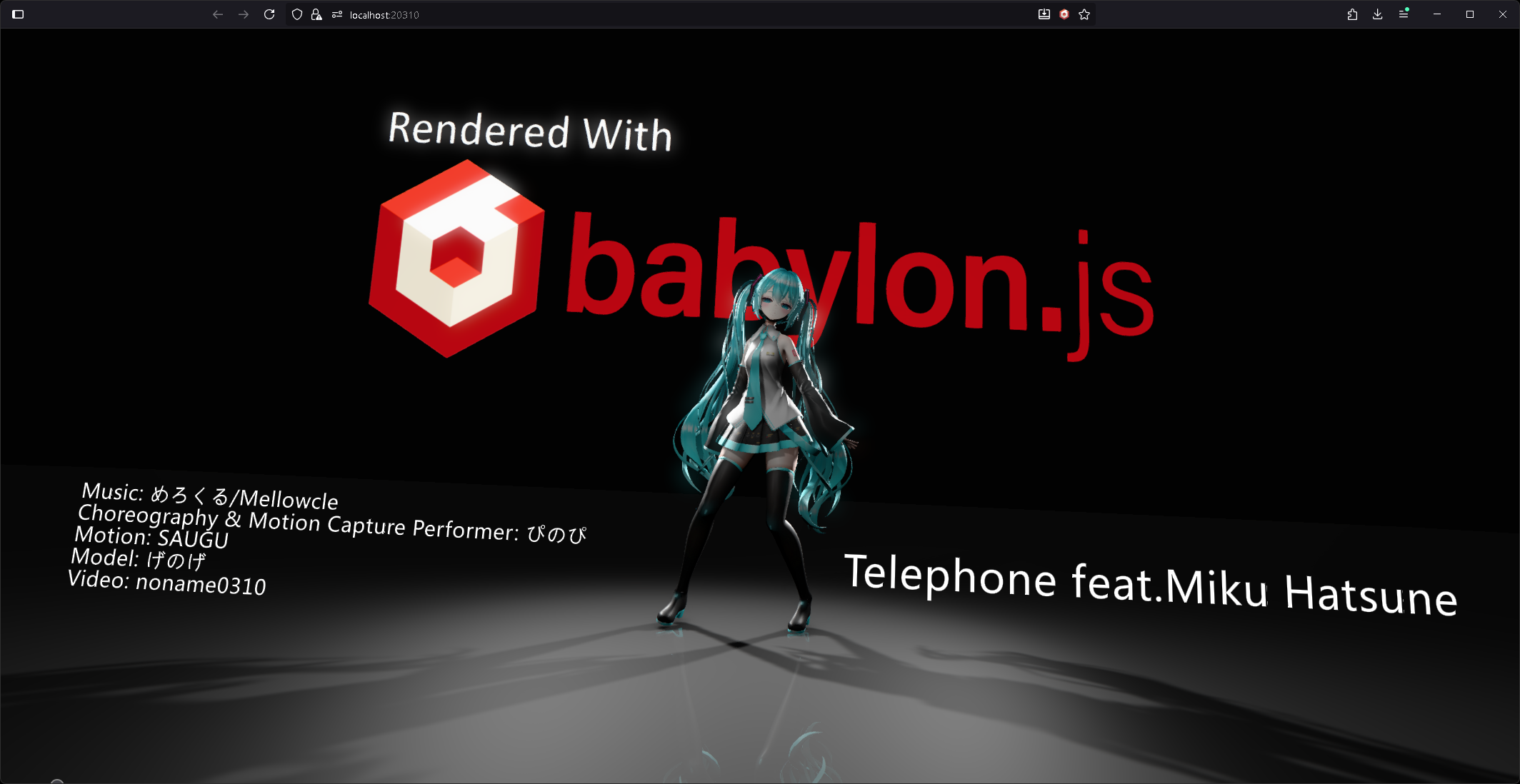 [rendered video](https://youtu.be/P5UaVRjNmAw) ## Overview This repository is a small proof-of-concept demonstrating how far you can push Babylon.js’ rendering pipeline to produce a polished MMD scene. It ties together advanced lighting, post-processing, and camera work with the `babylon-mmd` runtime to showcase a cinematic workflow. ## Required external assets To run the project you must manually download two external assets referenced in comments inside `sceneBuilder.ts`, then place them under the matching paths in the `res/` directory. 1. **Motion & music**: Grab the VMD / MP3 from [YouTube – Telephone(Music Video)/Mellowcle feat.Miku Hatsune](https://www.youtube.com/watch?v=o0SNzFbNo4g) and drop the files into `res/private_test/Telephone/`. 2. **Model**: Download the Miku model from [BowlRoll – げのげ式初音ミク](https://bowlroll.net/file/320915), extract it, and copy the original folder structure to `res/private_test/げのげ式初音ミク/`. > ⚠️ Please review each asset’s license and terms of use, and keep your usage to personal learning or demonstrations only. ## Install & run ```pwsh # Install dependencies npm install # Launch the dev server (http://localhost:8080 by default) npm start ``` ## Project layout - `src/sceneBuilder.ts`: Builds the scene, initializes the MMD runtime, and configures lighting, materials, and post-processing. - `src/index.ts`: Wires the Babylon.js engine to `SceneBuilder` and renders the scene into the canvas. - `res/`: Static resources plus the manually downloaded model, motion, and texture files.
