KO
|
EN
gitlite — search
Search
#typescript
#ai-agents
#ai
#dsh-plugin
#deepseek-harness
#open-source
#cli
#claude-code
#codex
#developer-tools
#react
#windows
devilbox.org
★ 73
Open GitHub ↗
devilbox website: http://devilbox.org
Download README (.md)
Explore Similar Repositories
adidas.github.io
:
adidas GitHub Portal
Seoul-MatZip-2019
:
시사플러스 선정 2019 서울 맛집 지도화
branchsite
:
CLI tool for publishing your static website to a separate branch
textbooks
:
:books: Openstax Textbooks ported to GitHub and hosted on GH Pages
cfour-hi.github.io
:
Blog
// repository documentation
Was this content helpful?
★ 0
(0 ratings)
Select Rating:
★
★
★
★
★
Submit Feedback
Recent Feedback
×
Download README
Do you want to download the
README.md
file for
devilbox.org
?
Download (.md)
# http://devilbox.org Github repository for the Devilbox website. The source code is located in the [gh-pages](https://github.com/devilbox/devilbox.org/tree/gh-pages) branch. --- #### The official Devilbox repository is here: https://github.com/cytopia/devilbox --- [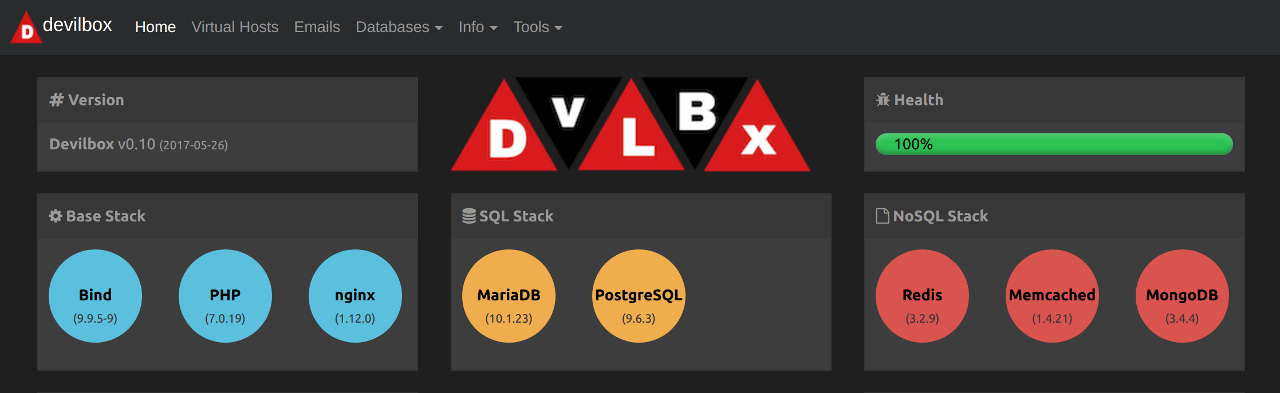](https://github.com/cytopia/devilbox) ### How to build locally? ##### 1. Get the sources ```shell # Clone repository $ git clone -v https://github.com/devilbox/devilbox.org # Checkout gh-pages branch $ cd devilbox.org $ git checkout gh-pages ``` ##### 2. Setup Gemfile ``` $ vi Gemfile source 'https://rubygems.org' gem 'github-pages', group: :jekyll_plugins ``` ##### 3. Install requirements ```shell $ gem install bundler $ bundle install ``` #### 4. Build ```shell $ bundle exec jekyll serve ``` ### Reference https://help.github.com/articles/setting-up-your-github-pages-site-locally-with-jekyll/
