KO
|
EN
gitlite — search
Search
#javascript
#python
#hacktoberfest
#react
#ai
#typescript
#llm
#go
#golang
#android
#machine-learning
#rust
#deep-learning
#linux
godocs-bulma
★ 17
Open GitHub ↗
No description available.
Download README (.md)
Explore Similar Repositories
ts-spec
:
A small library for testing your types
Self-Supervised-Endoscopic-Image-Key-Points-Matching
:
No description available.
relaxed
:
huge monorepo eslint vue react 文档博客 集成 各种设计模式 自定义 工具库 函数库 hook库 指令库 高级组件 按需加载 开箱即用 兼容 vue2 vue3 turborepo
rda
:
No description available.
VUMAT-3D-Compoaite-
:
VUMAT for Composite for 3D solid elements based on hashin
// repository documentation
Was this content helpful?
★ 0
(0 ratings)
Select Rating:
★
★
★
★
★
Submit Feedback
Recent Feedback
×
Download README
Do you want to download the
README.md
file for
godocs-bulma
?
Download (.md)
# godocs Free Bulma Portfolio Template 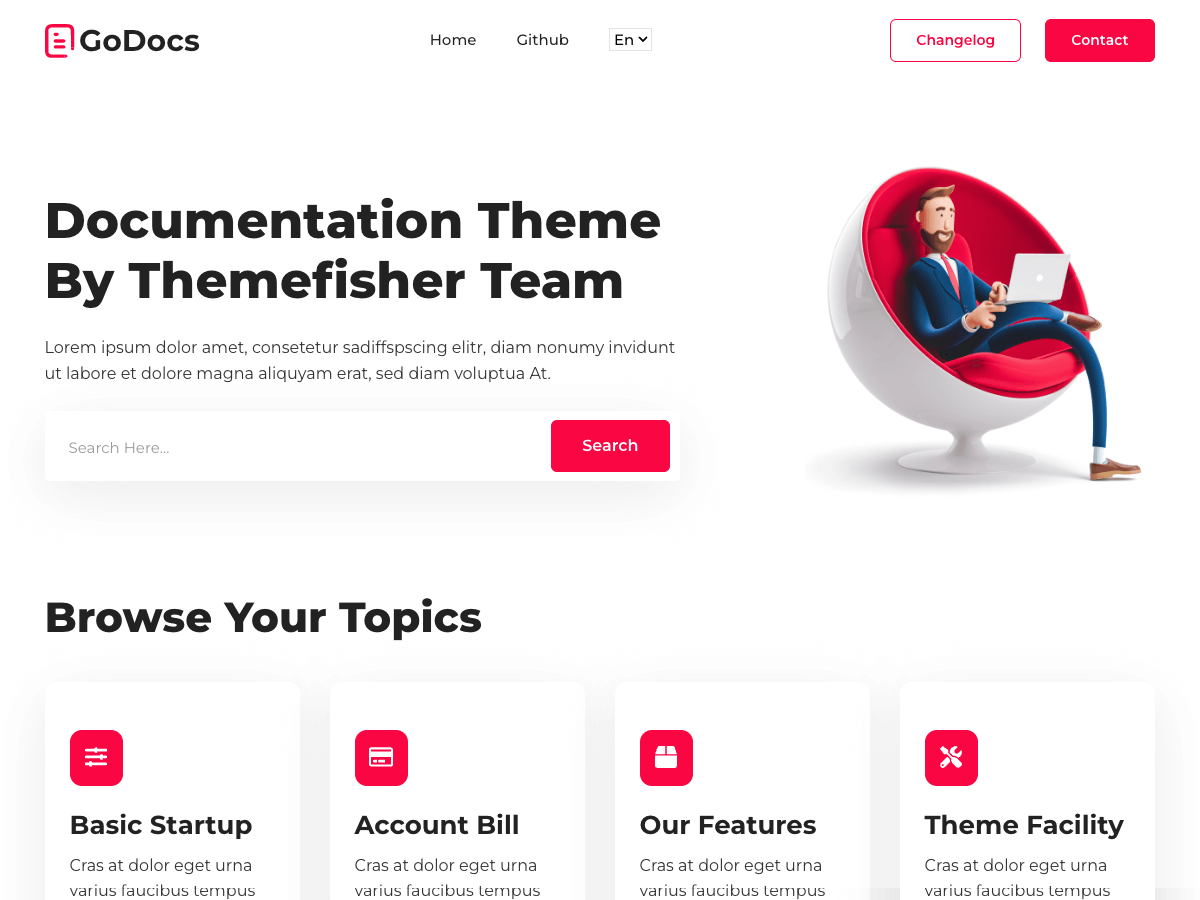 👉🏻[View Live Preview](https://demo.themefisher.com/godocs-bulma/) <!-- download --> ## Download And installation Download this template from [Github](https://github.com/themefisher/godocs-bulma/archive/main.zip) <!-- installation --> ### Basic Usages After downloading the template, you can simply edit the HTML and CSS files from the `theme` folder. To preview the changes you make to the code, you can open the index.html file in your web browser. ### Advanced Usage For advanced usage, you have some prerequisites to install. Then you can run it on your localhost. You can view the package.json file to see which scripts are included. #### Install prerequisites (once for a machine) * **Node Installation:** [Install node js](https://nodejs.org/en/download/) * **Gulp Installation:** Install gulp globally from your terminal ``` npm install --global gulp-cli ``` Or visit the original [Gulp docs](https://gulpjs.com/docs/en/getting-started/quick-start) #### Local setup After successfully installing those dependencies, open this theme with any IDE [[VS Code](https://code.visualstudio.com/) recommended], and then open the internal terminal of IDM [vs code shortcut <code>ctrl/cmd+\`</code>] * Install dependencies ``` npm install ``` * Run locally ``` npm run dev ``` After that, it will open up a preview of the template in your default browser, watch for changes to source files, and live reload the browser when changes are saved. #### Production Build After finishing all the customization, you can create a production build by running this command. ``` npm run build ``` Now you get a `theme` folder that has all the changes you have made. you can use this folder as your main theme. <!-- reporting issue --> ## Reporting Issues We use GitHub Issues as the official bug tracker for the godocs-bulma Template. Please Search [existing issues](https://github.com/themefisher/godocs-bulma/issues). It’s possible someone has already reported the same problem. If your problem or idea has not been addressed yet, feel free to [open a new issue](https://github.com/themefisher/godocs-bulma/issues). <!-- support --> ## Technical Support or Questions (Paid) If you have questions or need help integrating the product please [contact us](mailto:mehedi@themefisher.com) instead of opening an issue. <!-- licence --> ## License Copyright (c) 2016 - Present, Designed & Developed by [Themefisher](https://themefisher.com) **Code License:** Released under the [MIT](https://github.com/themefisher/godocs-bulma/blob/main/LICENSE) license. **Image license:** The images are only for demonstration purposes. They have their license, we don't have permission to share those images.
