KO
|
EN
gitlite — search
Search
#python
#docker
#golang
#aws
#react
#python3
#ios
#hacktoberfest
#go
#postgresql
#flutter
#javascript
tlshot
★ 41
Open GitHub ↗
Screenshots + TLDraw
Download README (.md)
Explore Similar Repositories
steam-comment-bot-template-plugin
:
🔌 Plugin template for my steam-comment-service-bot. Fork this repository to create your own plugin!
Rexit
:
Rexit - Liberate your Reddit Chats. This tool will export your reddit chats into a plethora of formats
uniai-maas
:
An opensource AI & model as a service platform.
mLauncher
:
No description available.
nRF24-Batch
:
Flipper Zero application for nRF24L01 external board. Send batch commands.
// repository documentation
Was this content helpful?
★ 0
(0 ratings)
Select Rating:
★
★
★
★
★
Submit Feedback
Recent Feedback
×
Download README
Do you want to download the
README.md
file for
tlshot
?
Download (.md)
# tlshot Take screenshots and edit them with [tldraw](https://docs.tldraw.dev/). 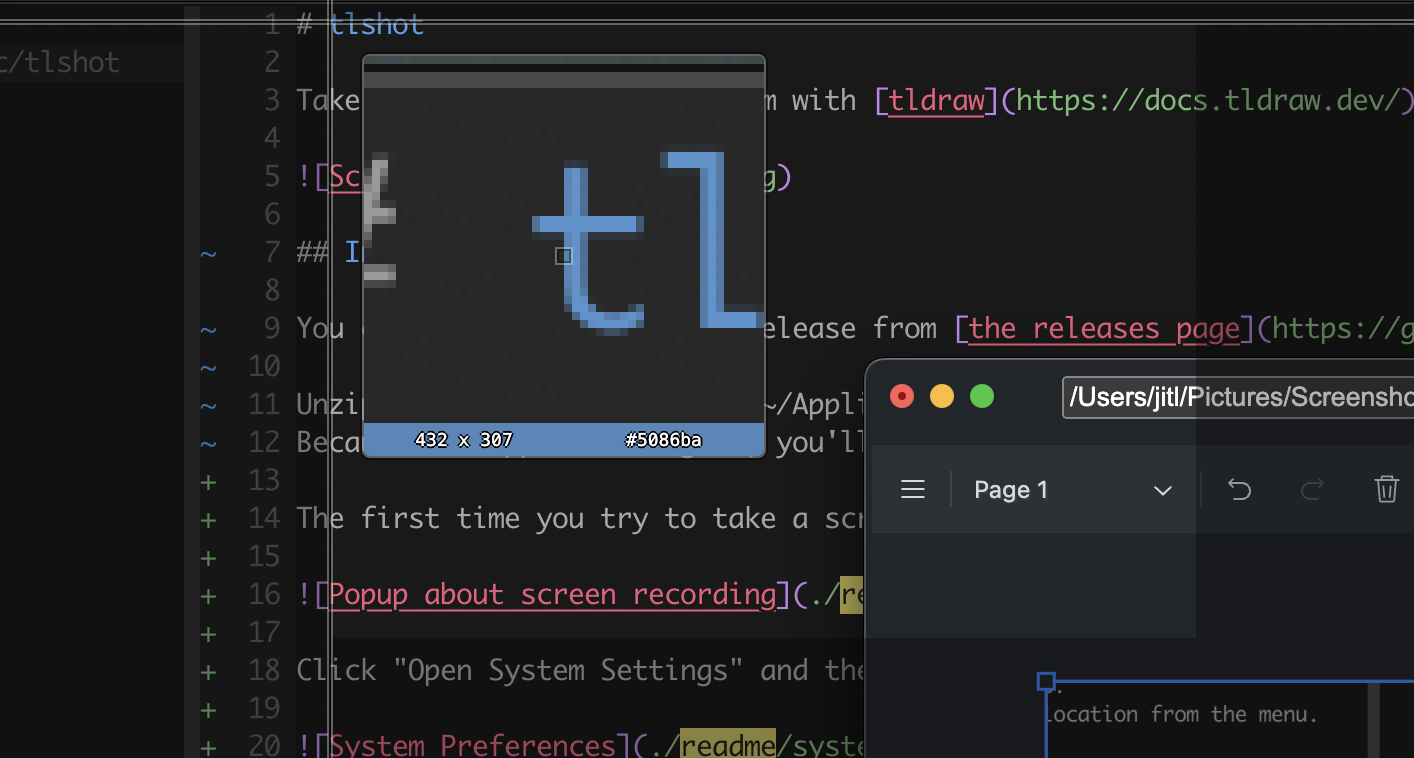 ## Installing You can download the latest release from [the releases page](https://github.com/justjake/tlshot/releases). Unzip the app and move it to ~/Applications or /Applications. Because the app isn't signed, you'll need to right-click and choose "Open" the first time you run it. The first time you try to take a screenshot, you'll be prompted to allow the app to control your computer: 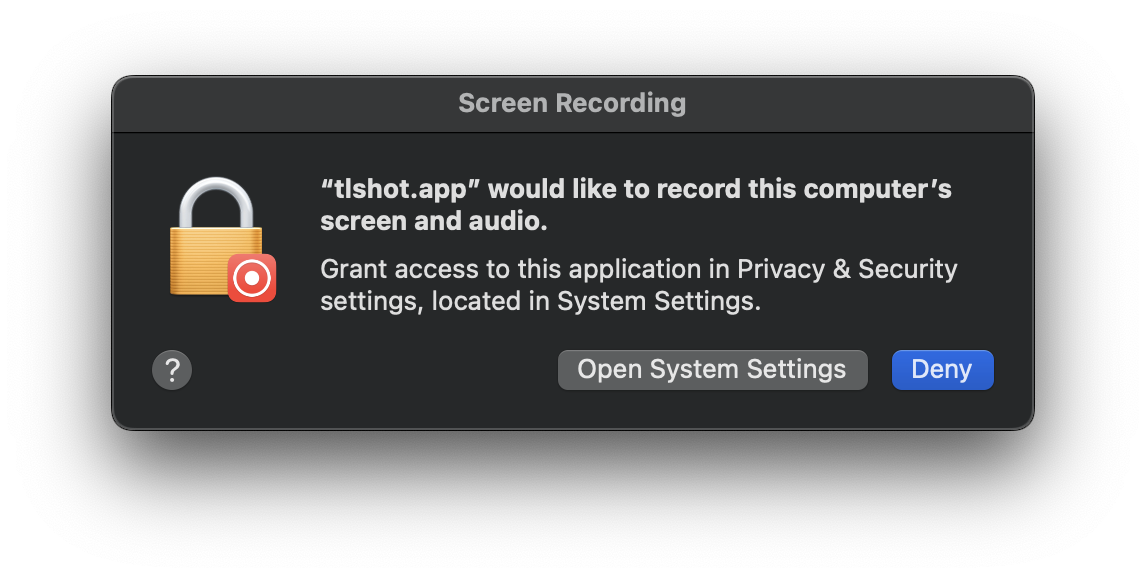 Click "Open System Settings" and then enable the switch for tlshot in the "Privacy and Security" section: 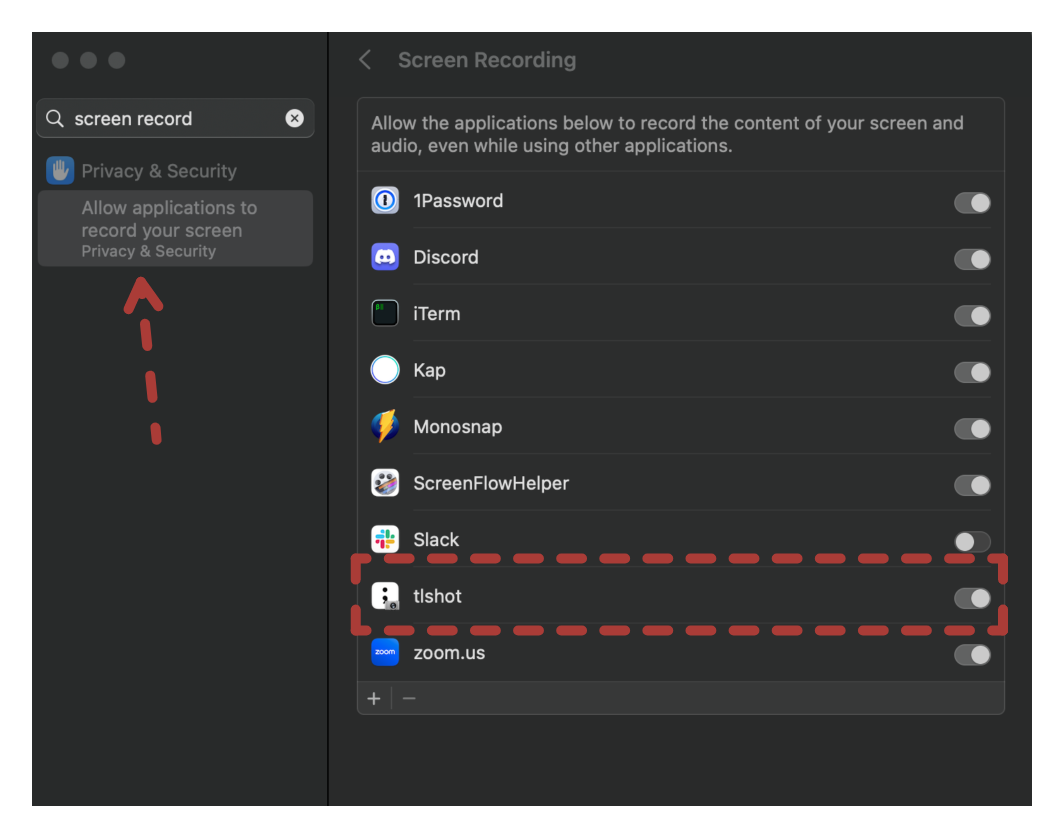 ## Usage tlshot runs as a menu bar app. Click on its icon or use one of the global shortcuts to capture a screenshot. 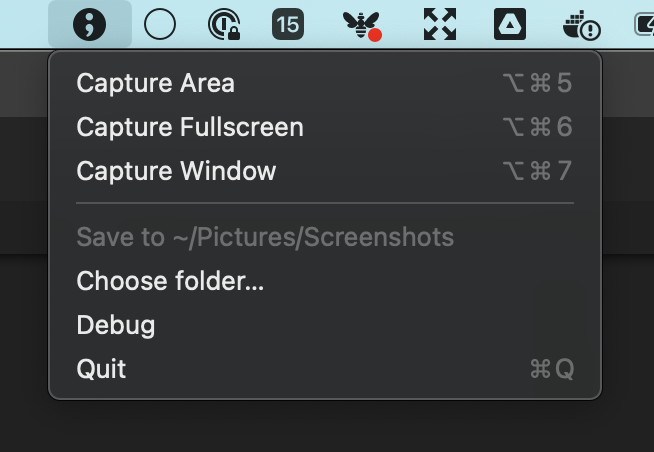 An editor will open to mark up the screenshot. - Capture more screenshots using the "Grab Area" or "Grab Window" buttons. - Edit the path to change the file location. You can change the default location from the menu. - Click "done" to save and close the editor. - Closing the window otherwise discards the screenshot.