KO
|
EN
gitlite — search
Search
#dotfiles
#ruby
#vim
#python
#ai-agent
#plugin
#mantisbt-plugin
#javascript
#php
#dsh-plugin
#java
#adopt-this-plugin
App-Terminator
★ 64
Open GitHub ↗
Unified linux uninstaller.
Download README (.md)
Explore Similar Repositories
one-drive-uninstaller
:
Uninstalls OneDrive from your System
openclaw-sifu
:
A standalone graphical installer and uninstaller for OpenClaw
UninstallTeams
:
Uninstall Teams in less than a minute.
UninstallOneDrive
:
Uninstall OneDrive in less than a minute.
NsisMultiUser
:
Installer/Uninstaller that allows installations "per-user" (no admin required) or "per-machine" (asks elevation only when necessary)
// repository documentation
Was this content helpful?
★ 0
(0 ratings)
Select Rating:
★
★
★
★
★
Submit Feedback
Recent Feedback
×
Download README
Do you want to download the
README.md
file for
App-Terminator
?
Download (.md)
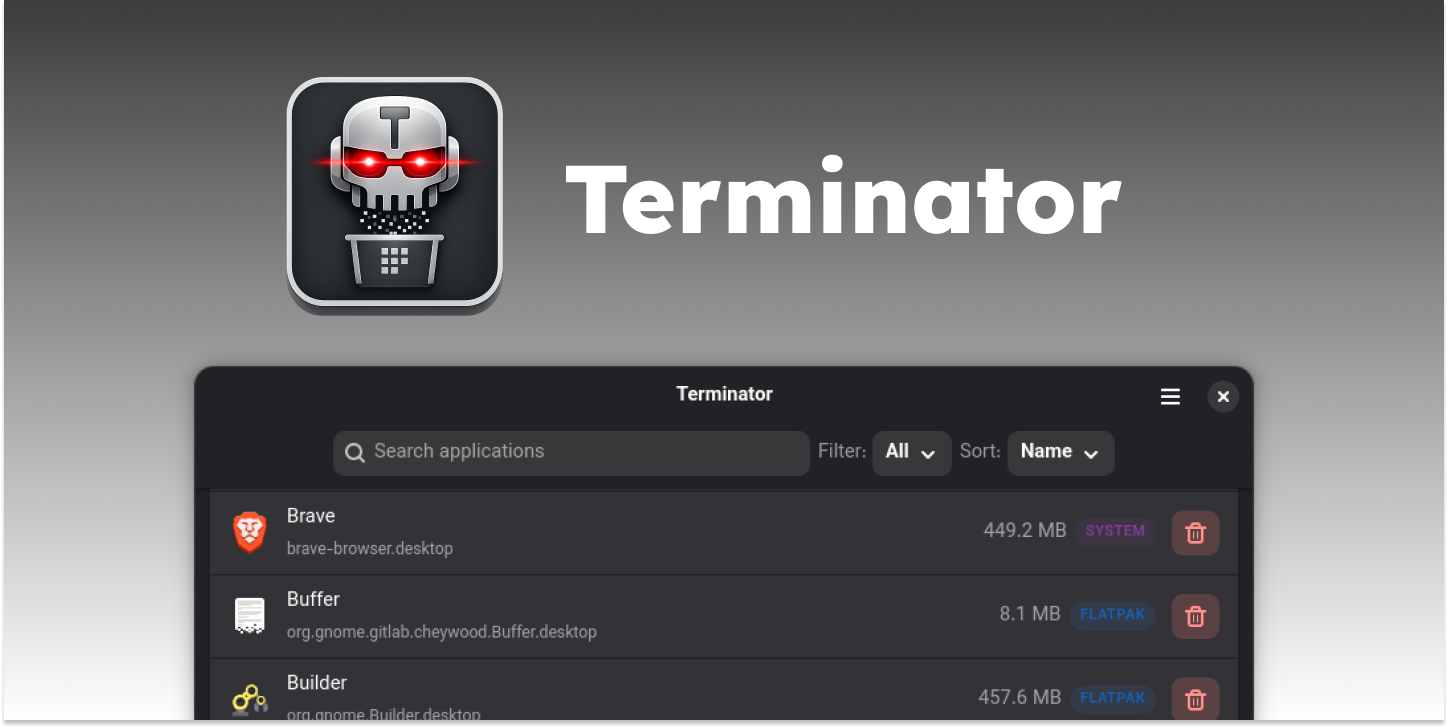 A simple but powerful tool for managing installed applications on your linux machine. Whether you installed an app through your system's package manager, Flatpak, or Snap, Terminator provides a unified interface to view and remove them all from one place. ## Features - Browse installed applications with their icons and identifiers - See per-app disk usage and sort the list by name or size to spot what's taking up space - Remove system packages, AppImages, Flatpaks, and Snaps from the same interface - Confirmation and authentication dialogs prevent accidental uninstallations - Search and filter installed apps by name or type ## Supported Package Types - System packages - User-local packages - Flatpak - Snap - AppImage ## Installation ### Arch Linux (AUR) ```bash yay -S app-terminator ``` Or with any other AUR helper (`paru`, `pikaur`, etc.). ### Fedora ```bash # add the repository for Terminator sudo dnf config-manager addrepo --from-repofile=https://download.opensuse.org/repositories/home:/r6mez/Fedora_$(rpm -E %fedora)_standard/home:r6mez.repo # install the app-terminator package sudo dnf install app-terminator ``` ### Ubuntu / Pop!_OS / Mint / Zorin OS ```bash # add the repository for Terminator sudo add-apt-repository ppa:r6mez/app-terminator # update the package list sudo apt update # install the app-terminator package sudo apt install app-terminator ``` ### Debian Download the latest `.deb` from the [releases page](https://github.com/r6mez/App-Terminator/releases/latest) and install it: ```bash # downloads the latest .deb file from the releases page wget https://github.com/r6mez/App-Terminator/releases/latest/download/app-terminator_0.2.0-1~noble1_all.deb # install the downloaded .deb file sudo apt install ./app-terminator_0.2.0-1~noble1_all.deb ``` #### Run App Terminate: ```bash org.ramez.terminator ``` ## License Terminator is free software released under the [GNU General Public License v3.0](COPYING) or later. ## Contributing Contributions are welcome! Feel free to open issues or submit pull requests. See [CONTRIBUTING.md](CONTRIBUTING.md) for build instructions.
