KO
|
EN
gitlite — search
Search
#python
#css
#html
#javascript
#minecraft
#rust
#flutter
#machine-learning
#website
#nodejs
#java
#bash
release-apk
★ 59
Open GitHub ↗
Build & Release APK via Github Actions
Download README (.md)
Explore Similar Repositories
webdav-aliyundriver
:
阿里云盘的webdav协议,只需要简单的配置一下,就可以让阿里云盘变身为webdav协议的文件服务器。
ONScripter-Jh
:
No description available.
developer
:
This is the home for developer.fermyon.com
CVE-2022-30190
:
Microsoft Office Word Rce 复现(CVE-2022-30190)
leap-ast.nvim
:
Jump to, select and operate on AST nodes via the Leap interface with Treesitter (WIP)
// repository documentation
Was this content helpful?
★ 0
(0 ratings)
Select Rating:
★
★
★
★
★
Submit Feedback
Recent Feedback
×
Download README
Do you want to download the
README.md
file for
release-apk
?
Download (.md)
# Build & Release APK via Github Actions ## Description 🕷 Build and release APK via Github Actions when you push a new tag to your repository and it will automatically be attached to the same release. 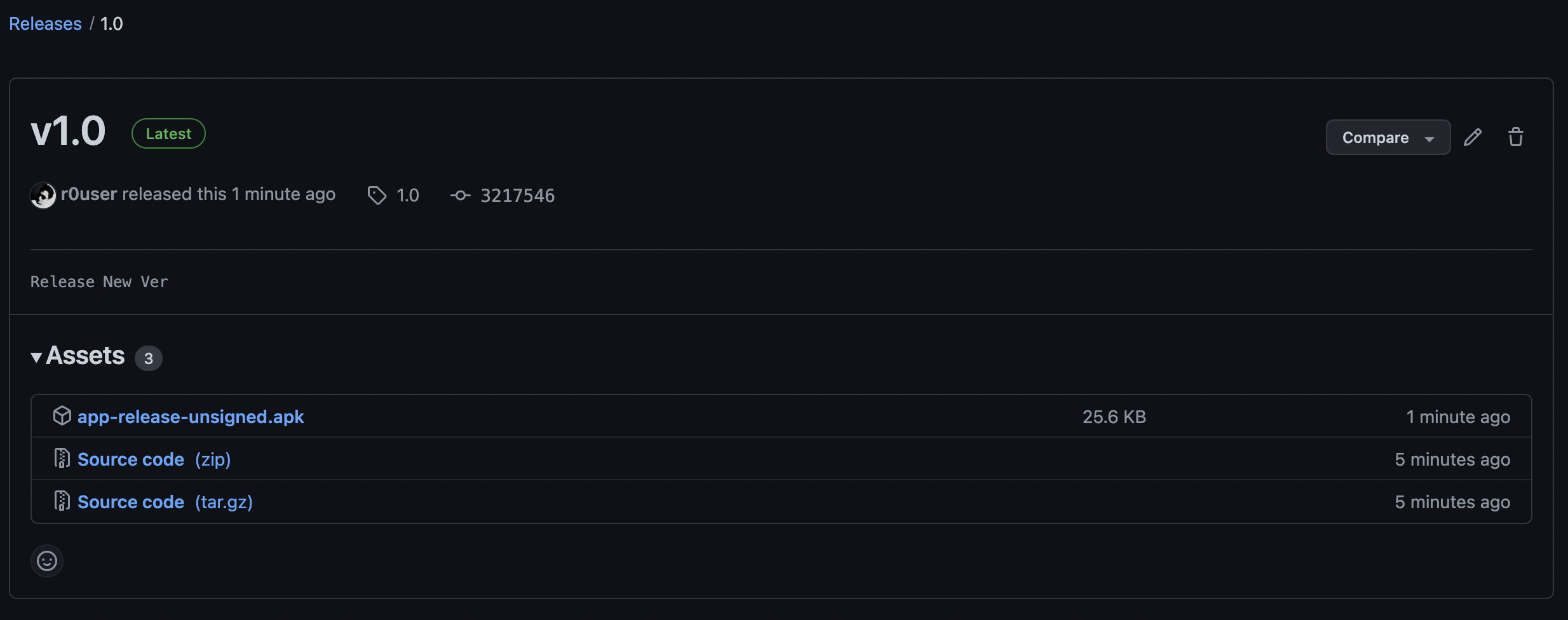 --- ## Usage - To use this action simply create the YML file at this specified path at a root level. for example: `.github/workflows/android.yml` - Copy paste the below YML in your YML file - Provide the required Secrets (check below) and Environment variables (check below) - After doing the above, whenever you are ready, make a commit from your Android Project to Github Repo - Create and push the tag - As soon as you push the tag this github action will be initiated and generated apk build will be released under releases with the same tag, which you can check in your github - code - releases #### YML ```yml name: Build & Publish Release APK on: push: tags: - '*' jobs: Gradle: runs-on: ubuntu-latest steps: - name: checkout code uses: actions/checkout@v2 - name: setup jdk uses: actions/setup-java@v1 with: java-version: 11 - name: Make Gradle executable run: chmod +x ./gradlew - name: Build Release APK run: ./gradlew assembleRelease - name: Releasing using Hub uses: sangatdesai/release-apk@main env: GITHUB_TOKEN: ${{ secrets.TOKEN }} APP_FOLDER: app ``` ## Secrets You'll need to provide this secret token to use the action, to publish the APK to your own repo and to attach it to the created tag. I am not sure as to why using the default `GITHUB_TOKEN` provided universally will fail to authorize the user. This is the workaround. * **TOKEN**: Create a new [access token](https://github.com/settings/tokens) with `repo` access * Enter these secrets in your Android Project's Github repository's Settings > Secrets ## Environment Variables You'll need to provide these environment variables to specify exactly what information is needed to build the APK. * **APP_FOLDER**: main folder to search for the apk. Most of the time, it's `app` --- ## How to push a tag? #### Git ``` Git add . Git commit -m "new release" git push git tag 1.0 git push origin 1.0 ``` ## Flavors By default this will create the 'release' flavor and If you want to change the flavor of the apk being built to let's say debug then change the command in your YAML #### YML ... - name: Build Debug APK run: ./gradlew assembleDebug ... ### Credits Based on [ShaunLWM](https://github.com/ShaunLWM/action-release-debugapk) & [kyze8439690](https://github.com/kyze8439690/action-release-releaseapk)
