KO
|
EN
gitlite — search
Search
#javascript
#python
#hacktoberfest
#react
#ai
#typescript
#llm
#go
#golang
#android
#machine-learning
#rust
#deep-learning
#linux
Reallusion-web
★ 18
Open GitHub ↗
No description available.
Download README (.md)
Explore Similar Repositories
Giamouko18
:
No description available.
VPAL
:
[MedIA 2026] VPAL: Vessel Probability Guided Attenuation Learning
HunyuanDiT-TensorRT-libtorch
:
HunyuanDiT with TensorRT and libtorch
clyd1
:
No description available.
OmChat
:
A suite of multimodal language models that are powerful and efficient
// repository documentation
Was this content helpful?
★ 0
(0 ratings)
Select Rating:
★
★
★
★
★
Submit Feedback
Recent Feedback
×
Download README
Do you want to download the
README.md
file for
Reallusion-web
?
Download (.md)
# React-Three-Fiber Convai-Lipsync Example 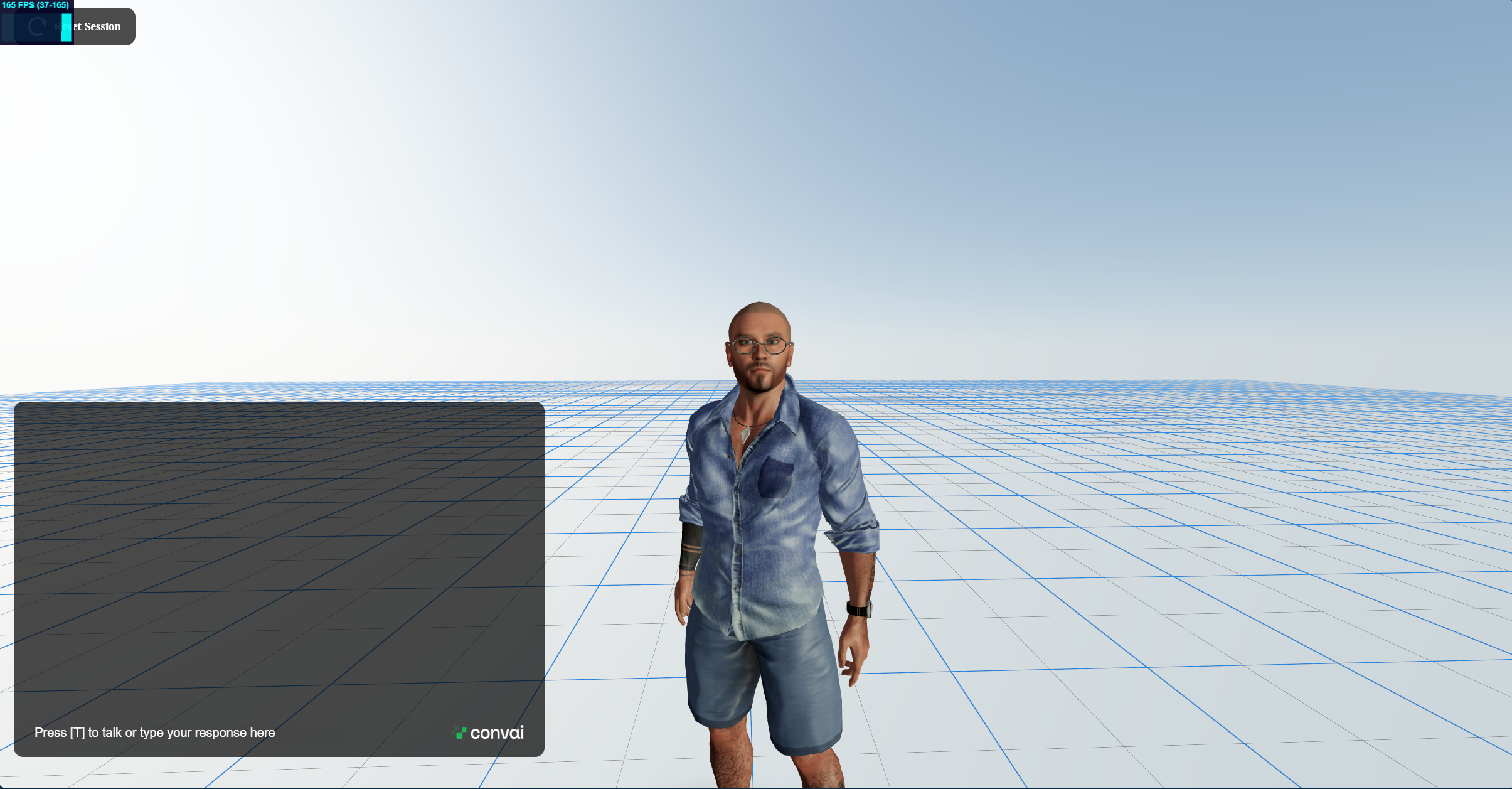 This project demonstrates how to integrate Convai-Lipsync with Reallusion characters using React Three Fiber in real-time. ## Getting Started Before running the project, follow these instructions: ### Prerequisites Make sure you have Node.js and npm installed on your machine. ### Installation 1. Clone the repository to your local machine: ```bash git clone https://github.com/Conv-AI/Reallusion-web.git ``` 2. Navigate to the project directory: ```bash cd Reallusion-web ``` 3. Install the project dependencies: ```bash npm install ``` ### Configuration Before starting the project, you need to add your Convai API key and character ID in the `App.jsx` file. 1. Open `src/App.jsx` in your preferred code editor. 2. Locate the following lines: ```jsx // Replace 'YOUR_CONVAI_API_KEY' and 'YOUR_CHARACTER_ID' with your Convai API key and character ID const convaiApiKey = 'YOUR_CONVAI_API_KEY'; const characterId = 'YOUR_CHARACTER_ID'; ``` 3. Replace `'YOUR_CONVAI_API_KEY'` and `'YOUR_CHARACTER_ID'` with your actual Convai API key and character ID. ### Run the Project After configuring the Convai API key and character ID, you can run the project: ```bash npm run dev ``` This will start the development server, and you can view the project at [http://localhost:5173](http://localhost:5172) in your web browser. ## Usage Explore the project to understand how Convai-Lipsync is integrated with Reallusion characters in a real-time React Three Fiber application. Feel free to modify and extend the code for your own projects. ## Contributing If you encounter any issues or have suggestions for improvements, please open an issue or submit a pull request.
