KO
|
EN
gitlite — search
Search
#python
#deep-learning
#rust
#react
#machine-learning
#csharp
#dotnet
#golang
#javascript
#api
#electron
#blog
MacOS9-icons
★ 66
Open GitHub ↗
Classic Mac OS 9 icons
Download README (.md)
Explore Similar Repositories
python-rsrcfork
:
A pure Python, cross-platform library/tool for reading Macintosh resource data, as stored in resource forks and .rsrc files
Convert2Dsk
:
An application for converting Disk Copy 4.2 images into raw disk images.
Arashi
:
Tempest game clone for Mac OS classic
// repository documentation
Was this content helpful?
★ 0
(0 ratings)
Select Rating:
★
★
★
★
★
Submit Feedback
Recent Feedback
×
Download README
Do you want to download the
README.md
file for
MacOS9-icons
?
Download (.md)
# MacOS9-icons Classic Mac OS 9 resource icons ## About the resources More write-ups in a blog post here: https://blog.warmwolf.com/2020/05/classic-mac-os-9-icons ### 1. `rsrc` - Original .rsrc files extracted by [NazoraioiSkadinaujo (DeviantArt)](https://www.deviantart.com/nazoraioiskadinaujo/art/Mac-OS-9-icons-for-OSX-95225656). - It seems impossible to find an application that can open rsrc files nowadays. ### 2. `icns extracted_from_rsrc` - Binary data (containing icns) can be extracted from the rsrc file from the macOS resource fork `rsrc`. - The icns files are 260 bytes into the binary data. - The extraction can be carried out with the following Bash script: ``` for filename in *.rsrc; do cp $filename/..namedfork/rsrc $filename.icns dd if=$filename.icns of=$filename.offset.icns bs=260 skip=1 done ``` - The latest MacOS Catalina seems to not like these icns files, saying that `It may be damaged or use a file format that Preview doesn’t recognise.` - As such, this does not work: `sips -s format png $filename.offset.icns --out $filename.png` ### 3. `png` - The icns files are converted to png with the online service [CoolUtils](https://www.coolutils.com/online/ICNS-to-PNG). - Size: 512x512 ### 4. `png 64px` - `png` files downsized to 64x64 with Photoshop. ### 5. `icns fixed` - The png files are converted to valid icns files that Catalina is happy with. ``` for filename in *.png; do mkdir $filename.iconset mv $filename $filename.iconset/icon_512x512.png iconutil -c icns $filename.iconset done ``` ## Icons 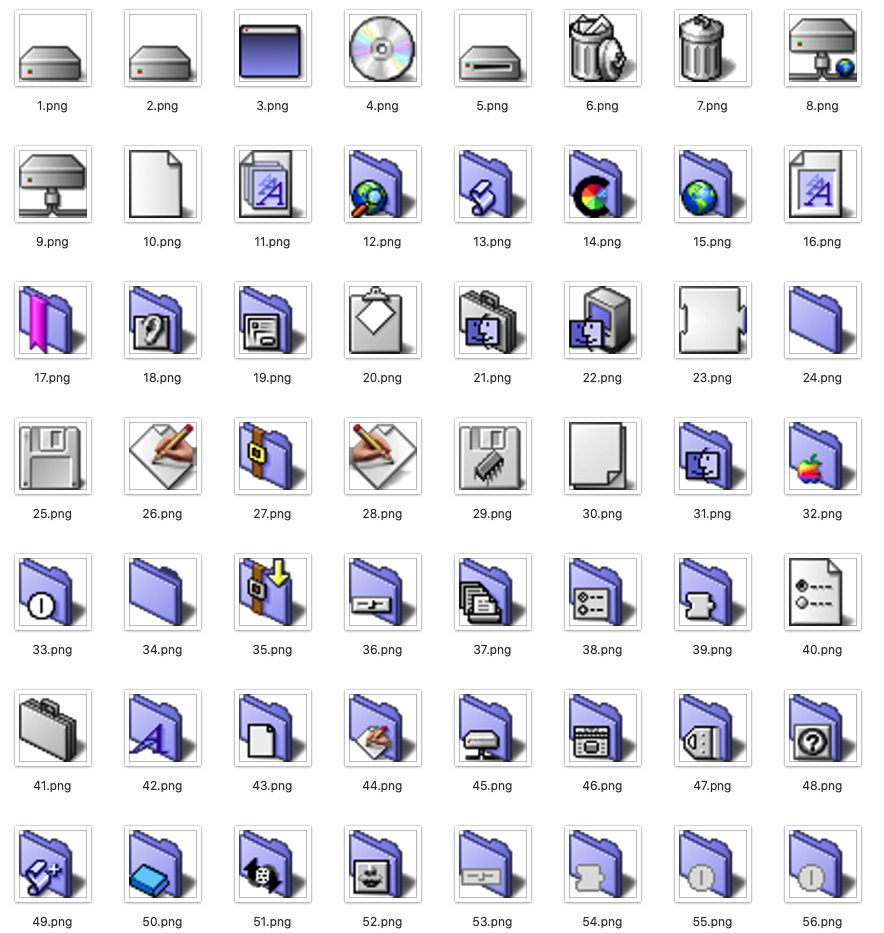 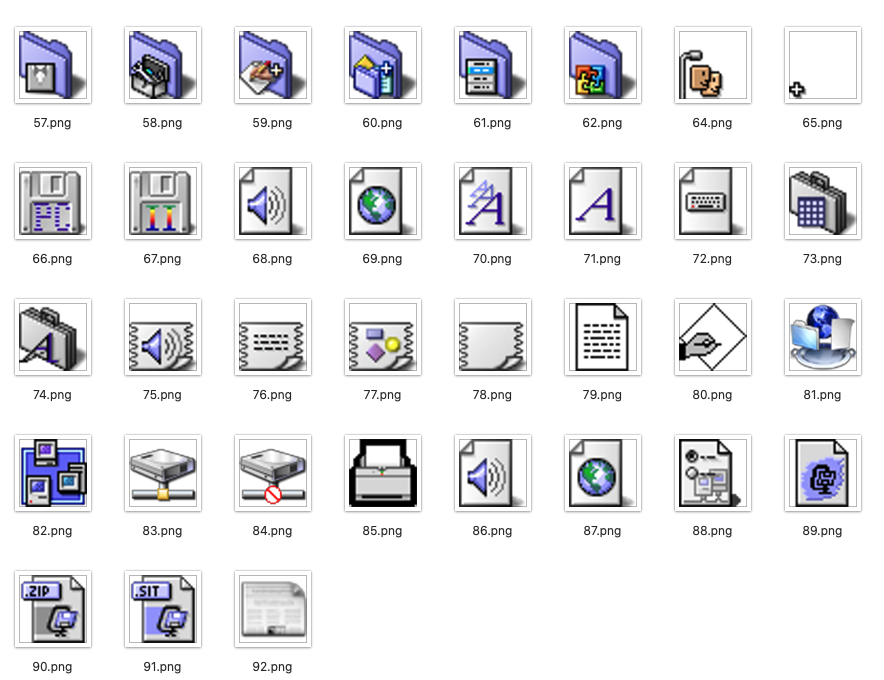 (Yes, I know icon 63 is missing.)
