KO
|
EN
gitlite — search
Search
#python
#java
#python3
#arduino
#golang
#machine-learning
#rust
#html
#flask
#javascript
#seismology
#nodejs
http2tcp
★ 10
Open GitHub ↗
A tcp proxy tool based on websocket
Download README (.md)
Explore Similar Repositories
RACE_Distance
:
No description available.
AudioSep.pinokio
:
No description available.
DINO
:
The torch.hub release for AnyLoc.
Eratosthenes
:
⚔️ Parallel Design of Eratosthenes Screening Method Based on MPI
AnimationStack
:
A Stack which animates the Views inside it. Create animated ForEach Loops with ForEachAnimation. You can also customise the animation.
// repository documentation
Was this content helpful?
★ 0
(0 ratings)
Select Rating:
★
★
★
★
★
Submit Feedback
Recent Feedback
×
Download README
Do you want to download the
README.md
file for
http2tcp
?
Download (.md)
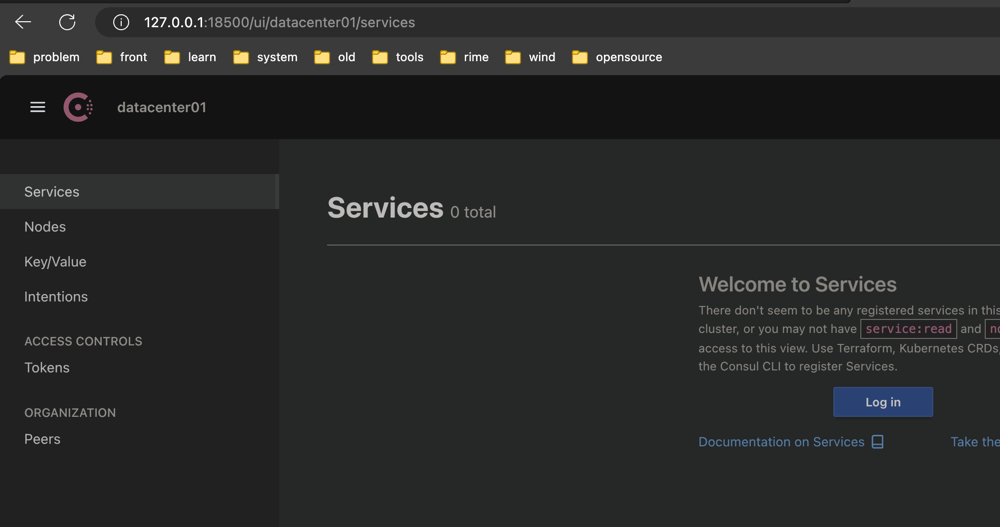
# http2tcp ## What is that? Sometimes our services can only expose the 80/443 interface to provide http services, but we may need to access other services in the server, such as mysql, consul, etc. So how can we open only http/https ports and still What about services that access other ports on the server? We can use websocket to proxy the tcp port, so that we can access all traffic based on the tcp protocol, so I wrote a go-based traffic proxy. ## How to use? ### 1.1 Use in your golang project (base net/http) Get dependencies ```shell go get github.com/MikeLINGxZ/http2tcp ``` Add handler method to http route ```go package main import ( "github.com/MikeLINGxZ/http2tcp" "net/http" ) func main() { http.HandleFunc("/path",http2tcp.ProxyForHttpHandler("your-password")) http.ListenAndServe(":8080", nil) } ``` Client usage reference `1.3` ### 1.2 standalone use Get server program ```shell $~/->ls server.yml http2tcp_server ``` Edit server config `vim server.yml` ```yaml Host: 0.0.0.0 // listening address Port: 7889 // listening port Path: /proxy // websocket path Auth: 123456 // password ``` Run server ```shell ./http2tcp_server ``` Client usage reference `1.3` ### 1.3 Client usage Get client program ```shell $~/->ls client.yml http2tcp_client ``` Edit client config `vim client.yml` ```shell WebsocketServer: ws://14.21.123.12:7889/proxy // ws server url Auth: 123456 // password Targets: // proxy list - LocalHost: 127.0.0.1 // local listening host LocalPort: 13306 // local listening port RemoteHost: 17.21.23.115 // remote address (address accessible to the server) RemotePort: 3306 // remote port ``` ## Effect ### Access the remote mysql service locally using ws proxy 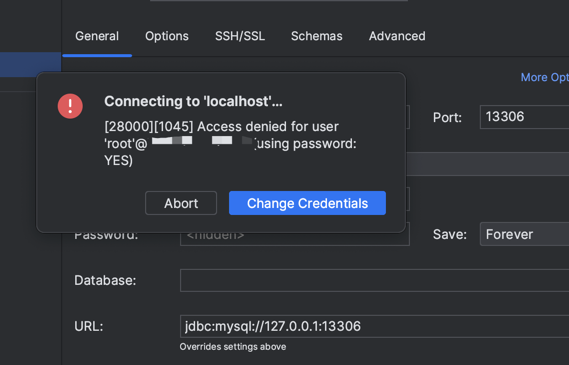 ### Access the remote consul service locally using ws proxy