KO
|
EN
gitlite — search
Search
#python
#java
#python3
#arduino
#golang
#machine-learning
#rust
#html
#flask
#javascript
#seismology
#nodejs
TESLauncher
★ 16
Open GitHub ↗
A simple Minecraft launcher
Download README (.md)
Explore Similar Repositories
e-commerce
:
"Sanaabil Sports" e-commerce website
nlc_discrete
:
[NeurIPS 2023] Neural Lyapunov Control for Discrete-Time Systems
powerfmt
:
No description available.
Virtual-Assistant-Referee
:
Player contact and foul detection in football by using AI based video analysis
Avail
:
No description available.
// repository documentation
Was this content helpful?
★ 0
(0 ratings)
Select Rating:
★
★
★
★
★
Submit Feedback
Recent Feedback
×
Download README
Do you want to download the
README.md
file for
TESLauncher
?
Download (.md)
# TESLauncher > [!WARNING] > This project is unfinished. Do not have any expectations. Yet another launcher for Minecraft 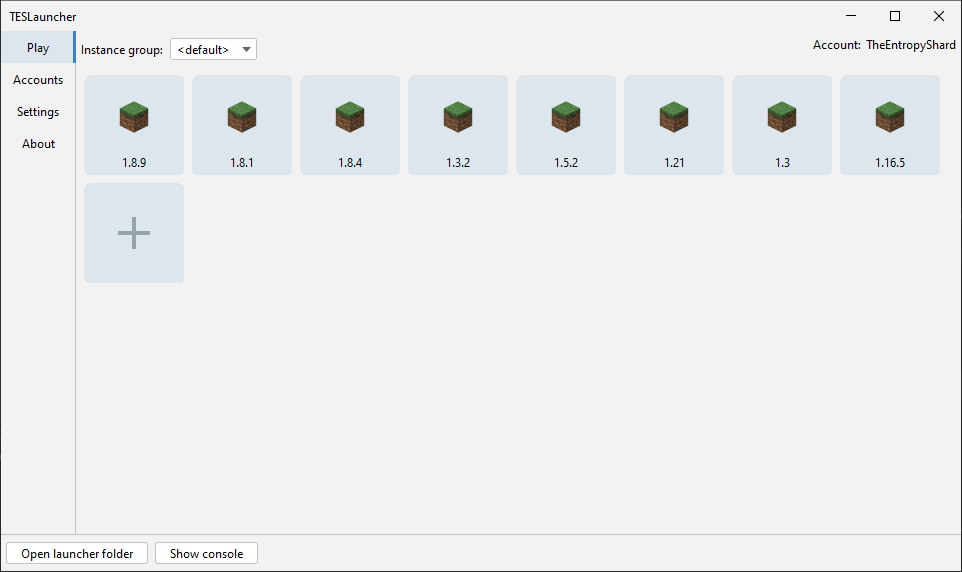 ### Quick start: You will need at least <strong>JDK 8</strong> to build and run this project. ```shell $ git clone https://github.com/TESLauncher/TESLauncher $ cd TESLauncher $ ./gradlew build ``` If "BUILD SUCCESS" is displayed, use the following command to run the launcher: ```shell $ java -jar dist/TESLauncher-0.13.4.jar ``` ### Warning Launcher will create its folders in the directory where `java` command was executed. That means that if you run <br> ```shell $ java -jar dist/TESLauncher-0.13.4.jar ``` launcher will run in project's root directory. If you want to run the launcher in any other place, specify a path to the working directory using `--workDir` parameter. <br> Example: ```shell $ java -jar dist/TESLauncher-0.13.4.jar --workDir C:\Users\User\Documents\TESLauncher ``` Alternatively, you can use `--useJarLocation` argument, which will make the launcher use the folder for its files where the jar file is located. In that case the `--workDir` argument is ignored. <br> Example: ```shell $ java -jar dist/TESLauncher-0.13.4.jar --useJarLocation ``` This way the launcher files will be created in `dist` folder.
