KO
|
EN
gitlite — search
Search
#python
#java
#python3
#arduino
#golang
#machine-learning
#rust
#html
#flask
#javascript
#seismology
#nodejs
schnelltester
★ 12
Open GitHub ↗
No description available.
Download README (.md)
Explore Similar Repositories
youtube-to-mp3-converter
:
A python script to convert your youtube URL to an mp3 file and download it to the same directory as the .py file.
mnemonic-to-private-key
:
Convert a mnemonic phrase to a private key
speechbrain-docs-zh-cn
:
SpeechBrain中文文档
100StatisticalTestsTestsInPython
:
This repository contains python implementations of statistical tests.
StemGNN
:
Reproduce - Traffic_prediction - StemGNN(NeurIPS20)
// repository documentation
Was this content helpful?
★ 0
(0 ratings)
Select Rating:
★
★
★
★
★
Submit Feedback
Recent Feedback
×
Download README
Do you want to download the
README.md
file for
schnelltester
?
Download (.md)
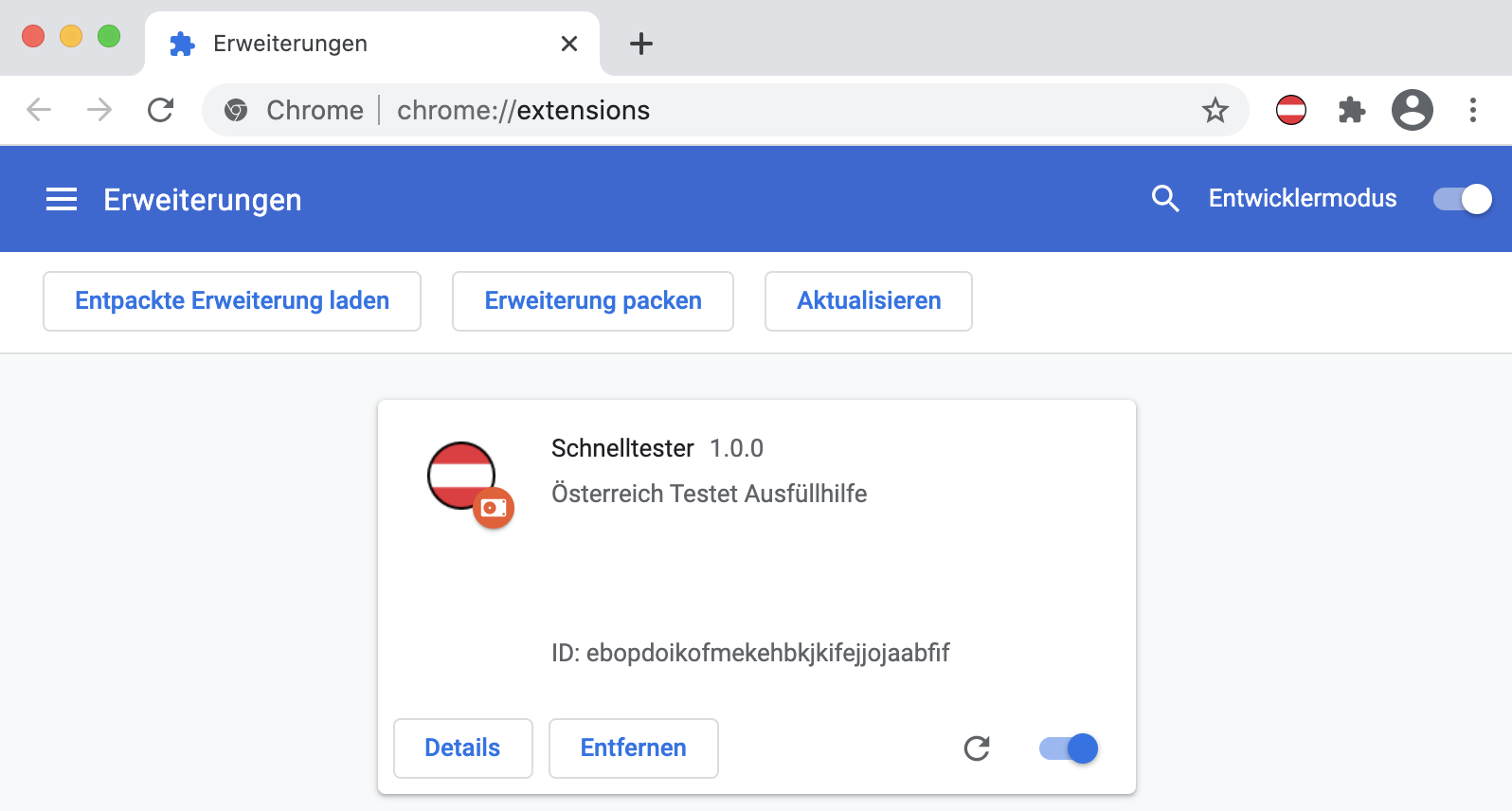
# 🇦🇹 Schnelltester - Österreich Testet Ausfüllhilfe Schnelltester helps you to register for COVID-19 tests by storing your data locally so you don't have to type in your data every time - like a password manager. 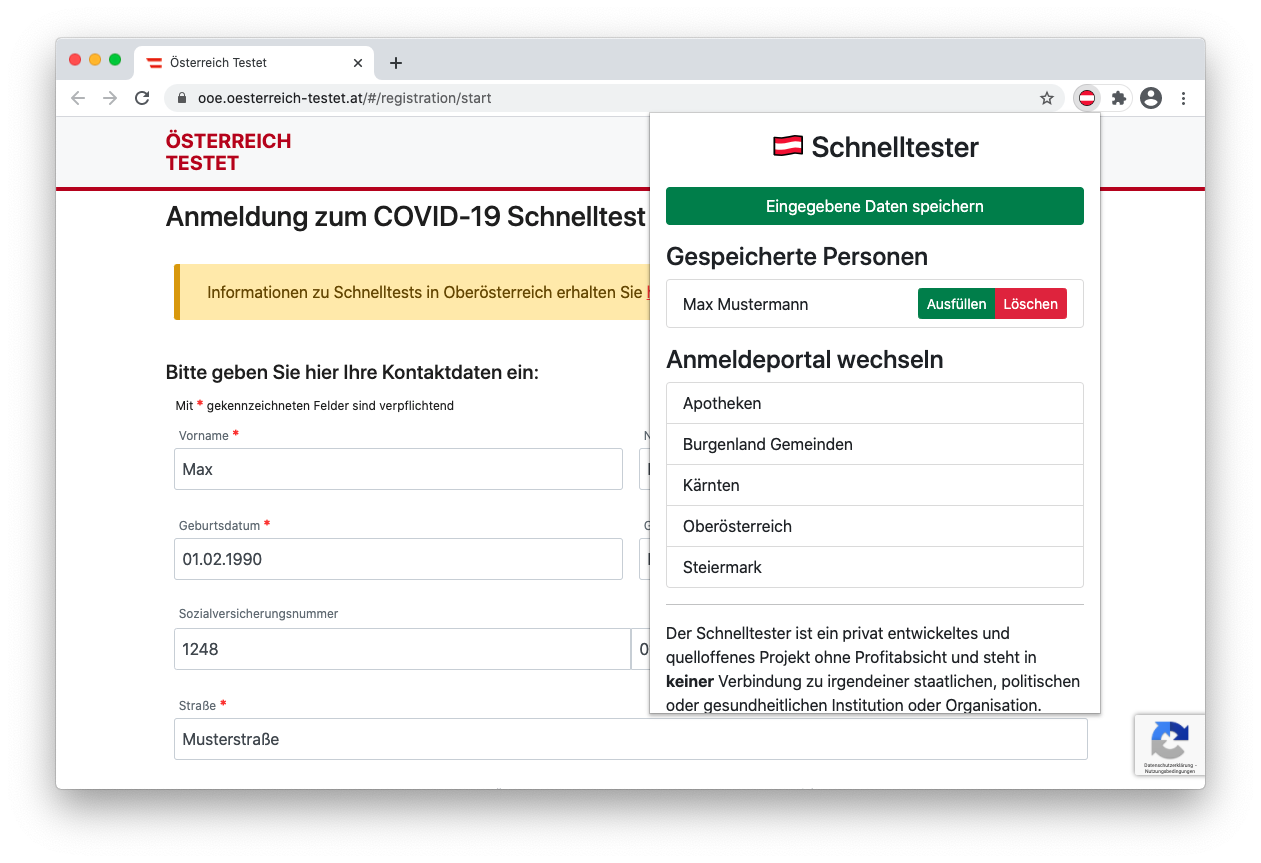 ## Data storage information All personal data is stored locally in the browser (Chrome offers a dedicated area for extensions) and is never synced or uploaded to anywhere. ## Installation ### via Chrome Web Store Download [here](https://chrome.google.com/webstore/detail/kjjnndnifooahialjiligenpnkdfkije) ### build or install locally Requirements: Node.js and npm (tested with Node.js 14.15.1 and npm 6.14.8) ``` $ cd extension $ npm install $ npm run build-prod ``` Alternatively you can download and unzip the built extension from the release page: [https://github.com/stefanschoeberl/schnelltester/releases](https://github.com/stefanschoeberl/schnelltester/releases) * Open Chrome and navigate to the extensions settings: [chrome://extensions](chrome://extensions) * Turn on Developer Mode * Click on "Load unpacked" / "Entpackte Erweiterungen laden" * Navigate to `extension/dist` folder or to the unzipped extension folder Now you should see the loaded extension: