KO
|
EN
gitlite — search
Search
#python
#java
#python3
#arduino
#golang
#machine-learning
#rust
#html
#flask
#javascript
#seismology
#nodejs
svelte-notion
★ 20
Open GitHub ↗
No description available.
Download README (.md)
Explore Similar Repositories
lfs-rs
:
No description available.
SCL
:
Seeing What You Miss: Vision-Language Pre-training with Semantic Completion Learning
xMIDI
:
Application to create actions for MIDI events.
LuoBu-Accounting-Software
:
通用财务系统软件(原名:恩格会计软件、罗布会计软件)免费开源的企业财务会计软件,采用php+mysql环境。B/S架构。
Google-Forms-Unlocked
:
Cracked Google Forms. Use Google in locked, secured Google Forms (on ChromeOS)
// repository documentation
Was this content helpful?
★ 0
(0 ratings)
Select Rating:
★
★
★
★
★
Submit Feedback
Recent Feedback
×
Download README
Do you want to download the
README.md
file for
svelte-notion
?
Download (.md)
# Svelte Notion Kit This repo is using svelte to generate static blog site. Inspired by [react-notion-x](https://github.com/NotionX/react-notion-x) It uses Notion as a CMS, can be deployed to GitHub pages or Vercel; ## Features - Setup only takes a few minutes(single config file) - Build using Svelte without CSR that means only html files and css files - Excellent page speeds, no hydrate, no Javascript. - Responsive for different devices ## Demos https://xchb.work/svelte-notion/ 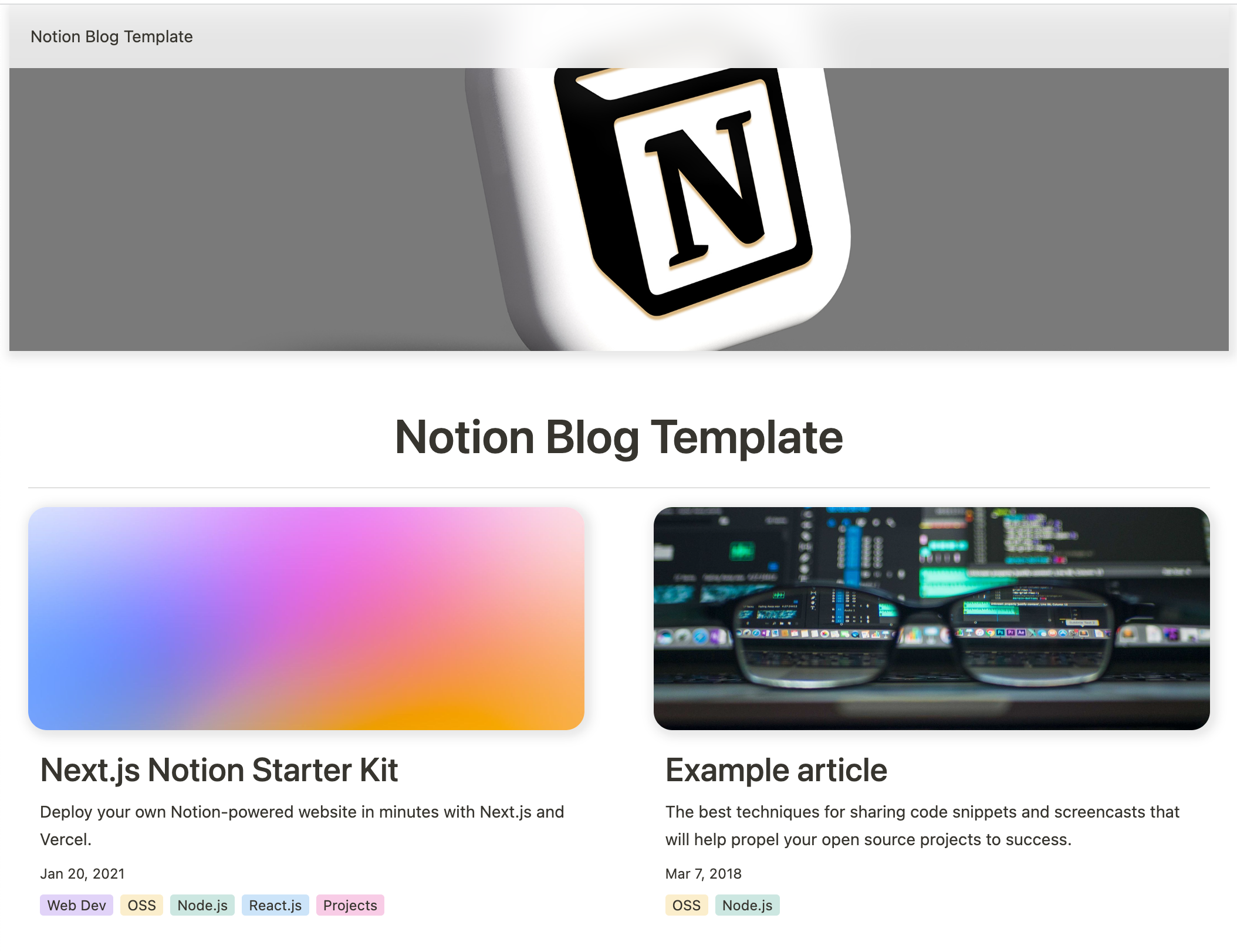 ## Setup All config is defined in [site.config.ts](https://github.com/tiodot/svelte-notion/blob/main/src/site.config.ts). 1. Fork / clone this repo 2. Change a few values in [site.config.ts](https://github.com/tiodot/svelte-notion/blob/main/src/site.config.ts) 3. npm install 4. npm run dev to test locally 5. npm run deploy to deploy to vercel 💪 I tried to make configuration as easy as possible — All you really need to do to get started is edit **rootNotionPageId**. We recommend duplicating the [default page](https://tiodot.notion.site/5e19b09eec9e43c5b4c23031d41fea81) as a starting point, but you can use any public notion page you want. Make sure your root Notion page is public and then copy the link to your clipboard. Extract the last part of the URL that looks like 7875426197cf461698809def95960ebf, which is your page's Notion ID.
