KO
|
EN
gitlite — search
Search
#javascript
#python
#hacktoberfest
#react
#ai
#typescript
#llm
#go
#golang
#android
#machine-learning
#rust
#deep-learning
#linux
microcosm
★ 17
Open GitHub ↗
A little 4X game written using Pyxel.
Download README (.md)
Explore Similar Repositories
KnowExpert
:
The implementation of the paper "Retrieval-Free Knowledge-Grounded Dialogue Response Generation with Adapters".
HoopsHero
:
Predict the market value of NBA players!
libsobacas
:
PC/SC compatible, ECM deocder library
MLP4Rec
:
IJCAI 2022 MLP4Rec
mpv-android-argparse
:
Simple wrapper that lets you pass arguments to mpv-android, without root access
// repository documentation
Was this content helpful?
★ 0
(0 ratings)
Select Rating:
★
★
★
★
★
Submit Feedback
Recent Feedback
×
Download README
Do you want to download the
README.md
file for
microcosm
?
Download (.md)
# Microcosm Just a little 4X game written in Python using the library [Pyxel](https://github.com/kitao/pyxel). Inspiration taken from games I've played. 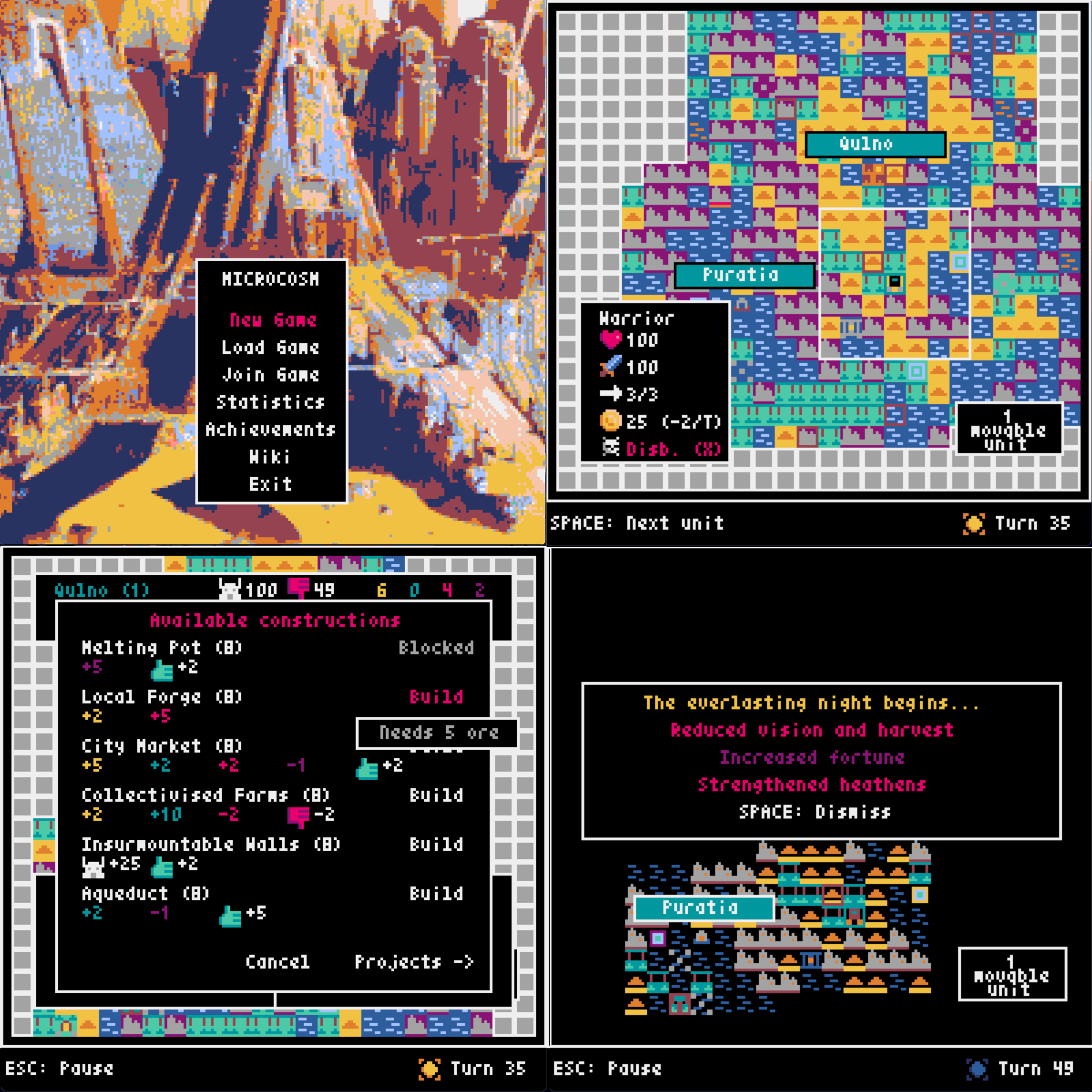 ## Pre-requisites Playing Microcosm requires an installation of VLC media player on the player's machine. Installation instructions for your favourite operating system can be found [here](https://www.videolan.org/vlc/). If your operating system lists python-vlc (or something like that) as an optional dependency, it is advised that players also install that. Naturally, Python is also required, at version 3.12 or above. ### Global multiplayer In order to play games of Microcosm online, your computer and router must have UPnP enabled, as it is required for communication between clients and the server. ## Play from release Begin by downloading the [latest release](https://github.com/ChrisNeedham24/microcosm/releases/latest) for your operating system. ### macOS 1. Extract the downloaded zip; double-clicking it in Finder is the easiest way. 2. An application will be extracted - right click it and select Open. 3. In the displayed security-related dialog, press the Open button again to start the game. Please note that only ARM64 architectures are supported. ### Linux In terms of Linux distros, Fedora is explicitly supported and Ubuntu is built for, but the build is not tested. Other distros should find success in one of these two. Additionally, only x86 architectures are supported. 1. Extract the downloaded tarball using `tar -xzvf`. 2. A binary will be extracted; run `./microcosm` to start the game. ### Windows 1. Extract the downloaded zip. 2. An EXE file will be extracted - run this to start the game, allowing Windows Defender to run any scans if it asks to do so. ## Play from package 1. Run `pip install --user microcosm-4x` 2. Run `microcosm` 1. Note: if this doesn't work, make sure Python's user scripts directory is on your PATH. See [here](https://packaging.python.org/en/latest/tutorials/installing-packages/#installing-to-the-user-site) for instructions. ## Play from source 1. Clone the repository. 2. Run `pip install -r requirements.txt` 3. Run `pyxel run microcosm` ## Hosting a local game server 1. Clone the repository. 2. Run `pip install -r requirements.txt` 3. Run `python game_server.py` ## Wiki The Wiki can be viewed both [on GitHub](https://github.com/ChrisNeedham24/microcosm/wiki) and in-game.
