KO
|
EN
gitlite — search
Search
#typescript
#dsh-plugin
#ai-agents
#ai
#deepseek-harness
#java
#cli
#open-source
#ios
#python
#react
#dsh
ch32v003-audio
★ 75
Open GitHub ↗
No description available.
Download README (.md)
Explore Similar Repositories
ch32v003-usbpd
:
Use the ch32v003 as a usb pd controller
CH32V003-NFC
:
Emulating NFC Tags on the CH32V003
CH32V307-makefile-example
:
Example Makefile project for the CH32V307
ch32v003fun_libs
:
Various single file libraries for the ch32v003fun project.
ch32v003fun_wildwest
:
easily contribute, then improve
// repository documentation
Was this content helpful?
★ 0
(0 ratings)
Select Rating:
★
★
★
★
★
Submit Feedback
Recent Feedback
×
Download README
Do you want to download the
README.md
file for
ch32v003-audio
?
Download (.md)
[](https://github.com/atomic14/ch32v003-music/actions/workflows/build-firmware.yml) [](https://github.com/atomic14/ch32v003-music/actions/workflows/buzzer-studio-ci.yml) # CH32V003J4M6 Audio Projects A collection of audio projects for the CH32V003J4M6 RISC-V microcontroller, demonstrating various audio synthesis and playback techniques on an 8-pin, $0.10 microcontroller. From simple 1-bit music to compressed audio sample playback and speech synthesis. Click on the image to watch a video and hear the results. [](https://www.youtube.com/watch?v=RZvX95aXSdM) [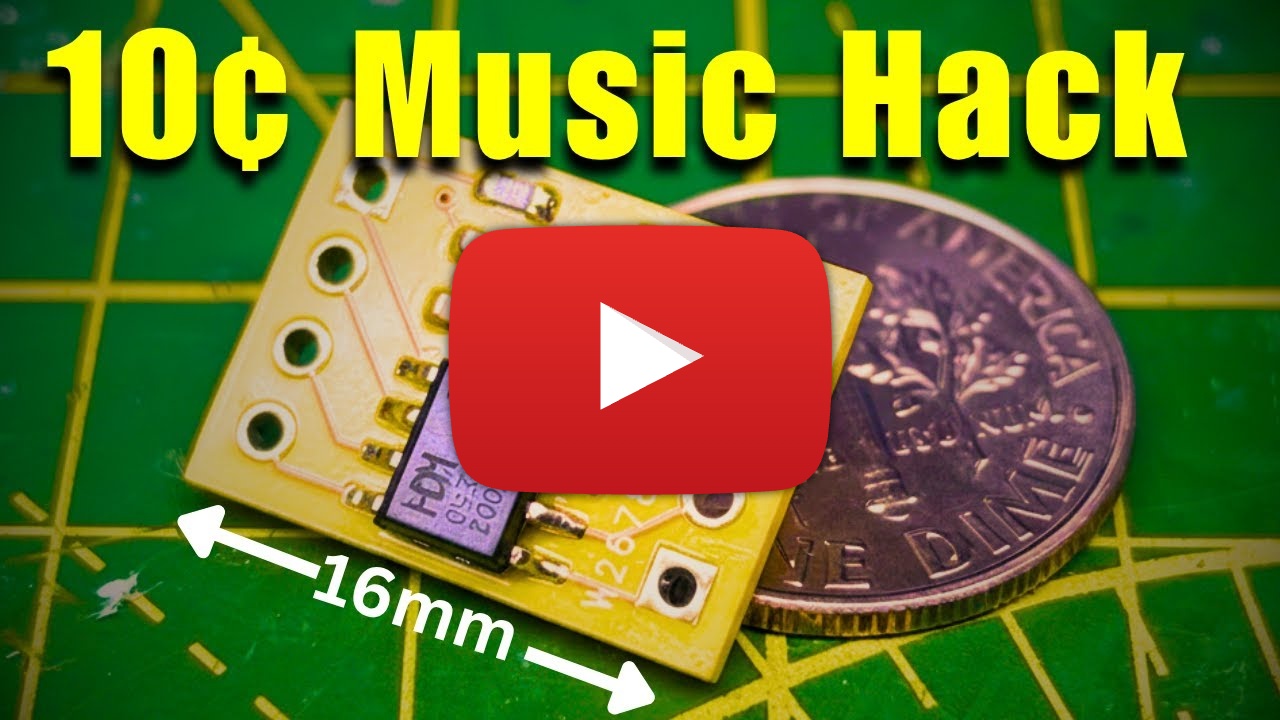](https://www.youtube.com/watch?v=RiiS4jjG6ME) ## Project Overview This repository contains several firmware projects and development tools: ### Firmware Projects 1. **SimpleSoundFirmware** - Single-voice 1-bit music playback (monophonic) 2. **PolyphonicSoundFirmware** - Advanced 8-voice polyphonic music with PWM synthesis 3. **SamplePlayback** - Compressed audio sample playback (IMA ADPCM, QOA, 2-bit ADPCM) 4. **Talkie** - Speech synthesis using the Talkie library ### Development Tools 5. **Buzzer Studio** - Interactive web app for designing 1-bit sound effects and exporting MIDI tracks The **Buzzer Studio** project is available here: https://buzzer-studio.atomic14.com/ A word of warning - the **Buzzer Studio** codebase was creating with a lot of help from AI tools. It all runs client side, there is no backend for anyone to hack. But the code may not always be easy for a human to understand. ## Quick Start ### Building the Firmware All firmware projects build with PlatformIO. To build locally: **Simple Sound Firmware (1-bit monophonic):** ```bash cd SimpleSoundFirmware pio run ``` **Polyphonic Sound Firmware (8-voice PWM):** ```bash cd PolyphonicSoundFirmware pio run ``` **Sample Playback (compressed audio):** ```bash cd SamplePlayback pio run ``` **Talkie (speech synthesis):** ```bash cd Talkie pio run ``` For detailed firmware information, see each project's README: - [SimpleSoundFirmware/README.md](SimpleSoundFirmware/README.md) - Original single-voice 1-bit music - [PolyphonicSoundFirmware/README.md](PolyphonicSoundFirmware/README.md) - 8-voice polyphonic synthesis - [SamplePlayback/README.md](SamplePlayback/README.md) - Compressed audio playback with multiple codecs - [Talkie/README.md](Talkie/README.md) - Speech synthesis implementation ### Converting Music Files and Creating Sound Effects **Buzzer Studio (Web App):** ```bash cd buzzer-studio npm install npm run dev ``` The app allows you to: - Export tracks from MIDI files for 1-bit playback - Design sound effects with real-time preview - Export to C arrays for microcontrollers - Export to Python for MicroPython/CircuitPython - Choose from preset effects (jump, coin, laser, etc.) - Play LPC encoded audio - Encode WAV files to LPC ## Hardware Requirements - **Microcontroller**: CH32V003J4M6 (RISC-V, 8-pin SOIC) - **Power**: 3.3V supply - **Programming**: WCH-Link or compatible programmer ### Pin Configurations **SimpleSoundFirmware (1-bit music):** - **Output**: Piezo buzzer or small speaker (connected to PD6) - **Input**: Trigger button or signal (connected to PC1) **PolyphonicSoundFirmware (8-voice music):** - **Output**: Piezo buzzer or small speaker (connected to PA1) - **No trigger input**: Plays automatically on startup **SamplePlayback (compressed audio):** - **Output**: PWM audio output on PA1 (8-bit via PWM) - **No trigger input**: Plays automatically on startup **Talkie (speech synthesis):** - **Output**: PWM audio output on PA1 (8-bit via PWM) - **No trigger input**: Plays speech on startup ## Project Structure ``` brain-transplant/ ├── SimpleSoundFirmware/ # 1-bit monophonic music playback │ ├── src/ # Source code (main.cpp, music data) │ ├── platformio.ini # Build configuration │ └── README.md # Documentation │ ├── PolyphonicSoundFirmware/ # 8-voice polyphonic music │ ├── src/ # Source code (polyphonic player) │ ├── platformio.ini # Build configuration │ └── README.md # Documentation │ ├── SamplePlayback/ # Compressed audio sample playback │ ├── src/ # Source code (ADPCM decoders, PWM player) │ │ ├── AudioStream.h # Base interface for codecs │ │ ├── IMAAdpcmStream.* # IMA ADPCM decoder │ │ ├── ADPCM2BitStream.* # 2-bit ADPCM decoder │ │ ├── player.* # PWM playback engine │ │ └── audio/ # Audio data files │ ├── platformio.ini # Build configuration │ └── README.md # Documentation │ ├── Talkie/ # Speech synthesis │ ├── src/ # Source code (Talkie library port) │ │ ├── Talkie.* # Speech synthesis engine │ │ ├── phrases.* # Pre-defined speech phrases │ │ └── player.* # Audio playback │ ├── platformio.ini # Build configuration │ └── README.md # Documentation │ ├── scripts/ # Python audio conversion tools │ ├── wav_to_adpcm_c.py # WAV → ADPCM C array converter │ ├── adpcm_2bit_decoder.py # 2-bit ADPCM decoder │ ├── compare_audio.py # Audio comparison tools │ ├── pyproject.toml # Python dependencies (uv) │ └── README.md # Scripts documentation │ ├── buzzer-studio/ # Interactive web app │ ├── src/ # TypeScript source code │ ├── public/ # Static assets │ ├── index.html # App entry point │ ├── package.json # Dependencies and scripts │ └── README.md # App documentation │ └── .github/ └── workflows/ ├── build-firmware.yml # Firmware CI/CD └── buzzer-studio-ci.yml # Buzzer Studio CI/CD ``` ## Documentation ### Firmware Projects - **[SimpleSoundFirmware](SimpleSoundFirmware/README.md)** - 1-bit monophonic music playback - **[PolyphonicSoundFirmware](PolyphonicSoundFirmware/README.md)** - 8-voice polyphonic synthesis - **[SamplePlayback](SamplePlayback/README.md)** - Compressed audio playback with multiple codec support - **[Talkie](Talkie/README.md)** - Speech synthesis implementation ### Development Tools - **[Buzzer Studio](buzzer-studio/)** - Web app for designing 1-bit sound effects and exporting MIDI - **[Scripts](scripts/README.md)** - Python tools for audio conversion and ADPCM encoding ## Development ### Prerequisites **For Firmware Development:** - [PlatformIO](https://platformio.org/) - Embedded build system - CH32V platform support (installed automatically by PlatformIO) - WCH-Link programmer (or compatible) **For Buzzer Studio App:** - Node.js 18+ and npm - Modern web browser with Web Audio API support **For Python Scripts:** - Python 3.8+ - [uv](https://github.com/astral-sh/uv) package manager ## How It Works ### Firmware Approaches **SimpleSoundFirmware (1-bit music):** 1. Waits for trigger signal on pin PC1 2. Toggles output pin (PD6) at specified frequencies 3. Uses microsecond-precision delays for accurate timing 4. Simple 1-bit audio (square wave) **PolyphonicSoundFirmware (8-voice music):** 1. Automatically starts on power-up 2. Manages up to 8 simultaneous voices using PWM synthesis 3. Outputs mixed audio through PA1 at 8 kHz sample rate 4. Software mixing with real-time voice generation **SamplePlayback (compressed audio):** 1. Decodes compressed audio using codec decoders (IMA ADPCM, 2-bit ADPCM) 2. Outputs 8-bit audio via PWM on PA1 at 8 kHz 3. Supports multiple codec formats with extensible architecture 4. Compression ratios of 2:1 and 4:1 **Talkie (speech synthesis):** 1. Uses Linear Predictive Coding (LPC) for speech synthesis 2. Pre-defined vocabulary of phonemes and words 3. Outputs synthesized speech via PWM on PA1 4. Real-time speech generation from phrase data
