KO
|
EN
gitlite — search
Search
#javascript
#python
#hacktoberfest
#react
#ai
#typescript
#llm
#go
#golang
#android
#machine-learning
#rust
#deep-learning
#linux
django-superapp
★ 9
Open GitHub ↗
Build Django applications faster.
Download README (.md)
Explore Similar Repositories
teleport-kit
:
teleport a value from the server to the client...even if it's random!
Hemm
:
A holistic evaluation library for multi-modal generative models using 🤗 Diffusers and Weave
react-web3_ethereum
:
No description available.
application-deploy-advanced
:
인프런 배포 자동화 강의
nano-jarvis
:
Interact with any LLM service
// repository documentation
Was this content helpful?
★ 0
(0 ratings)
Select Rating:
★
★
★
★
★
Submit Feedback
Recent Feedback
×
Download README
Do you want to download the
README.md
file for
django-superapp
?
Download (.md)
# Django SuperApp **Superapp** boosts developer efficiency by allowing them to start projects quickly with **pre-built standalone apps**. Each app has its own `settings.py` and `urls.py` files, which are automatically recognized by the system. This modular setup makes Django projects more organized and scalable, saving developers time and effort. 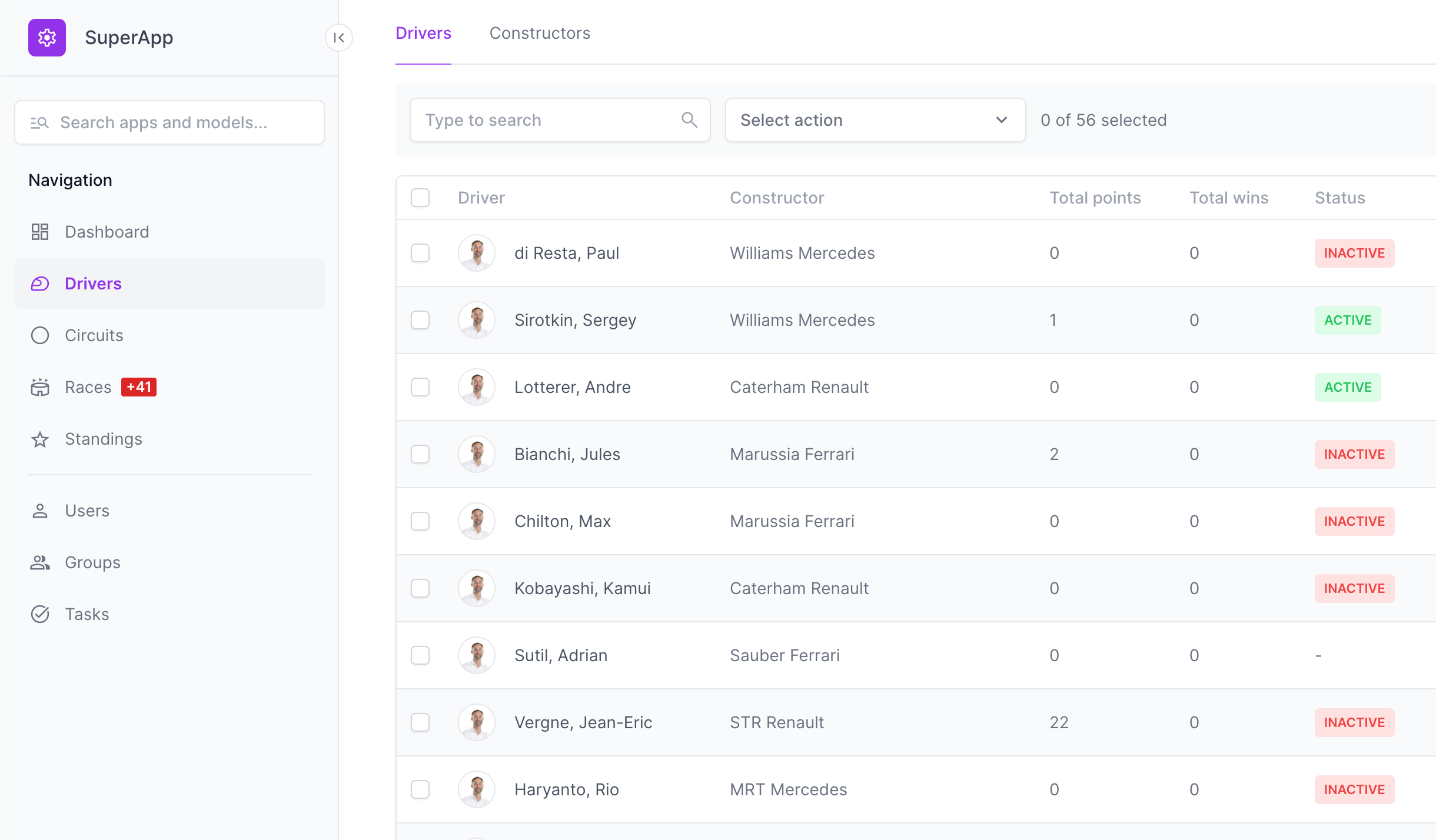 ### Getting Started ```bash # Install pipx brew install pipx pipx ensurepath # Install django_superapp pipx install django_superapp --force # Setup the project django_superapp bootstrap-project \ --template-repo https://github.com/django-superapp/django-superapp-default-project \ ./my_superapp; cd my_superapp; # Setup Admin Portal cd superapp/apps; django_superapp bootstrap-app \ --template-repo https://github.com/django-superapp/django-superapp-admin-portal \ ./admin_portal; cd ../../; # Setup Authentication cd superapp/apps; django_superapp bootstrap-app \ --template-repo https://github.com/django-superapp/django-superapp-authentication \ ./authentication; cd ../../; # Start the project make setup-sample-env make start-docker # Setup env variables export $(cat .env.local | xargs) # Apply migrations docker-compose exec web python3 manage.py migrate; # Create superuser docker-compose exec web python3 manage.py createsuperuser # Open the web interface http://localhost:8080/ ``` ### Documentation For a more detailed documentation, visit [https://django-superapp.bringes.io](https://django-superapp.bringes.io). ### Development ```bash source venv/bin/activate make install-requirements make install # If you want to release it make release ```
