KO
|
EN
gitlite — search
Search
#javascript
#python
#hacktoberfest
#react
#ai
#typescript
#llm
#go
#golang
#android
#machine-learning
#rust
#deep-learning
#linux
artscii
★ 14
Open GitHub ↗
C ascii art lib
Download README (.md)
Explore Similar Repositories
TeslaBle2Mqtt-addon
:
Application to monitor and control Tesla vehicles over BLE with Home assistant
YOLO-Detection
:
使用YOLO和深度图获得目标位置的三维位置
PhaserBeamforming
:
Phaser Beamforming examples from youtube video series
AdaptiveLog-review
:
No description available.
coreminer
:
A debugger which can be used to debug programs that do not want to be debugged
// repository documentation
Was this content helpful?
★ 0
(0 ratings)
Select Rating:
★
★
★
★
★
Submit Feedback
Recent Feedback
×
Download README
Do you want to download the
README.md
file for
artscii
?
Download (.md)
# ASCII Art Generator in C This project is an ASCII art generator built in C. It converts BMP image files into ASCII art by mapping image features to printable ASCII characters. The output mimics the original image using ASCII characters and supports color rendering. ## How to Build and Run ### Build Instructions 1. Clone the repository and open the directory: ```bash git clone https://github.com/rbaker1776/artscii.git cd artscii ``` 2. Compile the program: - Using `make` (`make` needs to be installed): ```bash make ``` - Using `gcc` (`gcc` needs to be installed): ```bash gcc -std=c11 -g -Wall -Wshadow -Wvla -Werror -O3 src/artscii.c src/basic_vec.c src/main.c -o show ``` - Using `clang` (`clang` needs to be installed): ```bash clang -std=c11 -g -Wall -Wshadow -Wvla -Werror -O3 src/artscii.c src/basic_vec.c src/main.c -o show ``` ### Running the Program 1. To view a BMP image in ASCII art, use: ```bash ./show images/car.bmp ``` 2. Explore other BMP images in the `images` directory, or convert your own images to BMP format and pass them to the program. A BMP image converter is available here: [BMP Image Converter](https://cloudconvert.com/bmp-converter). --- ## Project Overview ### Files and Their Roles - **`main.c`**: Coordinates reading the image, processing it, and freeing memory. - **`font8x8_basic.h`**: Contains pixel brightness values for printable ASCII characters (sourced online). - **`ascii.h`**: Converts the arrays in `font8x8_basic.h` into C multidimensional arrays using `parse_chars.py`. - **`artscii.h`**: The main header file with struct definitions, macros, and function declarations. - **`artscii.c`**: Implements functions to read the image, process it with convolutions to identify features, and print characters in color. - **`basic_vec.c`**: Provides a barebones vector data structure to store image segment colors and determine the dominant color of each segment. --- ## Examples Here are some example images and their ASCII representations: - **Car**: 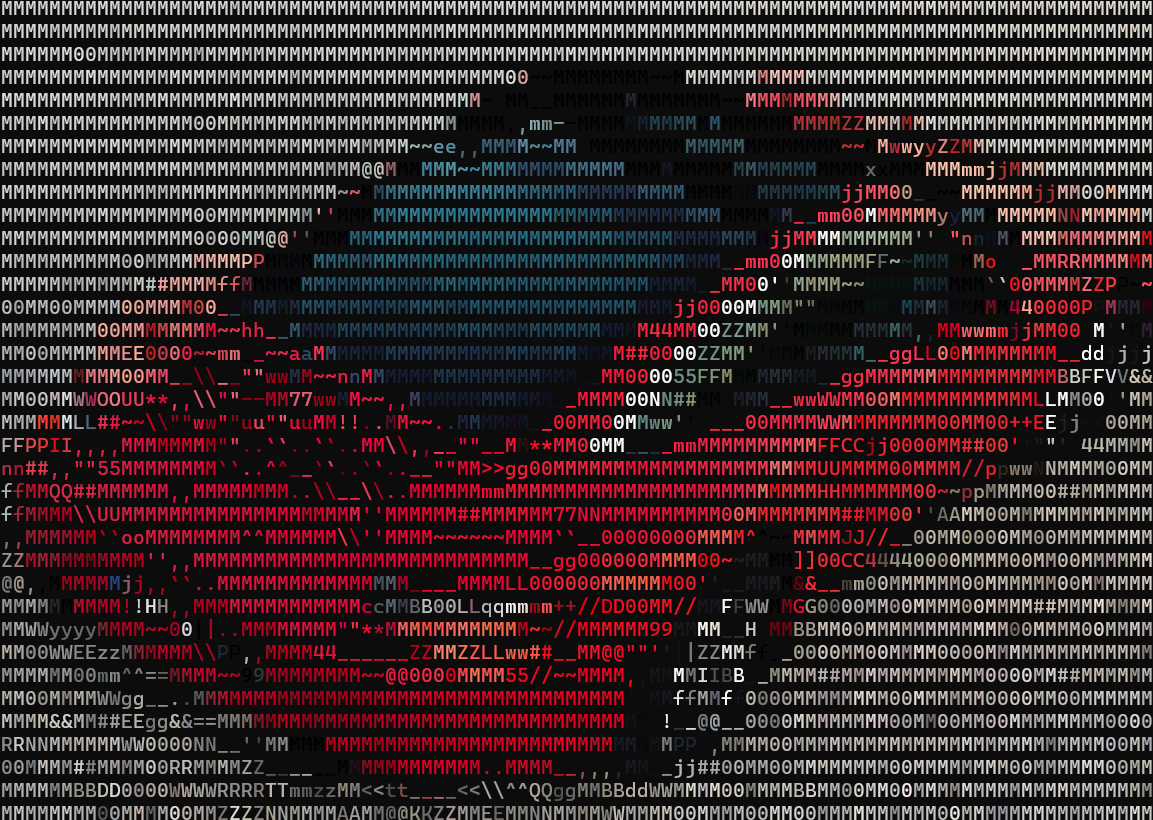 - **Mountain**: 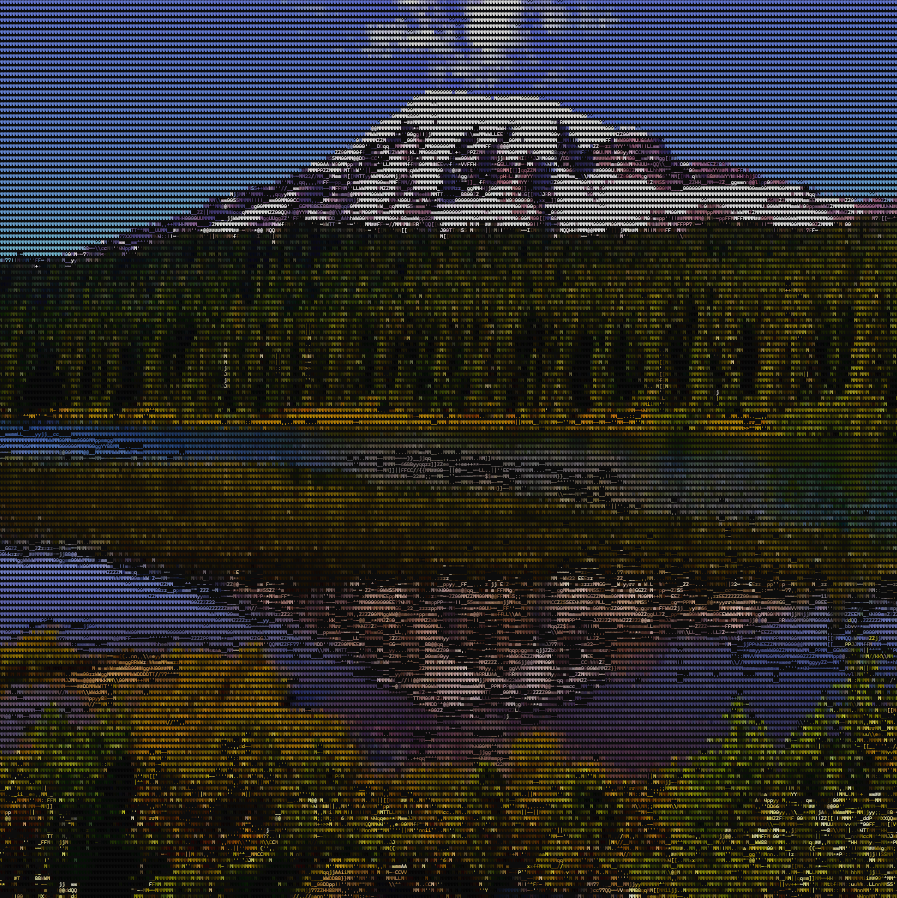 - **Ferrari**: 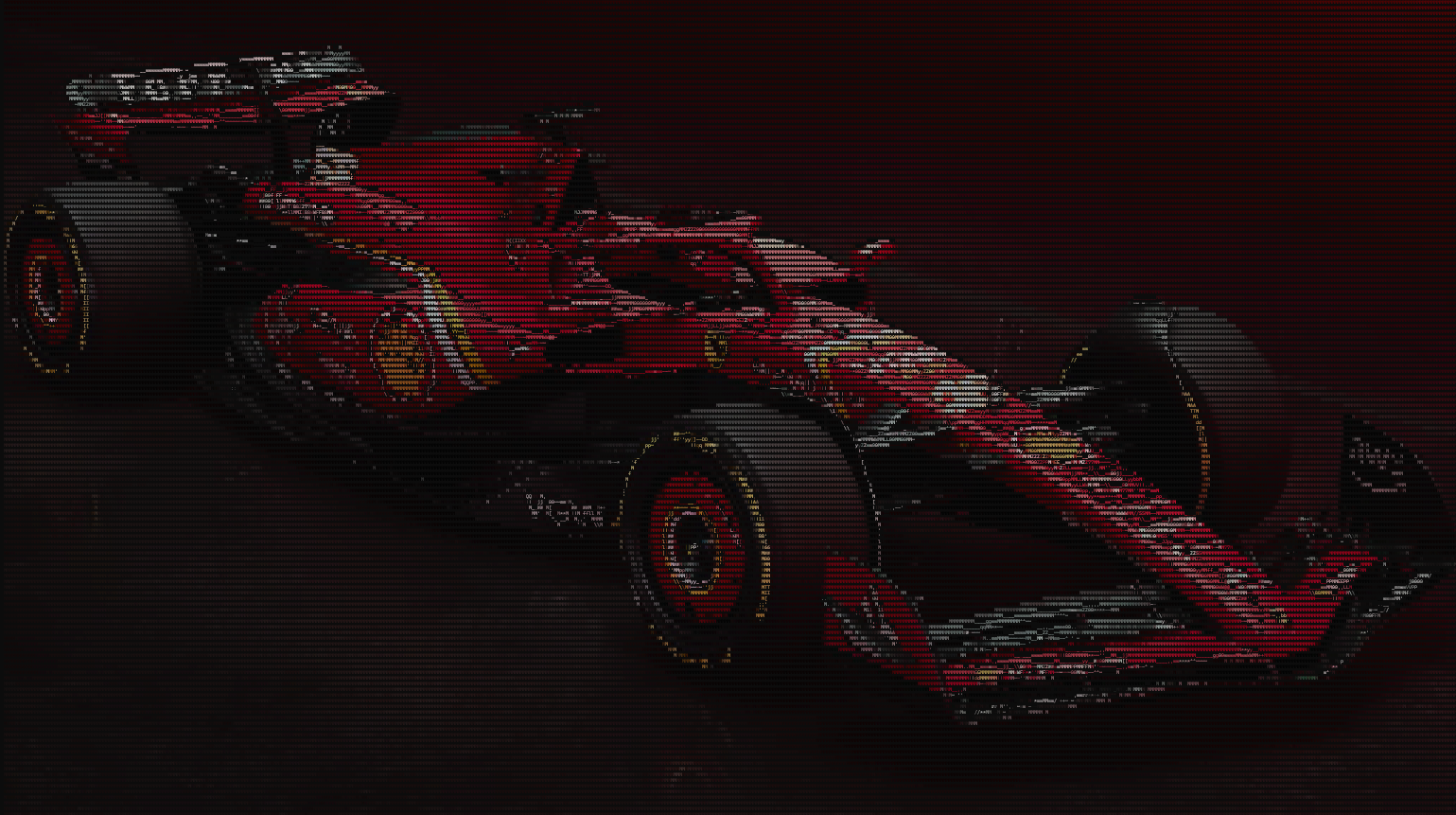 --- ## Additional Resources For a detailed explanation of the project, watch the YouTube video: [Build an ASCII Art Generator in 150 Lines](https://youtu.be/SSQ9Wnw4noA).
