KO
|
EN
gitlite — search
Search
#python
#java
#python3
#arduino
#golang
#machine-learning
#rust
#html
#flask
#javascript
#seismology
#nodejs
Yidhari-ZS
★ 24
Open GitHub ↗
Zenless Zone Zero Server Emulator
Download README (.md)
Explore Similar Repositories
cs-inspect-serializer
:
Lightweight serializer and decoder for CS inspect links
SteosMorphy
:
SteosMorphy
hathi-db
:
No description available.
top-career-pages
:
No description available.
recursos-ctf-ciberseguridad-inicial
:
Guía práctica, comandos, checklist y recursos para empezar el mundo CTF y TryHackMe.
// repository documentation
Was this content helpful?
★ 0
(0 ratings)
Select Rating:
★
★
★
★
★
Submit Feedback
Recent Feedback
×
Download README
Do you want to download the
README.md
file for
Yidhari-ZS
?
Download (.md)
# Yidhari-ZS ##### Server emulator for the game Zenless Zone Zero # 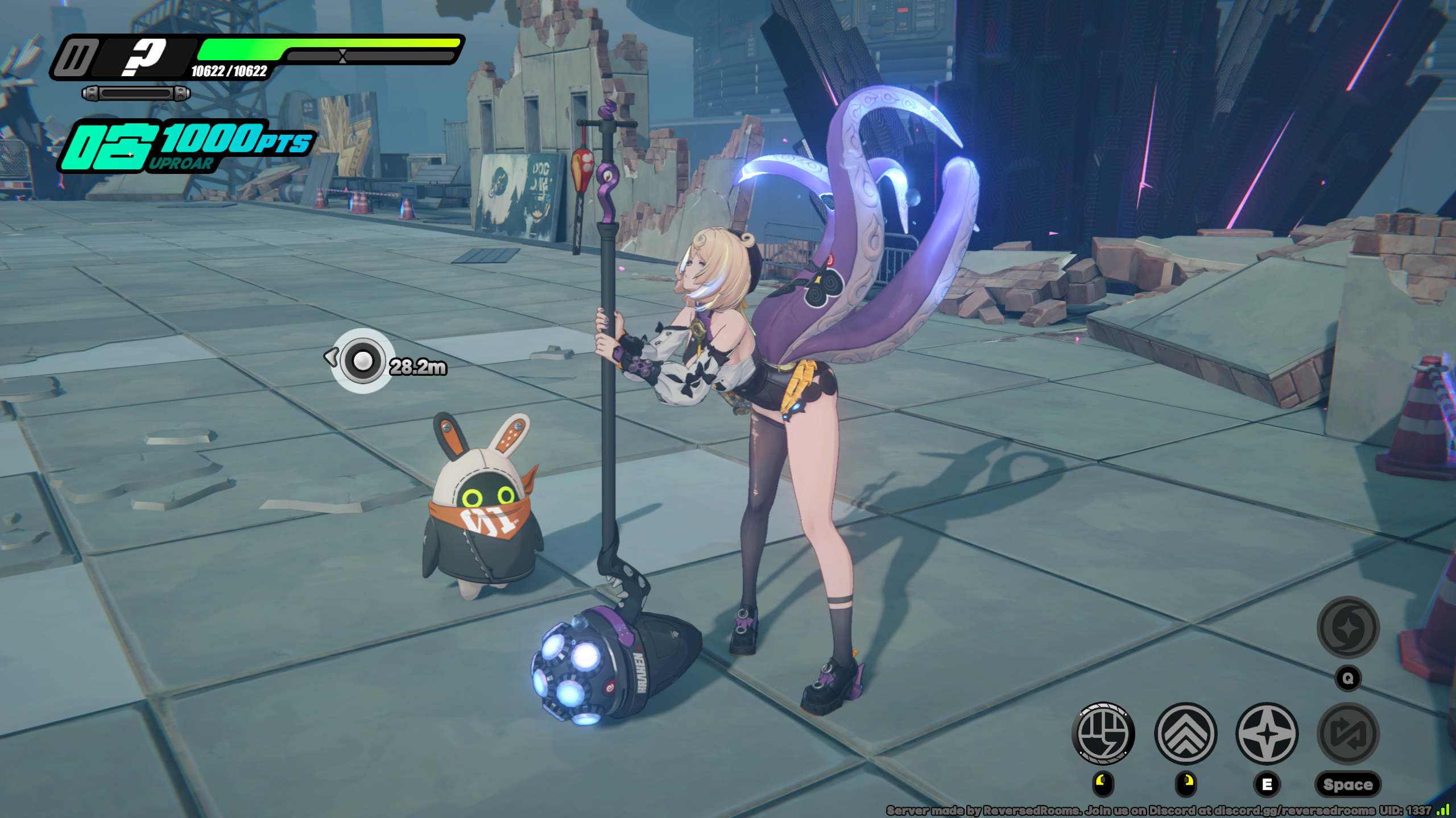 ## Features - Walking - World Map - VR Training - Shiyu Defense and Deadly Assault - Miscellaneous items (Skins, W-Engines, Drive Discs, Wallpapers) ## Getting started ### Requirements - [Zig 0.15.1](https://ziglang.org/download) - [SDK server](https://git.xeondev.com/reversedrooms/hoyo-sdk) ##### NOTE: this server doesn't include the sdk server as it's not specific per game. You can use `hoyo-sdk` with this server. ##### NOTE 2: be sure to use newest sdk server version (easy to recognize - it will spam a lot in the console, while previous one was quiet) #### For additional help, you can join our [discord server](https://discord.xeondev.com) ### Setup #### a) building from sources ```sh git clone https://git.xeondev.com/yidhari-zs/yidhari-zs.git cd yidhari-zs zig build run-yidhari-dispatch zig build run-yidhari-gameserver ``` #### b) using pre-built binaries Navigate to the [Releases](https://git.xeondev.com/yidhari-zs/yidhari-zs/releases) page and download the latest release for your platform. Start each service in order from option `a)`. ### Configuration Configuration is loaded from current working directory. If no configuration file exists, default one will be created. - To change server settings (such as bind address), edit `dispatch_config.zon` (for dispatch) and `gameserver_config.zon` (for game-server). - To change gameplay-related settings (such as equipment/shiyu schedule), edit the `gameplay_settings.zon` file. ##### NOTE: player data is currently not persistent (as there's basically nothing to save rn), so database is not needed. ### Logging in Currently supported client version is `CNBetaWin2.5.1`, you can get it from 3rd party sources. Next, you have to apply the necessary [client patch](https://git.xeondev.com/yidhari-zs/Tentacle). It allows you to connect to the local server and replaces encryption keys with custom ones. ## Support Your support for this project is greatly appreciated! If you'd like to contribute, feel free to send a tip [via Boosty](https://boosty.to/xeondev/donate)!
