KO
|
EN
gitlite — search
Search
#javascript
#python
#hacktoberfest
#react
#ai
#typescript
#llm
#go
#golang
#android
#machine-learning
#rust
#deep-learning
#linux
my-theme
★ 9
Open GitHub ↗
My current RStudio theme :)
Download README (.md)
Explore Similar Repositories
AssociationNetworks
:
No description available.
teamwork2
:
第二次小组作业(网上书店销售管理系统)
InductorGen
:
A python script based on gdspy to generate Inductors
Automate-CCC-Reports
:
Automate and simplify the process of making reports of contests hosted by the IIITV CodeChef Campus Chapter
php-coding-standards
:
WebDevStudios PHP Coding Standards
// repository documentation
Was this content helpful?
★ 0
(0 ratings)
Select Rating:
★
★
★
★
★
Submit Feedback
Recent Feedback
×
Download README
Do you want to download the
README.md
file for
my-theme
?
Download (.md)
# my-theme My current RStudio theme :) because I like mixing pastel colors with strong ones. # Examples 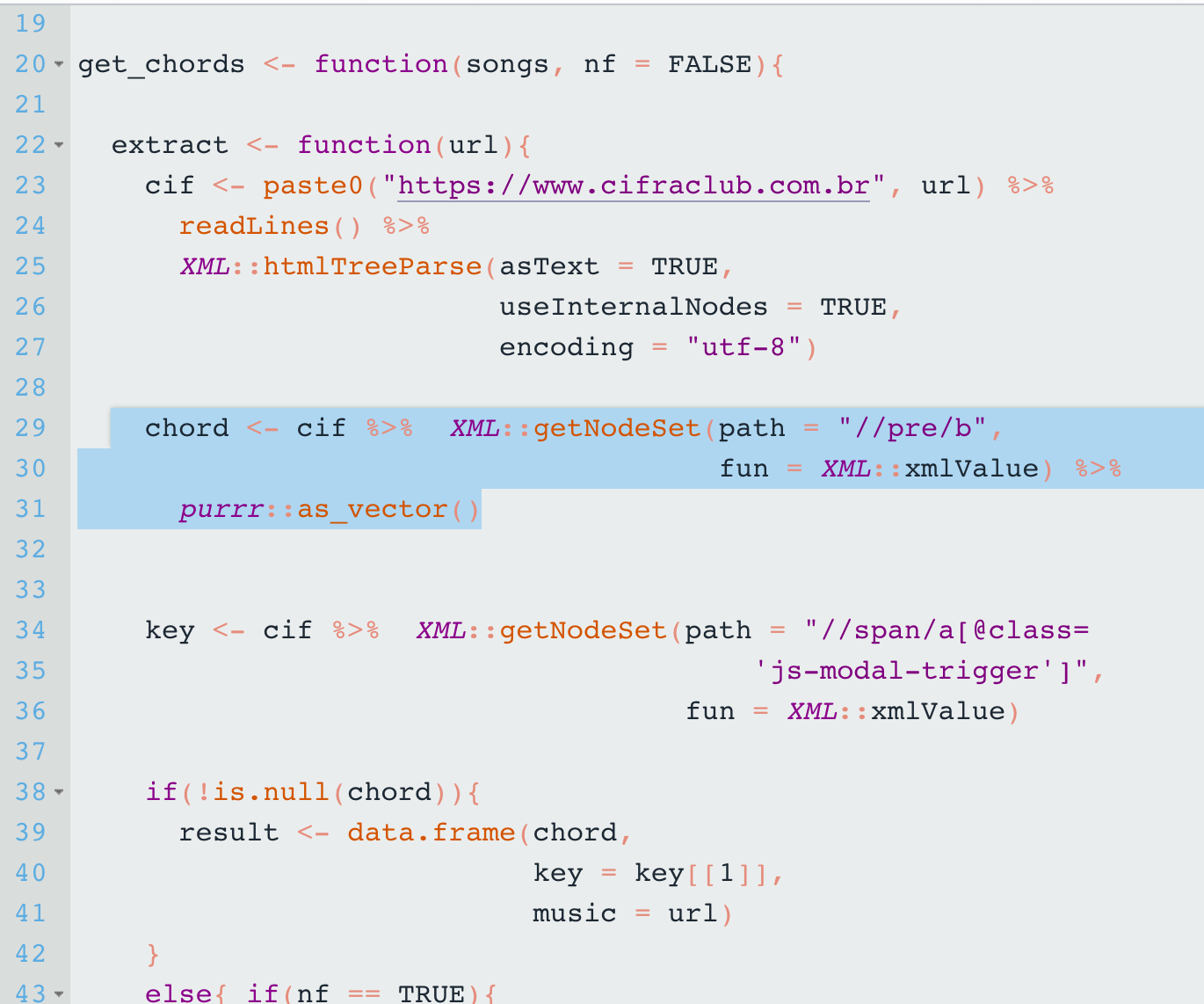 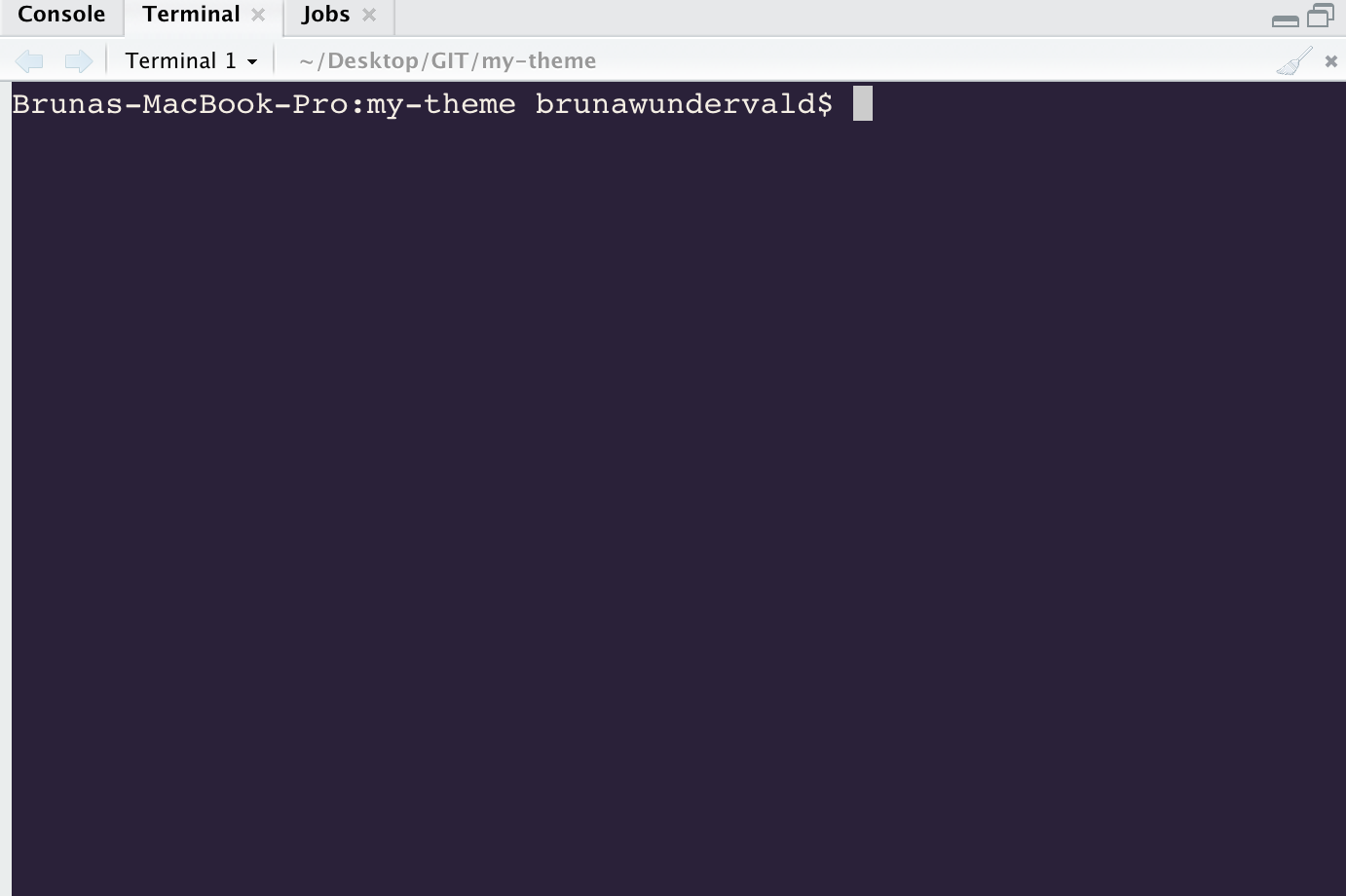 ## Installation 1. Ensure you have the latest version of RStudio (at least v1.2, which was [released in April of 2019](https://blog.rstudio.com/2019/04/30/rstudio-1-2-release/)) 2. Run in `R`: `rstudioapi::addTheme("https://raw.githubusercontent.com/brunaw/my-theme/master/my-theme.rstheme", TRUE, TRUE, FALSE)` ### Change Theme To change your current theme, you can select your desired theme by going to `Tools > Global Options > Appearance > Editor theme` ### Uninstallation To uninstall this theme, just run in `R`: `rstudioapi::removeTheme("my-theme")`
