KO
|
EN
gitlite — search
Search
#javascript
#python
#machine-learning
#react
#hacktoberfest
#java
#home-assistant
#mysql
#php
#typescript
#data-science
#cpp
exiletrade
★ 29
Open GitHub ↗
Path of Exile - Advanced Trade Search
Download README (.md)
Explore Similar Repositories
kube-rsa
:
Generate self-signed TLS certificates for Kubernetes
jetbrains-plugin-testlinker
:
Easy navigation between test and production code.
droidsheep
:
DroidSheep [Root] is an Android app for Security analysis in wireless networks and capturing facebook, twitter, linkedin and other accounts.
lab-setup
:
Lab Setup Instructions for Devops Trainings
RageTileMap
:
simple unity tilemap
// repository documentation
Was this content helpful?
★ 0
(0 ratings)
Select Rating:
★
★
★
★
★
Submit Feedback
Recent Feedback
×
Download README
Do you want to download the
README.md
file for
exiletrade
?
Download (.md)
[](https://gitter.im/exiletrade/exiletrade?utm_source=badge&utm_medium=badge&utm_campaign=pr-badge&utm_content=badge) # ExileTrade - An Advanced Search Engine  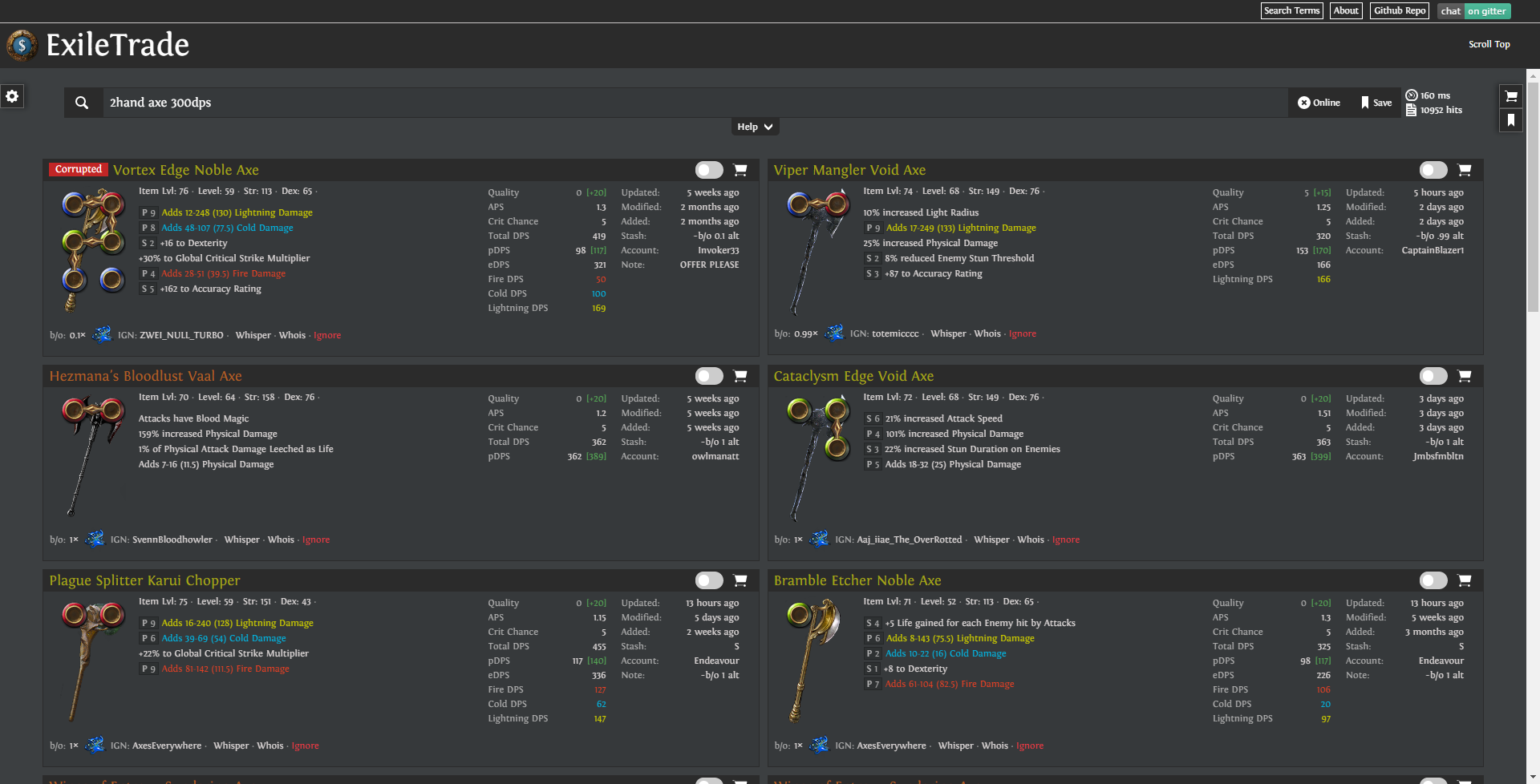  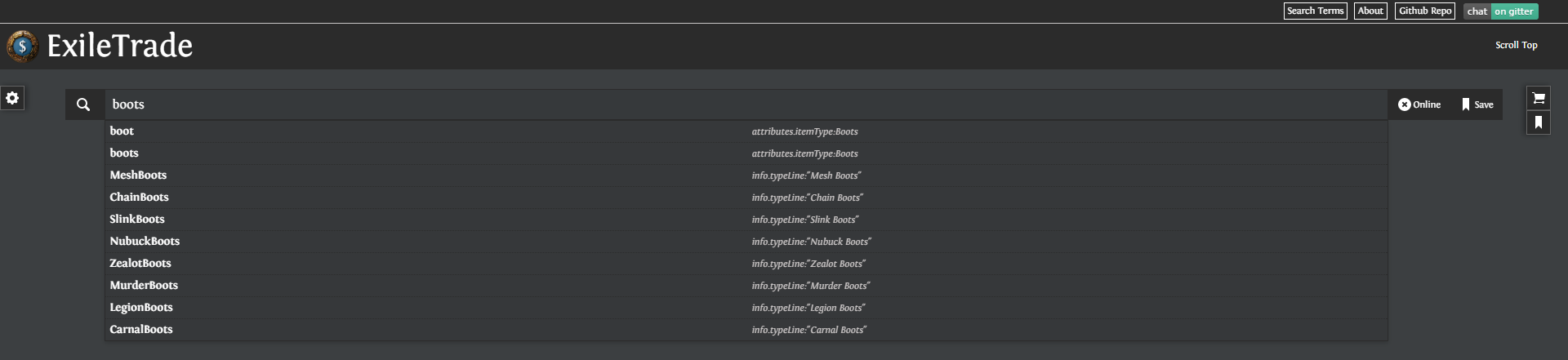 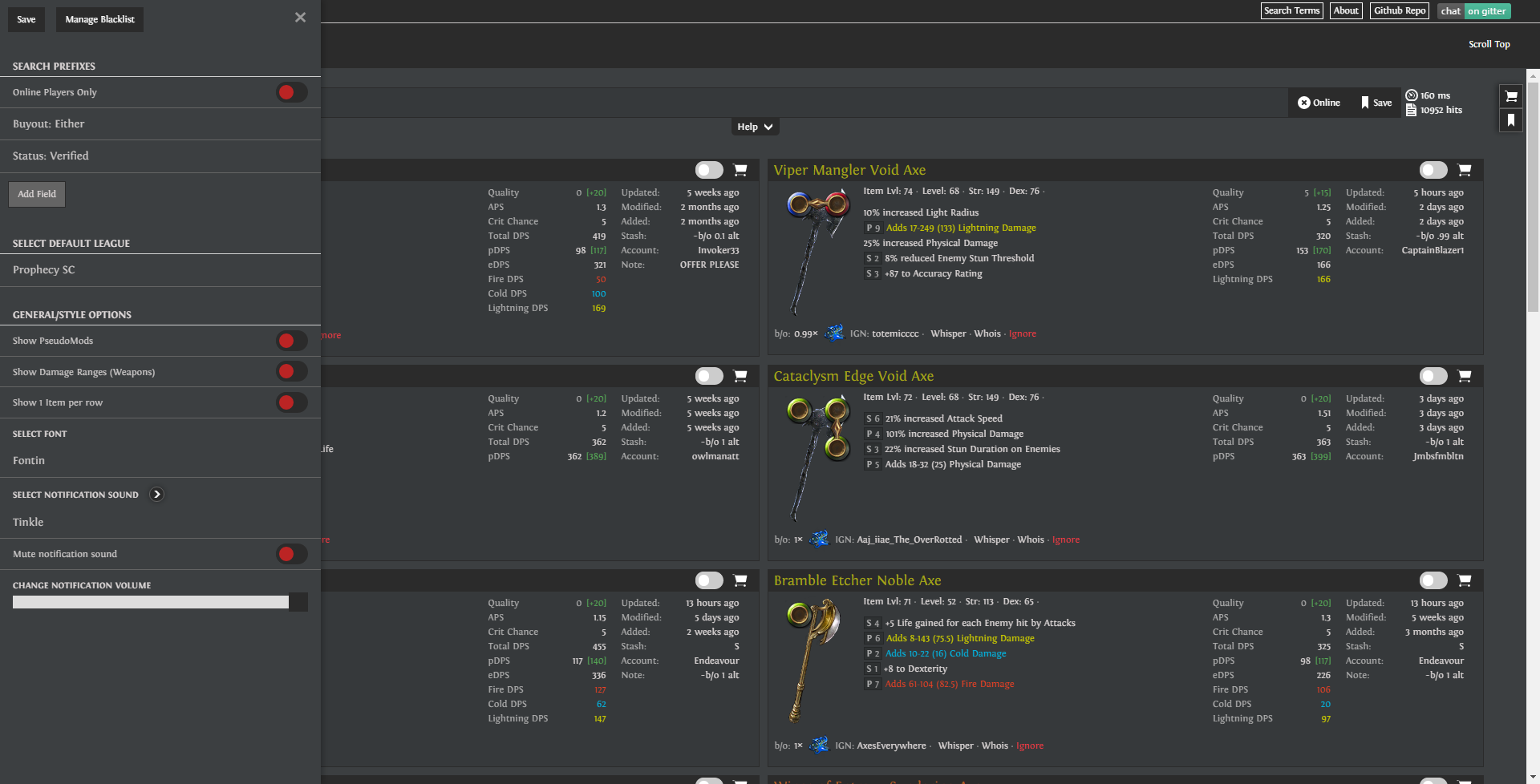 ## Requirements You'll need the following software installed to get started. - [Node.js](http://nodejs.org): Use the installer for your OS. - [Git](http://git-scm.com/downloads): Use the installer for your OS. - Windows users can also try [Git for Windows](http://git-for-windows.github.io/). - [Gulp](http://gulpjs.com/) and [Bower](http://bower.io): Run `npm install -g gulp bower` - Depending on how Node is configured on your machine, you may need to run `sudo npm install -g gulp bower` instead, if you get an error with the first command. ## Get Started Clone this repository using git. ```bash git clone https://github.com/exiletrade/exiletrade.git ``` Change into the directory. ```bash cd exiletrade ``` Install the dependencies. If you're running Mac OS or Linux, you may need to run `sudo npm install` instead, depending on how your machine is configured. ```bash npm install bower install ``` While you're working on your project, run: ```bash npm start ``` This will compile the Sass and assemble your Angular app. **Now go to `localhost:8080` in your browser to see it in action.** When you change any file in the `client` folder, the appropriate Gulp task will run to build new files. Commands you need to push your changes: ```bash git status <- Shows the status of your copy of the source code git pull <- Make sure you are always up to date git commit -am "what I changed" <- Commits your changes to your local repository git push origin master <- Push your changes, and if you wanna help us, you will then need to create a pull request on GitHub ``` To run the compiling process once, without watching any files, use the `build` command. ```bash npm start build ``` This will build your project once with minified/uglified JS: ```bash gulp build --production ``` This will build a demo version (uploaded to github) once with minified/uglified JS: ```bash gulp build --production --demo ``` ## Dev Notes Got this one my `.bashrc`. This will do git add/commit/push in one command. ```bash function gita() { git add . git commit -a -m "$1" git push origin master } ```
