KO
|
EN
gitlite — search
Search
#typescript
#ai-agents
#ai
#dsh-plugin
#deepseek-harness
#open-source
#claude-code
#codex
#cli
#developer-tools
#react
#windows
avatarly
★ 162
Open GitHub ↗
No description available.
Download README (.md)
Explore Similar Repositories
MonthAndYearPicker
:
The month and year picker for Android. Now you can pick month and year or only month or only year.
AltspaceSDK
:
Software Development Kit for AltspaceVR
preston
:
Serve Mongoose models on a RESTful API.
envelope
:
Build configuration-driven ETL pipelines on Apache Spark
ground
:
An open-source, vendor-neutral data context service.
// repository documentation
Was this content helpful?
★ 0
(0 ratings)
Select Rating:
★
★
★
★
★
Submit Feedback
Recent Feedback
×
Download README
Do you want to download the
README.md
file for
avatarly
?
Download (.md)
[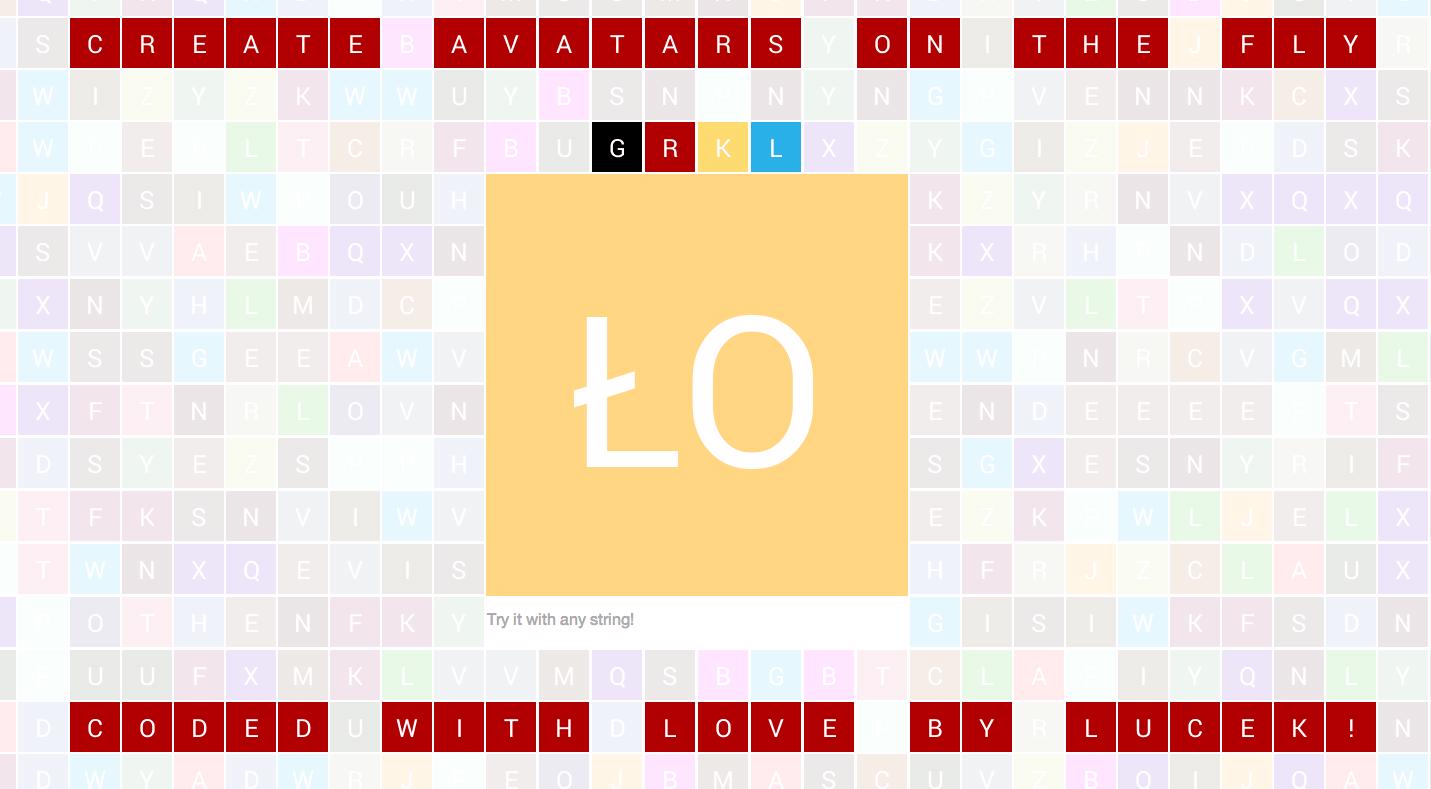](http://avatarly.herokuapp.com) # avatarly [](https://rubygems.org/gems/avatarly) [](https://travis-ci.org/lucek/avatarly) avatarly is a simple gem for creating gmail-like user avatars based on user email or any other string passed inspired and influenced by https://github.com/johnnyhalife/avatar-generator.rb # Demo http://avatarly.herokuapp.com ## Installation Avatarly requires ImageMagick to be installed. ### Gems The gems are hosted at Rubygems.org. Make sure you're using the latest version of rubygems: $ gem update --system Then you can install the gem as follows: $ gem install avatarly ### Bundler Add to your Gemfile: gem "avatarly" and then type: bundle install ## Usage To generate image please do: Avatarly.generate_avatar(text, opts={}) the only required parameter is <tt>text</tt>. Other options that you can pass are: * <tt>background_color</tt> (#AABBCC) * <tt>font_color</tt> (#AABBCC) * <tt>size</tt> (default: 32) * <tt>font</tt> (path to font - e.g. "#{Rails.root}/your_font.ttf") * <tt>font_size</tt> (default: size / 2) * <tt>vertical_offset</tt> (default: 0) * <tt>format</tt> (default: png) * <tt>lang</tt> (language code if unicode aware upcase required - e.g: :tr, default: nil) * <tt>separator</tt> (the custom string or regex used to split <tt>text</tt> into its initials) As a result you will get an image blob - rest is up to you, do whatever you want with it. For instance you can store avatar in directory with images: img = Avatarly.generate_avatar(text, opts={}) File.open('public/images/avatar_name.png', 'wb') do |f| f.write img end ## License MIT # Maintainers and support Thanks for help with the project: [ Knapsack Pro](https://knapsackpro.com/?utm_source=github&utm_medium=readme&utm_campaign=avatarly-gem-readme) - learn [how to speed up Ruby and JavaScript tests with CI parallelisation](https://docs.knapsackpro.com/2020/how-to-speed-up-ruby-and-javascript-tests-with-ci-parallelisation)
