KO
|
EN
gitlite — search
Search
#typescript
#ai-agents
#deepseek-harness
#dsh-plugin
#open-source
#ai
#cli
#dsh
#claude-code
#codex
#developer-tools
#react
container-desktop
★ 1,625
Open GitHub ↗
Podman desktop companion
Download README (.md)
Explore Similar Repositories
jitsi-meet-electron
:
Jitsi Meet desktop application powered by :electron:
boruta_py
:
Python implementations of the Boruta all-relevant feature selection method.
backbone.stickit
:
Backbone data binding, model binding plugin. The real logic-less templates.
rime-wubi86-jidian
:
86五笔极点码表 for 鼠须管(macOS)、小狼毫(Windows)、中州韵(Ubuntu) 、仓(iOS)、同文(Android)五笔输入方案,五笔输入法,Rime 方案。Chinese wubi input method schema
tiger
:
No description available.
// repository documentation
Was this content helpful?
★ 0
(0 ratings)
Select Rating:
★
★
★
★
★
Submit Feedback
Recent Feedback
×
Download README
Do you want to download the
README.md
file for
container-desktop
?
Download (.md)
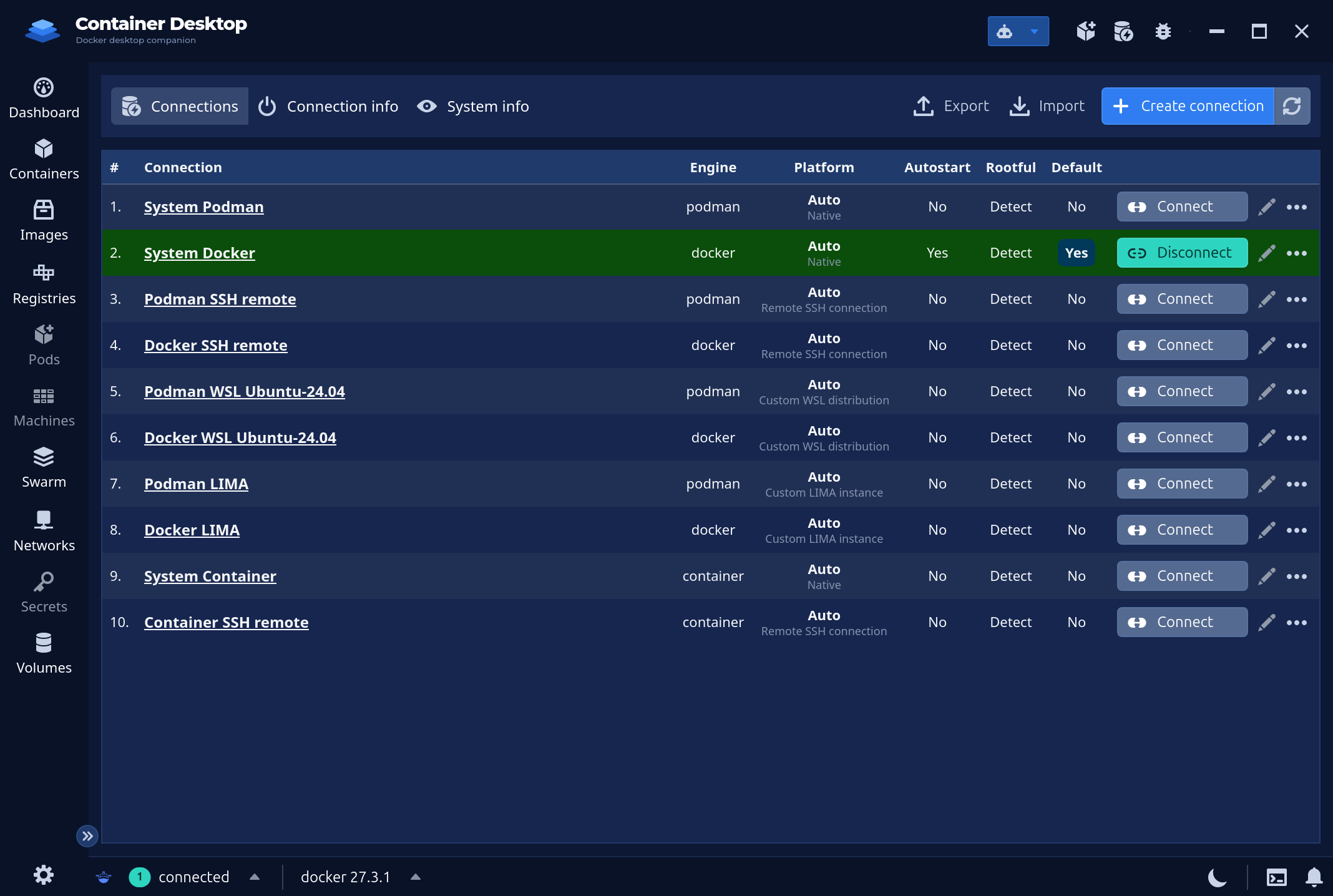
# Container Desktop Podman Desktop Companion    ## Documentation Full project documentation lives in [`docs/`](docs/): - **[Architecture](docs/README.md)** - [Overview](docs/architecture/overview.md) - [Backend](docs/architecture/backend.md) - [Frontend](docs/architecture/frontend.md) - [AI subsystem](docs/architecture/ai-subsystem.md) - [Connection startup](docs/architecture/connection-startup.md) - [Engine matrix](docs/architecture/engine-matrix.md) - [Notes / principles](docs/architecture/notes.md) - **Guides** - [Development](docs/development.md) - [Testing](docs/testing.md) - [Usage](docs/usage.md) - [LIMA setup](docs/lima.md) - **Project** - [TODO / roadmap](docs/todo.md) - [Changelog](CHANGELOG.md) ## Author notes - No telemetry - Identical UI on all platforms - Dynamic engine based theme ## Requirements - **Linux** - Install [podman](https://podman.io/docs/installation) - note that distributions usually have older versions of podman, see [Aalvistack](https://software.opensuse.org/download/package?package=podman&project=home%3Aalvistack) for the most recent repositories. Additional packages besides podman may be required, such as `aardvark-dns` and `passt` for networking (<https://passt.top/passt/about/>). If one wants to add support for docker container engine, the easiest is to install rootless docker as documented here <https://linuxhandbook.com/rootless-docker/> - **Windows** - Install [podman](https://podman.io/docs/installation) or provision your favorite WSL distribution with latest podman by following the instructions above for **Linux**. On your custom WSL distribution, the engine's own `system dial-stdio` bridges its unix socket back to the Windows native context (named pipe ↔ `wsl.exe` stdio — no TCP listener or SSH server inside the distribution). - **MacOS** - Install [podman](https://podman.io/docs/installation) or [lima](https://lima-vm.io/) ## Usage - See [docs/usage.md](docs/usage.md) ## Familiar interface 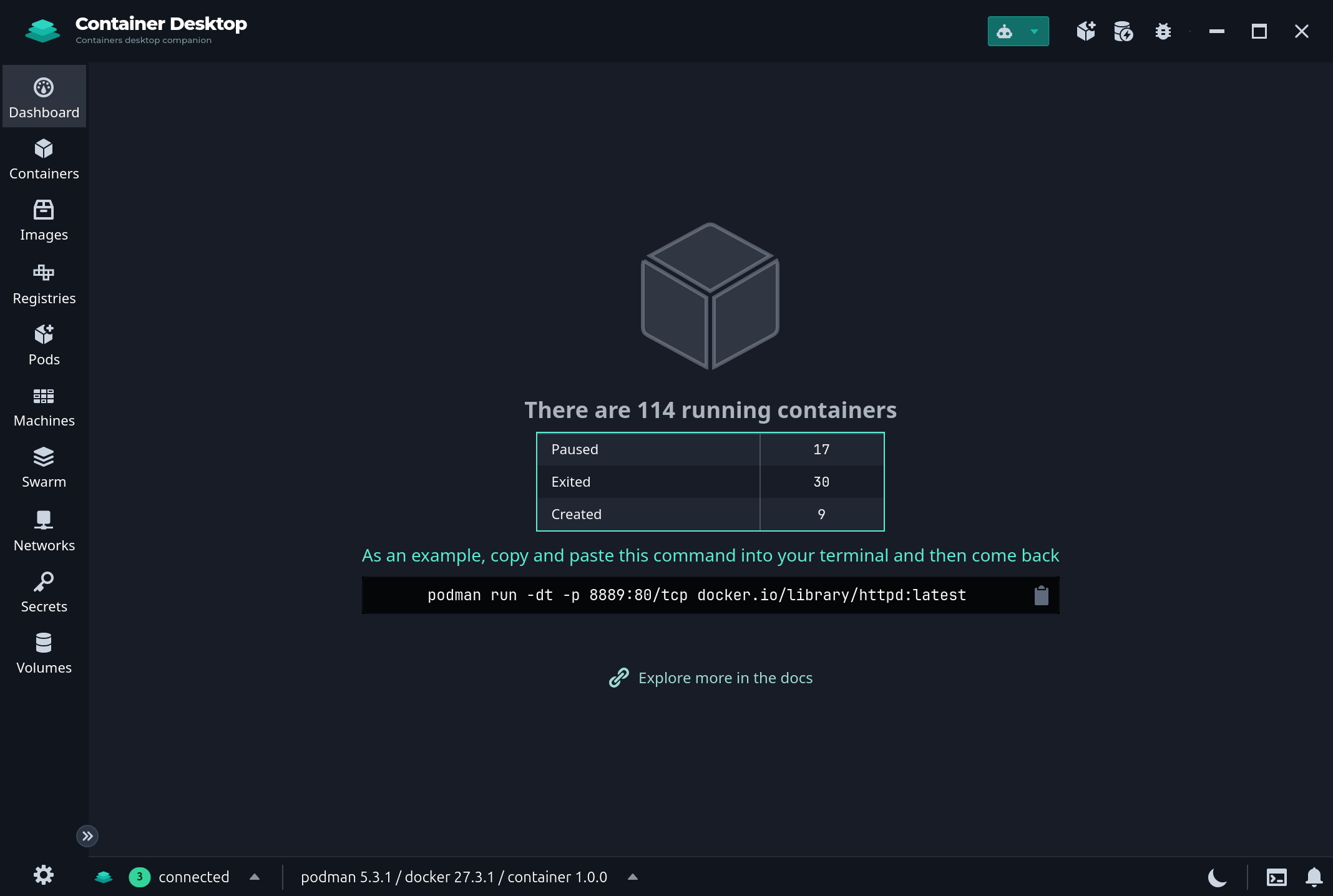 ## Containers management 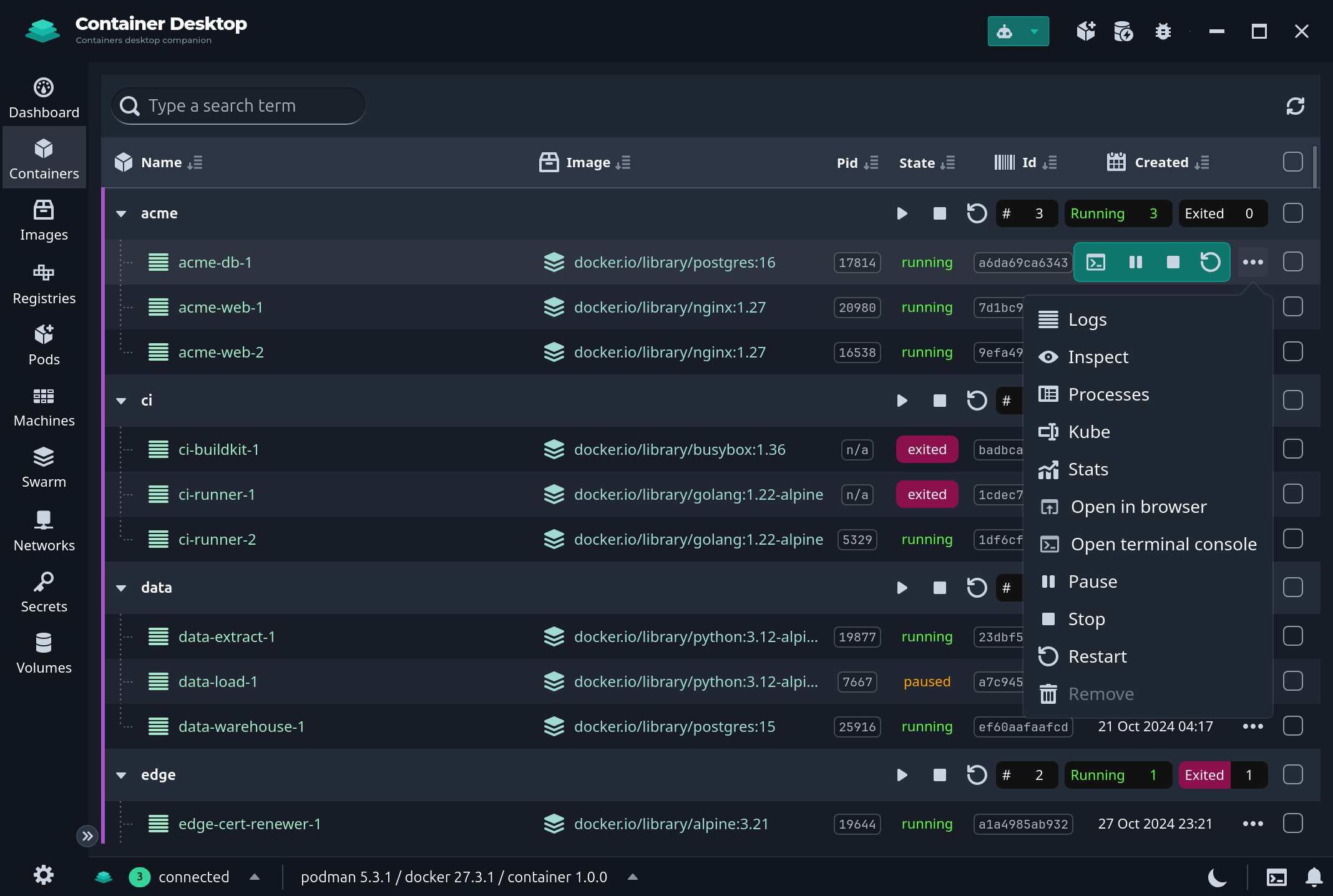 ## Image building 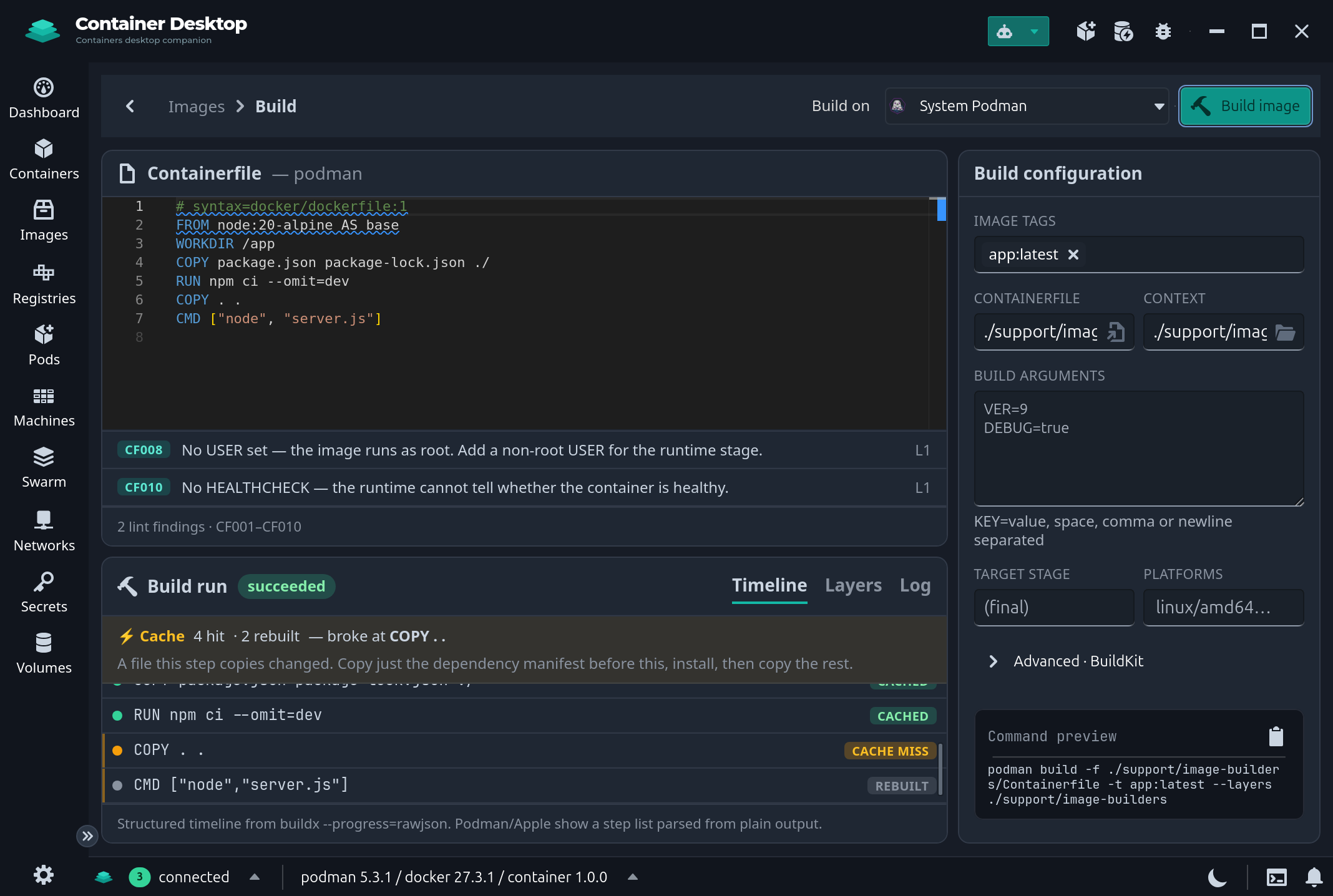 ## AI assistant 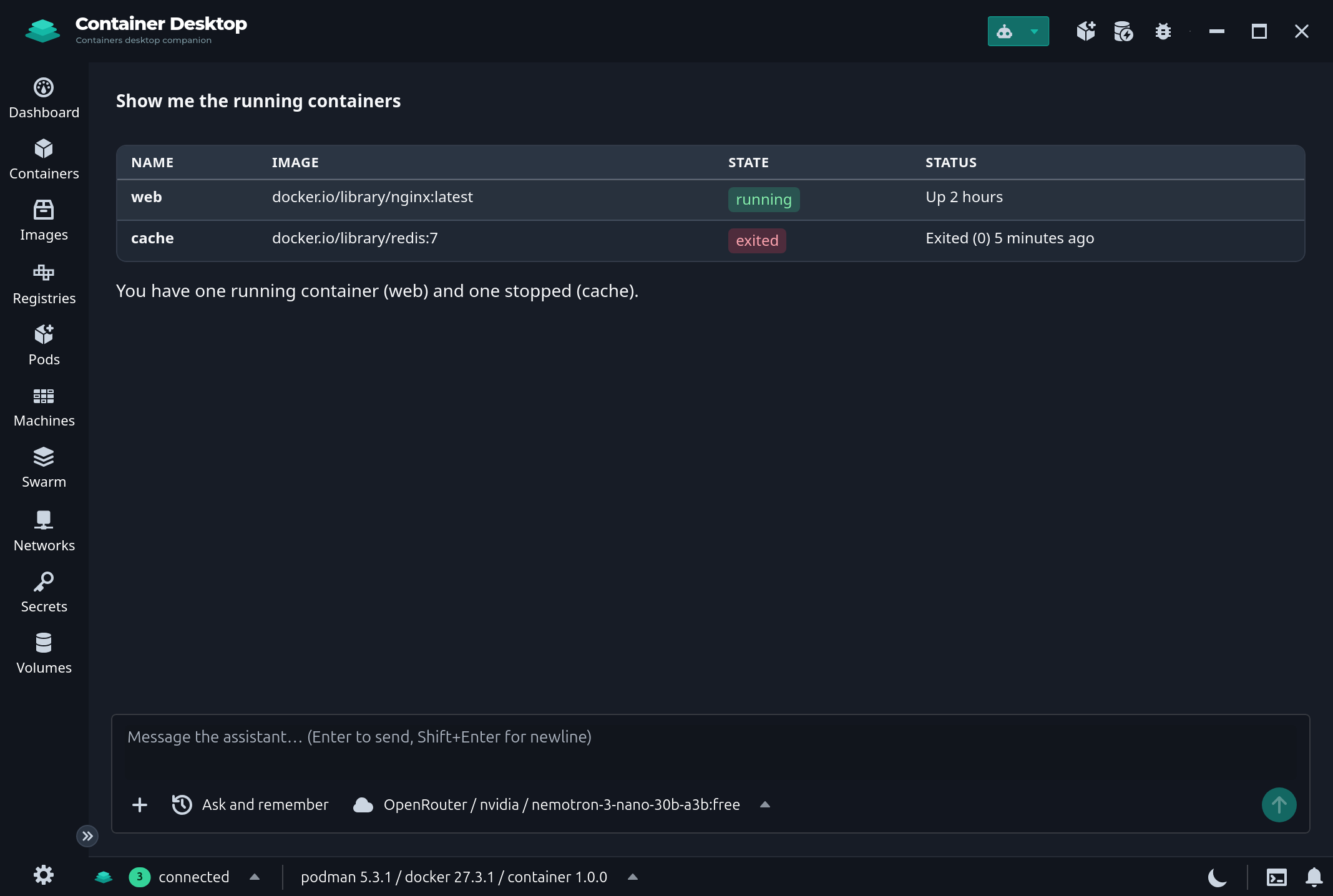 ## Podman is the driving engine 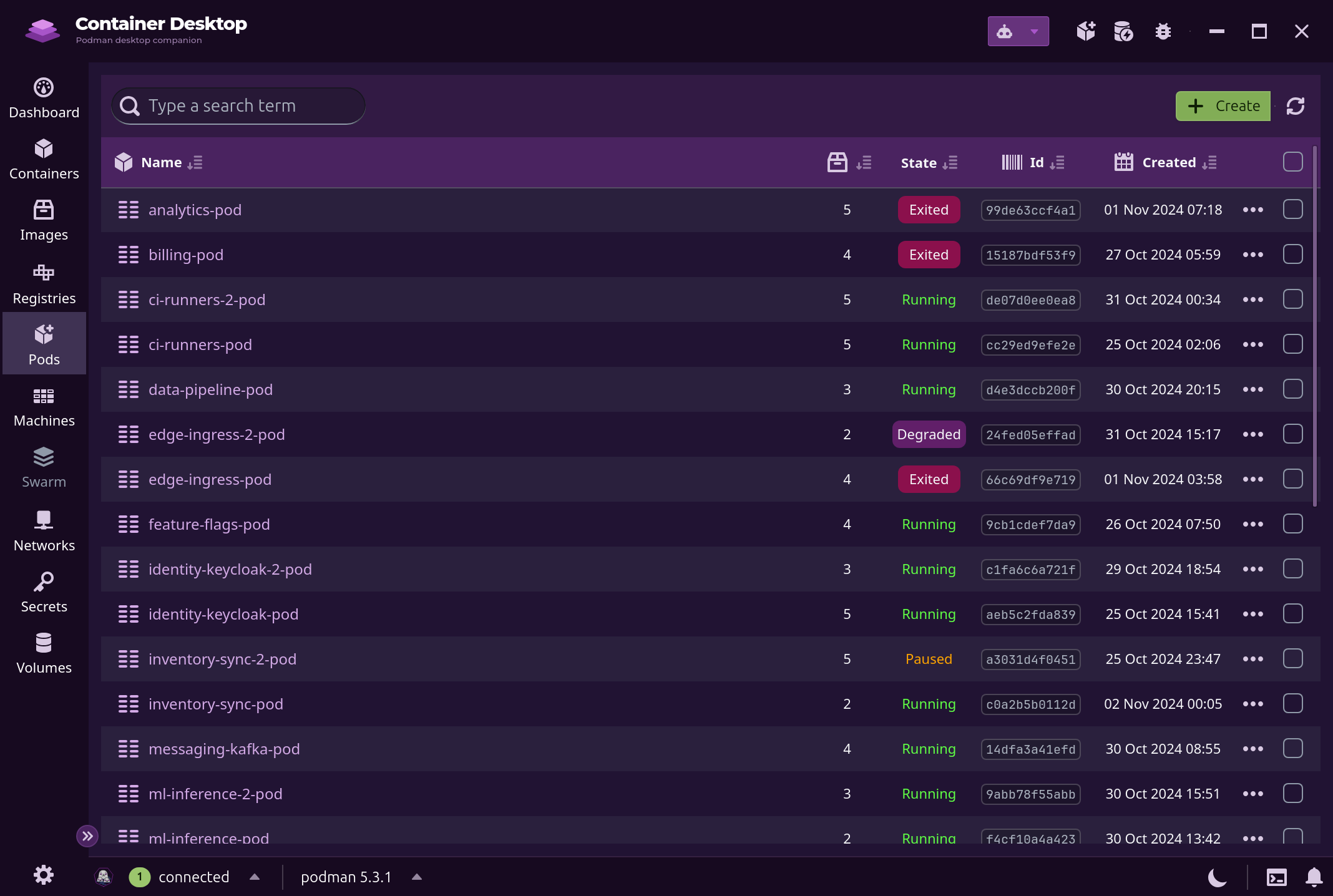 ## Multiple engines and remote connections supported