KO
|
EN
gitlite — search
Search
#javascript
#python
#hacktoberfest
#react
#ai
#typescript
#llm
#go
#golang
#android
#machine-learning
#rust
#deep-learning
#linux
nbview
★ 9
Open GitHub ↗
View Jupyter Notebooks in your terminal
Download README (.md)
Explore Similar Repositories
docker-wireguard-rhel
:
Configuration to run linuxserver/wireguard container in Centos or Rocky Linux
relaxator
:
Relax to soothing sounds
nxdk-rs
:
Rust support for NXDK
anyme_alpha_apk_archive
:
No description available.
FlashCatch
:
No description available.
// repository documentation
Was this content helpful?
★ 0
(0 ratings)
Select Rating:
★
★
★
★
★
Submit Feedback
Recent Feedback
×
Download README
Do you want to download the
README.md
file for
nbview
?
Download (.md)
[](https://goreportcard.com/report/github.com/beringresearch/nbview) ## NBVIEW `nbview` is a lightweight utility for viewing Jupyter Notebook files in your terminal. 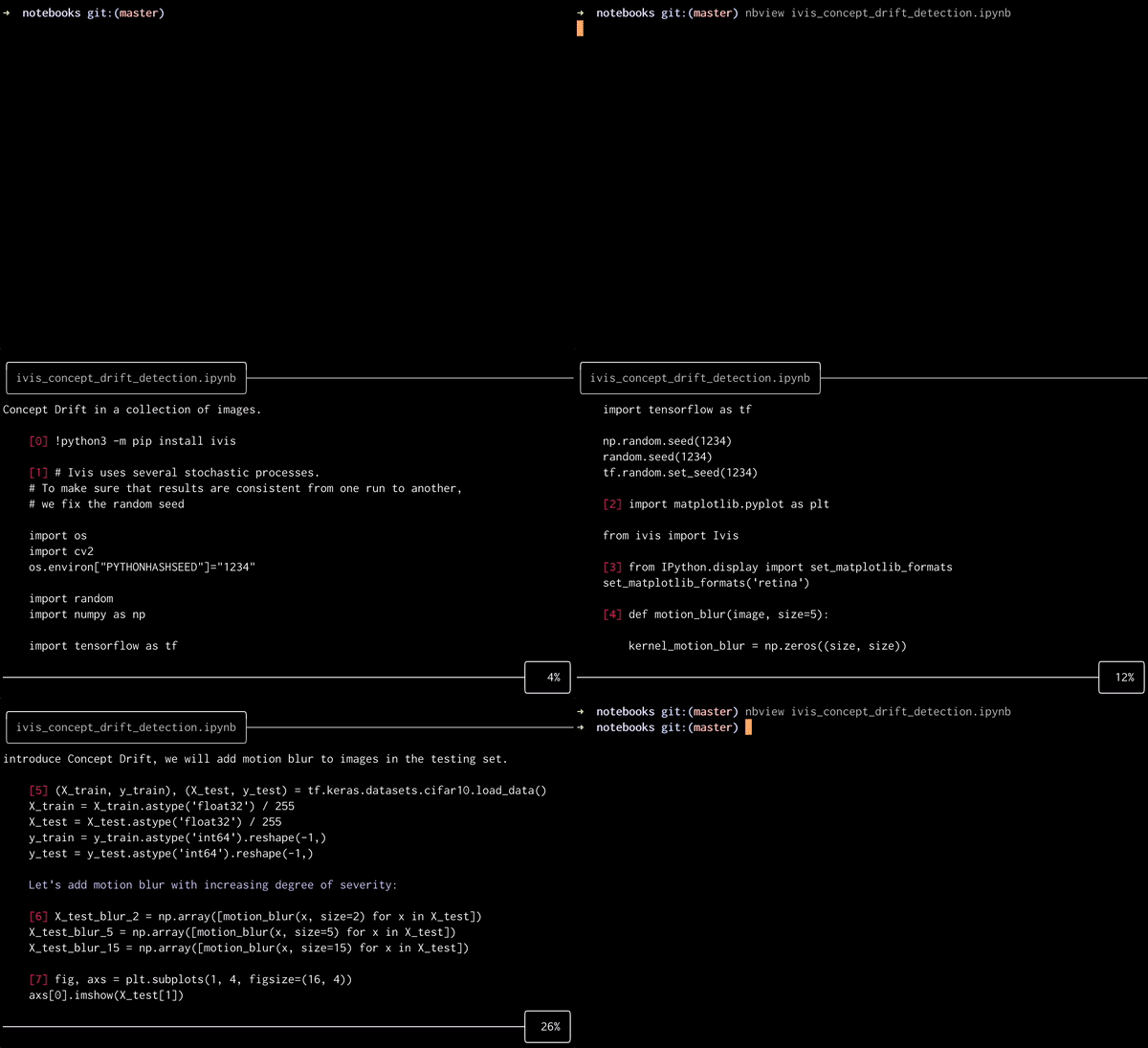 ## Features - [x] Cross-platform. Compiles to a multi-platform executable. - [x] No dependencies. `nbview` binary is self contained. - [x] No need for a Notebook server. `*.ipynb` files are rendered as text in a terminal buffer. - [x] Fully-fledged Python syntax highlighting based on Pygments. ## Installation The simplest way to install `nbview` is to [download the binary for your platform](https://github.com/beringresearch/nbview/releases). Rename the binary to `nbview` and add it to your `$PATH`, for example by copying it to `usr/local/bin`. ### Build from source `make PLATFORM` where `PLATFORM` is either `ubuntu`, `linux`, `darwin`, or `windows`. The executable will appear in `bin/PLATFORM/nbview` and from there it can be added to your `$PATH` variable. ## Usage `nbview FILENAME` `FILENAME` can be either a local or a remote notebook file. The Notebook is loaded into a scrollable buffer, which can be navigated using arrow keys. To exit, press `q` or `esc`.
