KO
|
EN
gitlite — search
Search
#javascript
#python
#hacktoberfest
#react
#ai
#typescript
#llm
#go
#golang
#android
#machine-learning
#rust
#deep-learning
#linux
content-ops-starter
★ 9
Open GitHub ↗
No description available.
Download README (.md)
Explore Similar Repositories
postgresql-upgrade
:
No description available.
WarpShader
:
No description available.
gitops-argocd-repo-structure
:
No description available.
EnumTabViews-CustomTabBars
:
Starter project
today_121
:
No description available.
// repository documentation
Was this content helpful?
★ 0
(0 ratings)
Select Rating:
★
★
★
★
★
Submit Feedback
Recent Feedback
×
Download README
Do you want to download the
README.md
file for
content-ops-starter
?
Download (.md)
# Netlify Content Ops Starter 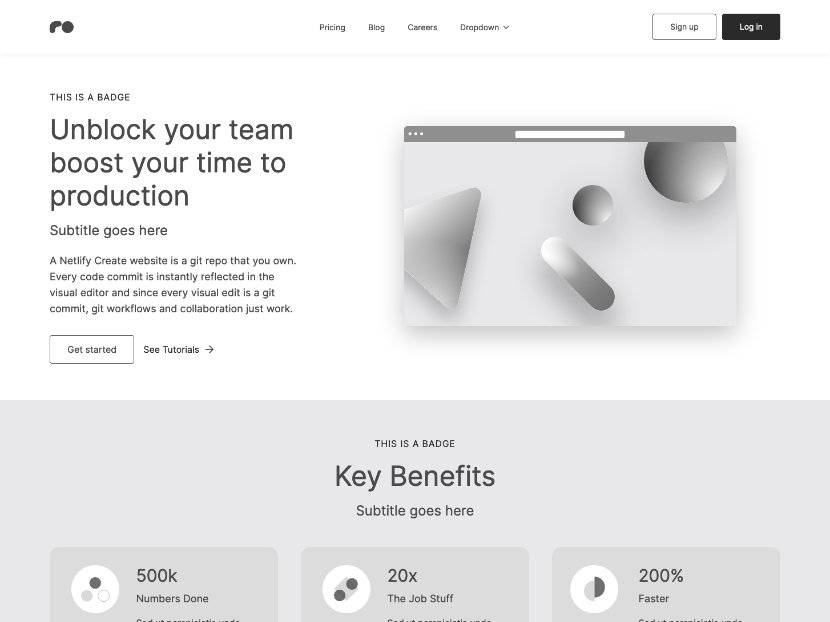 Netlify starter that's made for customization with a flexible content model, component library, [visual editing](https://docs.netlify.com/visual-editor/overview/) and [Git Content Source](https://docs.netlify.com/create/content-sources/git/). **⚡ View demo:** [https://content-ops-starter.netlify.app/](https://content-ops-starter.netlify.app/) ## Deploying to Netlify If you click "Deploy to Netlify" button, it will create a new repo for you that looks exactly like this one, and sets that repo up immediately for deployment on Netlify. [](https://app.netlify.com/start/deploy?repository=https://github.com/netlify-templates/content-ops-starter) ## Develop with Netlify Visual Editor Locally The typical development process is to begin by working locally. Clone this repository, then run `npm install` in its root directory. Run the Next.js development server: ```txt cd content-ops-starter npm run dev ``` Install the [Netlify Visual Editor CLI](https://www.npmjs.com/package/@stackbit/cli). Then open a new terminal window in the same project directory and run the Netlify visual editor dev server: ```txt npm install -g @stackbit/cli stackbit dev ``` This outputs your own Netlify visual editor URL. Open this, register, or sign in, and you will be directed to Netlify's visual editor for your new project. 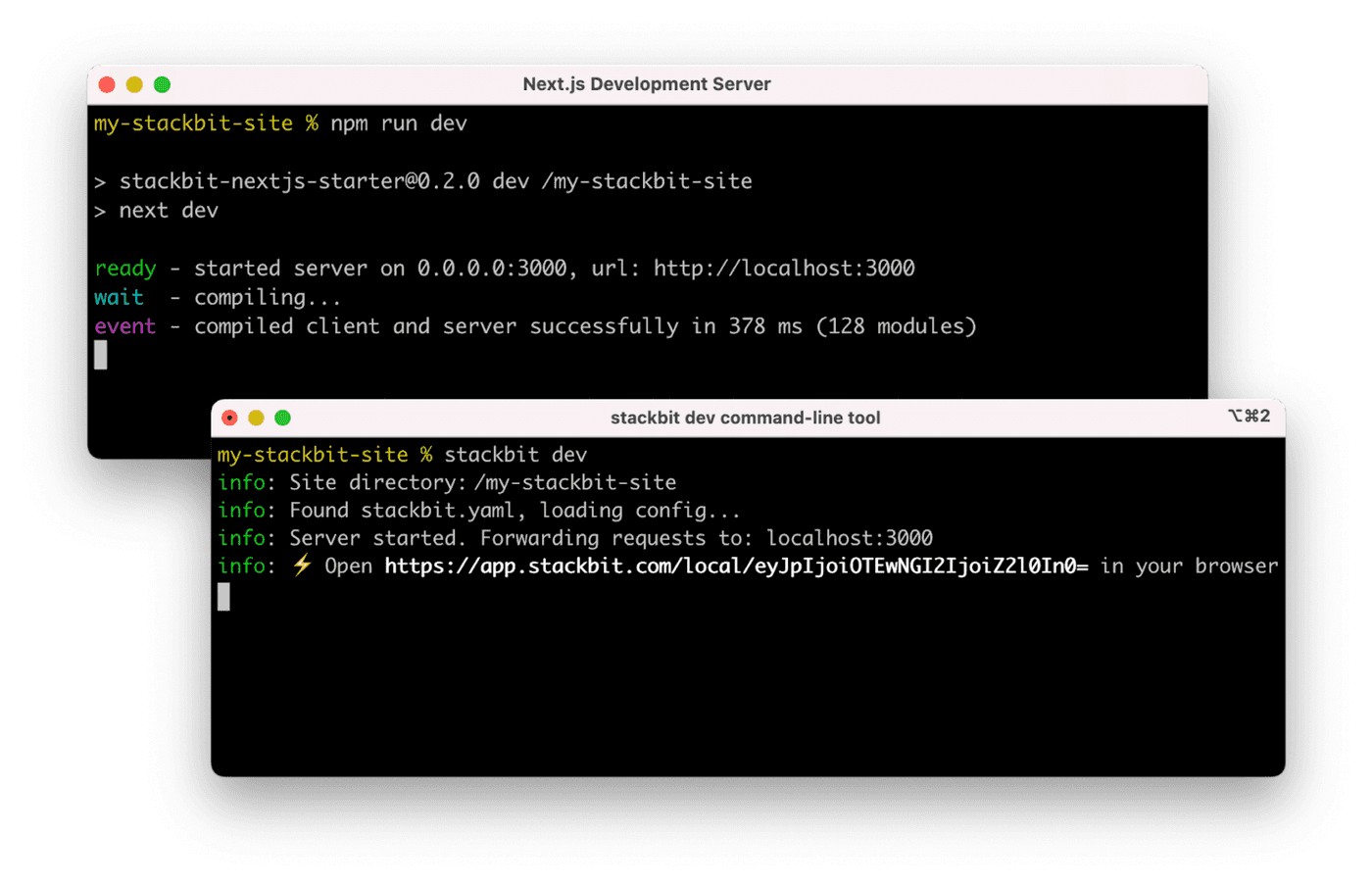 ## Building for production To build a static site for production, run the following command ```shell npm run build ``` ## Next Steps Here are a few suggestions on what to do next if you're new to Netlify visual editor: - Learn [Netlify visual editor overview](https://docs.netlify.com/visual-editor/visual-editing/) - Check [Netlify visual editor reference documentation](https://visual-editor-reference.netlify.com/) ## Support If you get stuck along the way, get help in our [support forums](https://answers.netlify.com/).
