KO
|
EN
gitlite — search
Search
#php
#javascript
#python
#game
#c-sharp
#hacktoberfest
#c-plus-plus
#theme
#ruby
#ios
#golang
#slack
tron-style
★ 69
Open GitHub ↗
Tron 2.0
Download README (.md)
Explore Similar Repositories
tiamat
:
Reactive SharedPreferences code generator for Android.
userlandexec
:
userland exec for Linux x86_64
microservices-dashboard-server
:
Server application for microservices-dashboard
git-commit-message
:
Git commit message verbs used by Knowbl.
DPSlideMenuKit-Swift
:
Slide menu kit with left and right pages. Just like Slack!
// repository documentation
Was this content helpful?
★ 0
(0 ratings)
Select Rating:
★
★
★
★
★
Submit Feedback
Recent Feedback
×
Download README
Do you want to download the
README.md
file for
tron-style
?
Download (.md)
## TRON 2.0 Welcome to TRON 2.0 by [Geraldine Sarmiento](https://twitter.com/sensescape) and [Patricio Gonzalez Vivo](https://twitter.com/patriciogv). Rebuilt from the ground up to take advantage of the latest features of [Tangram (JS and ES)](https://mapzen.com/products/tangram/) graphics engine and conventions. TRON is an exploration of scale transformations in the visual language of TRON with the use of Tangram [blocks](http://tangrams.github.io/blocks/). On this new version, visual forms and elements transform per zoom, revealing new cartographic details and a new experience of scale. Beside the design challenges we want to make the source more approachable by dividing the scene file in multiple smaller pieces. So instead of having a single monolitical `.yaml` scene file you will find smaller modules that focus on a particular aspect of the map scene. ## How it works? The main elements are: - [`tron-style.yaml`](tron-style.yaml): is the main `.yaml` file that mix and hold all together. There you will find the definition of the `sources`, `cameras` and `scene:background:color`, together with the imports that glow and conects the `layers`, `styles` and `components` resources. - [`layers/` folder](layers/): [layers on Tangram](https://mapzen.com/documentation/tangram/Filters-Overview/) are the set of rules that filter the data (comming from the `sources`) into different **style rules**. Tell how each component on the map should be treat. If it's `text`, `points`, `lines` or `polygons`. What's the default `size` and `color`, etc. In this folder you will find different `.yaml` scene files that carefully make sense of the data and display it in a cartographical intuitive way. This meticulus work was made by [Geraldine Sarmiento](https://twitter.com/sensescape) and [Nathaniel V. KELSO](https://twitter.com/kelsosCorner). At the end of each one of this layer-files you will find also a `styles` secction where the **custom shaders** are defined and crafted by [me (Patricio Gonzalez Vivo).](https://twitter.com/patriciogv) Shaders are not a simple thing, but at [Mapzen](https://mapzen.com) we are trying to make them more aproachable. Tangram `styles` can be mix, so for this map style we try to use that property to reduce the complexity and size of the shader by reusing them as much as possible. - [`styles/` folder](styles): contain all the `styles` that are shared across layers. Is defenetly a more **abstract** layer. This folder sorts the `styles` by their `base` geoemtry (`points`, `lines` or `polygons`). Also for those `styles` common to all the other geometries can be found in `common.yaml`. You will note that most [shader styles](https://mapzen.com/documentation/tangram/Shaders-Overview/) "extends" from [blocks](http://tangrams.github.io/blocks/). As part of the efford on making GLSL Shaders more aproachable in Tangram. I had start a tool box library of shaders snippets that can be mix together, call [Tangram Blocks](http://tangrams.github.io/blocks/). - [`components/` folder](components): This folders holds some of the global resources use in the scene, like [`fonts`](components/fonts.yaml) and [`images/`](components/images). Also there you can find the [`globals.yaml`](components/globals.yaml). This particular file is very interesting because holds `globals` variables and JS functions that control the map. From it is possible to customize the map, like **turning on or off the animations** or **changing the language**. ## Bundling Having the scene file distributed accross different smaller modules creates more network calls. To solve this you will find in this repository a `bundle.py` script that construct a ZIP file (`tron.zip`) that will hold all the files needed. To use it you will: - first to clone locally the repository: ```bash git clone https://github.com/tangrams/tron-style.git cd tron ``` - Load the [Tangram Blocks](http://tangrams.github.io/blocks/) submodule: ```bash git submodule update --init --recursive ``` - Install some Python modules: ```bash pip install pyyaml ``` - Then finally run the script ```bash python <(curl -s https://raw.githubusercontent.com/tangrams/bundler/master/bundler.py) ``` ## Edit One of the nice things of running a local instance of a [Tangram](https://mapzen.com/products/tangram/) scene is the hability to modify it and learn from it! We defenetly encourage to do it. You can host the style by doing: ```bash python -m SimpleHTTPServer 8000 ``` Althought we also have been working on a way to edit [Tangram](https://mapzen.com/products/tangram/) scene files and see it change inmediatly. The project is call [TangramPlay](https://mapzen.com/tangram/play/) and can be found [here](https://mapzen.com/tangram/play/). A quick way to start playing with Tron2.0 is by importing the scene file and inmediatly start editing on top of the scene file. For that: 1. [Click here to open Tron in TangramPlay](https://mapzen.com/tangram/play/?scene=https%3A%2F%2Fgist.githubusercontent.com%2Fanonymous%2F14f1c7495dde62cf831427dc9be89ec9%2Fraw%2F0b25fc8a0e90115090c90928d0fefa4423106b9b%2Fscene.yaml#8/40.574/-74.051) 2. Once you finish you can download it or copy it back to your local file, but **remember** to take out the first line `import`. ## About the process Here are some resource we share and sketch [Geraldine Sarmiento](https://twitter.com/sensescape) and [I](https://twitter.com/patriciogv) during the development of TRON2.0. We hope you enjoy it. - [Inspiration Pintboard](https://www.pinterest.com/patriciogonzv/tron-20/) [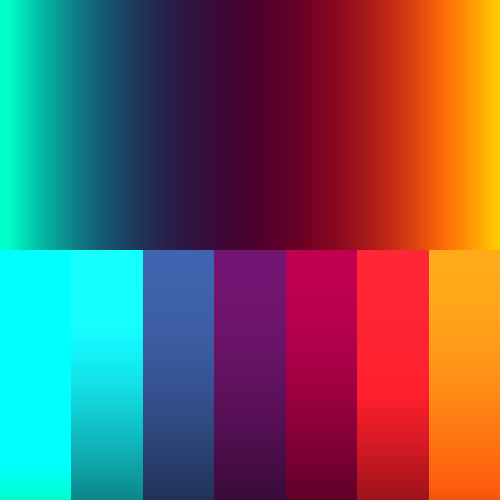 Generative Tron Palette](http://player.thebookofshaders.com/?log=160726003844) [ Glow lines ](http://player.thebookofshaders.com/?log=160726010850) [ Highways](http://player.thebookofshaders.com/?log=161011181616) [ Grid animation](http://player.thebookofshaders.com/?log=160706191515) [ Grid animation](http://player.thebookofshaders.com/?log=160705205611) [ Stripes](http://player.thebookofshaders.com/?log=160229221706) [ Stripes animation](http://player.thebookofshaders.com/?log=160705204919) [ Simplex Grid animation](http://player.thebookofshaders.com/?log=160313020334) [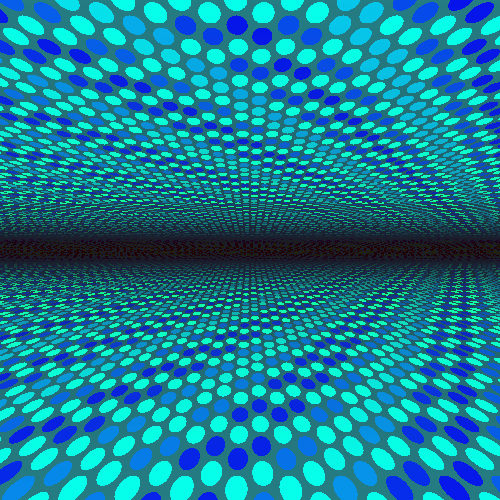 Dots pattern](http://player.thebookofshaders.com/?log=160621211003) [ Mosaic-dots transition](http://player.thebookofshaders.com/?log=160622150357) [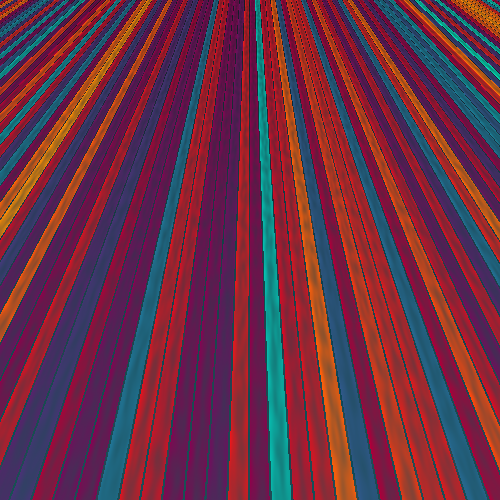 Stripes](http://player.thebookofshaders.com/?log=160621210032) [ Stripes-char transition](http://player.thebookofshaders.com/?log=160621170831) [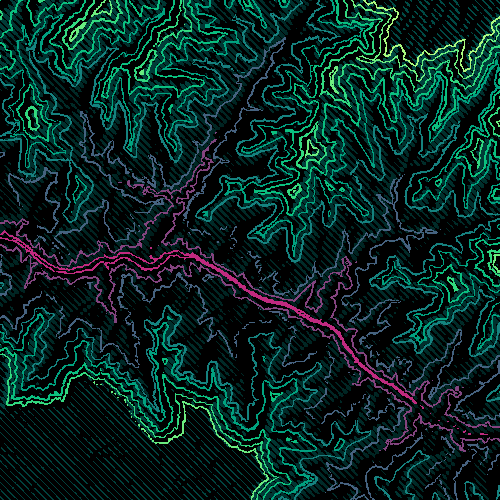 Contours](http://player.thebookofshaders.com/?log=160626213924) [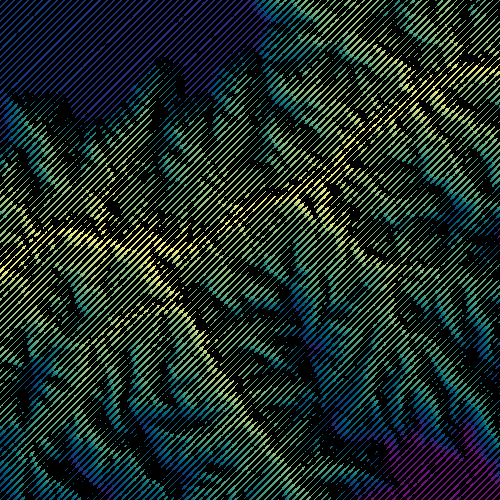 Hill Shading](http://player.thebookofshaders.com/?log=160705083231) [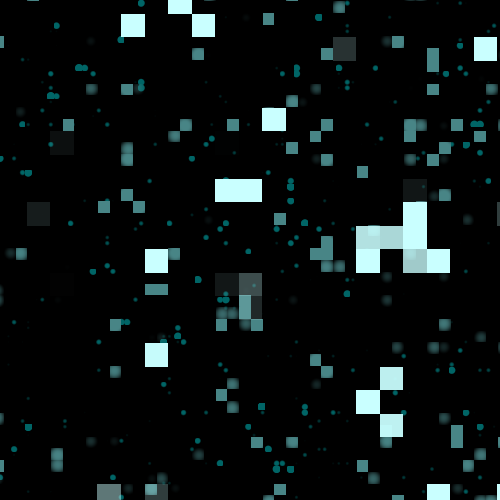 Buildings window](http://player.thebookofshaders.com/?log=160707203604) [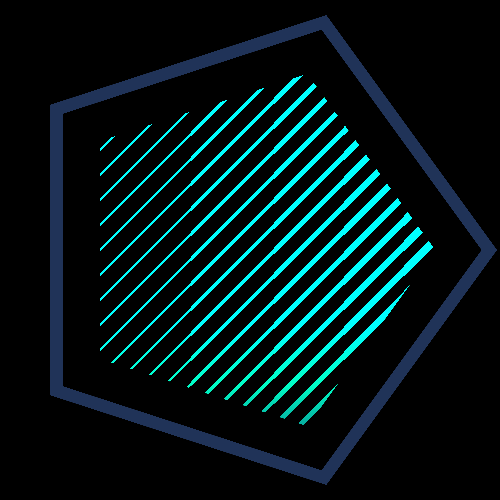 Generative Icons](http://player.thebookofshaders.com/?log=160805190306) [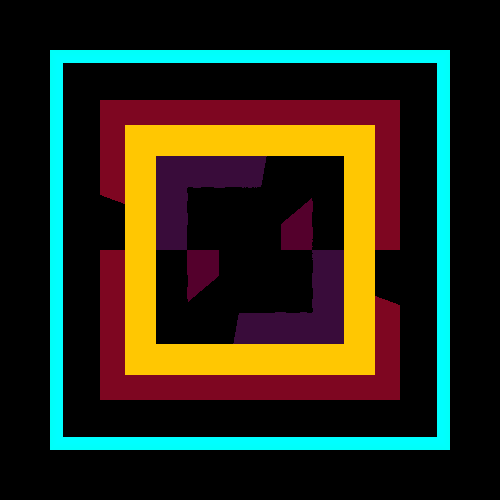 Animated Icons](http://player.thebookofshaders.com/?log=160805194757) [ Animating Icons w POIs SDF's](http://player.thebookofshaders.com/?log=160818140257) [ Animating Icons w POIs SDF's](http://player.thebookofshaders.com/?log=160817211857)
